
Apache Superset BI Platform
Overview
Launch a production-ready Apache Superset BI platform on AWS in minutes - no manual setup. Includes PostgreSQL, Redis, and24/7 cloudimg support.
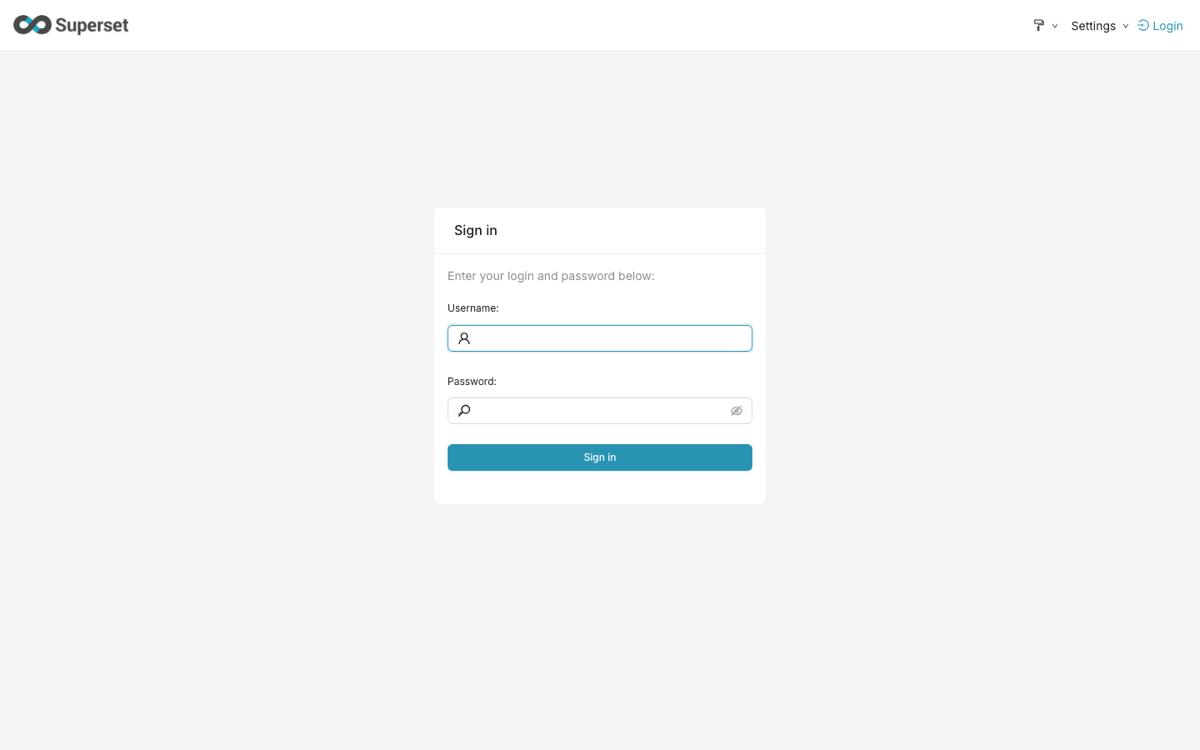
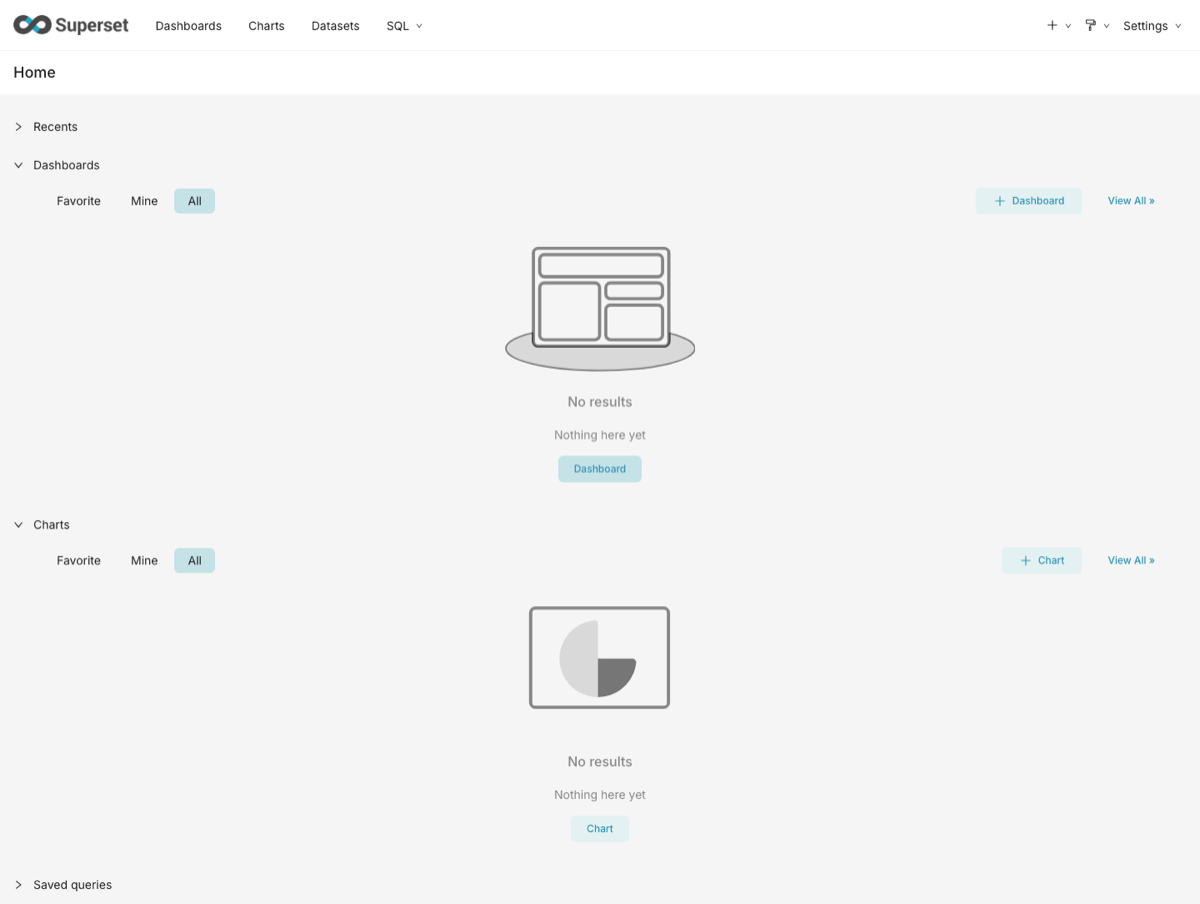
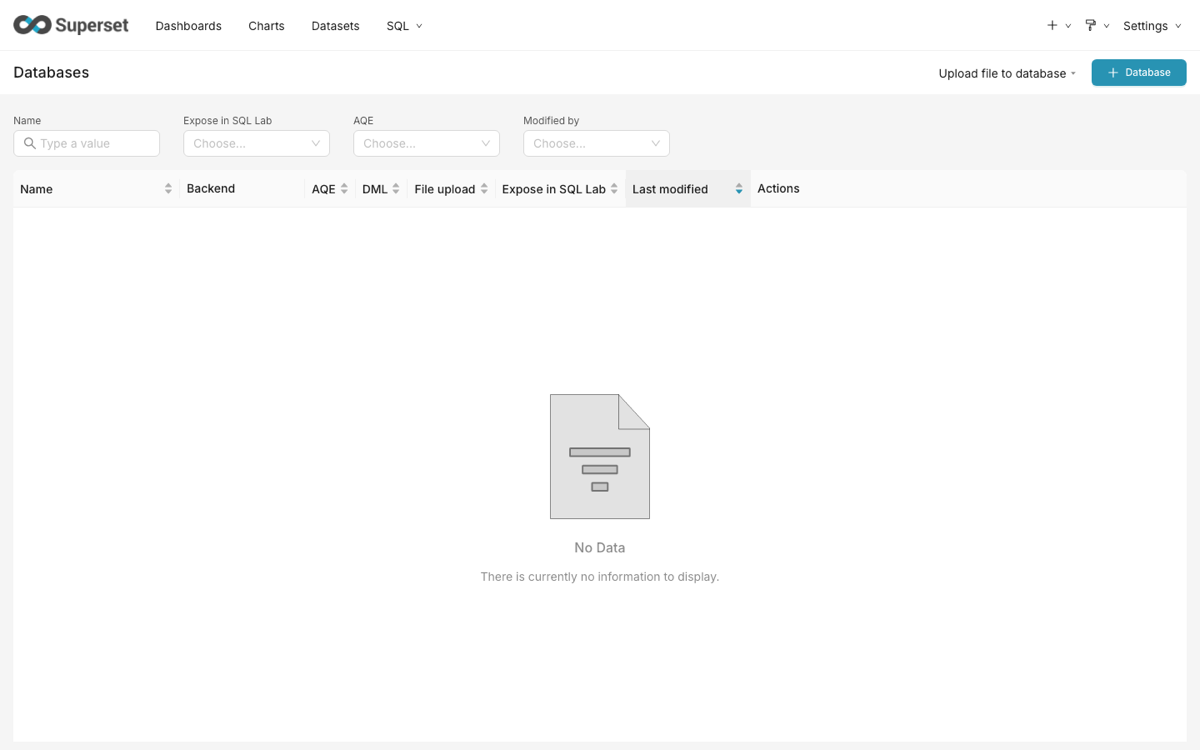
See it running
Real screenshots of this software running on the cloudimg image, taken while testing the deployment guide.
Description
This is a repackaged open source software product wherein additional charges apply for cloudimg support services.
## Launch a Complete BI Platform in Minutes
Apache Superset is a modern, open-source data exploration and business intelligence platform trusted by organizations worldwide. This AMI delivers Superset fully installed and configured as a single-node deployment so your team can start building dashboards and running queries without provisioning individual components or writing configuration files.
## Why This AMI Over DIY or Other Images
- No shared or default credentials - Many pre-built images ship with hardcoded passwords that are identical across every deployment, creating a serious security risk. This AMI generates a unique application secret key, PostgreSQL password, and Superset administrator password on every first boot, eliminating credential reuse entirely.
- Production-grade process management - Instead of relying on Docker Compose or manual screen sessions, every component runs as a managed systemd service with automatic restarts, proper logging, and clean dependency ordering.
- Pinned Python environment - A constraints-pinned virtual environment means predictable upgrades and no surprise dependency conflicts when you update Superset.
- Background query execution - A pre-configured Celery worker handles long-running SQL Lab queries so they never block the web UI for other users.
## Application Stack
- Apache Superset6 served by gunicorn on port 8088
- PostgreSQL for Superset metadata storage
- Redis for caching and asynchronous query results
- Celery worker for background SQL execution
- All components managed as systemd services
## Secure First Boot
On the first boot a one-shot service generates fresh credentials unique to your instance and writes the administrator password to a root-only file. No manual secret rotation is needed at launch.
## Getting Started
1. Launch the AMI with a security group allowing inbound TCP on port 8088 and SSH on port 22.
2. SSH into the instance and retrieve the administrator password from the root-only file.
3. Open your browser to http://[instance-public-ip]:8088 and sign in as the administrator.
4. Connect a database, explore data in SQL Lab, and build charts and dashboards.
The Superset web application, metadata database, cache, and worker start automatically - no additional commands required.
## Use Cases
- E-commerce analytics team connecting to Amazon Redshift or RDS to monitor daily order metrics, conversion funnels, and inventory levels through interactive dashboards shared across marketing and operations.
- Self-service BI and reporting for small-to-mid-size data teams that need a powerful visualization layer without the cost of proprietary tools.
- Ad hoc data exploration using the built-in SQL IDE with syntax highlighting and autocomplete.
- Operational dashboards for engineering and DevOps teams tracking application performance and infrastructure metrics.
## Who This Is For
Data analysts, platform engineers, and small-to-mid-size teams running workloads on AWS who need a production-ready BI platform without dedicated infrastructure staff. Ideal for organizations with data in Amazon Redshift, RDS, or any SQLAlchemy-compatible database.
## Key Capabilities
- 40+ pre-installed visualization types
- Drag-and-drop chart builder and rich SQL editor
- Cross-filters, drill-to-detail, and drill-by for deeper analysis
- Jinja templating and dashboard filters for interactivity
- Semantic layer for SQL data transformations
- CSS templates to match your brand
## cloudimg Support
24/7 technical support by email and live chat. Our engineers provide expert assistance with deployment, upgrades, performance tuning, database connections, and dashboard administration.
All product and company names are trademarks or registered trademarks of their respective holders. Use of them does not imply any affiliation with or endorsement by them.
Key Features
- Apache Superset preinstalled and ready, with PostgreSQL, Redis, a Celery worker and gunicorn, and no manual setup required
- Hardened first boot generates a fresh application secret key, PostgreSQL password and Superset administrator password for every instance and stores the administrator password in a file only the root user can read
- 24/7 technical support from cloudimg, with expert assistance for Apache Superset deployment, configuration, upgrades and performance tuning
Related Technologies
Related Products

Apache Spark Single-Node Cluster
This image runs Apache Spark 4.1.2 (built for Hadoop 3) as a single node standalone cluster.
ELK Stack - Log Analytics and Observability
Once your instance is running and has passed both status checks (2/2), connect using SSH:
Hadoop Big Data Stack - HDFS MapReduce YARN
The Hadoop Big Data Stack AMI by cloudimg provides a fully preconfigured Apache Hadoop ecosystem ready to run on Amazon ...
Oracle Database 11g Enterprise Edition
Once your instance is running and has passed both status checks (2/2), connect using SSH:
RStudio Desktop IDE for R - Windows Server
Wait for the EC2 instance to pass 2/2 status checks (this may take several minutes for Windows instances).

Matomo Analytics - Self-Hosted Web Analytics
This image runs Matomo, the leading open source, privacy-first web analytics platform and a fully featured self-hosted a...