Base
Hardened build
minimal ports, security patches applied at build time

a multi model database for graph, document, key value and vector data, queryable with SQL, Cypher and Gremlin through a built in Studio web UI.
ArcadeDB is a multi model database that stores graph, document, key value, time series and vector data in a single engine, queryable with SQL, Cypher, Gremlin and more, plus MongoDB and Redis protocol compatibility. A built in Studio web UI lets you model schema, run queries and browse the graph visually. It suits highly connected data, knowledge graphs and mixed workloads that would otherwise be split across several databases.
cloudimg binds the ArcadeDB HTTP listener to loopback behind nginx, with a unique root password generated on first boot and no default login. Database storage lives on a dedicated EBS data volume, the base OS is fully patched at build time, and every image is paired with a step by step deploy guide and 24/7 support.
Real screenshots taken while testing this image against its deployment guide.
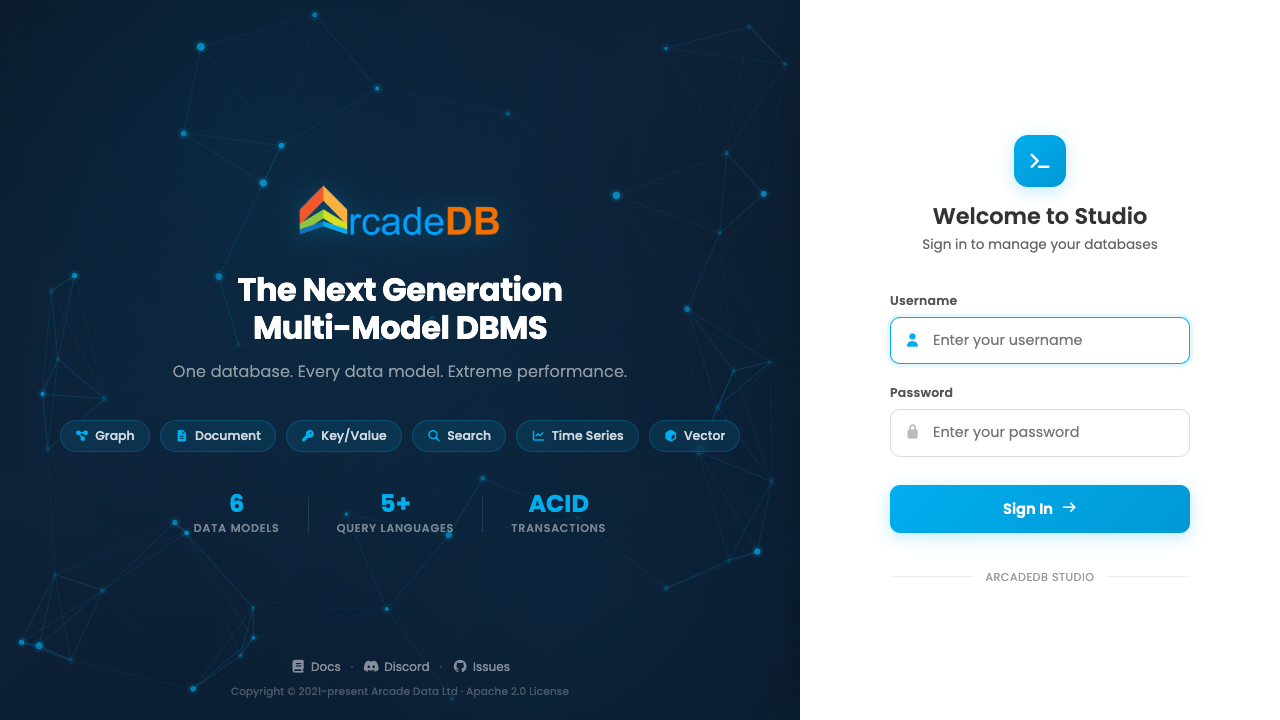
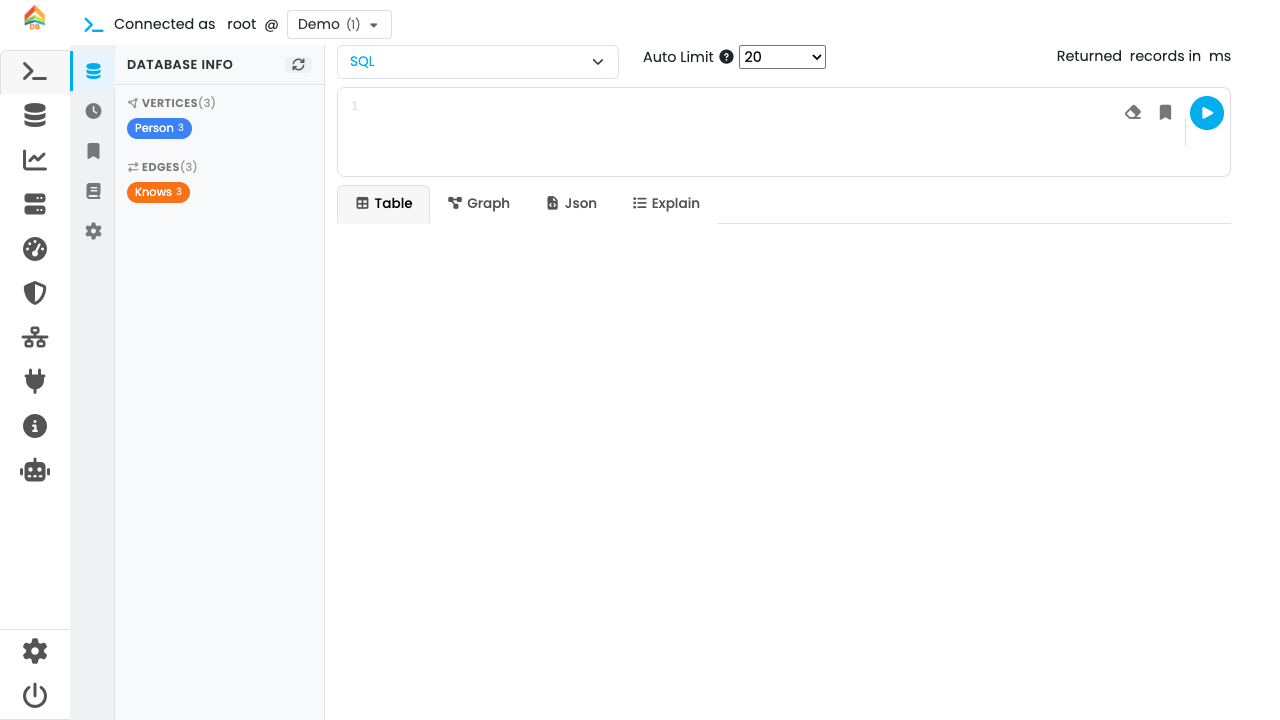
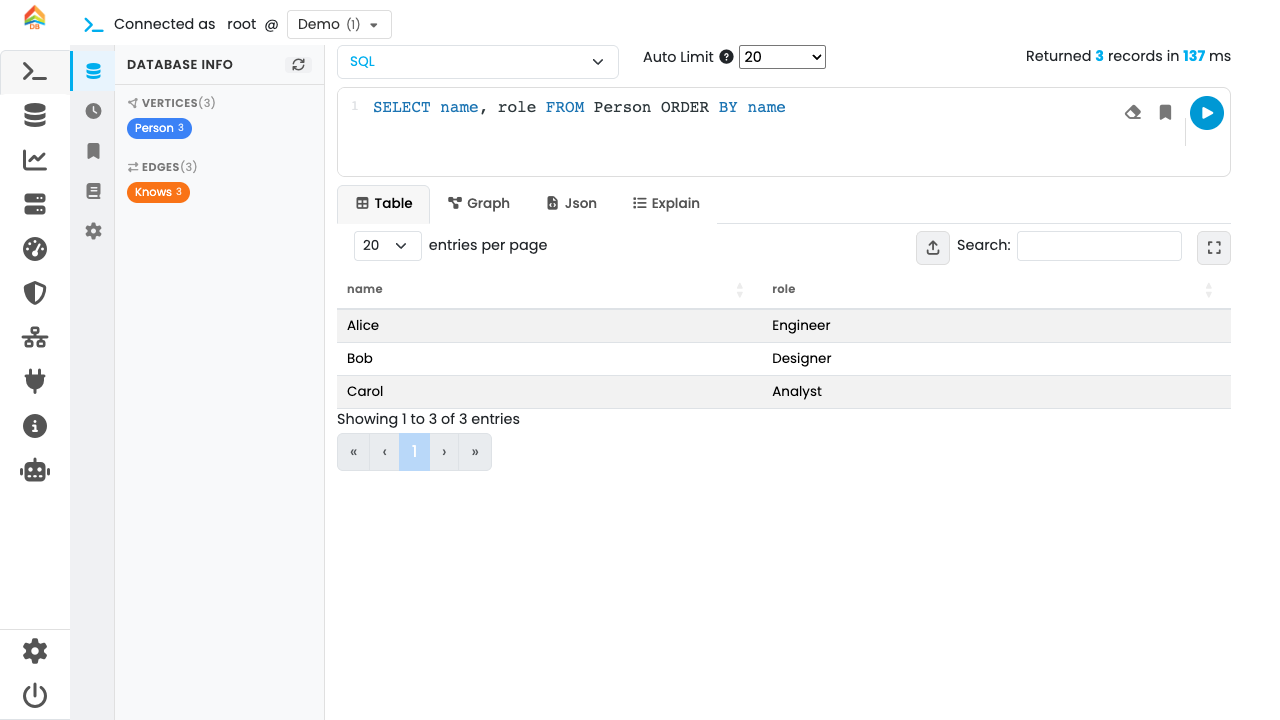
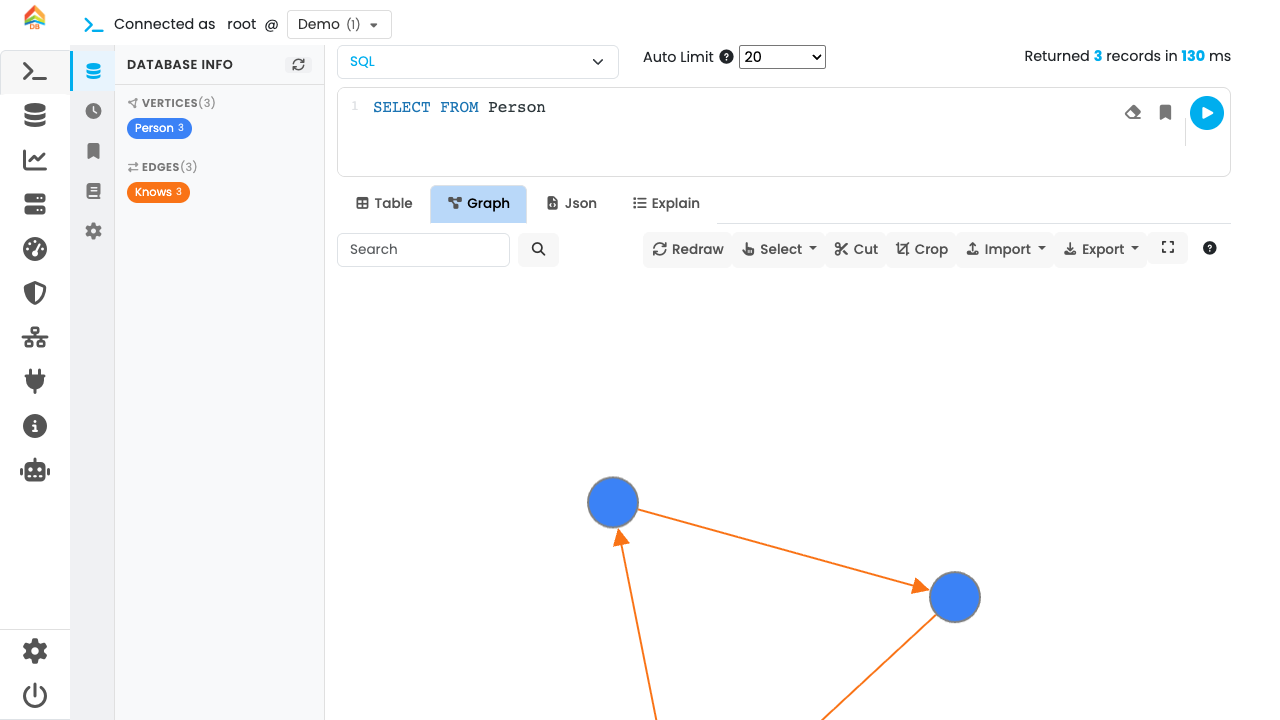
This is a repackaged open source software product wherein additional charges apply for cloudimg support services.
## Overview
ArcadeDB is an open source, multi-model database that stores graphs, documents, key-value pairs, time-series and vectors in a single engine, and speaks SQL, Cypher, Apache Gremlin, the MongoDB query API and the Redis protocol. It ships with Studio, a browser-based workbench for designing schema, running queries and exploring your data as an interactive graph. This AMI delivers ArcadeDB fully installed and hardened so you have a production-ready database running within minutes of launch - no manual installation, no insecure defaults, and no separate runtime to manage beyond the bundled Java engine.
## Why This AMI Over a Manual Install
Unlike a bare ArcadeDB download or a competing image that bakes in a shared or default administrator password, this AMI generates a unique root password on every first boot and stores it in a root-only file. You skip installing Java, unpacking the distribution, writing a systemd unit, configuring the reverse proxy and hardening the JMX surface - it is all done. The HTTP listener is bound to loopback and fronted by nginx; the unauthenticated JMX management agent that the stock server enables is fully disabled.
## Database Stack
ArcadeDB runs as a systemd service under a dedicated unprivileged user, with the Studio web UI and HTTP REST API reverse-proxied by nginx on port 80. Every data request is authenticated - an unauthenticated request is refused with 401 and a wrong password with 403. Database files for all models live on a dedicated, independently resizable EBS data volume so you can scale storage without touching the root volume. On first boot the image seeds a small Demo graph so you can open Studio and immediately run a query and browse a graph.
## AWS Integration Points
## Secure First Boot
On the first boot of your instance, a one-shot systemd service generates a fresh, strong ArcadeDB root password unique to that instance, writes it into the server configuration and stores the plain-text value in a root-only file at /root/arcadedb-credentials.txt. No shared or default credentials ship in the image - the persisted user store is deleted before the AMI is captured, so the very first customer boot is what creates the root account.
## Getting Started
1. Launch the AMI in your VPC with a security group allowing inbound TCP on port 22 and, restricted to your trusted network, port 80.
2. SSH into the instance and read the generated root password: sudo cat /root/arcadedb-credentials.txt
3. Browse to http://your-instance-ip/ to open ArcadeDB Studio.
4. Sign in as the "root" user with the retrieved password and open the Demo database.
5. Run a query, design your own schema, and start loading data.
Recommended instance types: t3.medium for development and testing, m5.large or larger for production workloads.
## Use Cases
## cloudimg Support
24/7 technical support by email and live chat. Our engineers assist with ArcadeDB deployment architecture, data modeling across the graph and document models, query tuning, upgrades and database administration. Critical issues receive a one-hour average response time.
To discuss your deployment requirements, contact our team at support@cloudimg.co.uk.
## Evaluation
We encourage you to launch an instance and explore Studio and the REST API to evaluate fit for your workload before committing to production use.
All product and company names are trademarks or registered trademarks of their respective holders. Use of them does not imply any affiliation with or endorsement by them.

This image runs Apache AGE, the open source extension that adds graph database functionality and the openCypher query la...

This image runs Apache Cassandra, the open source distributed NoSQL database built for scalability and high availability...

This image runs Apache CouchDB, the open source document oriented NoSQL database, on a single node.

Apache Doris is an easy-to-use, high-performance, unified analytical (OLAP) database for real-time analytics at scale.

This image runs Apache Druid, a real-time analytics database designed for fast aggregations and interactive, low-latency...

Apache HBase is the open source, distributed, scalable NoSQL big-data store modeled on Google Bigtable, providing random...