Base
Hardened build
minimal ports, security patches applied at build time

a self hosted identity provider: single sign on, multi factor authentication and access control for every app you run
Authentik is an open source identity provider. It gives your team one login across the applications you already run, speaking SAML, OAuth2 and OpenID Connect, and acting as an LDAP provider for software that only speaks LDAP. Login, enrolment and recovery journeys are modelled as flows you can shape stage by stage, multi factor authentication can be enforced with TOTP or hardware keys, and users, groups and per application access are managed from one admin interface. Because it is self hosted, your directory and your audit trail stay in your own account.
The full production stack, the server, the background worker and the database, comes up pre wired under one systemd unit, so there is no compose file to write and no database to provision. Every secret is minted per instance on first boot: the database password, the application secret key, the admin password and the API token, so no shared credential ever ships. The database publishes no host ports and is never reachable from the network. All stateful data sits on its own dedicated volume, resizable on its own. Every image is paired with a deploy guide proven against the running instance, and backed by 24/7 cloudimg support.
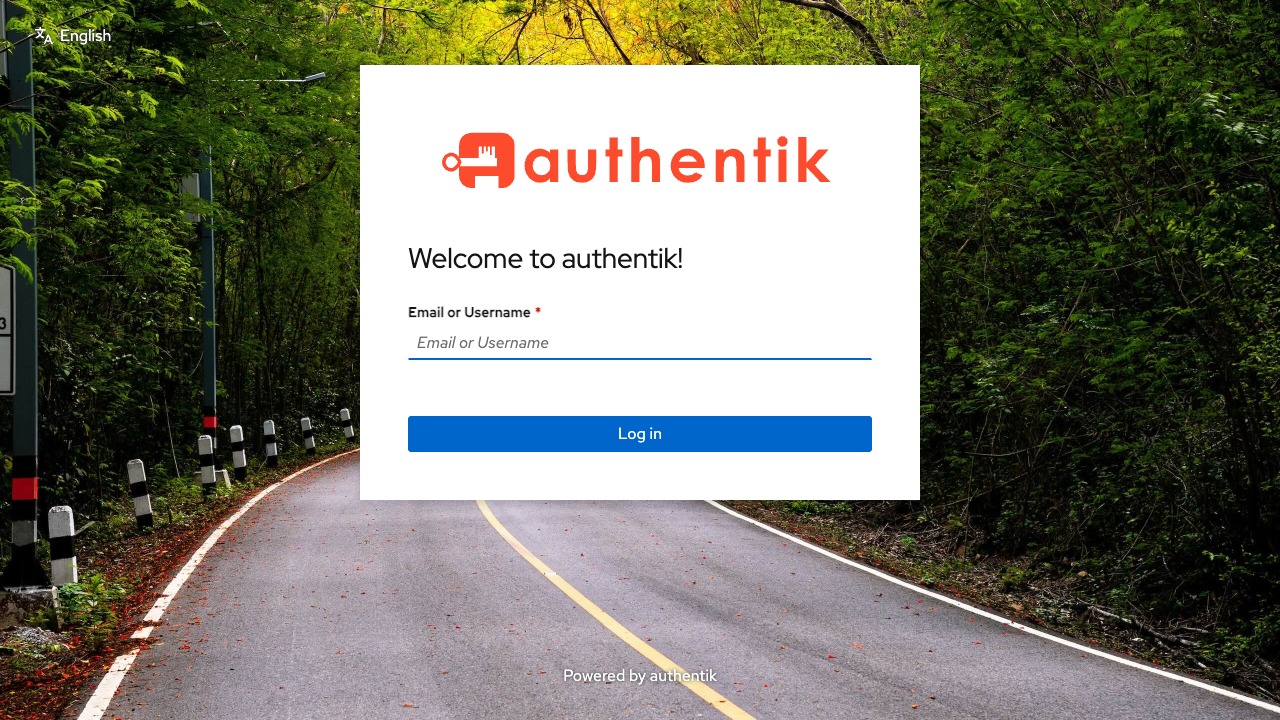
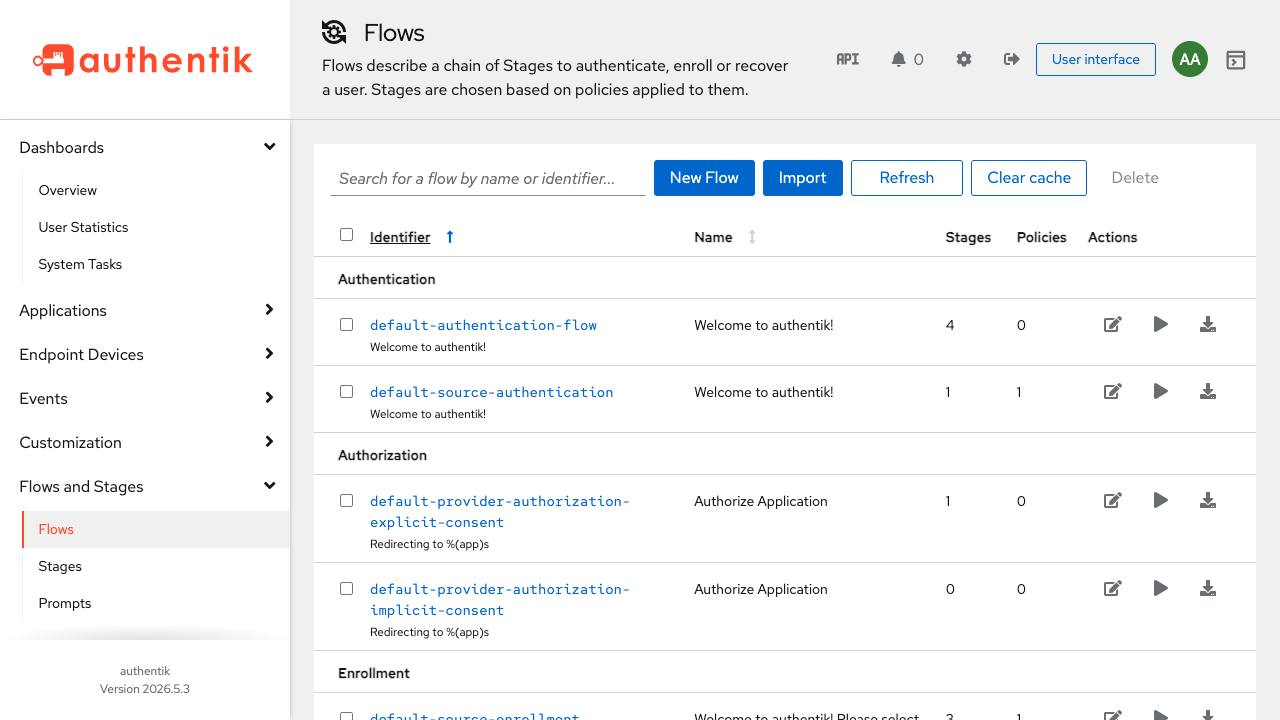
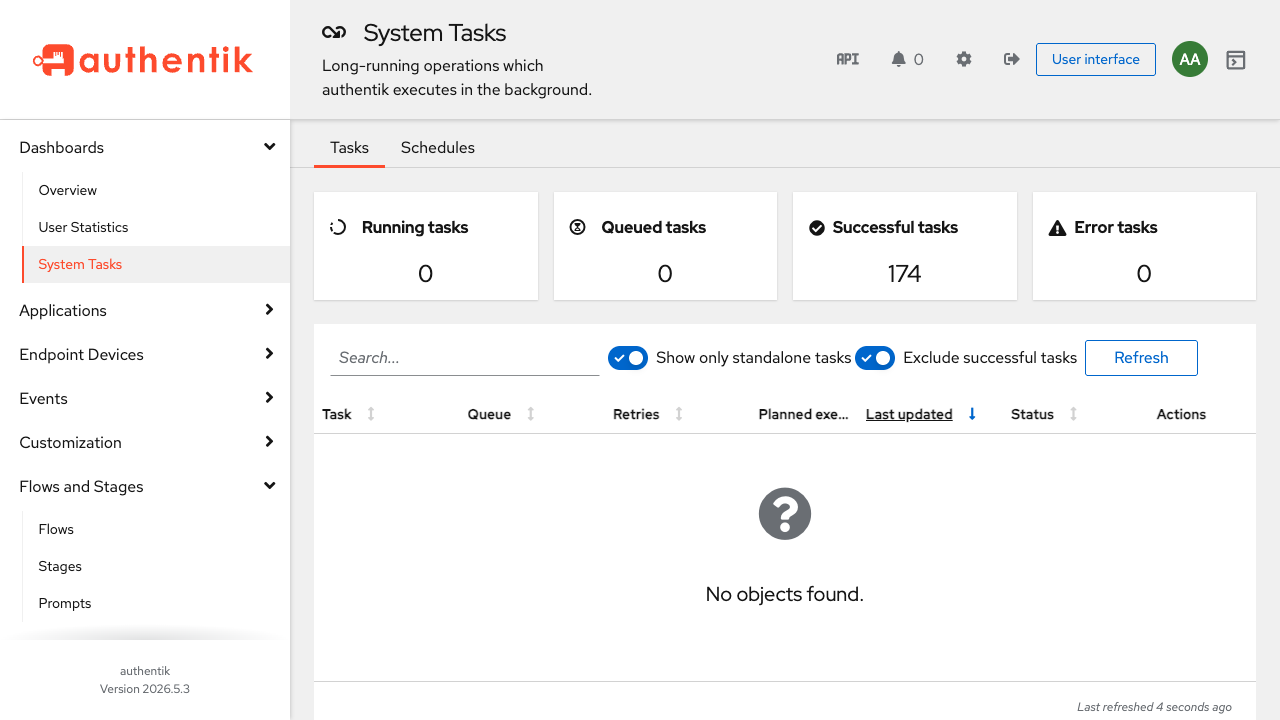
Real screenshots taken while testing this image against its deployment guide.
This is a repackaged open source software product wherein additional charges apply for cloudimg support services.
## Authentik - Self-Hosted Identity Provider and SSO on AWS
Authentik is an open source identity provider: single sign-on, multi-factor authentication, user management and access control for the applications your team already runs. It is a self-hosted alternative to hosted identity services, so your directory, your credentials and your audit trail stay inside your own AWS account.
This AMI ships the official Authentik production stack - the server, the background worker and a PostgreSQL 16 database - installed, wired together and managed by systemd. There is no compose file to write and no database to provision by hand.
## Why This AMI Instead of a Manual Install
Standing this up yourself means writing a Compose file, provisioning PostgreSQL, generating a secret key, bootstrapping the first superuser and hardening every port. This image removes all of it:
## What You Can Do With It
## Example Production Use Case
A platform team running a mix of self-hosted tools - a Git server, a CI system, a monitoring stack and an internal wiki - can point all of them at this instance and get one login, one set of MFA rules and one place to revoke access when someone leaves. Applications that support OIDC or SAML integrate directly; older tools use the built-in LDAP provider.
## Quick Start
1. Launch the AMI with a security group allowing inbound TCP port 80 (and 443 if you terminate TLS on the instance).
2. Wait for first boot to generate your unique secrets.
3. SSH in and read the akadmin password from the root-only credentials file.
4. Open the instance in your browser and sign in as akadmin.
5. Add your first application and provider from the admin interface.
## 24/7 Support Included
cloudimg provides around-the-clock technical support covering deployment, upgrades, provider and application configuration, LDAP and SAML integration, and putting your own domain and TLS in front of the UI. Support aims to respond within one business day.
---
authentik is a trademark of Authentik Security, Inc. The Authentik core is distributed under the MIT License. PostgreSQL is distributed under the PostgreSQL License. All product and company names are trademarks or registered trademarks of their respective holders. Use of them does not imply any affiliation with or endorsement by them.

The cloudimg image ships the free and open source, AGPL-3.0 licensed AliasVault, run the officially supported way as the...

This image runs Apache Directory Server (ApacheDS) 2.0, the Apache Software Foundation's extensible, embeddable director...

This image runs Apache SpamAssassin, the open source, Apache-2.0 licensed anti-spam platform.

This image runs Authgear, the open source authentication server and identity provider.
This image runs Beelzebub, the open source low code honeypot and deception framework.

BloodHound Community Edition uses graph theory to reveal the hidden and unintended privilege relationships in an Active ...