Base
Hardened build
minimal ports, security patches applied at build time

A lightweight, high performance native XML and JSON database with an XQuery 3.1 engine, a REST API and the DBA web admin console.
BaseX is a lightweight, high performance native XML and JSON database and a fully compliant XQuery 3.1, XPath and XSLT processor. It stores documents in an efficient native store, indexes them for fast full text and structural queries, and answers queries and updates in milliseconds through a clean REST and RESTXQ HTTP API. The bundled DBA web application lets you browse databases and resources, run interactive XQuery, and manage users, sessions and settings from the browser.
It suits any team that needs a fast, self hosted document store for XML or JSON, a query engine for content repositories and configuration data, or a RESTXQ platform for building web applications and services, run and owned inside their own cloud account rather than a hosted service.
The cloudimg image installs BaseX on a headless Java runtime behind an nginx reverse proxy that binds the server to loopback and terminates TLS, so the REST API and the DBA web admin are reachable securely within minutes. Security is enforced from the first request: BaseX ships no known or default administrator credential, the REST API requires authentication and the DBA enforces its own login, and a unique admin password is generated on each instance's first boot, applied to the database and written to a root only file, with the service configured so it cannot start before that password is set. Database content lives on a dedicated data volume. The paired deployment guide covers reading your credentials, signing in to the DBA, creating a database, running your first XQuery and enabling a real TLS certificate, and every deployment carries 24/7 support.
Real screenshots taken while testing this image against its deployment guide.
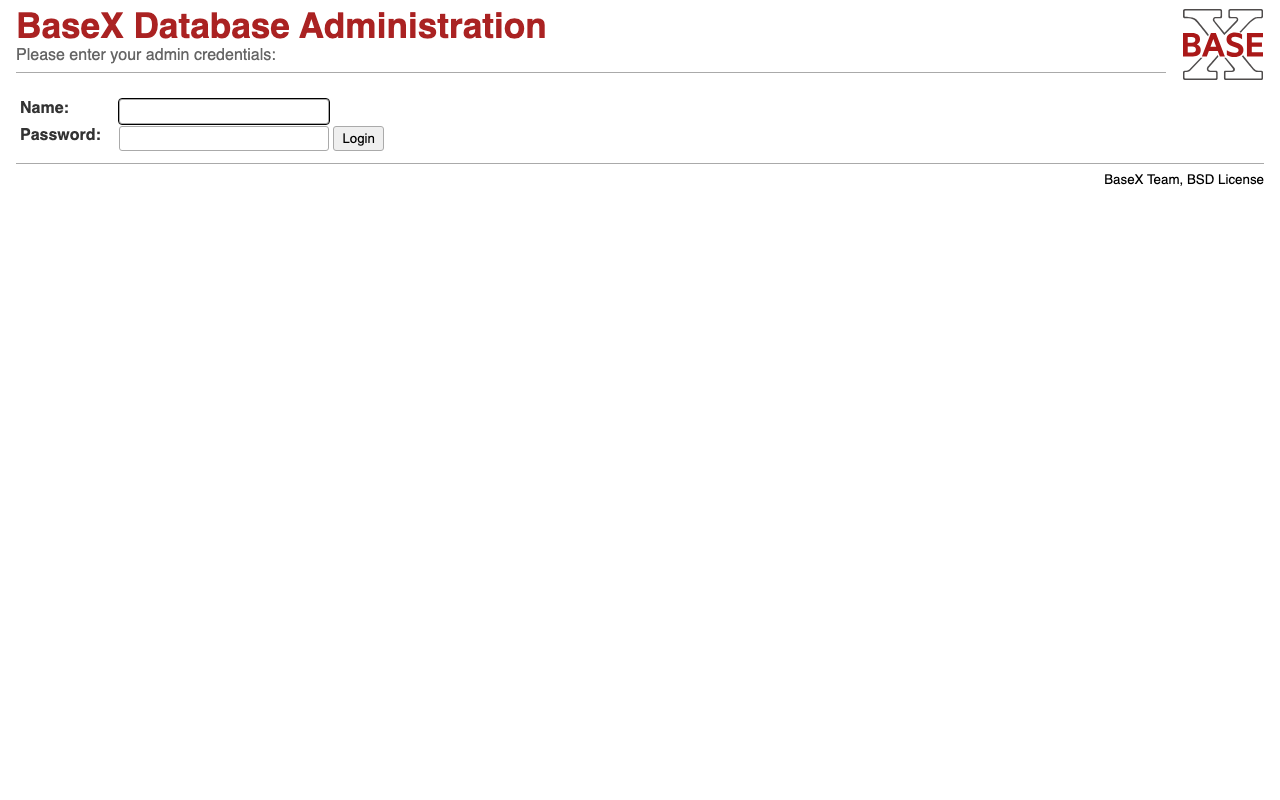
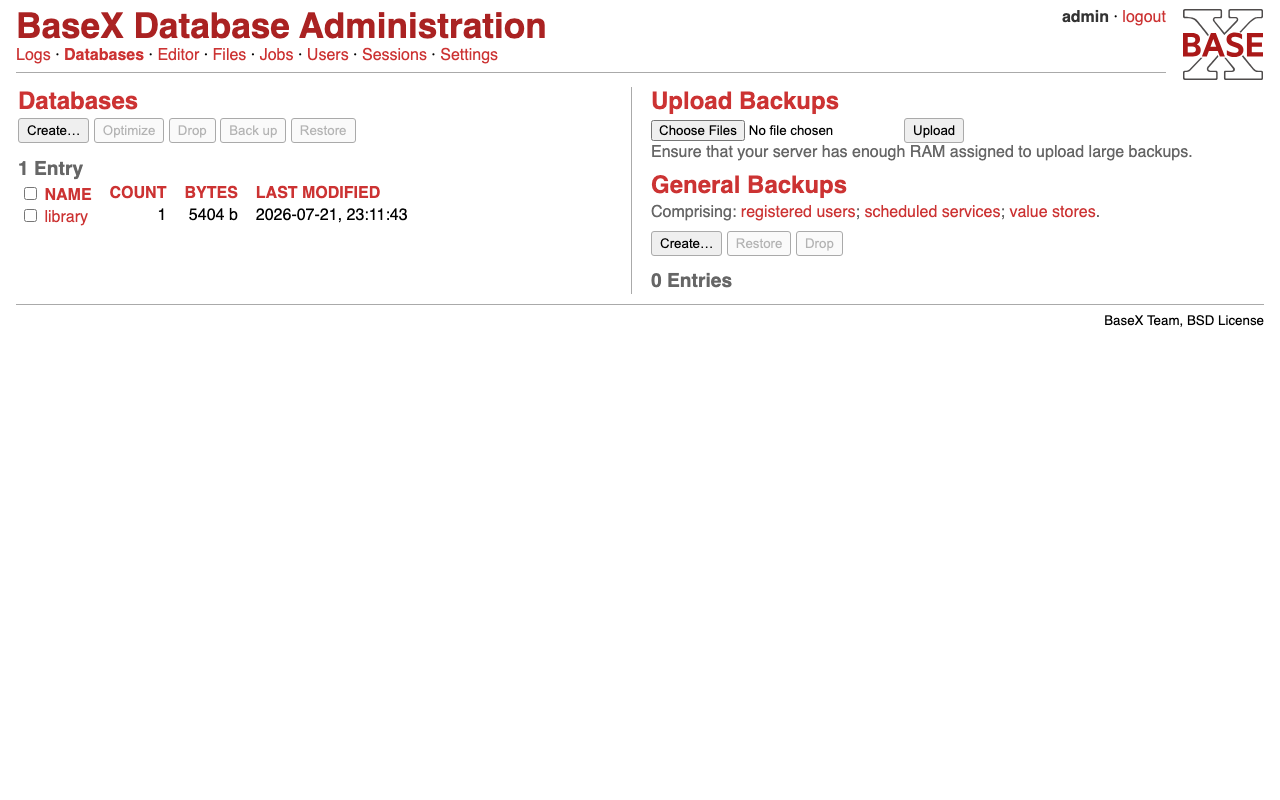
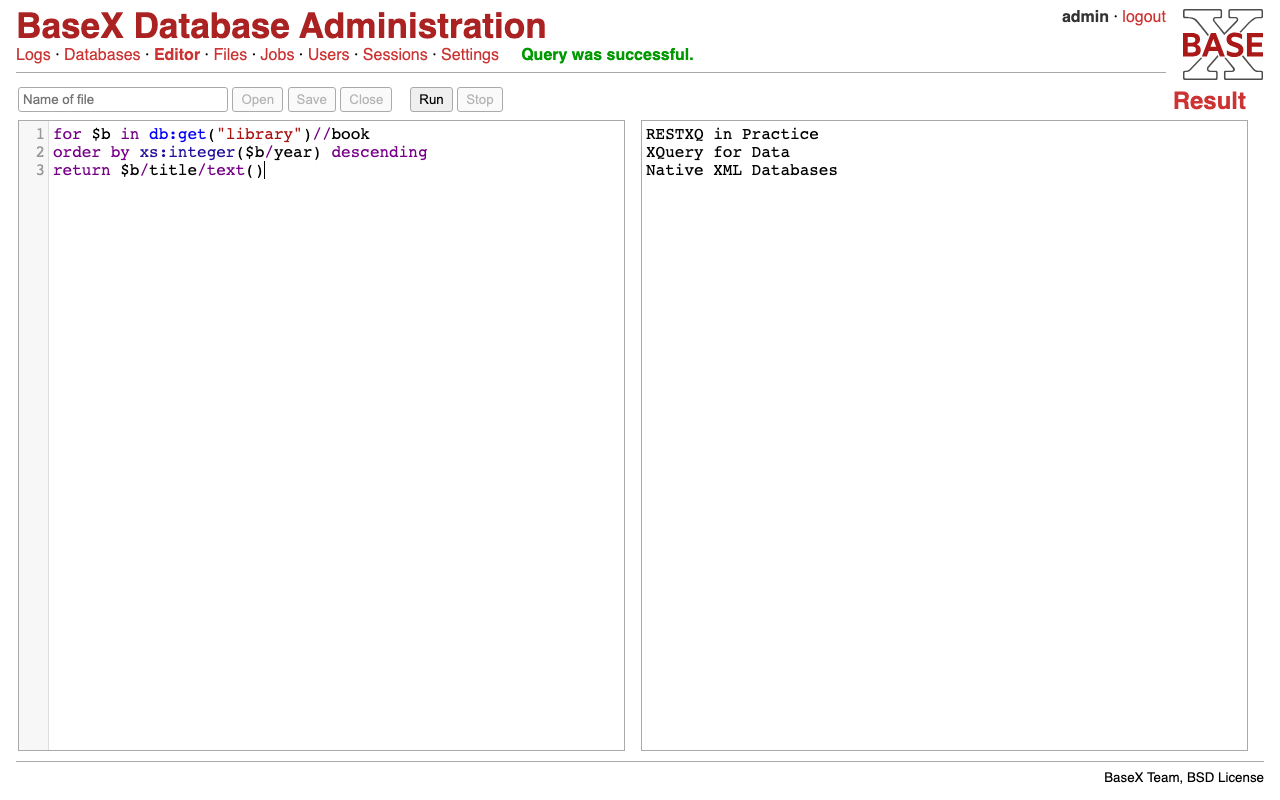
This is a repackaged open source software product wherein additional charges apply for cloudimg support services.
## BaseX - Production-Ready Native XML Database AMI
Deploy a fully configured native XML and JSON database and XQuery 3.1 processor on AWS in minutes, not hours. This AMI delivers BaseX preinstalled and running as a managed system service behind an nginx TLS reverse proxy, so you can create databases, store documents and run XQuery and XPath the moment the instance boots.
BaseX is backed by a vibrant open-source community with over a decade of active development and adoption across publishing, healthcare, financial services, and research organizations worldwide.
### Why This AMI Instead of a DIY Install
### Application Stack
### Native XML, JSON and XQuery 3.1
BaseX stores documents in an efficient native store, indexes them for fast full-text and structural queries, and answers queries and updates in milliseconds through a clean REST and RESTXQ HTTP API. Capabilities include native XML and JSON storage, XQuery 3.1 with full-text search, XQuery Update, the RESTXQ framework for building web applications and services, WebSockets, and client libraries for many languages.
### Industry Use Cases
### Web Admin and API
The DBA web administration application is served on port 443 through nginx. Browse databases and resources, run interactive XQuery in the built-in editor, and manage users, sessions and settings from the browser. The REST API answers document storage, retrieval and XQuery over HTTP; RESTXQ lets you build full HTTP services in XQuery.
### Security
Secure First Boot: A one-shot service generates a fresh administrator password unique to each instance, applies it to the database and stores it in a root-only file. No shared or default credentials ship in the image, and the database service is configured so it cannot start before that password is set.
Authenticated by Default: The REST API returns 401 to unauthenticated requests and rejects the stock admin credential; the DBA console enforces its own session login. All access is over TLS, so HTTP Basic credentials never cross the wire in plaintext.
Encryption at Rest: The dedicated data volume holding your databases can leverage AWS EBS encryption. Enable EBS encryption when launching the instance or use encrypted snapshots.

This image runs Apache AGE, the open source extension that adds graph database functionality and the openCypher query la...

This image runs Apache Cassandra, the open source distributed NoSQL database built for scalability and high availability...

This image runs Apache CouchDB, the open source document oriented NoSQL database, on a single node.

Apache Doris is an easy-to-use, high-performance, unified analytical (OLAP) database for real-time analytics at scale.

This image runs Apache Druid, a real-time analytics database designed for fast aggregations and interactive, low-latency...

Apache HBase is the open source, distributed, scalable NoSQL big-data store modeled on Google Bigtable, providing random...