Base
Hardened build
minimal ports, security patches applied at build time

Consolidate alert triage, incident management and response automation in a single self-hosted SOAR platform running in your own VPC, deployed and secured in minutes with a unique admin credential generated on first boot and 24/7 cloudimg support.
This image arrives installed, configured and hardened, so there is no manual setup before you can use it. It is built on a patched base, runs with credentials generated uniquely for your instance on first boot, and passes an automated health check before every release. Every deployment is backed by 24/7 support from cloudimg engineers.
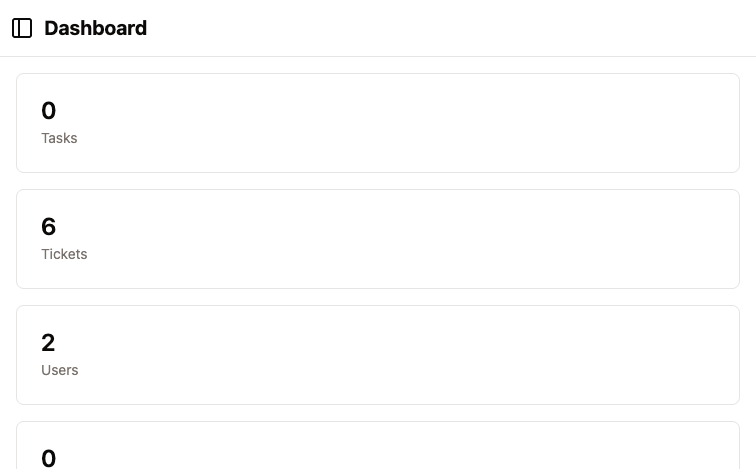
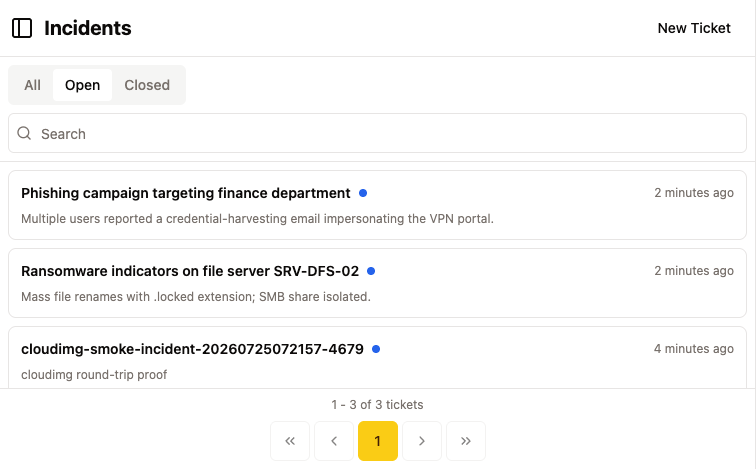
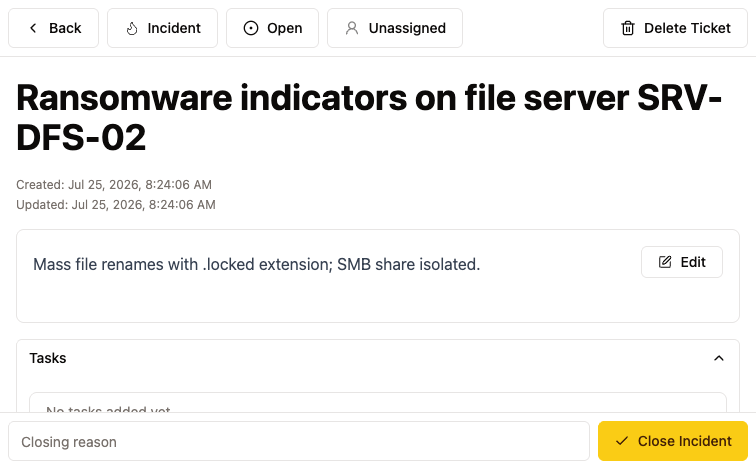
Real screenshots taken while testing this image against its deployment guide.
This is a repackaged open source software product wherein additional charges apply for cloudimg support services.
## Consolidate Incident Response in Your Own VPC
Catalyst is an open source, self-hosted SOAR (Security Orchestration, Automation and Response) platform that gives security teams one place to triage alerts, manage incidents, vulnerabilities and tasks, run playbooks and automations, keep case timelines and evidence, and collaborate through a web console and REST API, all within your own AWS account.
## Ready to Respond in Minutes, Not Days
Unlike self-deploying open source SOAR tools, which require installing and pinning releases, configuring TLS reverse proxies, generating secrets, provisioning dedicated storage and hardening services, this AMI delivers a production-ready incident-response platform on first boot. Launch the instance, browse to HTTPS on port 443, and sign in with your generated admin credentials. Your team can begin triaging alerts immediately.
The current release available is Catalyst 0.15.7.
## Application Architecture
Catalyst ships as a single Go binary serving the REST API and the embedded web console. It stores everything in an embedded SQLite database with evidence attachments as local file uploads, so there is no external database cluster to provision or maintain. The application binds to loopback only; an nginx reverse proxy terminates TLS on port 443 and forwards traffic, while port 80 redirects to HTTPS. The incident datastore lives on a dedicated EBS volume mounted at /var/lib/catalyst, separate from the operating-system disk and independently resizable as your case data grows.
## Secure By Default: No Shared Secrets, No Default Credentials
An incident-response platform holds sensitive security data, so a shipped secret would be a serious risk. Unlike many marketplace security AMIs that ship with shared default credentials, every Catalyst instance generates unique security material on first boot:
## Use Cases
## What You Avoid By Using This AMI
## Licensing
Catalyst is free and open source under the GNU Affero General Public License v3.0 (AGPL-3.0). The verbatim licence text and a pointer to the corresponding source at the pinned release ship inside the image. Its embedded datastore is SQLite (public domain) via an MIT-licensed driver. There is no per-seat fee for the software; the cloudimg charge covers packaging, security patching, image maintenance and 24/7 support.
## Get Started
Launch the AMI, browse to the instance over HTTPS on port 443, and sign in with the generated admin account. Retrieve the credentials with: sudo cat /root/catalyst-credentials.txt. The full deployment guide is at https://www.cloudimg.co.uk/guides/catalyst-soar-aws/ . For help with TLS certificate replacement, DNS, backups, user management or any other deployment question, contact cloudimg support at support@cloudimg.co.uk.
All product and company names are trademarks or registered trademarks of their respective holders. Use of them does not imply any affiliation with or endorsement by them.

This image runs AIDE (Advanced Intrusion Detection Environment), the open source, GPL-2.0 licensed host-based file and d...

The cloudimg image ships the free and open source, AGPL-3.0 licensed AliasVault, run the officially supported way as the...

This image runs Apache Directory Server (ApacheDS) 2.0, the Apache Software Foundation's extensible, embeddable director...

This image runs Apache SpamAssassin, the open source, Apache-2.0 licensed anti-spam platform.

This image runs Authgear, the open source authentication server and identity provider.
This image runs Beelzebub, the open source low code honeypot and deception framework.