Base
Hardened build
minimal ports, security patches applied at build time

ContextForge, the open source model context protocol gateway from IBM: federate many MCP servers behind one authenticated endpoint, with a registry and admin UI, secured from first boot by cloudimg.
ContextForge MCP Gateway is an open source gateway, registry and proxy for the Model Context Protocol, the standard that lets AI assistants and agents call external tools. It sits in front of many separate MCP servers and presents them as one authenticated endpoint: it keeps a registry of the servers and the tools they expose, lets you compose virtual servers from a chosen set of tools, and normalises different MCP transports so a client connects once and reaches everything. An admin web interface manages the federated servers, tools and access, so teams get a single controlled front door to their MCP tool estate instead of wiring every assistant to every server by hand.
It suits platform and AI engineering teams who are running more than one MCP server and want central registration, discovery, authentication and auditing over the tools their agents can call, hosted inside their own cloud account.
cloudimg ships ContextForge secure by default with no surviving default login. On the first boot of every instance a unique administrator password, a JWT signing secret and an encryption secret are generated and written to a root only file, so no two deployments share a credential and the upstream default never governs a running instance. Because the gateway is a credential aggregation point for every server it federates, the gateway and its embedded database are bound to loopback behind a reverse proxy rather than exposed, and unauthenticated requests are refused. To prove the gateway genuinely works out of the box it ships one real reference MCP server on the appliance, pre federated at first boot, and the build verifies a real tool call travelling through the gateway to that server end to end. The base is fully patched with unattended security upgrades enabled, and every deployment is paired with a step by step guide and backed by 24/7 cloudimg support.
Real screenshots taken while testing this image against its deployment guide.
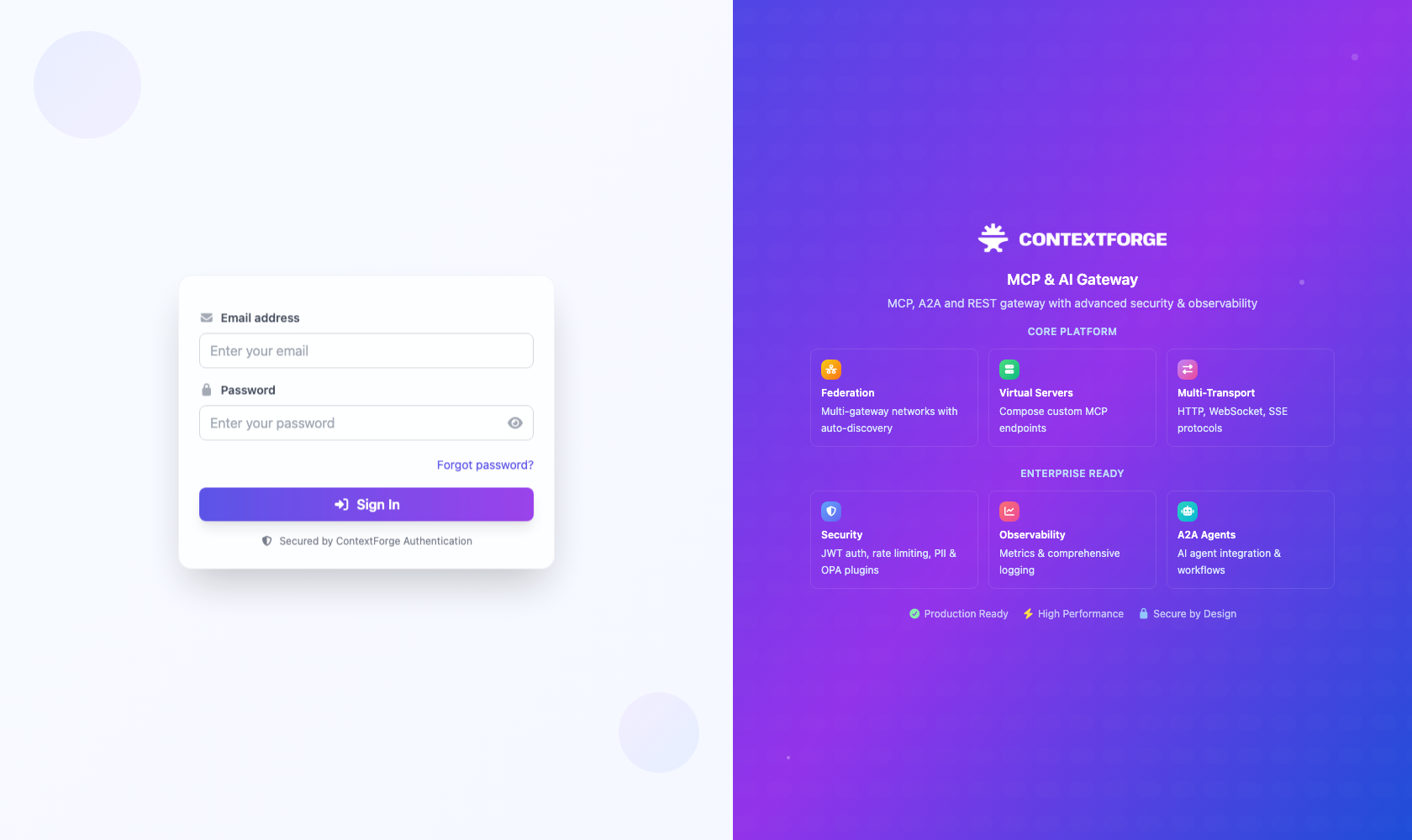
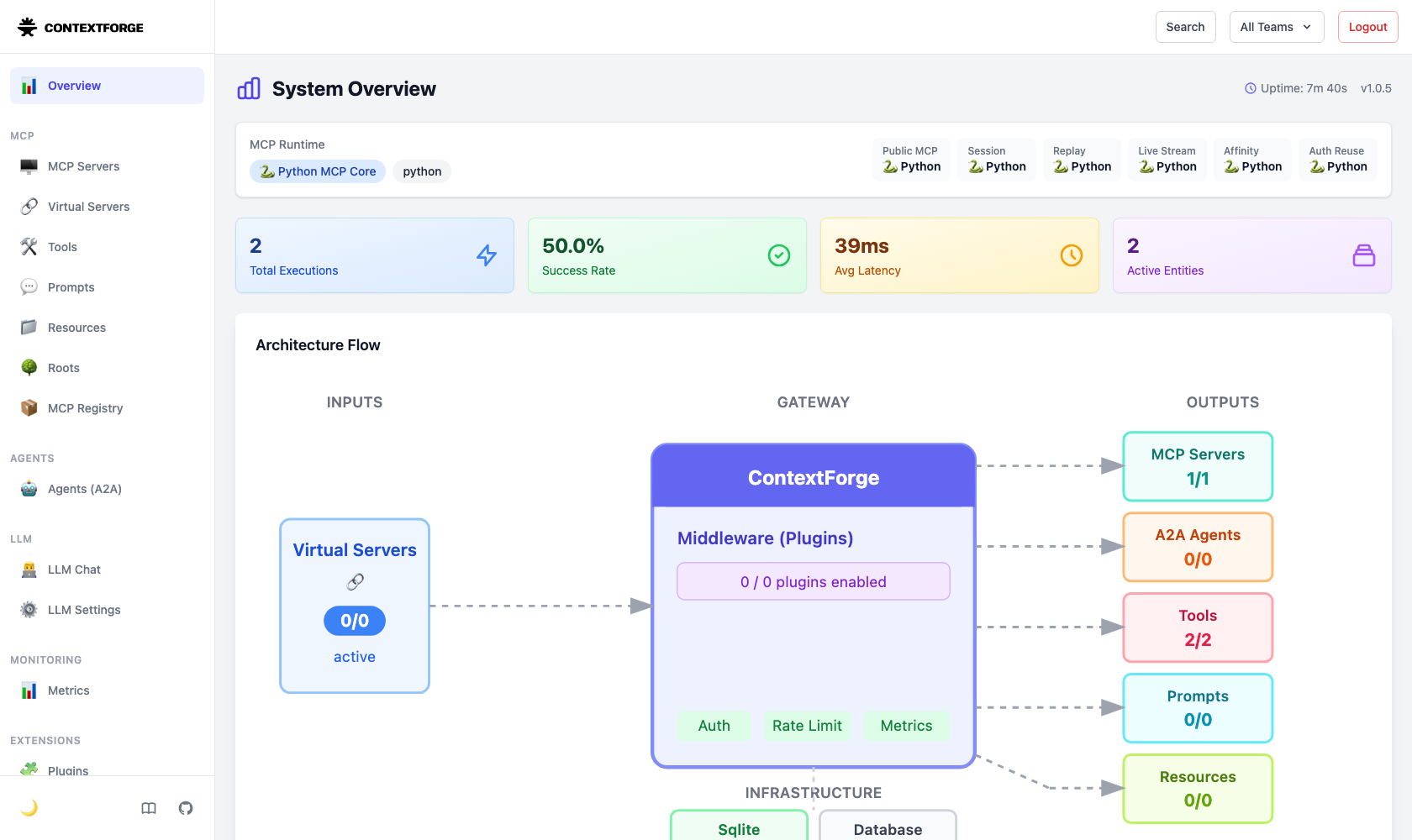
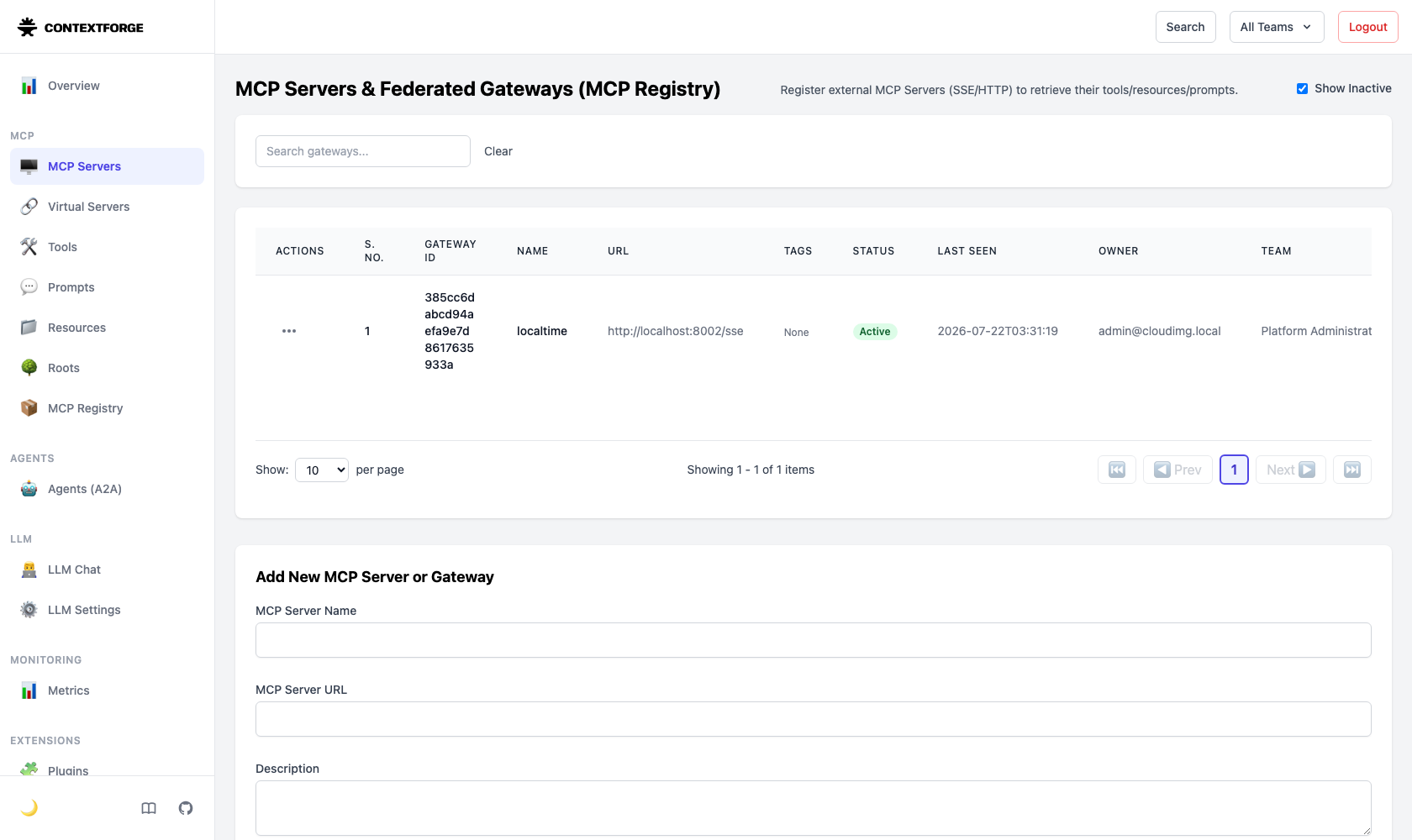
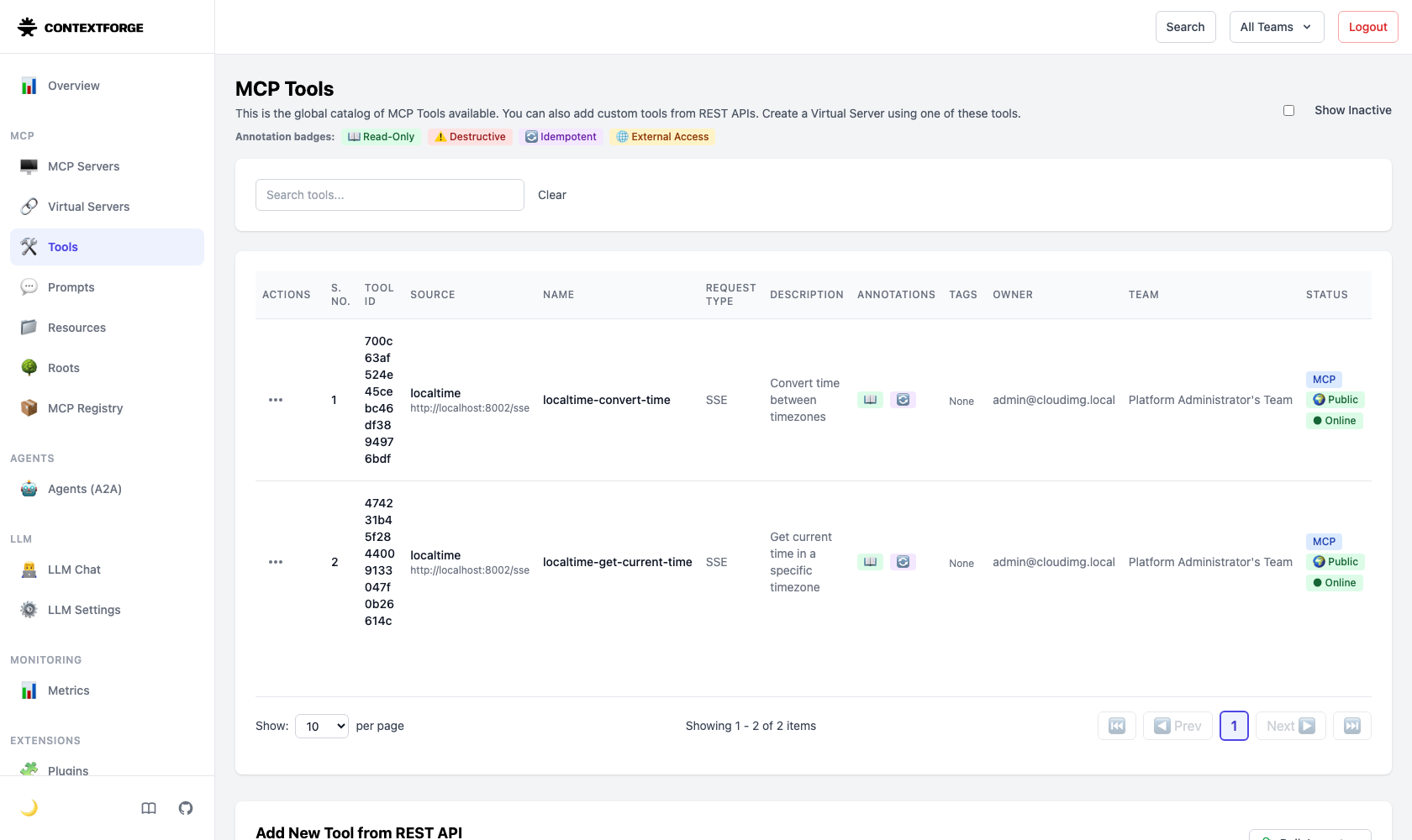
This is a repackaged open source software product wherein additional charges apply for cloudimg support services.
## ContextForge MCP Gateway - Secure, Self-Hosted MCP Proxy
Stop wiring each AI assistant to each MCP server by hand. ContextForge MCP Gateway federates your entire Model Context Protocol tool estate behind a single authenticated endpoint, giving your agents one controlled front door to every tool they need. This pre-hardened AMI delivers the gateway fully installed and secured in your own AWS account, exposed over TLS through a browser-based admin UI you run and control.
This is a repackaged open source software product (IBM's ContextForge MCP Gateway) with additional charges for cloudimg support services.
## Why This AMI vs a Manual Install
A manual deployment requires building a Python virtual environment, pinning dependencies, authoring a systemd unit, configuring a TLS reverse proxy, and rotating every default secret by hand. Upstream ships known default credentials and a known default signing secret, leaving a hand-rolled deployment exposed until every secret is manually rotated.
This AMI completes every build and hardening step at image creation time:
## Application Stack
The gateway is installed from the official upstream release (pip mcp-contextforge-gateway, pinned) into a Python virtual environment at /opt/mcpgateway, running as an unprivileged system user under a hardened systemd unit bound to 127.0.0.1:4444. Nginx terminates TLS on port 443 and forwards to the gateway; port 80 redirects to 443. The registry, tools, virtual servers, users, and tokens are held in a local SQLite datastore - no external database required. systemd starts the gateway, the bundled server, and nginx on boot and restarts them on failure.
## Security Hardening
## Concrete Use Cases
## AWS Integration
Deploy on any EC2 instance type. Front the gateway with your own DNS name and certificate by replacing the per-instance self-signed one. Restrict the security group so port 443 is reachable only from the agents and clients that need it. Back up the SQLite datastore with EBS snapshots of the OS volume or integrate with AWS Backup.
## Getting Started
1. Launch the AMI and wait for first-boot initialization to complete
2. Read your unique admin credential from the root-only file on the instance
3. Open the admin UI over HTTPS and sign in as the administrator
4. Explore the bundled reference MCP server and its federated tools
5. Register your own MCP servers, compose virtual servers, and mint API tokens for your agents
For a guided deployment walkthrough or to request a federation demo, contact cloudimg support at any time.
## Support
24/7 technical support by email and live chat from cloudimg. Help with deployment, TLS termination with your own domain, federating your own MCP servers, and backup planning for your gateway datastore.

This image runs Crawl4AI, a fast, open source web crawler and scraper that converts web pages into clean, LLM-ready Mark...

This image runs Dify, a source-available platform for building and operating LLM applications.

Docling Serve is the HTTP API service around Docling, an open source toolkit that converts documents into clean, structu...

This image runs Evidently, the open source platform for evaluating, testing and monitoring machine learning, large langu...

The image installs Gorse as the official single all in one gorse-in-one binary (master, server and worker in one process...
This image runs Infinity 0.0.77, the high-throughput, low-latency server for text embedding and reranking models (michae...