Base
Hardened build
minimal ports, security patches applied at build time

Damselfly, a self hosted server based photo management and deduplication app, secured with per instance login.
Damselfly is an open source, server based photograph management application. It indexes an extremely large collection of images and makes them easy to search and retrieve using IPTC keyword tags, folder names and file names, and serves a fast browser interface for browsing, tagging and downloading, with optional on device object and face recognition.
cloudimg delivers Damselfly hardened and fully patched, served over TLS with a self signed certificate regenerated on first boot. Authentication is on by default, self registration is disabled, and a unique admin credential is generated per instance with only the one way hash stored, so the usual no login default and first to register admin are never shipped. A dedicated data disk holds your photos, thumbnail cache and index, and the container binds to loopback behind an nginx reverse proxy. Object and face recognition ship off by default so nothing runs until you enable it. Backed by 24/7 support.
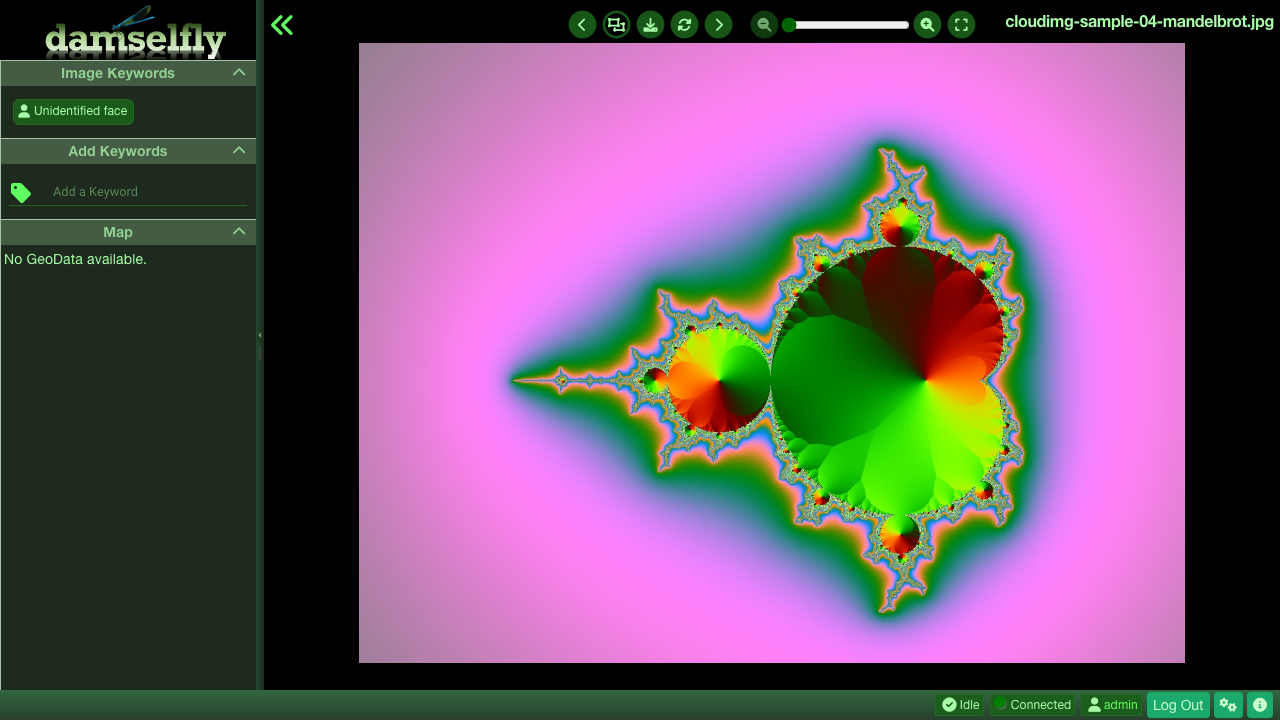
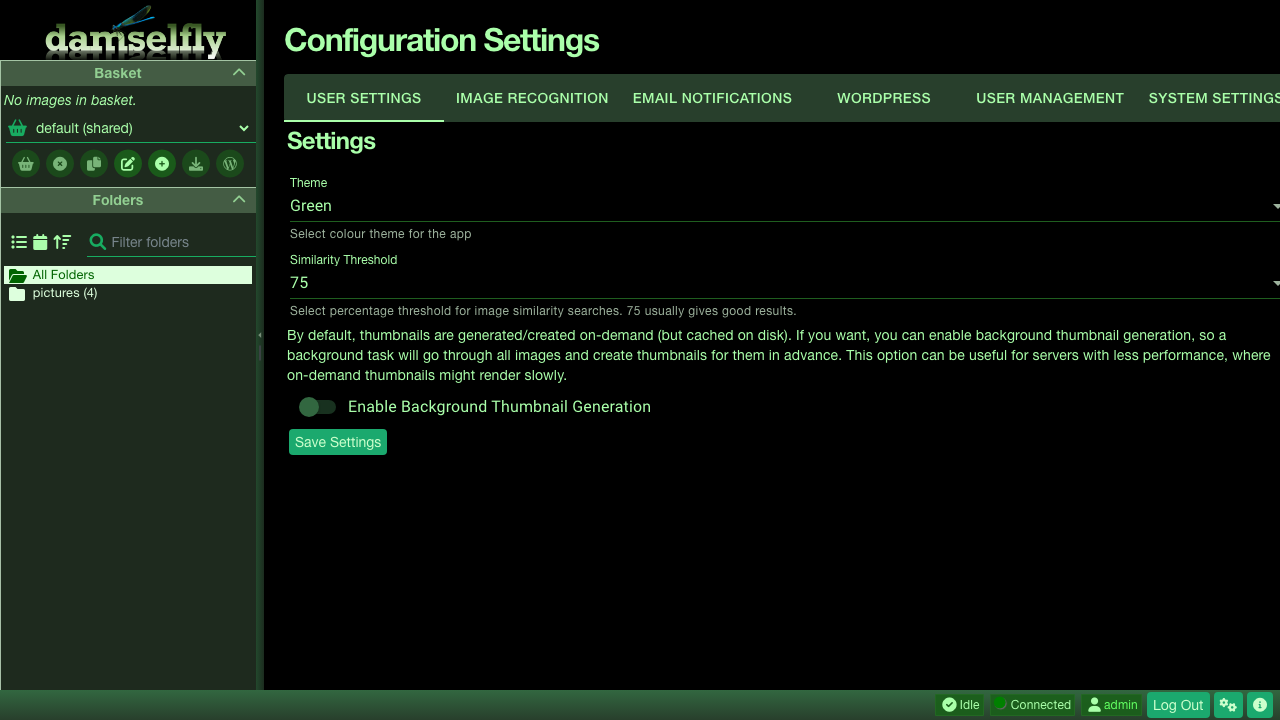
Real screenshots taken while testing this image against its deployment guide.


AIStore is an open source object storage system from NVIDIA, built for the read heavy, high throughput access patterns o...

Alfresco Community Edition is an open source enterprise content management platform.

Apache Ozone is the scalable, distributed object store for Hadoop and cloud-native workloads. It exposes both an S3-comp...

ArozOS on Ubuntu 24.04 LTS preconfigured machine image for Microsoft Azure, hardened and verified with 24/7 support by c...

Backrest is a popular open source web interface and orchestrator for restic, the fast, secure, deduplicating backup prog...

The image installs Bacula 13.0.4 from the Ubuntu 24.04 archive and runs the Director, a Storage Daemon writing to a file...