Base
Hardened build
minimal ports, security patches applied at build time

browser based gui to browse, search and manage elasticsearch and opensearch clusters
Elasticvue is a free, open source web front end for Elasticsearch and OpenSearch. It provides a clean browser interface to check cluster and node health, manage indices, shards, aliases and templates, explore and edit documents, and run queries against the REST API, without installing a desktop client. This image pairs Elasticvue with a bundled single node OpenSearch cluster so it is functional the moment it launches, and it can also connect to your own Elasticsearch or OpenSearch clusters.
cloudimg ships Elasticvue behind nginx, pre wired to a bundled single node OpenSearch cluster that is secured on first boot with an admin password unique to each instance, never a shared secret. The cluster data lives on a dedicated, independently resizable disk, the image is fully patched at build time, and every deployment is paired with a step by step deploy guide and backed by 24/7 cloudimg support.
Real screenshots taken while testing this image against its deployment guide.
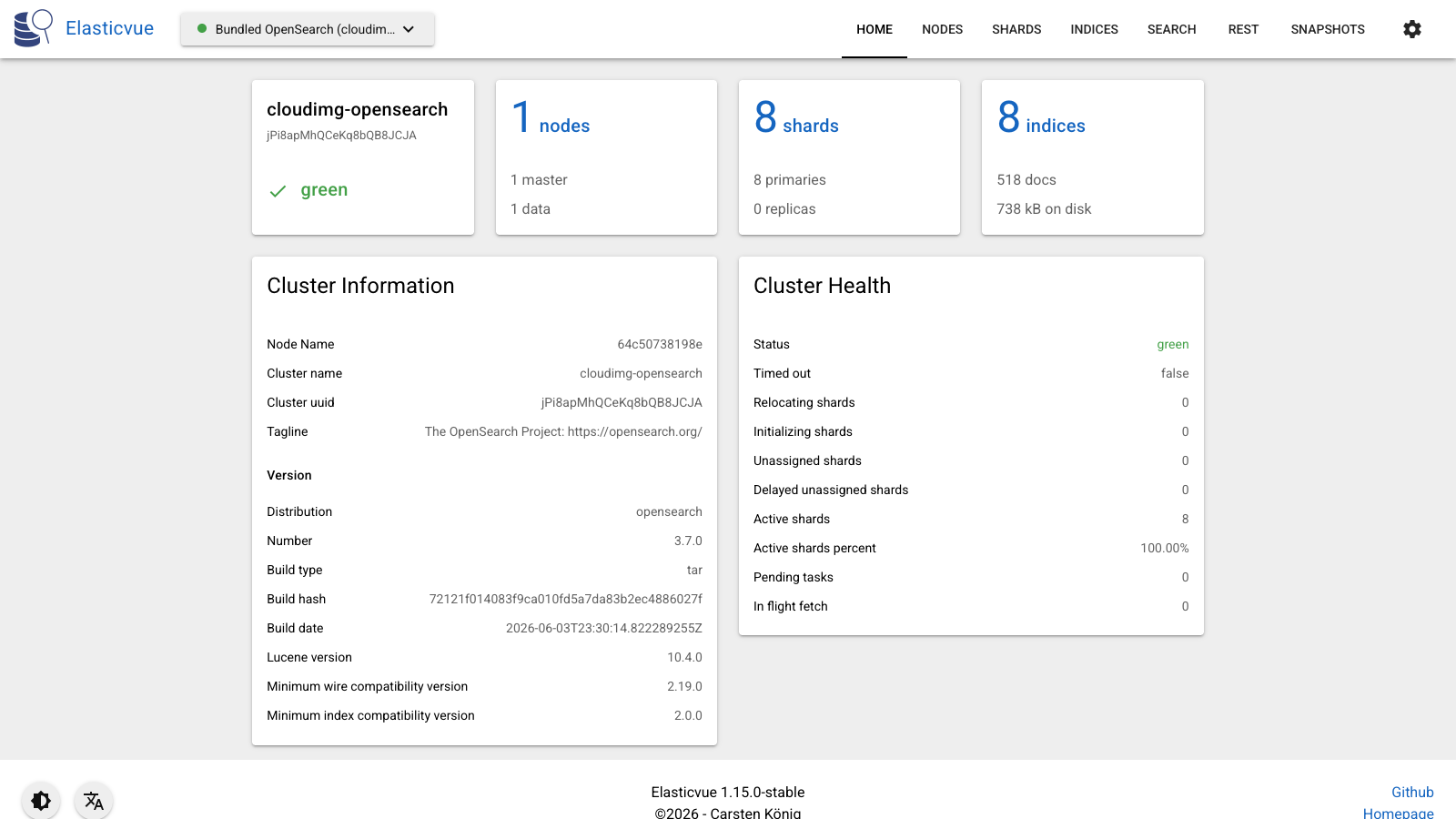
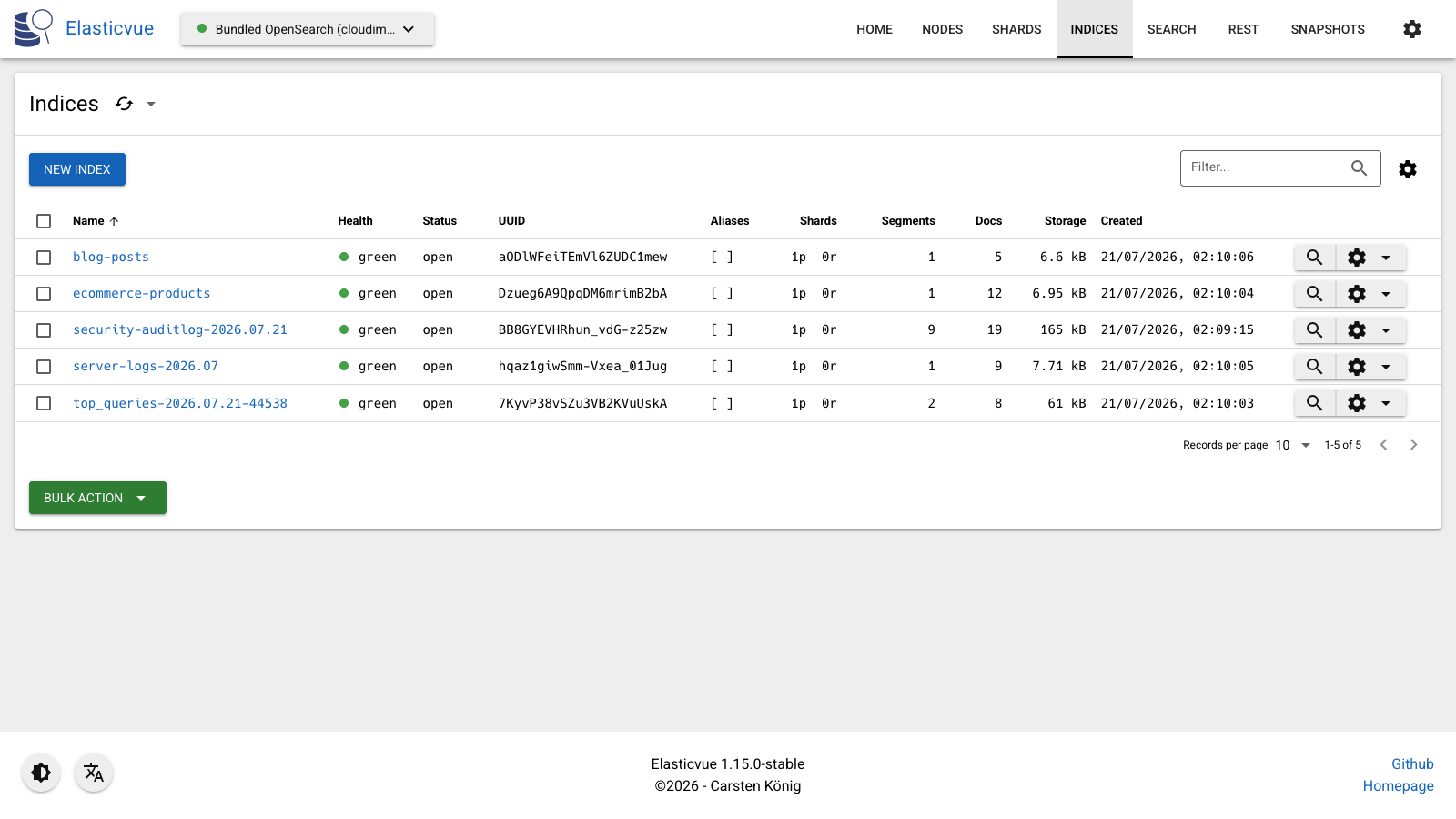
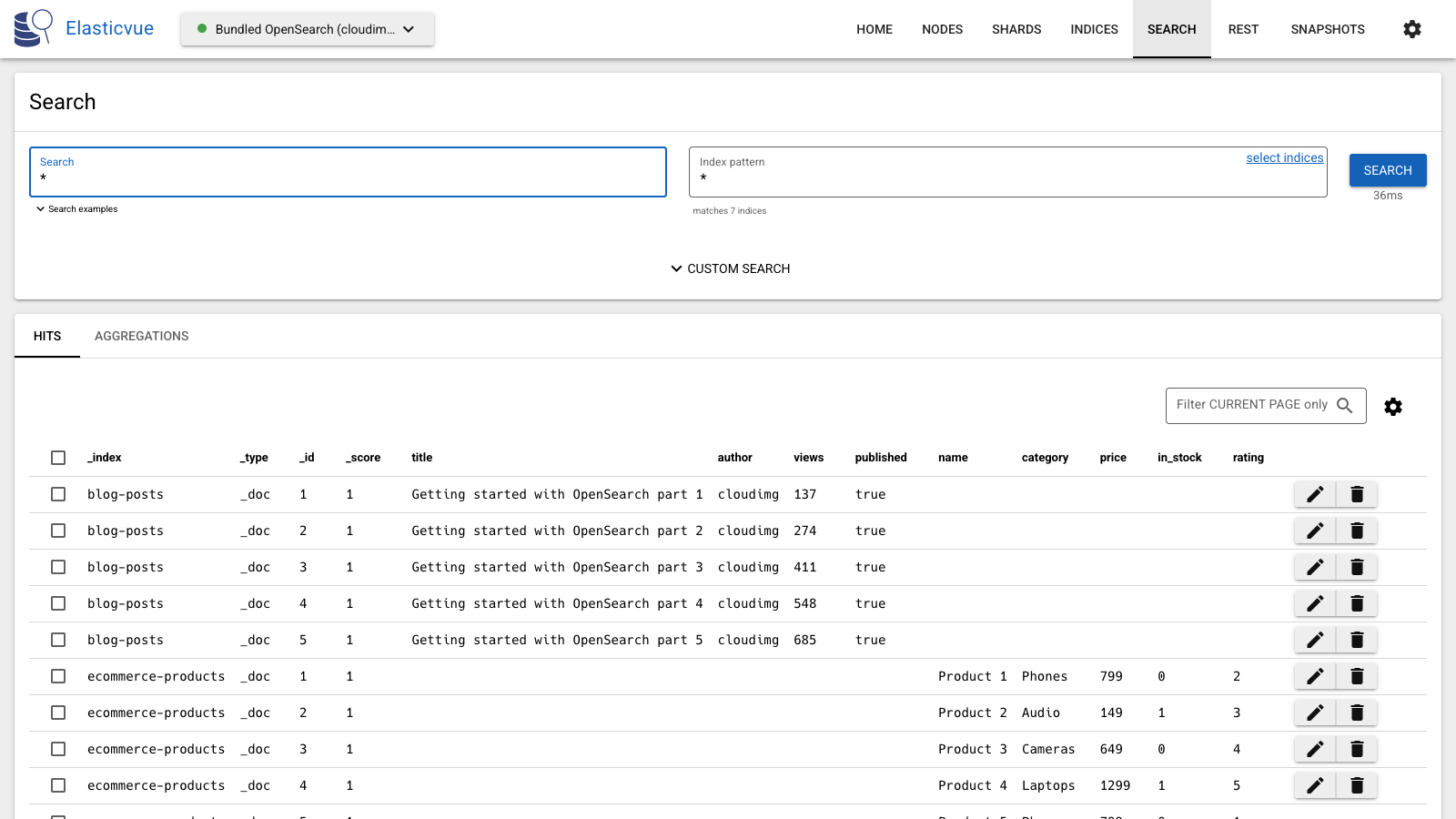
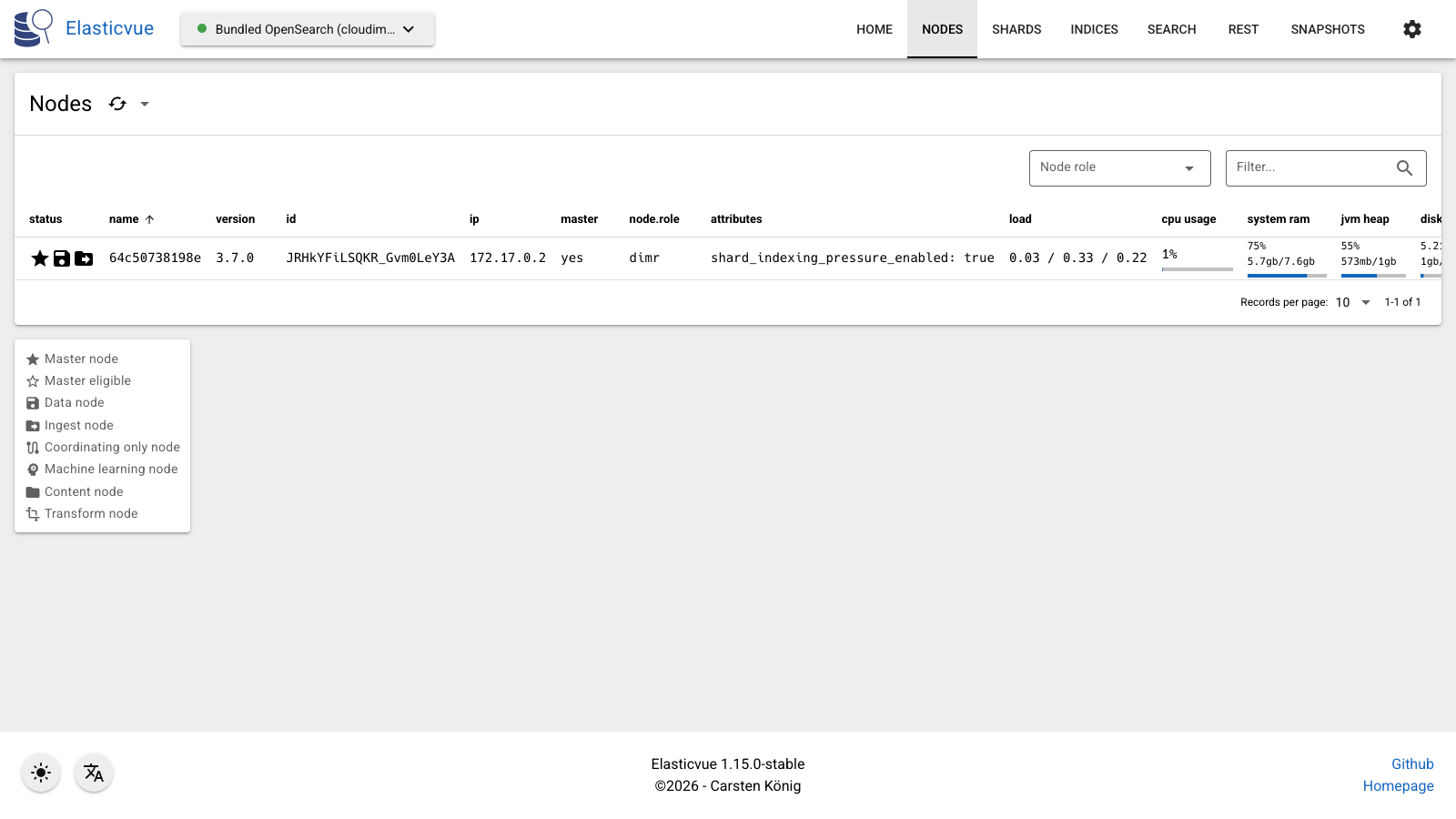
This is a repackaged open source software product wherein additional charges apply for cloudimg support services.
## Overview
Elasticvue is a free, open source web front end for Elasticsearch and OpenSearch. It gives you a clean browser interface to check cluster and node health, browse and manage indices and shards, run searches and queries, and work with your documents - without installing a desktop tool. This AMI delivers Elasticvue 1.15 fully installed behind an nginx reverse proxy and pre-wired to a bundled single-node OpenSearch 3.7 cluster, so a working cluster console is serving within minutes of launch.
## Why This AMI Instead of Self-Deployment
Deploying Elasticvue manually against your own OpenSearch cluster requires configuring CORS headers, setting up TLS, hardening the OpenSearch security plugin, provisioning storage, and wiring a reverse proxy - typically dozens of configuration steps across multiple files. This AMI eliminates that work entirely. The bundled stack handles origin policy, authentication, container orchestration, disk provisioning, and automatic restarts on failure. You get a production-ready console without writing a single config file.
## Application Stack
Elasticvue and a single-node OpenSearch cluster run as containers behind nginx on port 80. Elasticvue is a static single-page application; OpenSearch provides a real cluster for it to manage out of the box. nginx serves the Elasticvue interface and reverse-proxies the OpenSearch REST API on the same origin, so the interface connects to the bundled cluster with no browser configuration. The container runtime and reverse proxy start on boot and the containers restart on failure.
## Manage Your Cluster From the Browser
## Secure First Boot
On the first boot a one-shot service generates a fresh admin password unique to that instance for the bundled OpenSearch cluster and records it in a file only the root user can read. No shared or default credentials ship in the image. The OpenSearch security plugin enforces authentication on the cluster, so the console is protected from the moment it comes online.
## Ready To Use
Open the web interface in your browser and Elasticvue connects to the bundled cluster automatically, with cluster health and indices ready to explore. A built-in health endpoint answers on the reverse proxy for load balancer and uptime checks. The cluster data lives on a dedicated, independently resizable data disk.
## Use-Case Scenario: Shared Developer Workbench
A development team managing 50+ indices across staging and production needs a shared console without granting SSH access to every engineer. With this AMI, a developer pushes a new mapping through the index management view, an analyst runs a saved query in the REST editor, and an operator checks shard balance on the cluster overview - all from a browser tab. During an incident, any team member can verify cluster health in seconds without CLI access or VPN tunneling.
## Additional Use Cases
## cloudimg Support
24/7 technical support by email and chat. Help with deployment, HTTPS and reverse proxy configuration, connecting Elasticvue to your own clusters, index and security configuration, storage and upgrade planning.
## Get Started
Launch the AMI, open port 80 (or 443 after HTTPS setup) in your security group, and navigate to your instance's public IP. The Elasticvue interface loads automatically connected to the bundled cluster. To schedule a guided deployment walkthrough or ask pre-purchase questions, contact support@cloudimg.co.uk.
All product and company names are trademarks or registered trademarks of their respective holders. Use of them does not imply any affiliation with or endorsement by them.

This image runs Apache AGE, the open source extension that adds graph database functionality and the openCypher query la...

This image runs Apache Cassandra, the open source distributed NoSQL database built for scalability and high availability...

This image runs Apache CouchDB, the open source document oriented NoSQL database, on a single node.

Apache Doris is an easy-to-use, high-performance, unified analytical (OLAP) database for real-time analytics at scale.
This image runs Apache IoTDB, the high-performance, lightweight open source time-series database purpose-built for IoT a...

This image runs Apache Jena Fuseki, the SPARQL 1.1 server from the Apache Jena project.