Base
Hardened build
minimal ports, security patches applied at build time

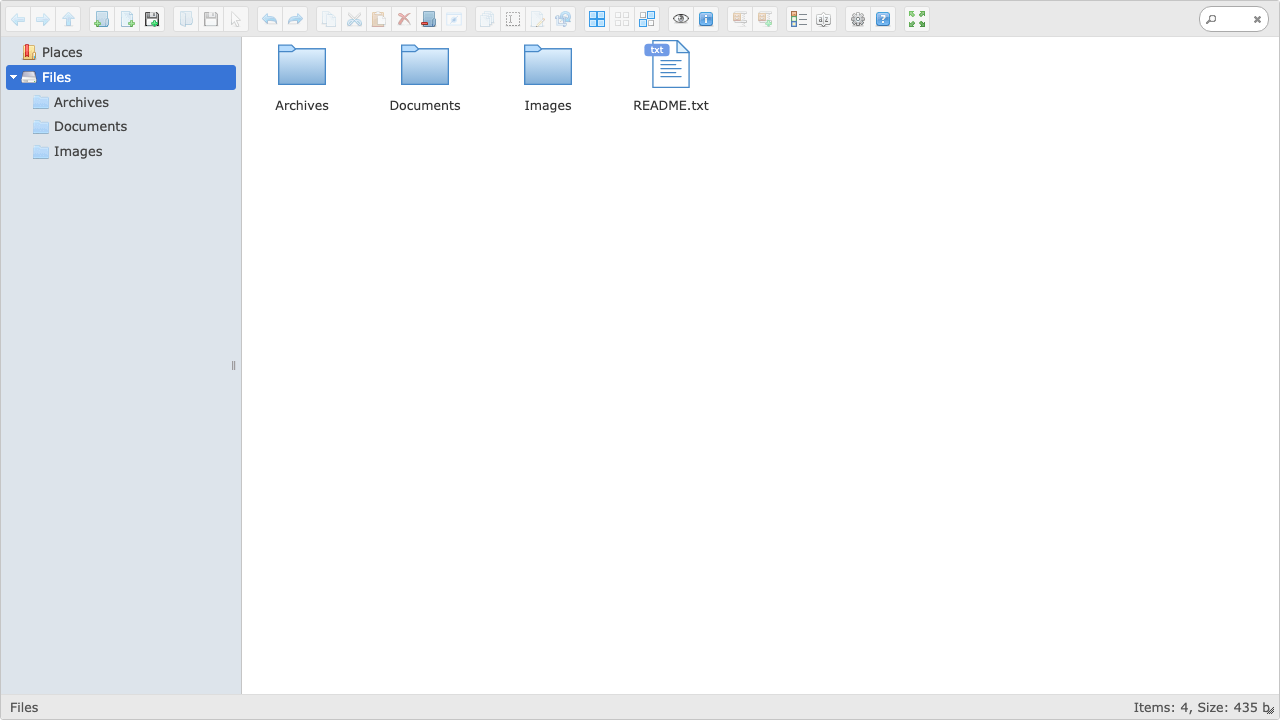
elFinder, the web based file manager with a desktop style two pane interface, authenticated by default and ready to browse, upload and organise files the moment it boots.
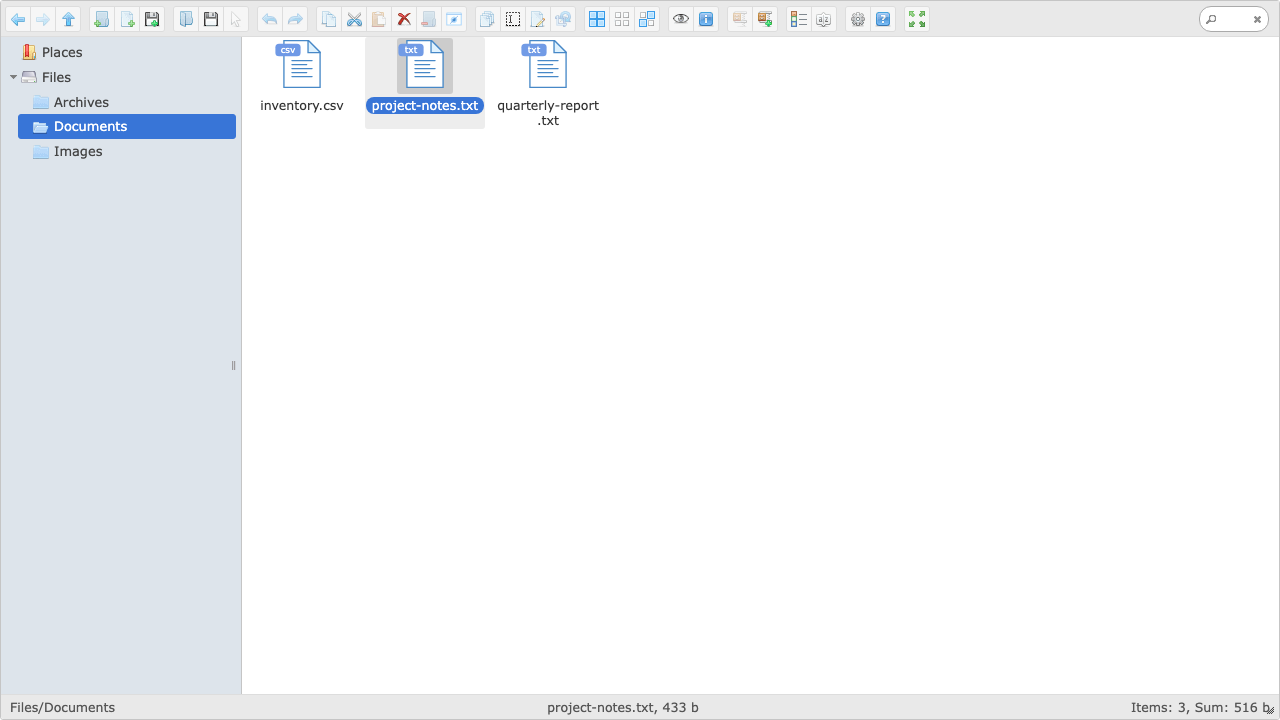
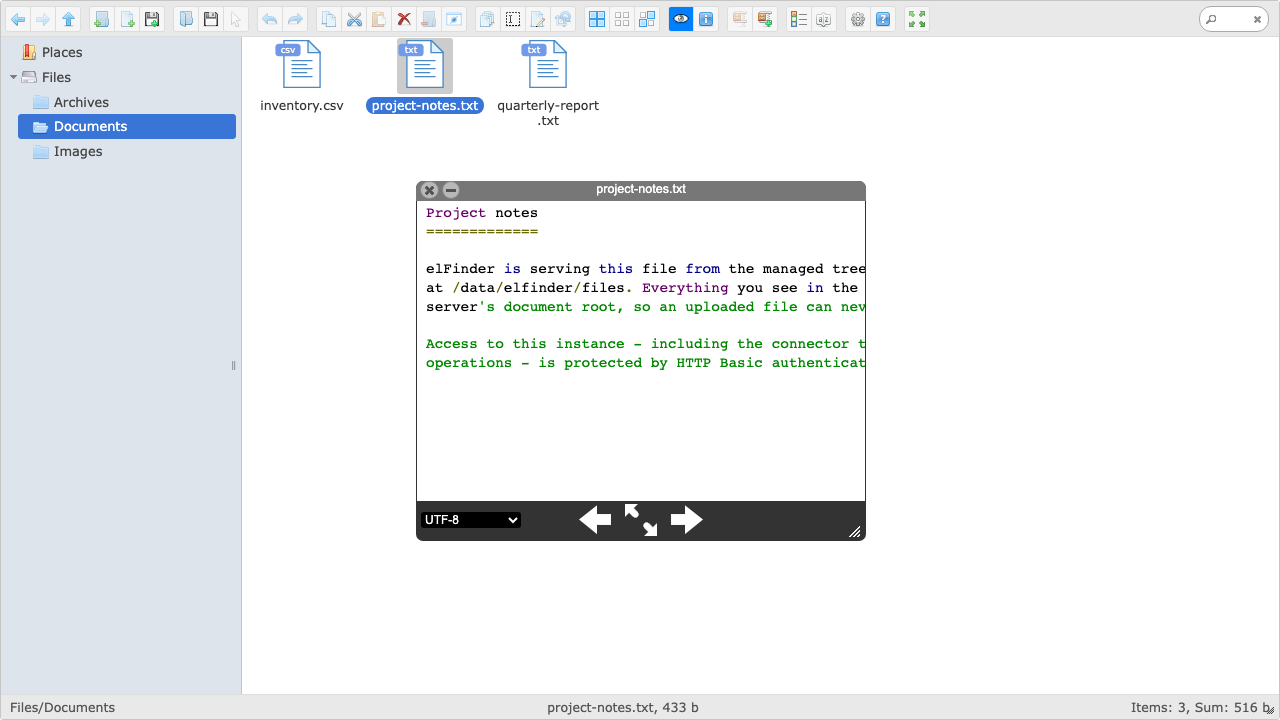
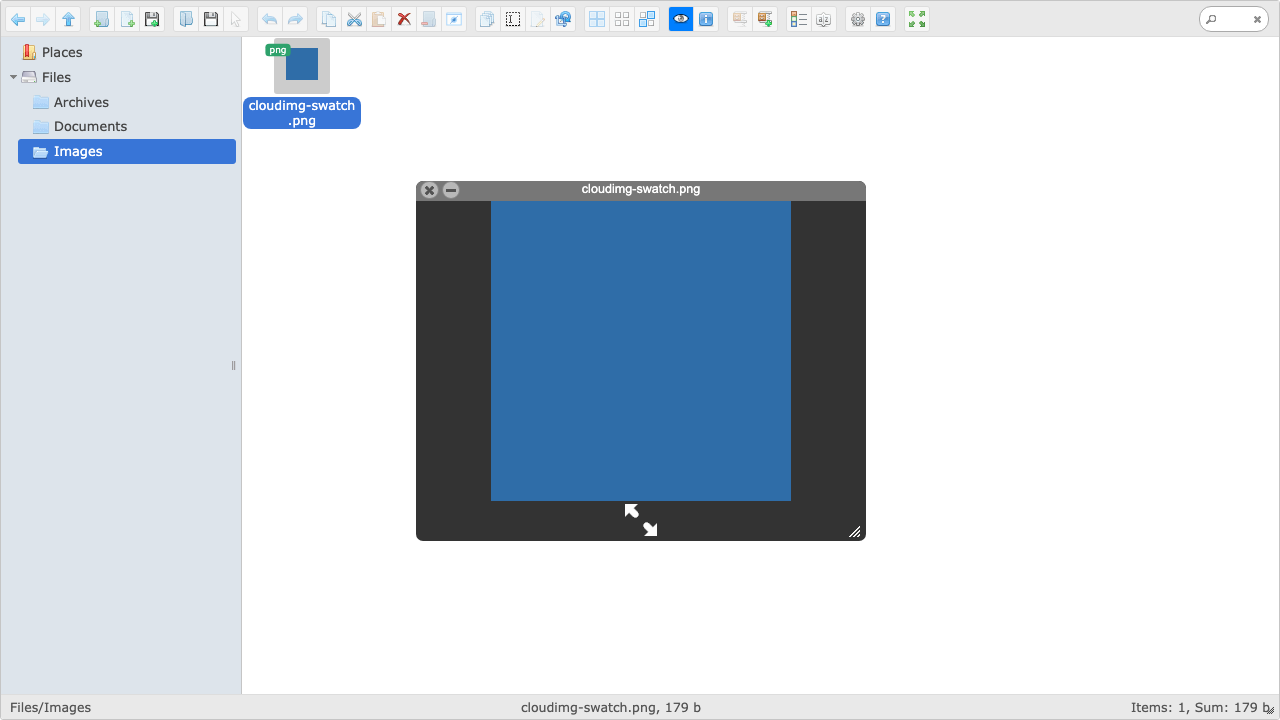
elFinder is a long established open source web file manager that brings a familiar desktop style file browser to the browser. Its two pane interface gives you a folder tree beside a file list, with the operations you expect from a desktop file manager: upload and download, rename, copy, move, search, preview images and text, edit permissions, and create or extract zip and tar archives, all without leaving the page.
It suits teams who want a simple, self hosted way to give people browser access to a directory of files on infrastructure they own, whether that is a shared working area, a drop point for documents and media, or a way to manage the content of an application's storage without handing out shell access.
elFinder is distributed as a library rather than a finished application: upstream ships a demo connector and no authentication at all, so a naive deployment leaves a full filesystem client open to anyone who finds the address. cloudimg closes that before the port is ever reachable. Authentication is enforced at the web server across the entire application, including the connector endpoint that performs the actual filesystem operations, so there is no unauthenticated route to the files and no anonymous browsing, upload or deletion is possible. There is no baked credential: a unique password is generated on each instance's first boot and written to a root only file. The connector is locked to a single volume so there is no path from the interface to the wider filesystem, the managed tree lives on a dedicated data disk outside the web root, and uploaded files are served back as inert downloads so an uploaded script can never be executed. The interface's javascript is vendored locally so the appliance has no runtime dependency on a public content delivery network. Fully patched, paired with a step by step deploy guide, and backed by 24/7 cloudimg support.
Real screenshots taken while testing this image against its deployment guide.
AIStore is an open source object storage system from NVIDIA, built for the read heavy, high throughput access patterns o...

Alfresco Community Edition is an open source enterprise content management platform.

Apache Ozone is the scalable, distributed object store for Hadoop and cloud-native workloads. It exposes both an S3-comp...

ArozOS on Ubuntu 24.04 LTS preconfigured machine image for Microsoft Azure, hardened and verified with 24/7 support by c...

Backrest is a popular open source web interface and orchestrator for restic, the fast, secure, deduplicating backup prog...

The image installs Bacula 13.0.4 from the Ubuntu 24.04 archive and runs the Director, a Storage Daemon writing to a file...