Base
Hardened build
minimal ports, security patches applied at build time

browser based file management, authenticated and ready on launch
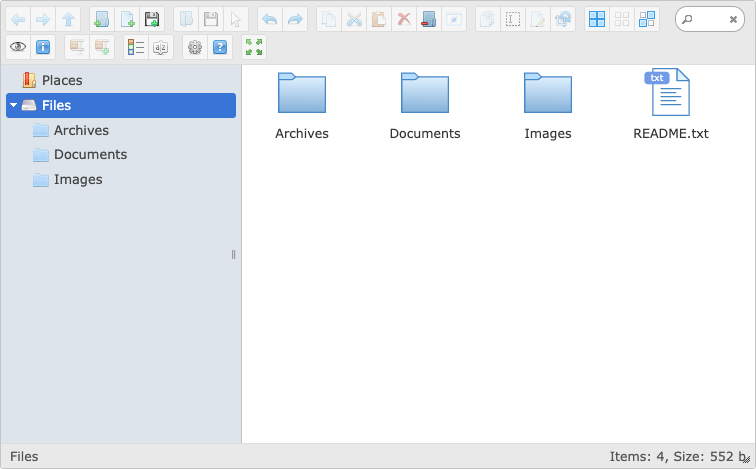
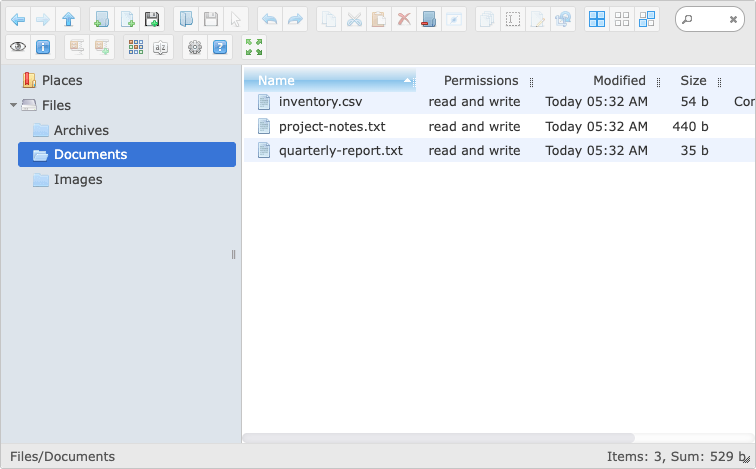
elFinder is an open source web file manager that brings a familiar desktop style file browser to the web: browse, upload, download, rename, copy, move, search, preview images and text, and create or extract archives, all from the browser. cloudimg ships it fully installed behind nginx and php-fpm with the PHP connector already written and hardened, so a working file manager is serving within minutes of launch.
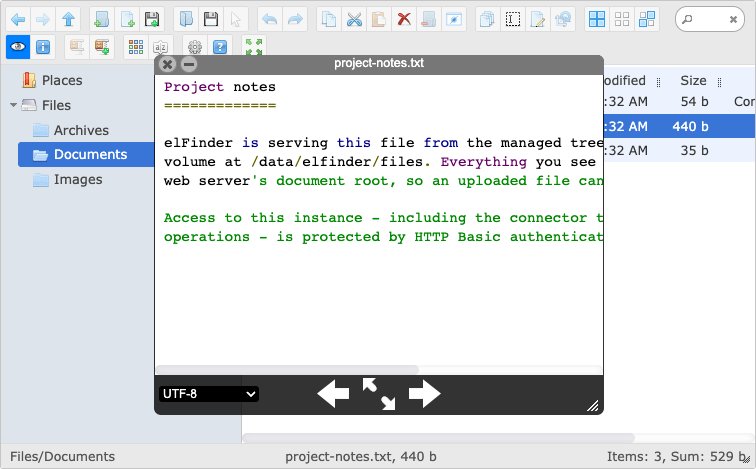
Every request, including the connector that performs filesystem operations, is protected by authentication enforced at the web server, so there is no unauthenticated path to your files. First boot generates a unique administrator password for every instance and stores it in a root only file. The managed file tree lives on a dedicated data volume kept separate from the operating system disk, uploaded files are stored outside the web root and served back as inert downloads, and every deployment is backed by 24/7 cloudimg support and a paired step by step deployment guide.
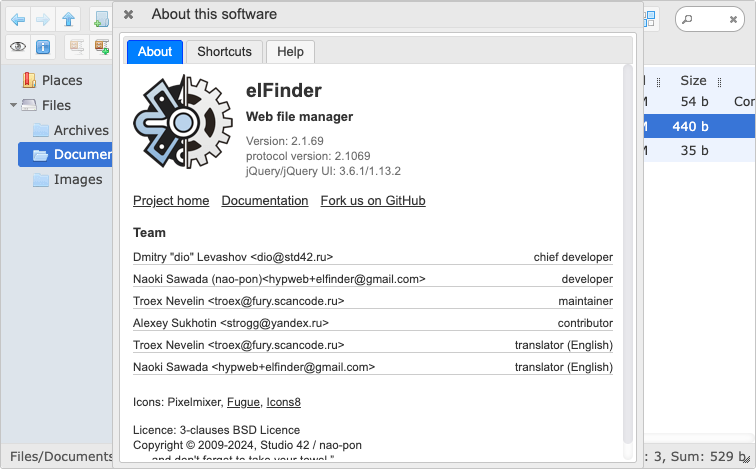
Real screenshots taken while testing this image against its deployment guide.
This is a repackaged open source software product wherein additional charges apply for cloudimg support services.
## Overview
elFinder is a widely used open source web file manager that brings a familiar desktop style file browser to the web. Browse, upload, download, rename, copy, move, search, preview images and text, and create or extract archives, all from the browser. This AMI delivers elFinder 2.1 fully installed, configured, and security hardened behind nginx with php-fpm, so a working browser based file manager is serving within minutes of launch, eliminating the web server configuration, PHP extension installation, connector wiring, and access control work a self managed deployment requires.
elFinder is distributed as a library rather than a finished application, so a self managed deployment means installing PHP and its extensions, configuring a web server, writing and hardening the PHP connector, choosing a storage root, and then adding an authentication layer yourself. That last step is the one most commonly missed, and on a file manager it is the difference between a private tool and an open door to your filesystem. This AMI completes all of that before first boot.
## Application Stack and AWS Integration
Nginx answers HTTP requests on port 80 and passes PHP to php-fpm over a local socket. elFinder reads and writes the managed file tree directly on a dedicated Amazon EBS data volume kept separate from the OS disk, so files never compete with the operating system for space and the volume can be resized or snapshotted independently. systemd starts nginx and php-fpm on boot and restarts them on failure.
Compatible AWS Services:
## Security
Security is the defining feature of this AMI. Every request to the application, including the PHP connector that performs the actual filesystem operations, is protected by HTTP Basic authentication enforced at the web server. There is no unauthenticated route to the connector, so no anonymous browsing, upload, or deletion is possible. On the first boot of your instance, a one shot service generates a fresh administrator password unique to that instance and writes it to a file only the root user can read, so no shared or default password ships in the image. Files uploaded through the manager are stored outside the web document root and are served back as inert downloads, so an uploaded script can never be executed by the web server. Because HTTP Basic authentication sends the password in an easily decoded header, follow the TLS section of the paired deployment guide before exposing the instance to the public internet.
## Ready To Use
Browse to the instance address, sign in with the generated credentials, and manage your files: upload, download, rename, copy, move, search, preview images and text, and create or extract archives. The managed file tree lives on the dedicated data volume. See the Pricing tab for per-hour software charges by instance type.
## Use Cases
## cloudimg Support
24/7 technical support by email and live chat. Our engineers assist with deployment, storage and volume configuration, authentication and TLS setup, connector customisation guidance, version upgrades, and troubleshooting.
All product and company names are trademarks or registered trademarks of their respective holders. Use of them does not imply any affiliation with or endorsement by them.

Apache Ozone is the scalable, distributed object store for Hadoop and cloud-native workloads. It exposes both an S3-comp...

Backrest is a popular open source web interface and orchestrator for restic, the fast, secure, deduplicating backup prog...

This image runs Barman (Backup and Recovery Manager), the open source disaster-recovery manager for PostgreSQL from Ente...

This image runs Cloud Commander 19.19.1, the open source web based orthodox (two panel) file manager with a built in Edw...
Cyberduck is a libre file transfer client for FTP, SFTP, WebDAV, Amazon S3, Google Cloud Storage, Microsoft Azure, OpenS...

This image runs File Browser, the open source, self-hosted web file manager - browse, upload, download, edit, preview an...