Base
Hardened build
minimal ports, security patches applied at build time

Expose is a self hosted reverse tunnel server that publishes a local development site or webhook endpoint at a public URL on infrastructure you control, instead of routing it through a third party relay.
Expose is an open source reverse tunnel server written in pure PHP, and the self hosted alternative to hosted tunnelling services such as ngrok. A small client running on a developer's machine opens a persistent connection out to the server; the server then accepts inbound public HTTP requests and routes them back down that connection to whatever is running on the developer's laptop. That makes it possible to demonstrate work in progress, receive webhooks from payment, messaging and version control providers, and test integrations against a real public URL, all without deploying anything or opening a firewall port.
Running the server yourself keeps development traffic, webhook payloads and pre release demos on your own infrastructure and under your own domain, and removes the per seat subscriptions, session time limits and rotating subdomains that hosted tunnelling services impose. A built in web dashboard manages tunnel tokens, lists connected sites and shows live request logs, which is what makes debugging an inbound webhook practical.
cloudimg delivers the Expose server fully installed behind an nginx reverse proxy that terminates TLS, so a working tunnel endpoint answers as soon as the instance finishes its first boot, with no PHP dependencies to resolve and no proxy to configure. The image is secure by default in two ways that a bare deployment is not: upstream publishes a default dashboard login and defaults the server to accepting a tunnel from anyone who can reach it, whereas this image contains no administrator credential at all, generates a unique dashboard password and a unique tunnel token on each instance's first boot into a root only file, enables token validation so only clients holding your token can open a tunnel, and refuses to start if a published default credential is ever in effect. The tunnel process is bound to the loopback interface and reached only through the TLS proxy, so neither the dashboard password nor the tunnel token crosses the wire in plaintext. The base is fully patched with unattended security upgrades enabled, and every deployment is paired with a step by step deploy guide, backed by 24/7 cloudimg support.
Real screenshots taken while testing this image against its deployment guide.
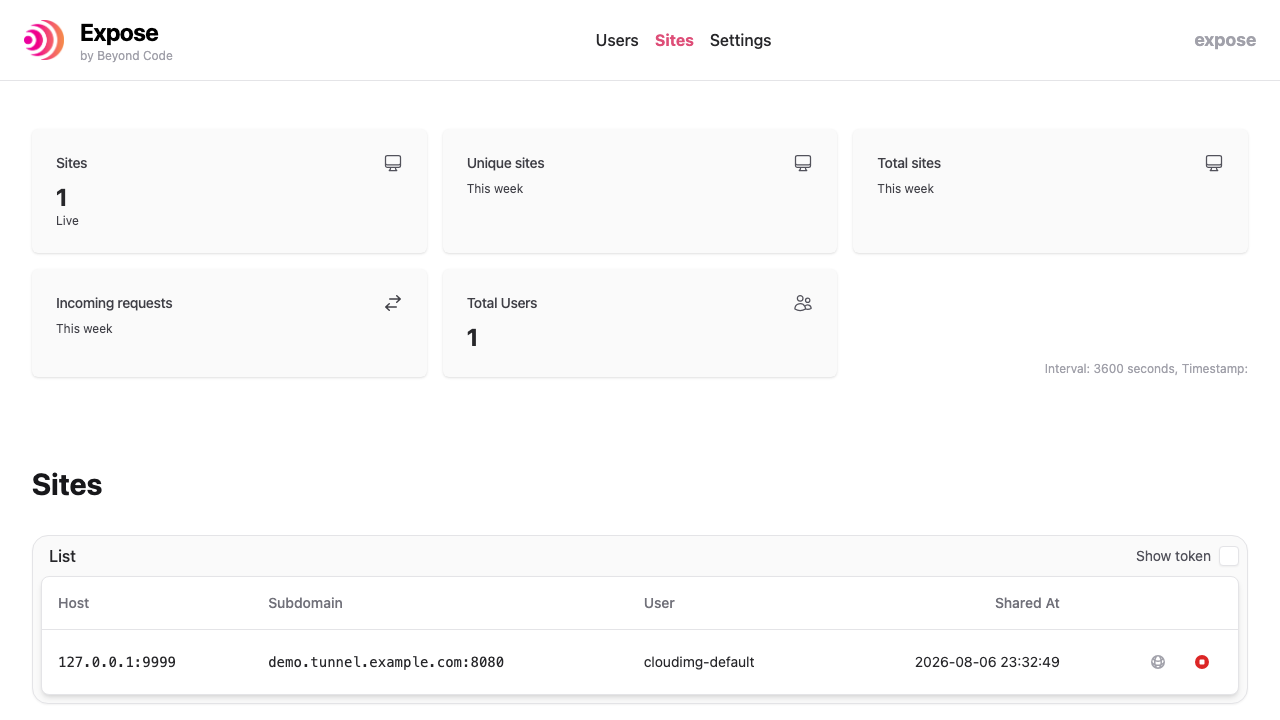
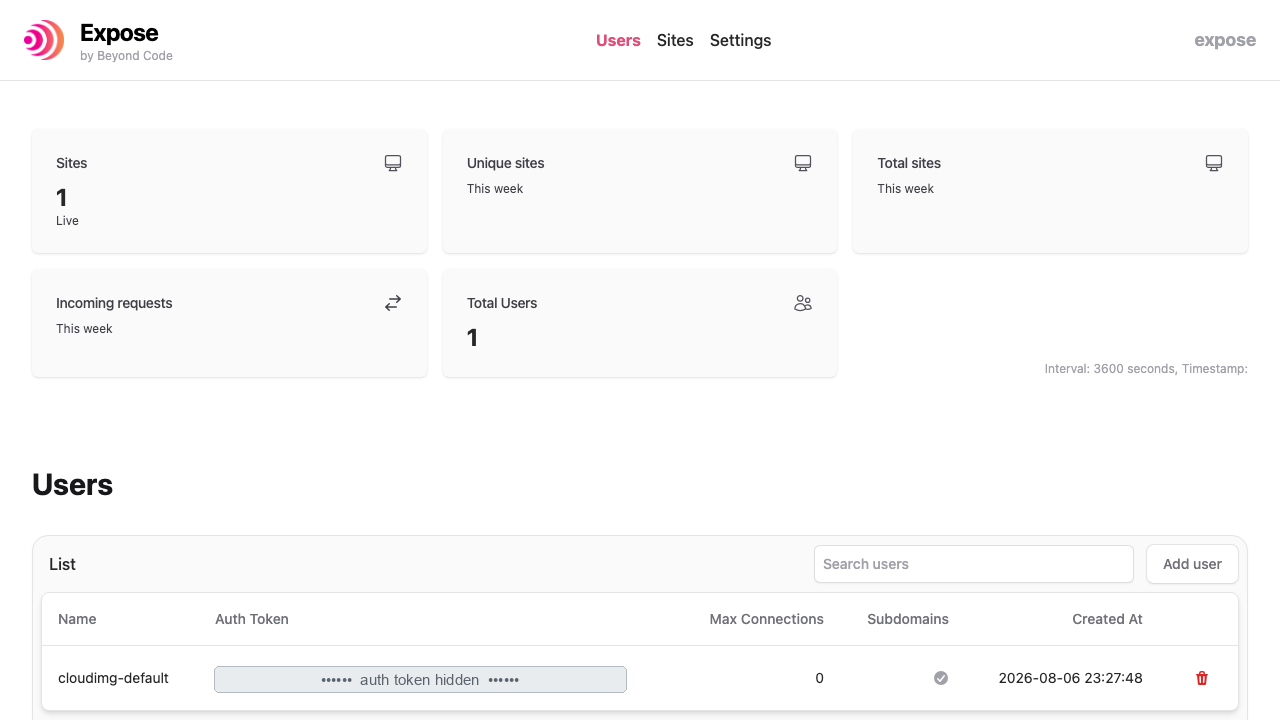
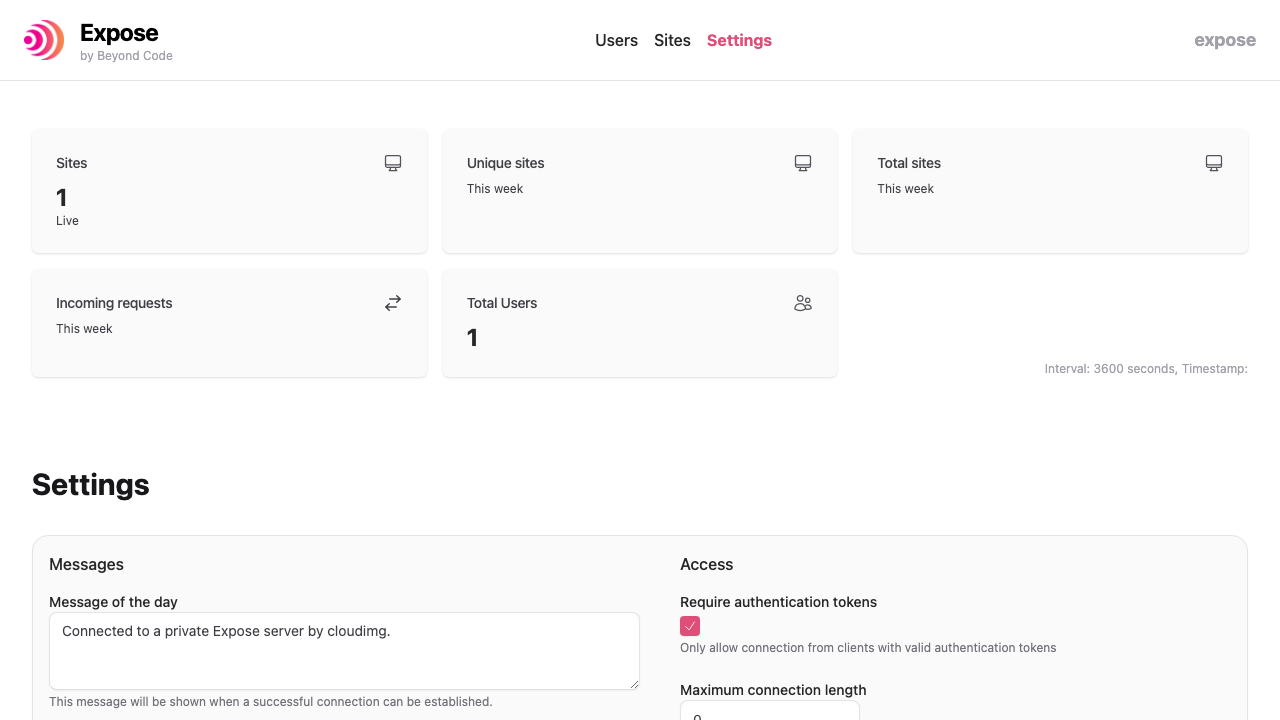


What cloudimg adds to every version - Every image is built by cloudimg on a fully patched base with the latest security ...

What cloudimg adds to every version - Every image is built by cloudimg on a fully patched base with the latest security ...

What cloudimg adds to every version - Every image is built by cloudimg on a fully patched base with the latest security ...

What cloudimg adds to every version - Every image is built by cloudimg on a fully patched base with the latest security ...
The image builds 3proxy 0.9.7 from the pinned upstream source (github.com/z3APA3A/3proxy tag 0.9.7), so the exact versio...
The image builds accel-ppp 1.14.0 from the upstream source tag (commit 048d31cb, dated 25 January 2026), verified agains...