Base
Hardened build
minimal ports, security patches applied at build time

a self hosted, multi user web file manager for uploads, downloads, zipping and sharing, with per user roles and permissions and no database to run.
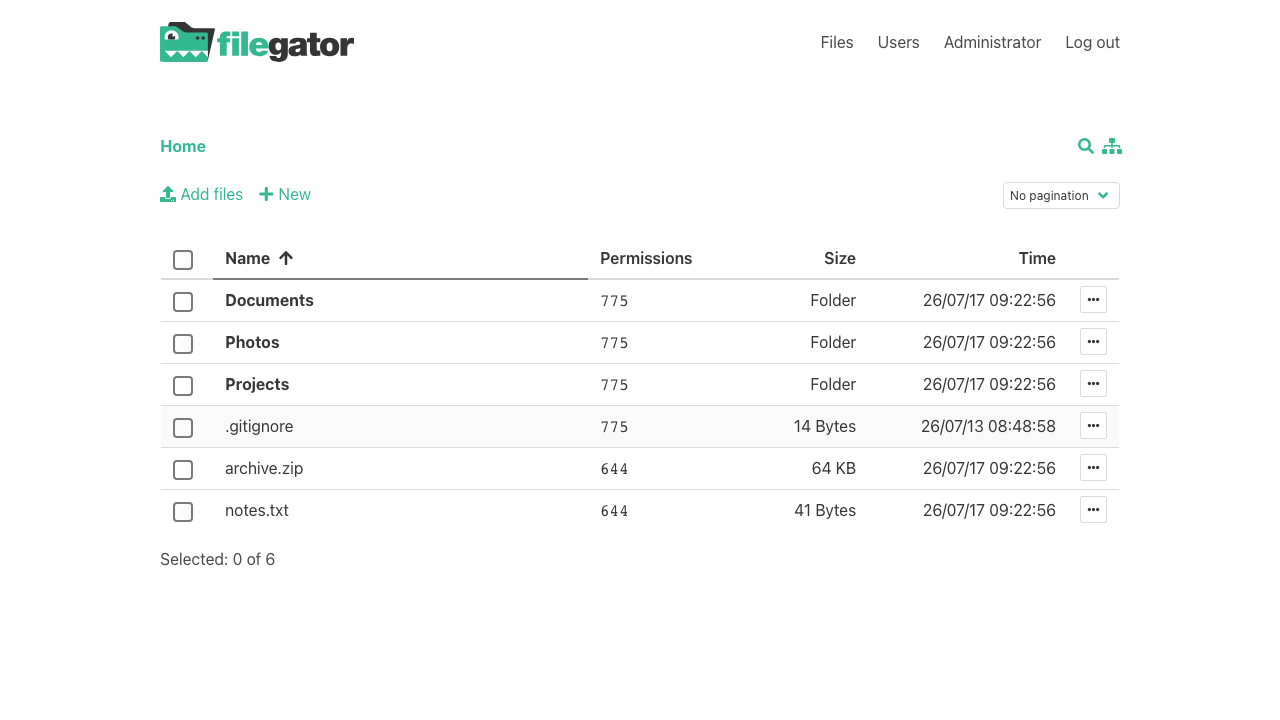
FileGator is a self hosted, multi user web file manager. Through a clean browser interface your team can upload, download, zip, unzip, copy, move, rename and edit files, with per user roles, granular permissions and isolated home directories. It runs as a single node with files kept on the local filesystem and users held in a simple JSON store, so there is no database server to run or maintain.
It suits teams that need a private, branded file portal for sharing and collaboration, hosted in their own cloud account rather than on a third party service.
The cloudimg image installs FileGator on a hardened web stack with a unique administrator password generated on first boot and stored as a bcrypt hash, so the well known default admin password never ships. Anonymous access is disabled and only the public web folder is exposed, keeping application code and private data outside the web root. The deployment guide covers creating users, setting permissions, pointing your domain and enabling HTTPS. 24/7 support is included.
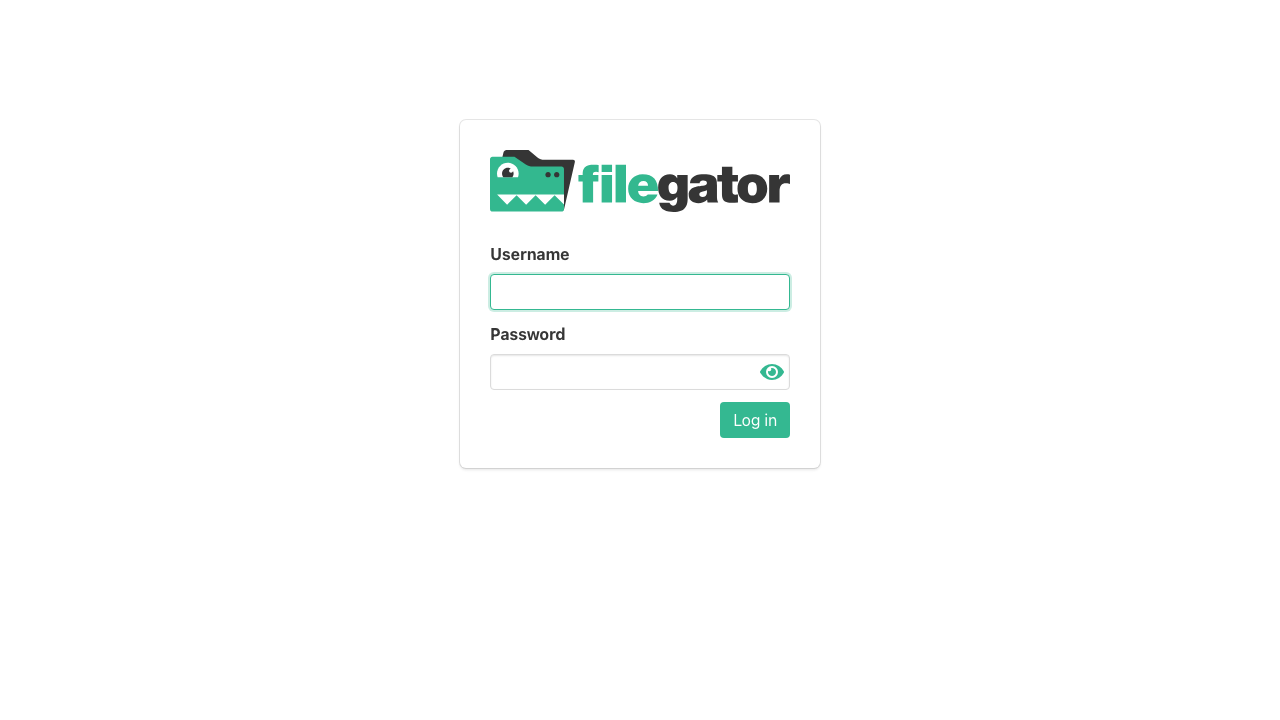
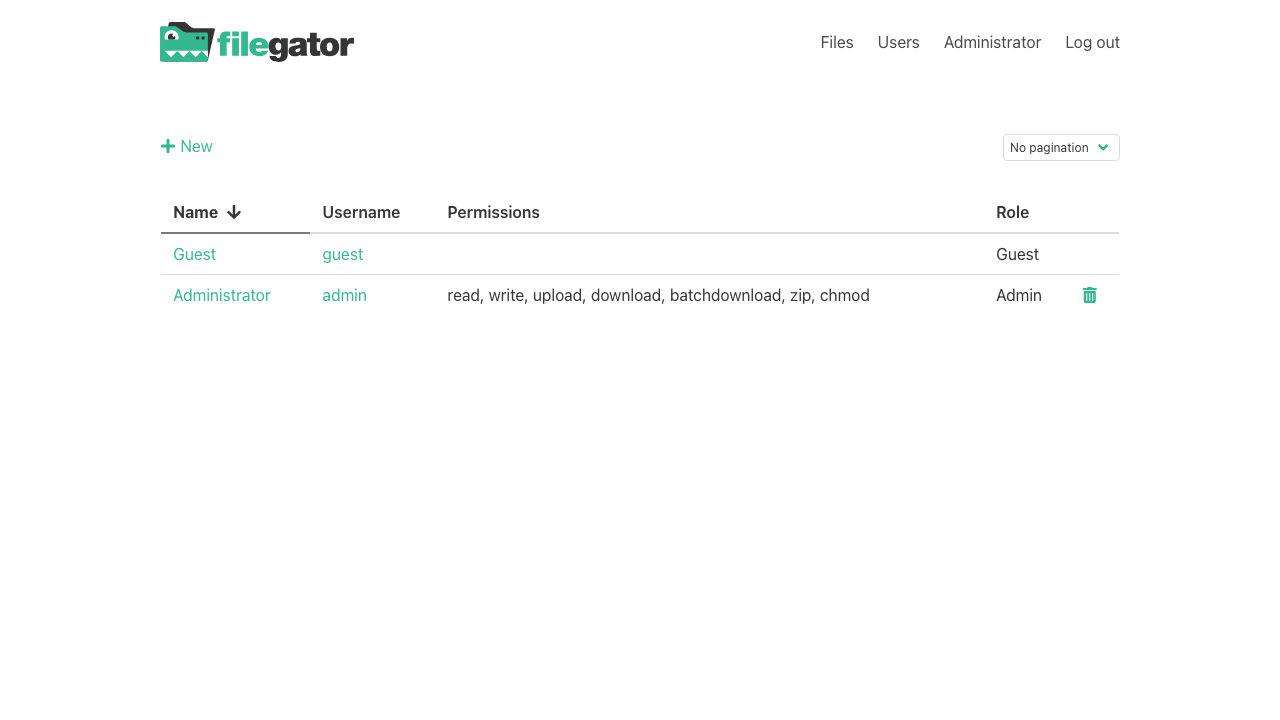
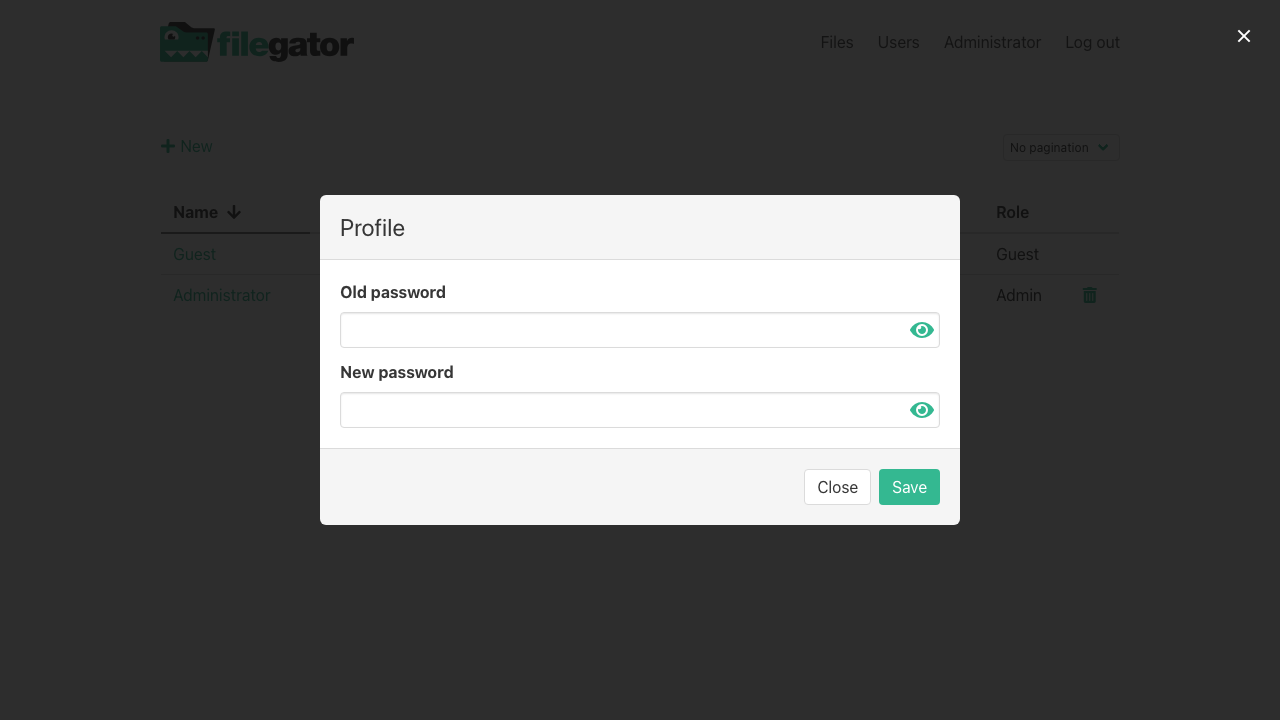
Real screenshots taken while testing this image against its deployment guide.
AIStore is an open source object storage system from NVIDIA, built for the read heavy, high throughput access patterns o...

Alfresco Community Edition is an open source enterprise content management platform.

Apache Ozone is the scalable, distributed object store for Hadoop and cloud-native workloads. It exposes both an S3-comp...

ArozOS on Ubuntu 24.04 LTS preconfigured machine image for Microsoft Azure, hardened and verified with 24/7 support by c...

Backrest is a popular open source web interface and orchestrator for restic, the fast, secure, deduplicating backup prog...

The image installs Bacula 13.0.4 from the Ubuntu 24.04 archive and runs the Director, a Storage Daemon writing to a file...