Base
Hardened build
minimal ports, security patches applied at build time

Girder is a web based data management platform where teams organise large file collections into folders and items, control access per group, and drive every operation through a documented REST API.
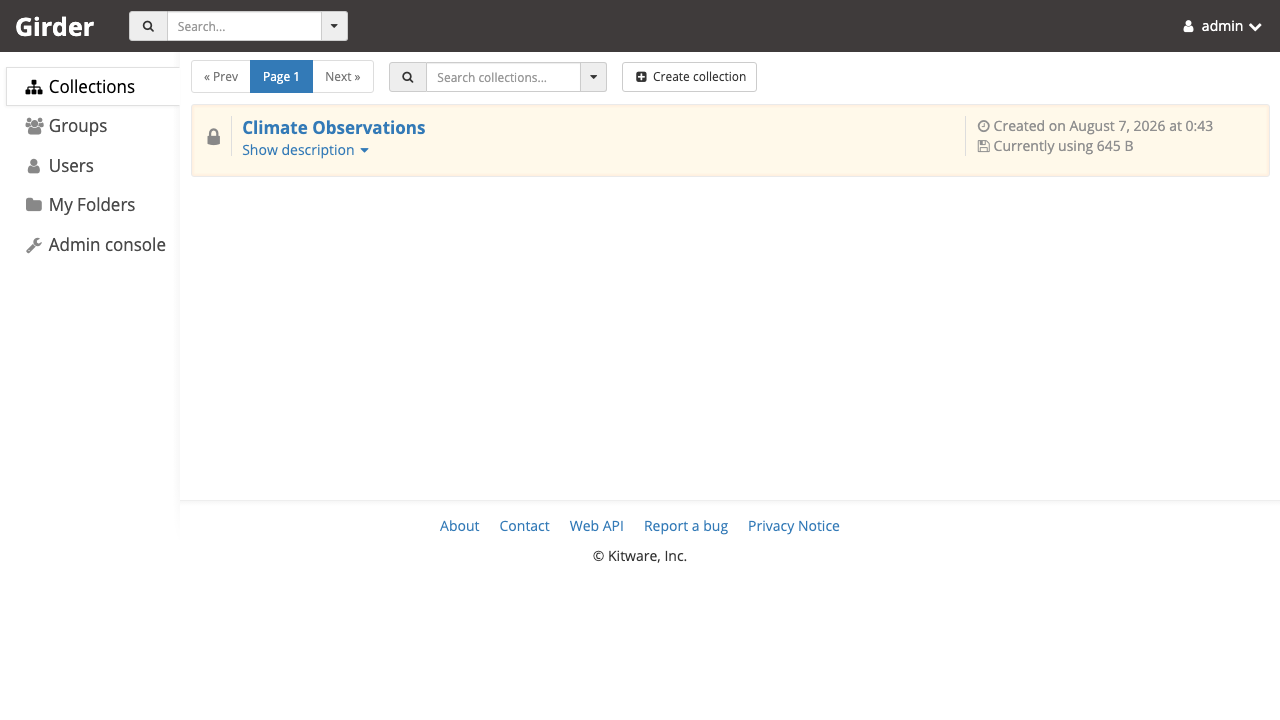
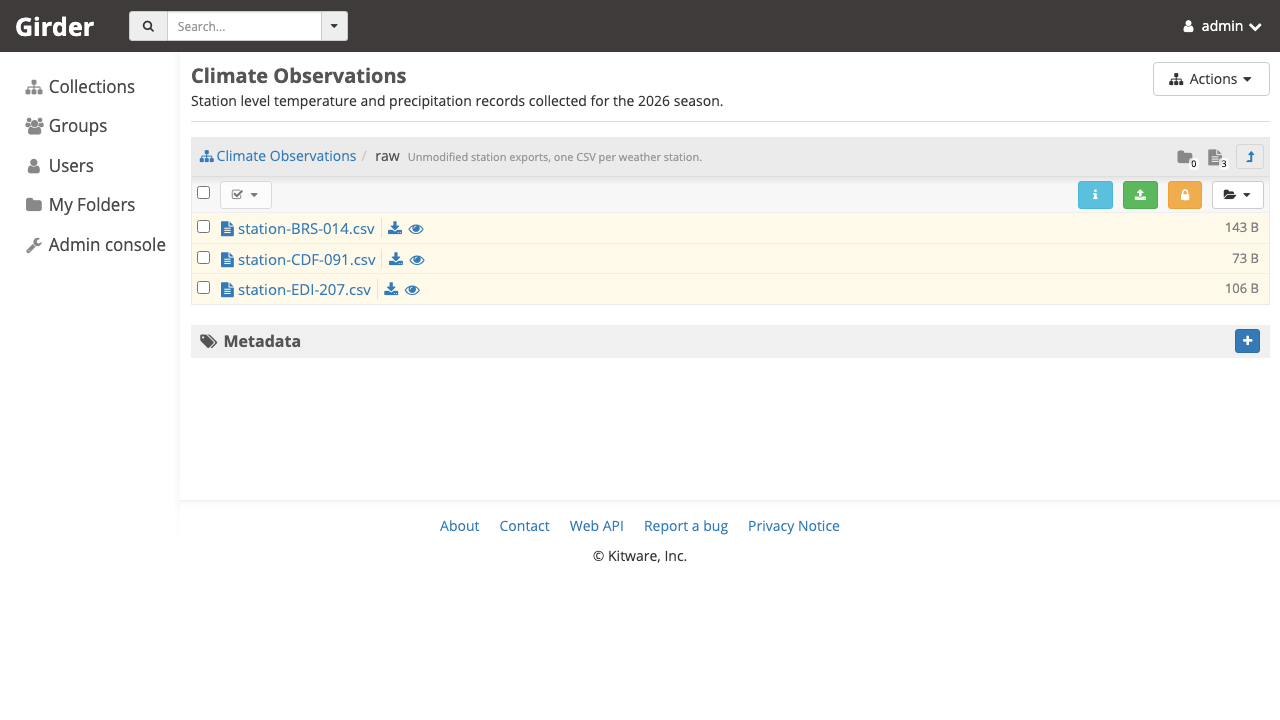
Girder is a free, open source data management platform from Kitware. It gives research groups, imaging labs and data engineering teams one place to store, organise, share and serve large collections of files. Data is arranged in a clear hierarchy of collections, folders, items and files, any object can carry searchable metadata, and access is controlled per user and per group, so a single deployment can host open reference data alongside restricted project data.
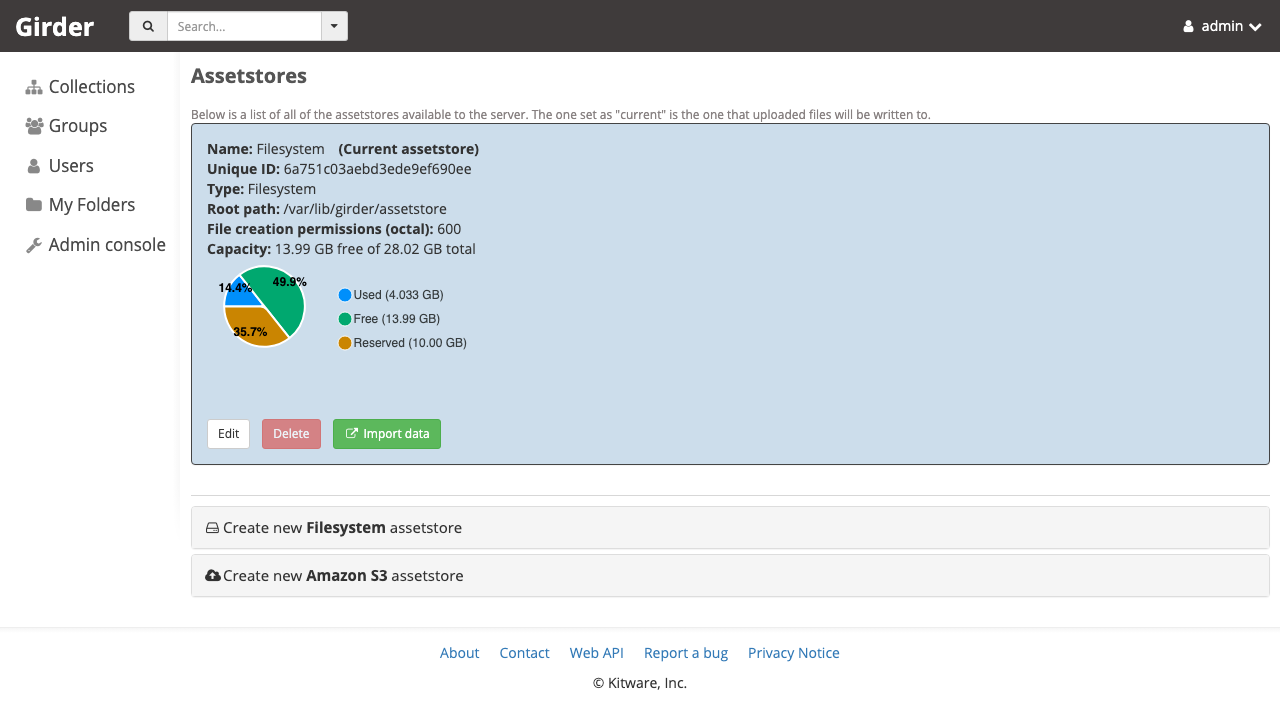
Storage itself is pluggable. Girder writes file content into assetstores, which can be a local filesystem volume or Amazon S3 compatible object storage, so the catalogue and its permissions stay in one place while the bytes live wherever suits the workload. Because every action in the web interface is also a REST call, and an official Python client exists for bulk transfers, ingest pipelines, reporting and instance to instance mirroring can be fully scripted. Girder is equally a finished application and a backend to build a domain specific data portal on top of.
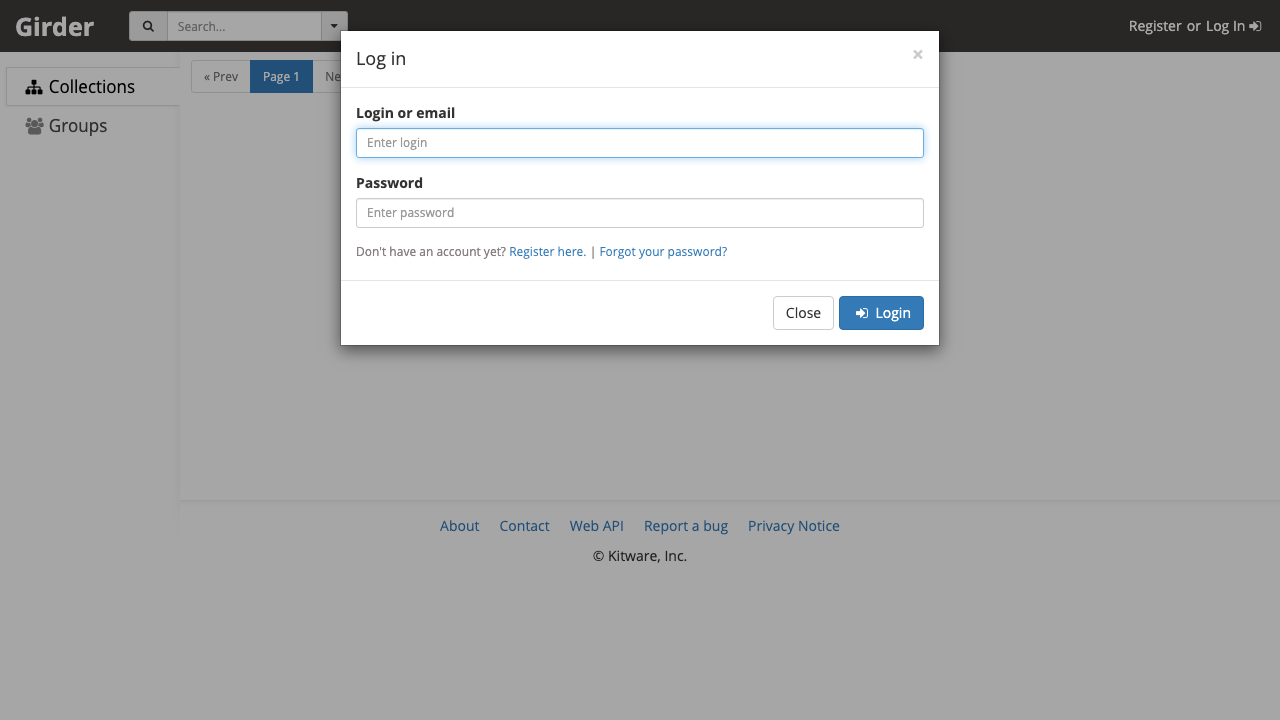
cloudimg delivers Girder fully installed with its database, application server and reverse proxy already wired together, so the platform answers as soon as the instance finishes its first boot. A filesystem assetstore is provisioned automatically, which means uploads work straight away instead of stopping at the empty assetstore that a manual install leaves behind. The image is secure by default: it ships with no account and no database credential at all, and neither the application server nor the web server will start until first boot has generated a database password, enabled database authentication and created a single administrator whose password is unique to that instance and written to a root only file, so no secret is ever shared between deployments. The database is bound to the loopback interface, the base is fully patched with unattended security upgrades enabled, and every deployment is paired with a step by step deploy guide, backed by 24/7 cloudimg support.
Real screenshots taken while testing this image against its deployment guide.

What cloudimg adds to every version - Every image is built by cloudimg on a fully patched base with the latest security ...

What cloudimg adds to every version - Every image is built by cloudimg on a fully patched base with the latest security ...
What cloudimg adds to every version - Every image is built by cloudimg on a fully patched base with the latest security ...

What cloudimg adds to every version - Every image is built by cloudimg on a fully patched base with the latest security ...
AIStore is an open source object storage system from NVIDIA, built for the read heavy, high throughput access patterns o...
Alfresco Community Edition is an open source enterprise content management platform.