Base
Hardened build
minimal ports, security patches applied at build time

GLPI, the open source IT service management, helpdesk and asset management platform, preinstalled with nginx, PHP 8.3 and MariaDB. Every default GLPI account is removed or disabled and per-instance credentials are generated on first boot. Backed by 24/7 cloudimg support.
This image arrives installed, configured and hardened, so there is no manual setup before you can use it. It is built on a patched base, runs with credentials generated uniquely for your instance on first boot, and passes an automated health check before every release. Every deployment is backed by 24/7 support from cloudimg engineers.
Real screenshots taken while testing this image against its deployment guide.
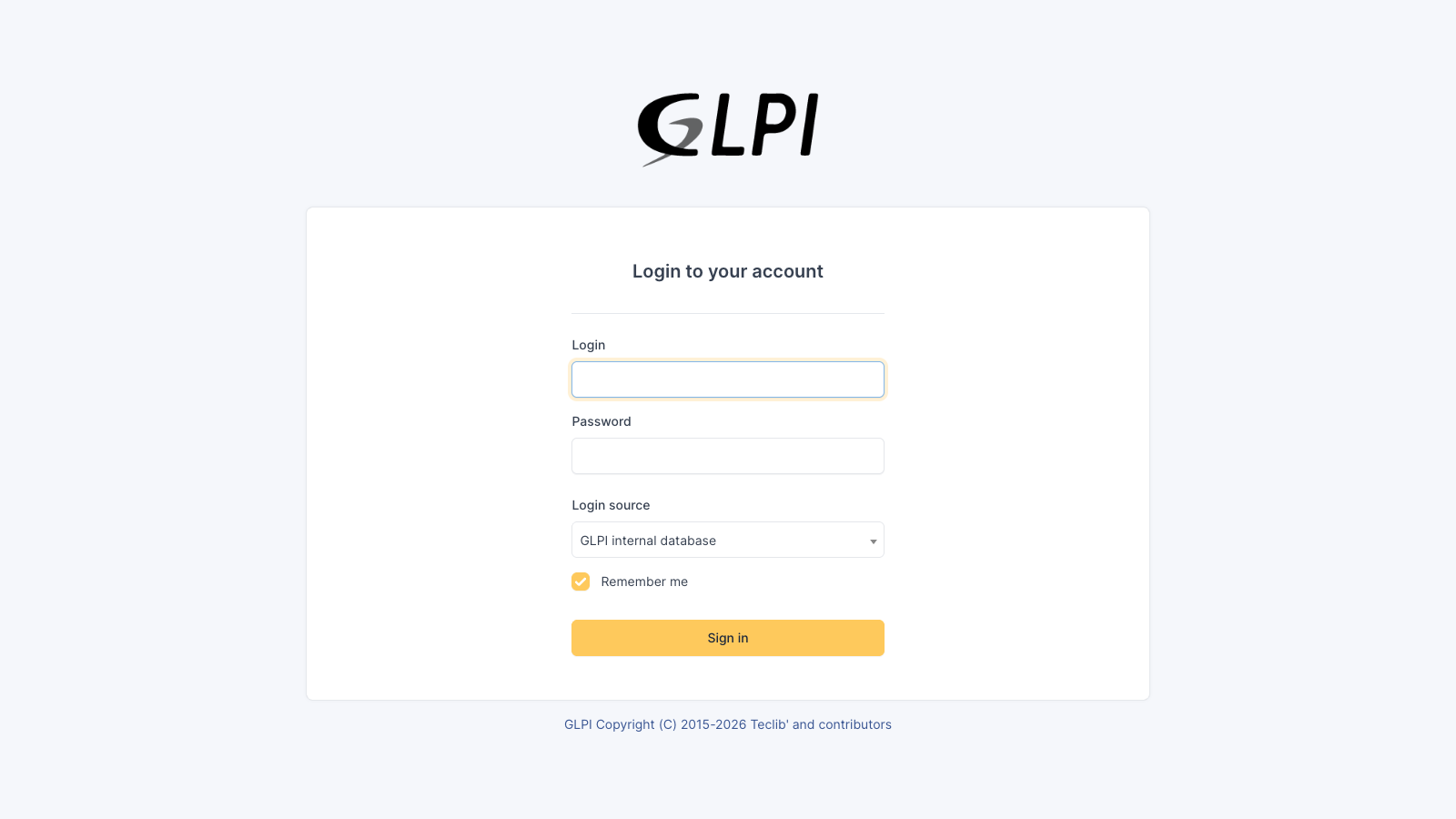
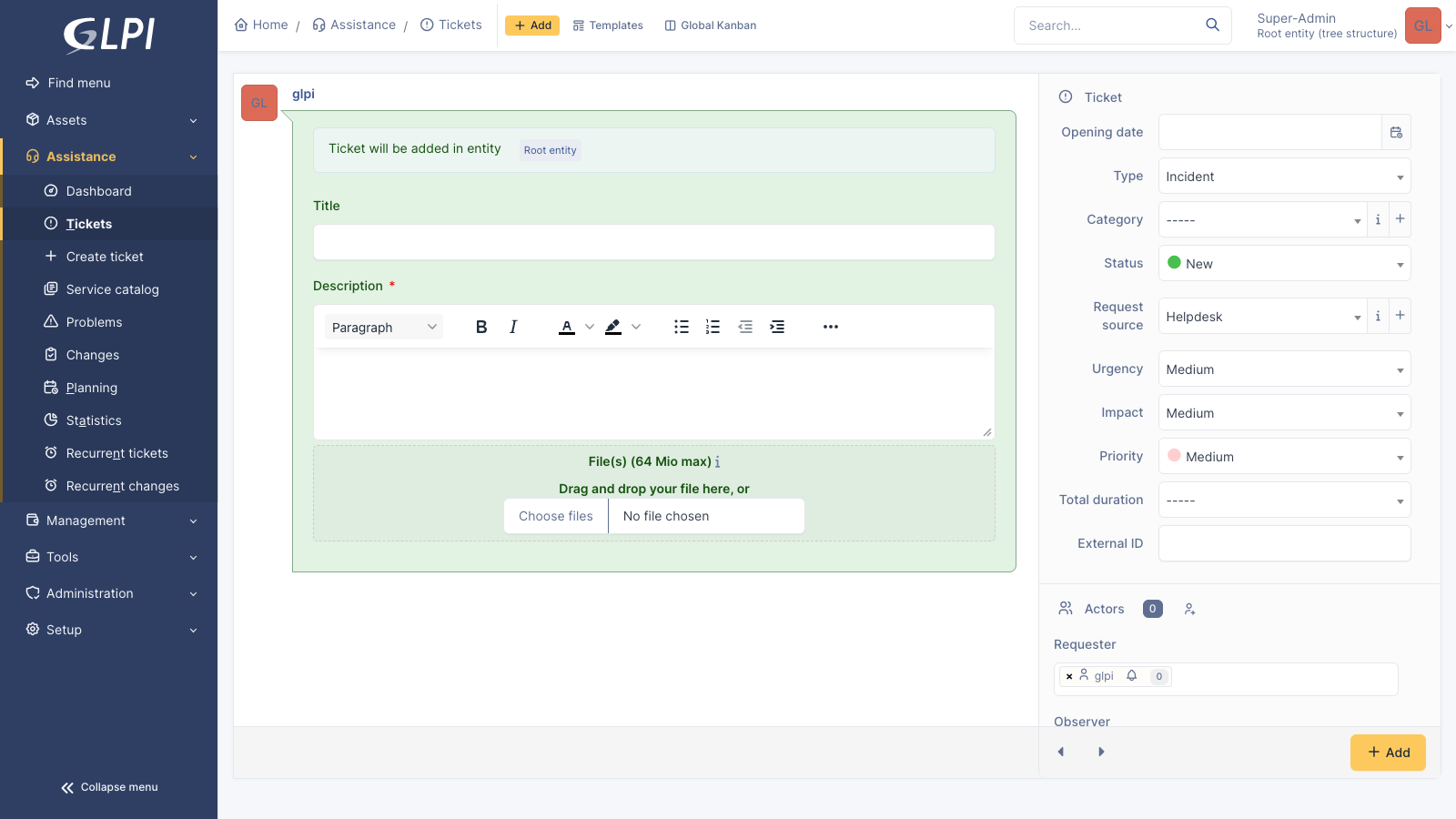
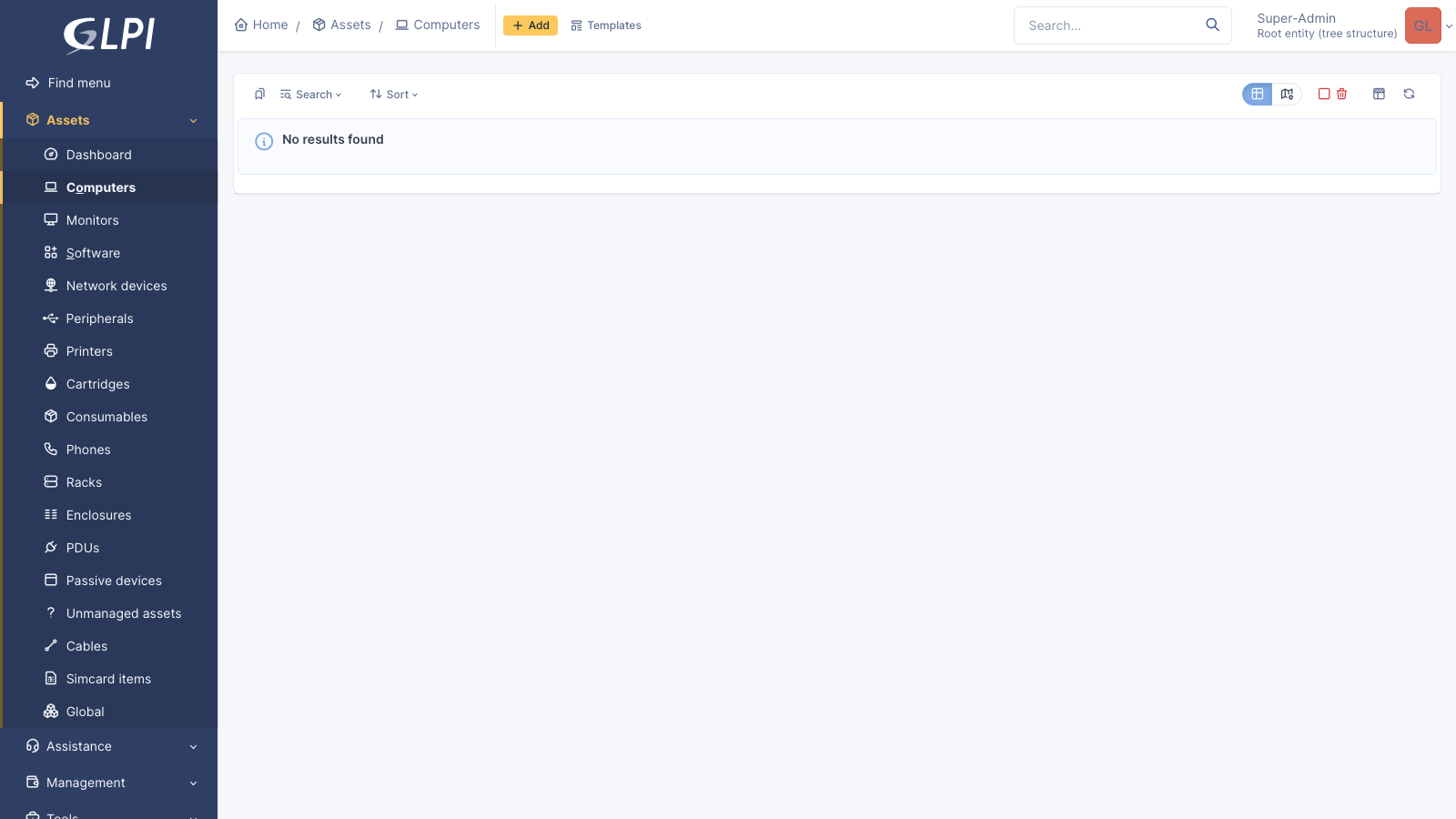
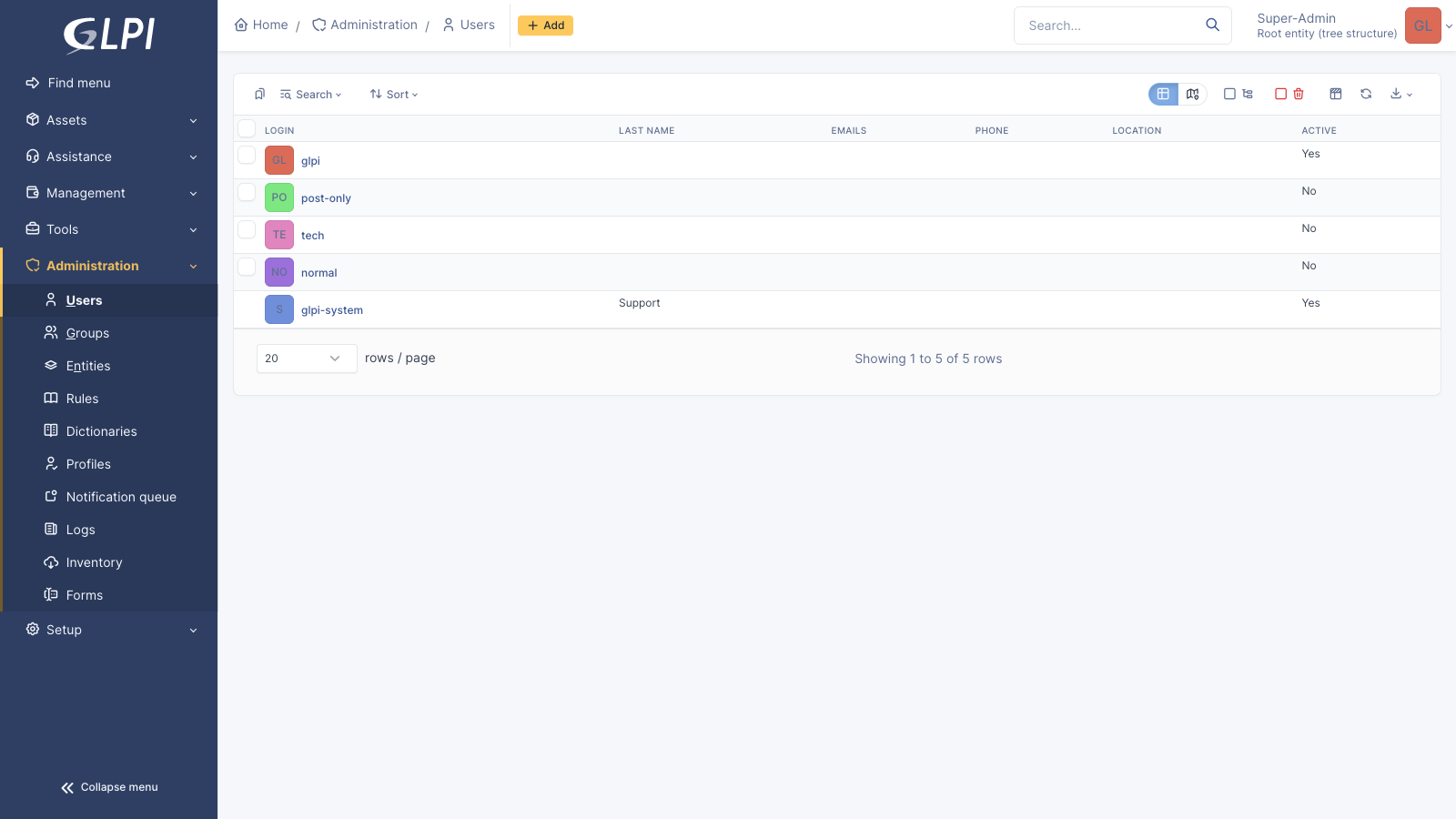
This is a repackaged open source software product wherein additional charges apply for cloudimg support services.
Overview
GLPI is the widely deployed open source IT service management suite - a service desk with ticketing, SLAs and business rules, a CMDB and asset inventory covering computers, network gear, printers, phones and virtual machines, software licence and contract management, a supplier and budget register, reservations, a knowledge base and a self-service portal, plus a REST API for integration. This image delivers GLPI fully installed with its database schema already created, so a working service desk is available within minutes of launch. The current release available is GLPI 11.0.8.
Application Stack
GLPI is a PHP application running on PHP 8.3 with OPcache and the mysqli, mbstring, curl, gd, intl, bcmath, xml, zip, bz2 and ldap extensions, served by nginx through php-fpm over a unix socket. MariaDB provides the database, bound to loopback only, with the timezone tables loaded for GLPI's timezone aware datetimes. The GLPI web installer has already been run and its install directory deleted, so customers land directly on the sign in page.
Secure By Default
GLPI ships four well known default accounts. In this image none of them is usable: the three secondary accounts are disabled and the Super-Admin password is replaced on every first boot with a random per-instance secret written to a root only file. The database maintenance credential and GLPI's encryption key are also regenerated per instance, and the web installer is gone, so setup cannot be re-run against a deployed instance.
Ready To Use
The GLPI code tree, web server and database are all configured, with the database on its own dedicated storage volume and GLPI's documents, plugins and dumps on a second, each independently resizable. Browse to the instance address, sign in with the generated administrator password, and start logging tickets and importing assets.
cloudimg Support
24/7 technical support by email and chat. Help with GLPI deployment and upgrades, inbound email and ticket collectors, LDAP and Active Directory authentication, inventory agents and native inventory, plugins, and MariaDB administration.
Use Cases
An internal IT service desk with SLA tracking and business rules. An asset and configuration management database covering hardware, software licences, contracts and suppliers. A self hosted alternative to SaaS ITSM products, running inside your own VPC for data residency or compliance.
All product and company names are trademarks or registered trademarks of their respective holders. Use of them does not imply any affiliation with or endorsement by them.

Apache Kafka, the open source distributed event streaming platform, preinstalled in KRaft mode with OpenJDK 17 and a bun...

Apache Karaf is a modern, polymorphic OSGi-based application and runtime container from the Apache Software Foundation (...

This image runs Apache Tomcat 11, the open source implementation of the Jakarta Servlet, Jakarta Pages, Jakarta Expressi...

Apache TomEE is the Jakarta EE application server from the Apache Tomcat project.

This image runs Bun, the fast all-in-one JavaScript and TypeScript toolkit: a single native binary that is a runtime, a ...

This image runs Caddy, the open source web server and reverse proxy, fully installed and configured from the official Ca...