
Apache Tomcat 11
Overview
Production-ready Apache Tomcat 11 with secure auto-generated credentials and 24/7 expert support from cloudimg - deploy Java web apps on EC2 in minutes, not hours.
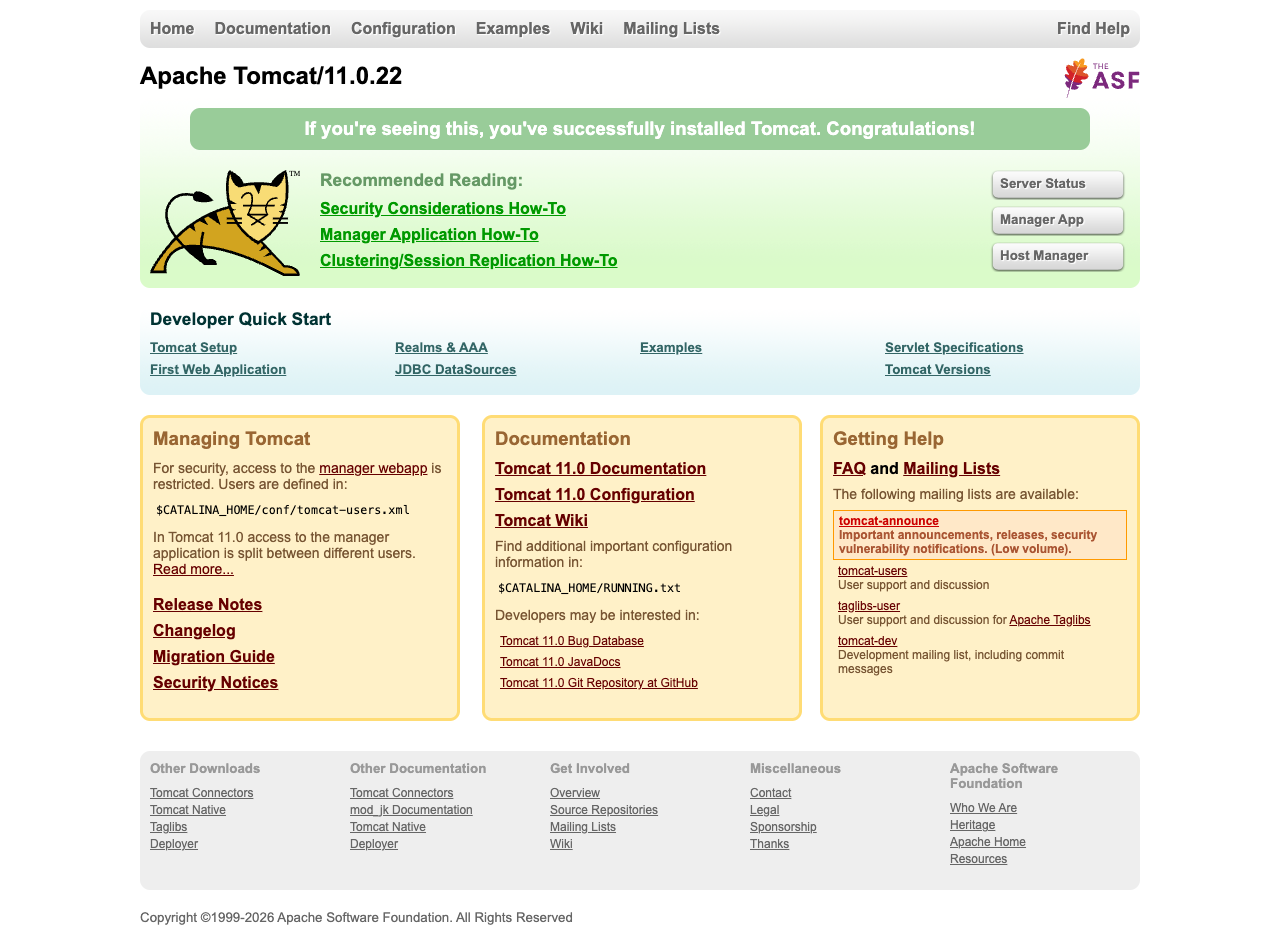
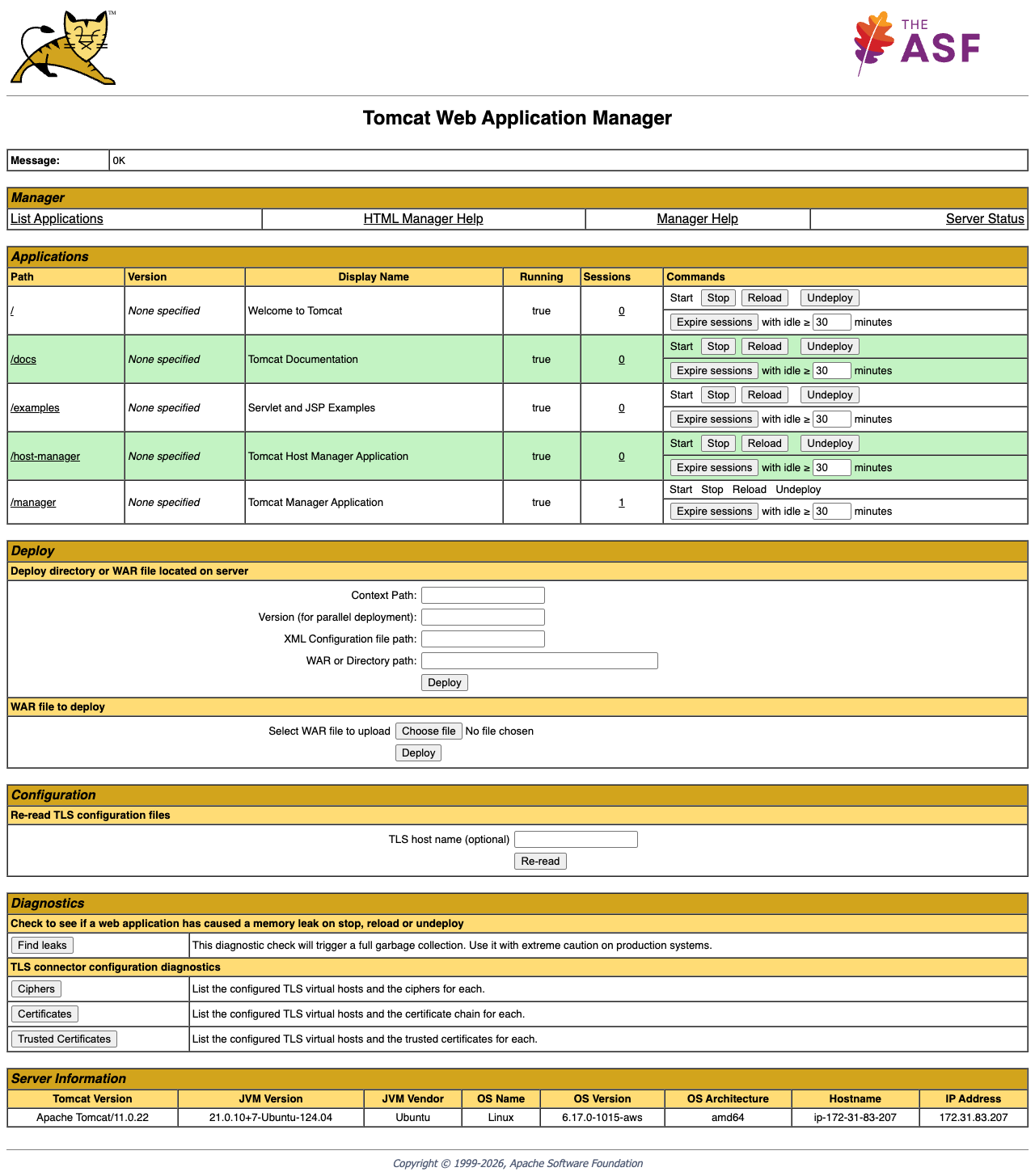
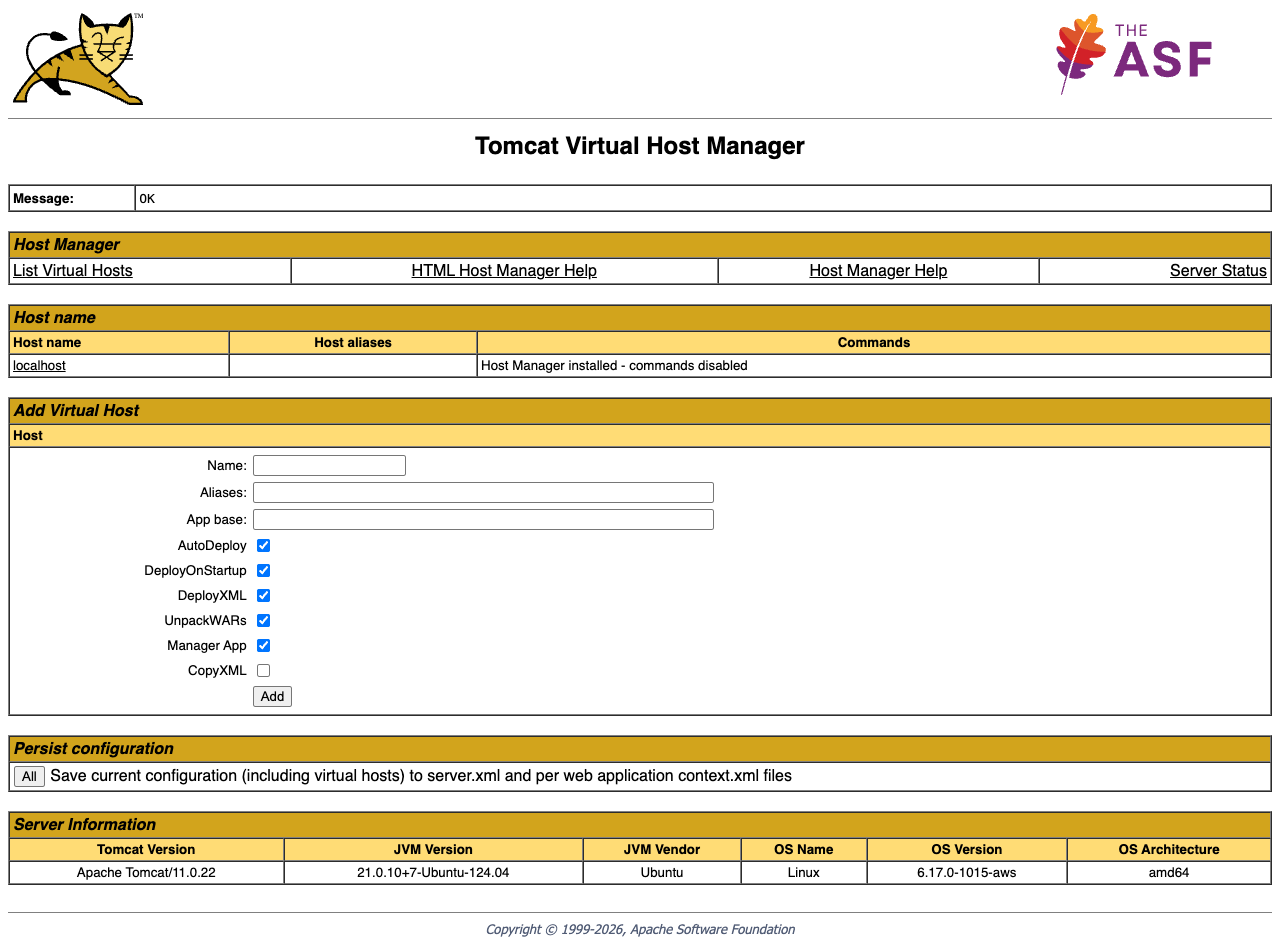
See it running
Real screenshots of this software running on the cloudimg image, taken while testing the deployment guide.
Description
This is a repackaged open source software product wherein additional charges apply for cloudimg support services.
## Apache Tomcat 11 - Production-Ready AMI with 24/7 Expert Support
Launch a fully configured Apache Tomcat 11 servlet container on EC2 and begin serving Java web applications within minutes. This AMI eliminates manual installation, credential management, and service configuration so your team can focus on deploying code rather than managing infrastructure.
## Why This AMI Over a Manual Install
- Instant time-to-value: Tomcat is running as a systemd service the moment your instance boots - no package installation, no configuration editing, no service setup required.
- Unique credentials per instance: A first-boot service generates a fresh Manager administrator password, writes it to a root-only file, and locks down access. No shared or default credentials ever ship in the image.
- Expert support included: 24/7 technical assistance from cloudimg engineers covering Tomcat deployment, TLS configuration, JVM tuning, and thread-dump analysis.
## Application Stack
- Apache Tomcat 11 installed under /opt/tomcat, run by a dedicated unprivileged service account
- Headless OpenJDK Java runtime
- systemd service that starts Tomcat on boot and restarts it automatically on failure
- Tomcat Manager and Host Manager web applications enabled for WAR deployment and virtual host administration
## Security Posture
- Credential isolation: Each instance generates its own administrator password at first boot; no credentials are baked into the image
- Localhost-only Manager access: The Manager and Host Manager apps are restricted to localhost by default; access them securely over an SSH tunnel
- Unprivileged execution: Tomcat runs under a dedicated service account with minimal OS permissions
- TLS readiness: TLS/HTTPS is not preconfigured out of the box, but cloudimg support can assist with connector configuration and integration with AWS Certificate Manager for certificate provisioning
## AWS Integration Points
- Application Load Balancer: Place this AMI behind an ALB for traffic distribution, health checks, and TLS termination at the load balancer tier
- Amazon CloudWatch: Configure Tomcat access and catalina logs to stream to CloudWatch Logs for centralized monitoring and alerting
- AWS Systems Manager: Use Session Manager for secure shell access without opening SSH ports, and Patch Manager for OS-level updates
- Amazon S3: Store WAR artifacts in S3 and pull them during deployment pipelines
- AWS Certificate Manager: Provision and manage TLS certificates for HTTPS connectors or ALB termination
## Deployment Quickstart
1. Launch the AMI on a t3.small or larger instance
2. Open port 8080 in your security group (and port 22 for SSH access)
3. SSH into the instance and retrieve your unique admin password from /root/.tomcat_admin_password
4. Access the Tomcat landing page at http://your-instance-ip:8080
5. Open an SSH tunnel to reach the Manager app: ssh -L 8080:localhost:8080 ec2-user@your-instance-ip
6. Deploy your WAR file through the Manager interface or copy it directly to /opt/tomcat/webapps/
## Use Cases
- Java API hosting for fintech and e-commerce: Serve REST APIs and web applications behind an Application Load Balancer with auto-scaling groups for variable traffic
- CI/CD staging environments: Deploy WARs automatically via the Manager API as part of a Jenkins or CodePipeline workflow, validating builds before production promotion
- Lift and shift of on-premises Java workloads: Migrate existing Tomcat-hosted applications to EC2 without re-architecting, using the same deployment model your team already knows
- Development and testing: Spin up isolated Tomcat instances for developers or QA teams with per-instance credentials and no shared state
## About cloudimg
cloudimg publishes and maintains production-ready application server images across AWS Marketplace and Azure Marketplace, providing multi-cloud presence and consistent support for open-source infrastructure. Every image receives ongoing security patches and version updates backed by 24/7 engineering support.
## Get Started
Subscribe to this listing and launch your first instance. For a guided deployment consultation or help planning your Tomcat architecture, contact the cloudimg support team.
All product and company names are trademarks or registered trademarks of their respective holders. Use of them does not imply any affiliation with or endorsement by them.
Key Features
- Launch a production-ready Tomcat 11 servlet container in minutes rather than spending hours on manual installation and configuration. The AMI boots with Tomcat running as a systemd service on a headless OpenJDK runtime, with Manager and Host Manager apps pre-configured. Integrates with Application Load Balancer for traffic routing, Amazon CloudWatch for log monitoring, and AWS Systems Manager for secure access and patching.
- Every instance generates its own unique Manager administrator password at first boot and stores it in a root-only file - no shared or default credentials ever exist in the image. The Manager and Host Manager apps enforce localhost-only access by default, requiring an SSH tunnel for administration. TLS/HTTPS connector configuration is supported with assistance from cloudimg engineers and AWS Certificate Manager integration.
- 24/7 expert support from cloudimg with a one-hour average response time for critical issues. Engineers assist with Tomcat deployment, WAR troubleshooting, JVM heap and thread-dump analysis, TLS connector setup, and performance tuning - depth of support unavailable from unsupported community AMIs. cloudimg maintains production images across both AWS and Azure Marketplace.
Related Technologies
Related Products

Apache Flink Stream Processing
Apache Flink is the open source framework and distributed processing engine for stateful computations over unbounded and...

Apache Kafka
Apache Kafka, the open source distributed event streaming platform, preinstalled in KRaft mode with OpenJDK 17 and a bun...

Apache Solr 9Enterprise Search
Apache Solr is the open source enterprise search platform built on Apache Lucene.
Apache ZooKeeper Coordination Service
Apache ZooKeeper is a high performance coordination service for distributed applications.
Calibre-Web Self-Hosted Ebook Server
This image runs Calibre-Web from a dedicated Python virtual environment, served on the loopback interface and fronted by...

etcd - Hardened Distributed Key Value Store for AWS
cloudimg's etcd Amazon Machine Image delivers etcd 3.5 fully installed as a single-node deployment with Role-Based Acces...