Calibre-Web Self-Hosted Ebook Server
Overview
Launch a private, production-ready Calibre-Web ebook server in minutes - pre-configured with nginx, OPDS, and per-instance security. Backed by 24/7 cloudimg support.
See it running
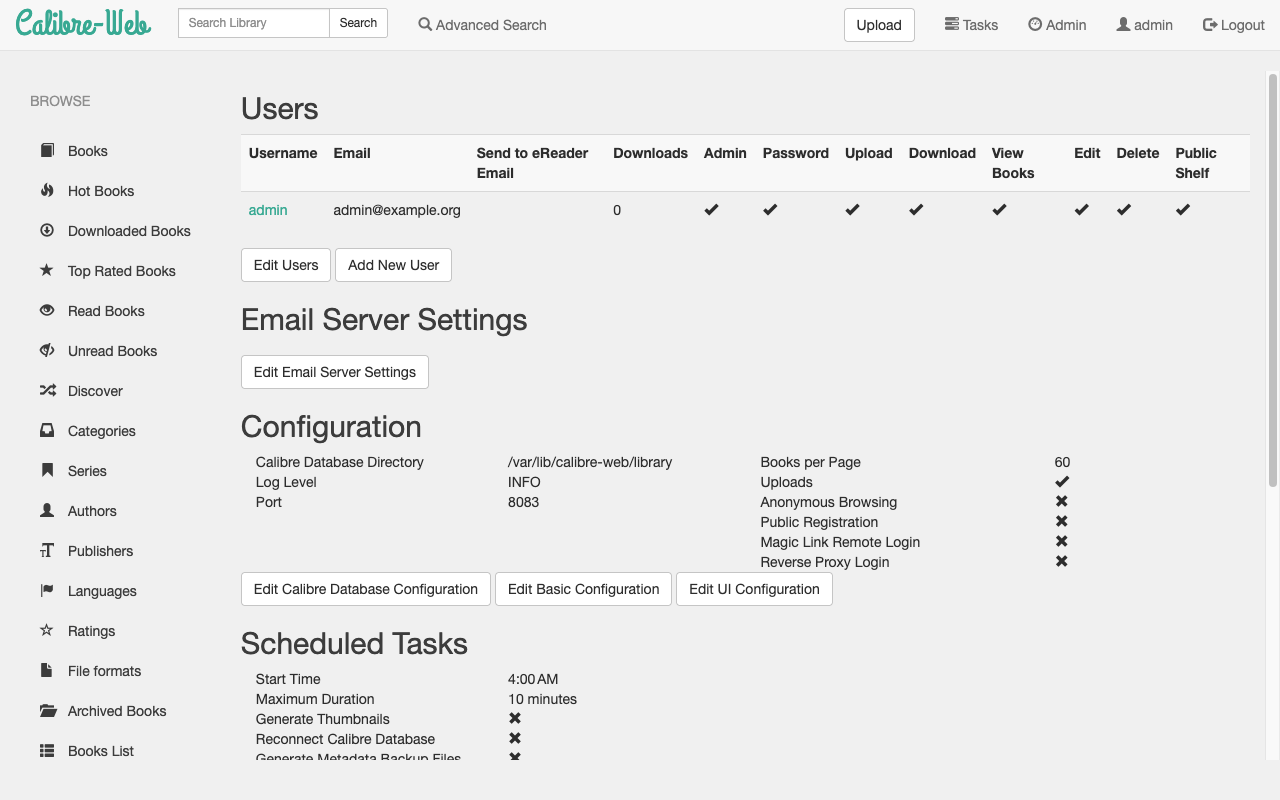
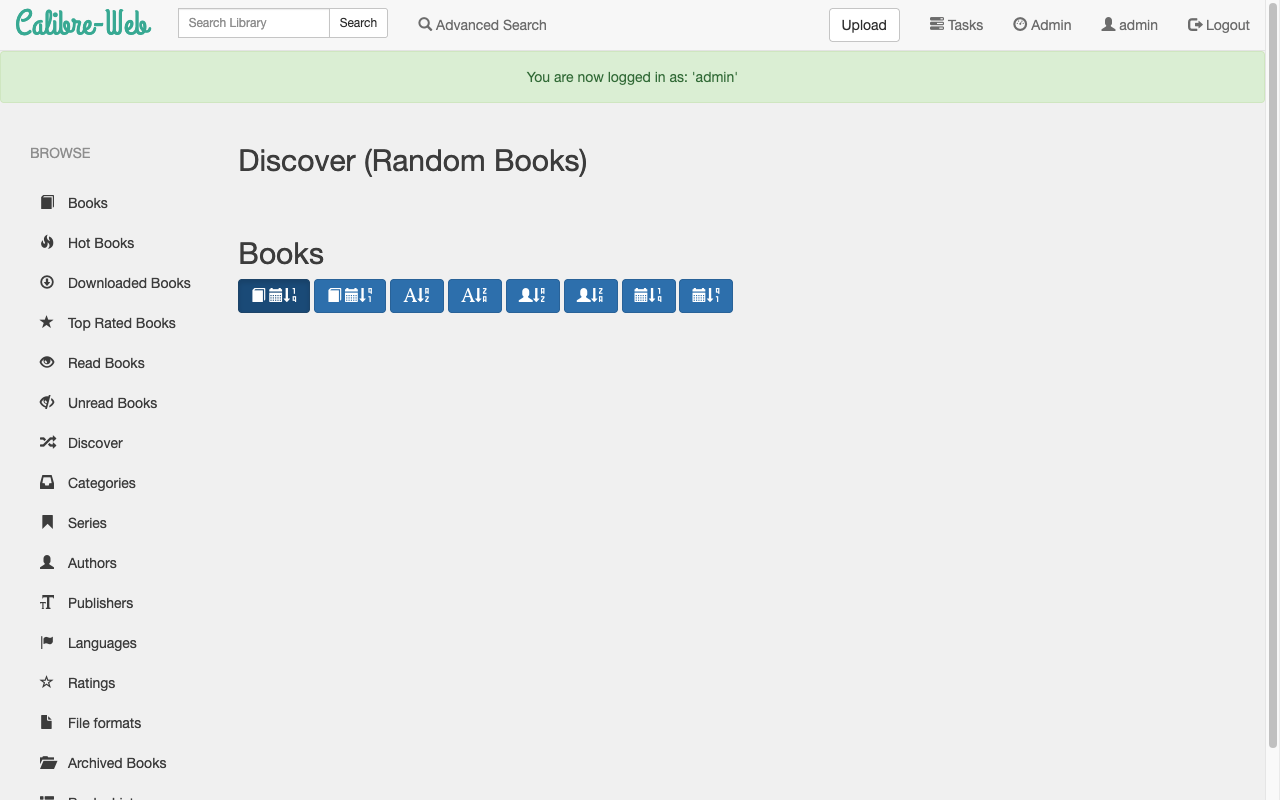
Real screenshots of this software running on the cloudimg image, taken while testing the deployment guide.
Description
This is a repackaged open source software product wherein additional charges apply for cloudimg support services.
## Why Choose This AMI Over Self-Deployment?
Installing Calibre-Web manually requires configuring Python dependencies, setting up a reverse proxy, initialising a Calibre library database, hardening credentials, and wiring services together. This AMI eliminates that entire process. You get a fully configured, secureebook server that is serving books within minutes of launch - not hours of manual setup. Every instance ships with a unique administrator password generated at first boot, a hardening step most DIY installations skip entirely.
## Overview
Calibre-Web is a clean, modern, self-hosted web interface for browsing, reading and downloading the books in a Calibre ebook library. It offers an in-browser ebook reader, full-text search, custom shelves, user management, Kobo sync and an OPDS feed so dedicated reading apps can pull straight from your library. This image delivers Calibre-Web fully installed and configured with an empty library ready for your books, so a completeebook server is running within minutes of launch.
## Application Stack
- Calibre-Web running from a dedicated Python virtual environment
- nginx fronting the application on port 80 for production-grade request handling
- Calibre CLI tools installed for command-line library management
- Empty Calibre library pre-initialised on a dedicated storage volume
- No setup wizard required - the application is pre-configured to use the library immediately
## Secure By Default
On the first boot of your instance a one-shot service rotates the built-in administrator account to a fresh password, unique to that instance, and writes it to a root-only file. No shared or default credentials ship in the image. This approach ensures that even if multiple instances are launched simultaneously, each has isolated credentials that cannot be guessed from the AMI itself.
## Ready To Use
The application, web server and library are all configured. Browse to the instance address, sign in as the administrator, upload your EPUB, PDF, MOBI and other ebook files, organise them into shelves, and read them in the browser or sync them to your reading device over OPDS.
## AWS Integration
- Deploy into any AWS region and VPC of your choice
- Attach additional EBS volumes for large library storage
- Place behind an Application Load Balancer for TLS termination and custom domain routing
- Use Security Groups to restrict access to trusted IP ranges
- Compatible with AWS Backup for automated snapshot scheduling
## Use Cases
- Private ebook library - A self-hosted server in your own VPC with full data control
- Family or team book server - Per-user accounts and shelves for shared collections
- OPDS catalogue - Feed dedicated ereader apps directly from your library
- Data residency compliance - An alternative to public ebook cloud services for organisations that must keep data within specific AWS regions
## cloudimg Support
24/7 technical support by email and chat. Our engineers help with Calibre-Web deployment, upgrades, library migration, OPDS and Kobo sync configuration, user management, reverse proxy and TLS termination. Critical issues receive a one-hour average response time.
## Getting Started
1. Subscribe to this listing and launch an instance
2. SSH into the instance and retrieve your unique admin password
3. Browse to the instance public IP address
4. Sign in as the administrator and upload your first ebooks
5. Configure OPDS or Kobo sync for your reading devices
For a detailed deployment walkthrough, contact cloudimg support.
All product and company names are trademarks or registered trademarks of their respective holders. Use of them does not imply any affiliation with or endorsement by them.
Key Features
- Calibre-Web, the open source web library for browsing, reading and downloading your Calibre ebook collection with an in-browser reader and OPDS feed, preinstalled with nginx and an initialised library ready to use with no setup wizard
- Secure by default: the built-in administrator account is rotated to a fresh, per-instance password on first boot and stored in a root only file - no shared or default credentials ship in the image
- 24/7 technical support from cloudimg for deployment, upgrades, library migration, OPDS and Kobo sync configuration and TLS termination
Related Technologies
Related Products

Apache Flink Stream Processing
Apache Flink is the open source framework and distributed processing engine for stateful computations over unbounded and...

Apache Kafka
Apache Kafka, the open source distributed event streaming platform, preinstalled in KRaft mode with OpenJDK 17 and a bun...

Apache Solr 9Enterprise Search
Apache Solr is the open source enterprise search platform built on Apache Lucene.

Apache Tomcat 11
This image runs Apache Tomcat 11, the open source implementation of the Jakarta Servlet, Jakarta Pages, Jakarta Expressi...
Apache ZooKeeper Coordination Service
Apache ZooKeeper is a high performance coordination service for distributed applications.

etcd - Hardened Distributed Key Value Store for AWS
cloudimg's etcd Amazon Machine Image delivers etcd 3.5 fully installed as a single-node deployment with Role-Based Acces...