
Apache Flink Stream Processing
Overview
Launch a production-ready Apache Flink cluster in minutes - no manual setup. Pre-configured with OpenJDK 17, Web Dashboard, and backed by 24/7 cloudimg expert support.
See it running
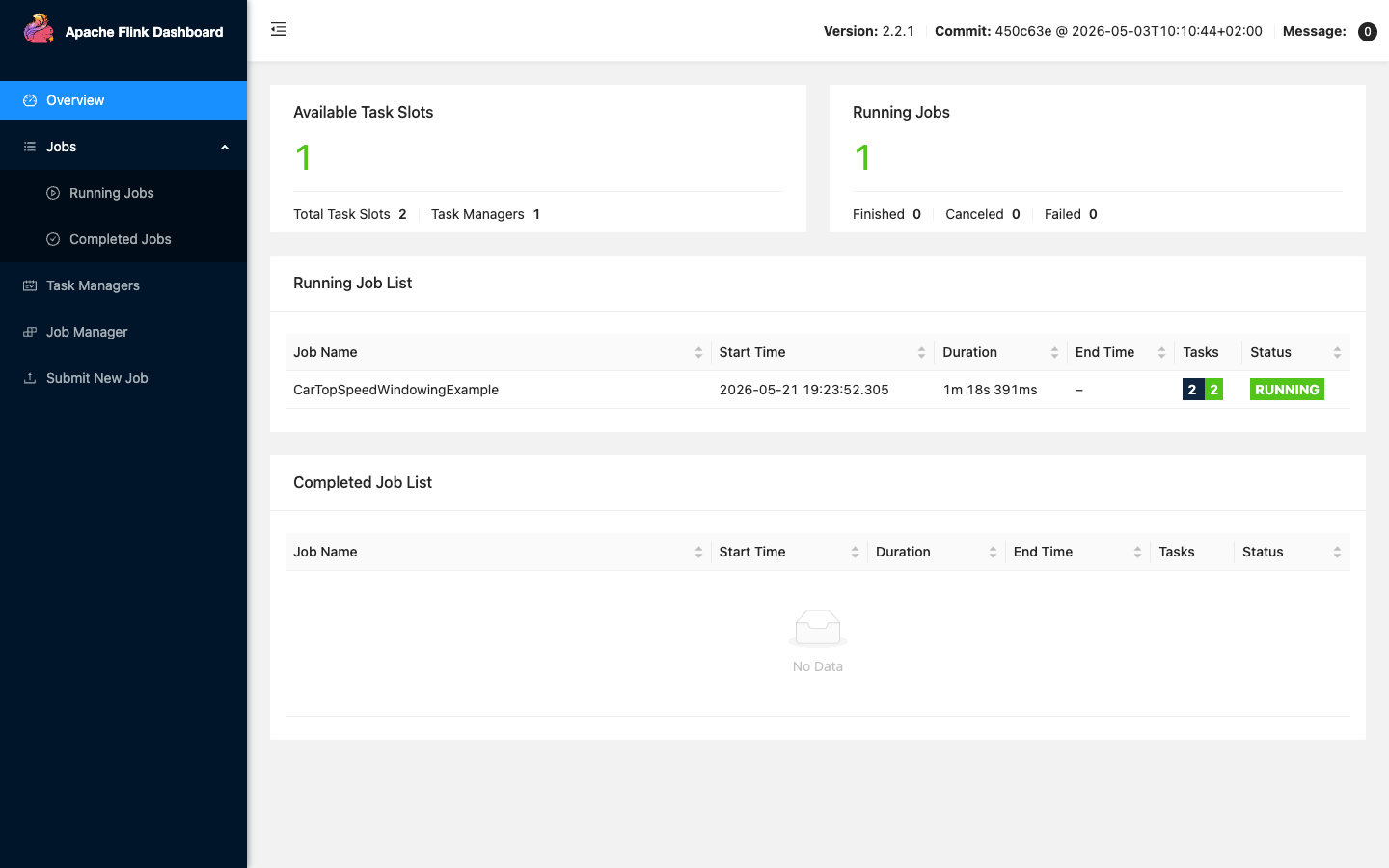
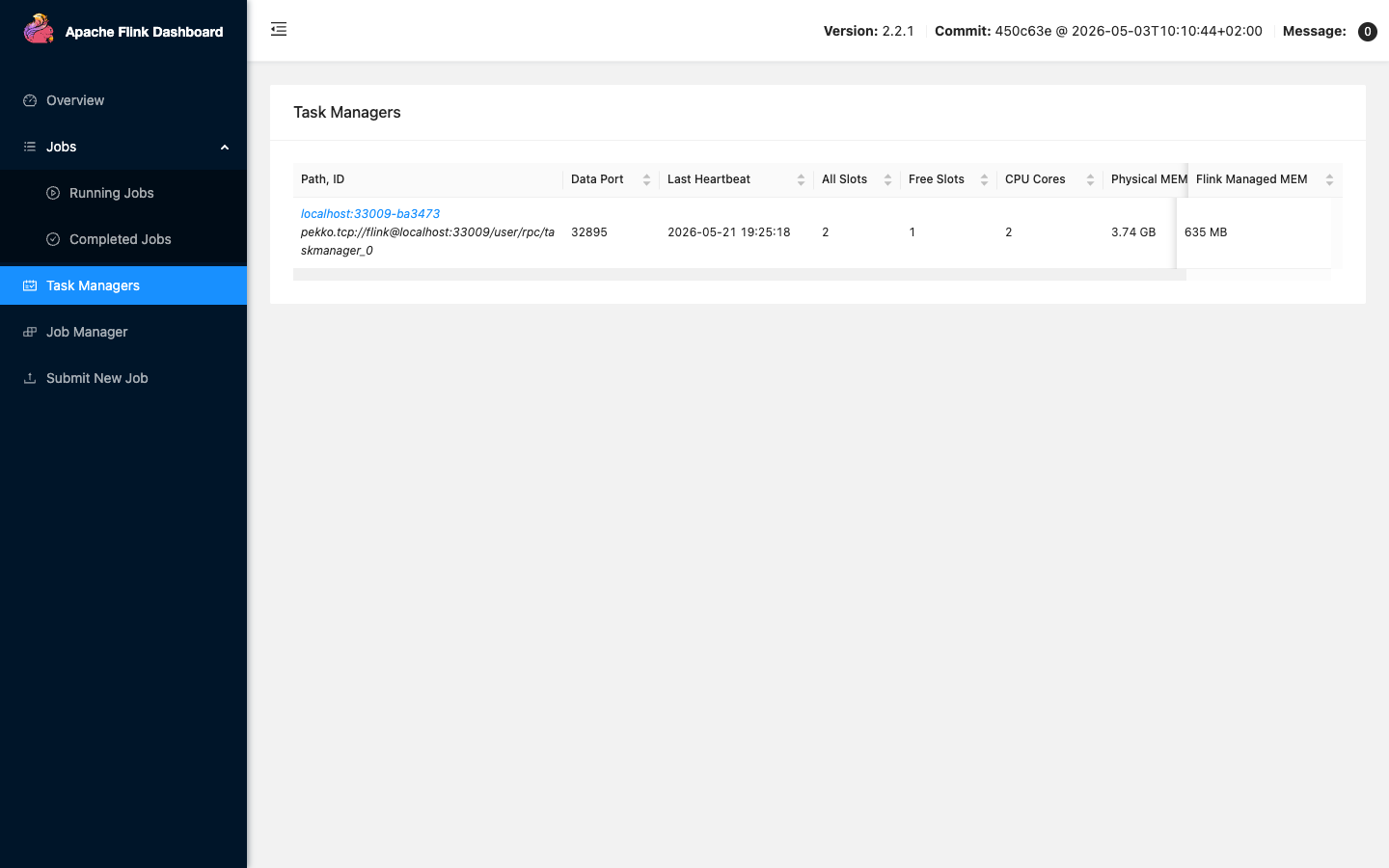
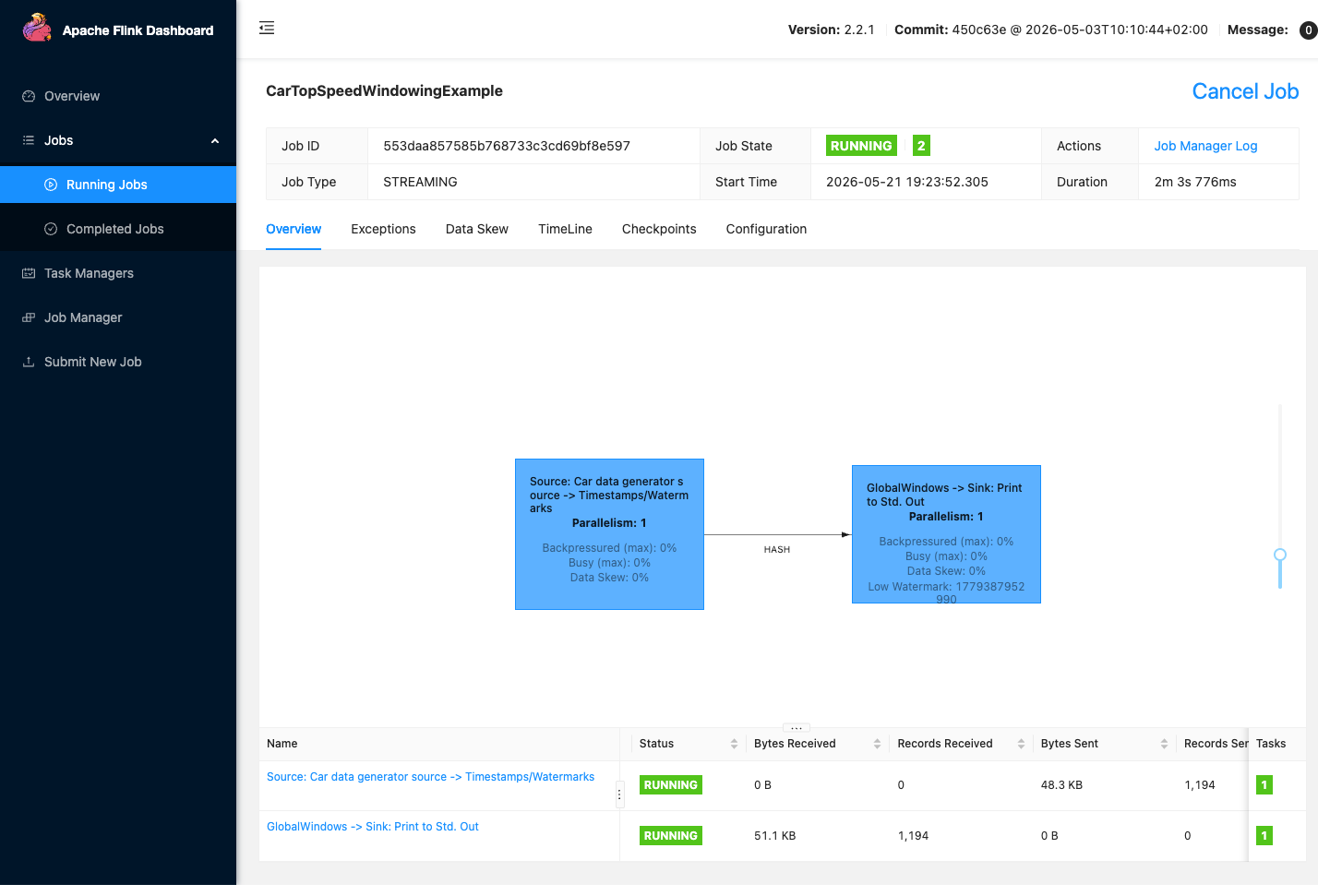
Real screenshots of this software running on the cloudimg image, taken while testing the deployment guide.
Description
This is a repackaged open source software product wherein additional charges apply for cloudimg support services.
## Why This AMI Instead of Manual Setup
Installing Apache Flink from scratch means configuring JDK compatibility, creating service accounts, writing systemd units, setting up working directories, and validating cluster health - typically hours of work. This AMI eliminates that burden entirely. Apache Flink 2launches as a fully configured single-node standalone cluster on first boot, with the Web Dashboard reachable on port 8081 within minutes. You skip the manual steps and go straight to submitting your first job.
## Application Stack
Apache Flink with the JobManager and the TaskManager each running as its own systemd service. OpenJDK 17 provides the Java runtime, pre-validated for compatibility with Flink 2. The Flink command-line client, the bundled SQL client, and the streaming and batch example jobs are all included. The Flink Web Dashboard is served for cluster and job monitoring and for submitting jobs.
## Single Node Cluster
The JobManager and the TaskManager run together on one instance with two task slots, ready for development, testing, single-tenant production streaming, and proof-of-concept workloads. The cluster scales out by adding further TaskManager instances on additional hosts, and the included configuration is straightforward to tune for larger instance types.
## First Boot Experience
On the first boot a one-shot service records the dashboard address and the cluster paths to an information file and starts the cluster. No shared or default passwords ship in the image - Apache Flink itself has no built-in user accounts.
## Ready To Use
The Flink distribution, the dedicated service account, the systemd units, and the working directories are all configured. Browse to the instance address on port 8081 to reach the Web Dashboard, monitor the cluster, and submit a job.
## Security Considerations
Apache Flink has no built-in authentication layer. Restrict access to port 8081 using Security Groups limited to trusted CIDR ranges, or place the dashboard behind an Application Load Balancer with authentication. The AMI ships without default passwords or shared credentials. For data at rest, enable EBS encryption when launching the instance through the AWS Console or CLI. For data in transit, configure Flink's SSL settings to enable TLS between the JobManager and TaskManagers.
## Use Case: Streaming Fraud Detection Pipeline
A fintech team ingests payment transaction events into Flink, applies windowed pattern-matching rules to flag anomalous sequences, and writes alerts to Amazon Kinesis Data Streams - all within a single streaming job on this AMI. The same architecture applies to IoT sensor anomaly detection, clickstream enrichment for adtech, and continuous log processing for observability platforms.
## Additional Use Cases
- Real-time stream processing and analytics
- Event-driven applications
- Streaming data pipelines and ETL
- Continuous metric and log processing
## cloudimg Support
24/7 technical support by email and chat with a one-hour average response time for critical issues. Our engineers assist with Apache Flink deployment, cluster sizing, job submission, state and checkpoint configuration, and performance tuning. To discuss your workload requirements or request a guided walkthrough of the cluster, contact our team through the support channels listed below.
All product and company names are trademarks or registered trademarks of their respective holders. Use of them does not imply any affiliation with or endorsement by them.
Key Features
- Apache Flink preinstalled and ready, with OpenJDK 17, a JobManager service, a TaskManager service and the Flink Web Dashboard, with no manual setup required
- Single node standalone cluster with two task slots, suited to development, testing, single tenant production streaming and proof of concept workloads, and straightforward to scale out
- 24/7 technical support from cloudimg, with expert assistance for stream processing deployment, cluster sizing, job submission and performance tuning
Related Technologies
Related Products

Apache Kafka
Apache Kafka, the open source distributed event streaming platform, preinstalled in KRaft mode with OpenJDK 17 and a bun...

Apache Solr 9Enterprise Search
Apache Solr is the open source enterprise search platform built on Apache Lucene.

Apache Tomcat 11
This image runs Apache Tomcat 11, the open source implementation of the Jakarta Servlet, Jakarta Pages, Jakarta Expressi...
Apache ZooKeeper Coordination Service
Apache ZooKeeper is a high performance coordination service for distributed applications.
Calibre-Web Self-Hosted Ebook Server
This image runs Calibre-Web from a dedicated Python virtual environment, served on the loopback interface and fronted by...

etcd - Hardened Distributed Key Value Store for AWS
cloudimg's etcd Amazon Machine Image delivers etcd 3.5 fully installed as a single-node deployment with Role-Based Acces...