
Apache Solr 9Enterprise Search
Overview
Production-ready Apache Solr 9 with secure authentication from first boot. Eliminates manual setup so DevOps teams can run queries in minutes, backed by 24/7 expert support.
See it running
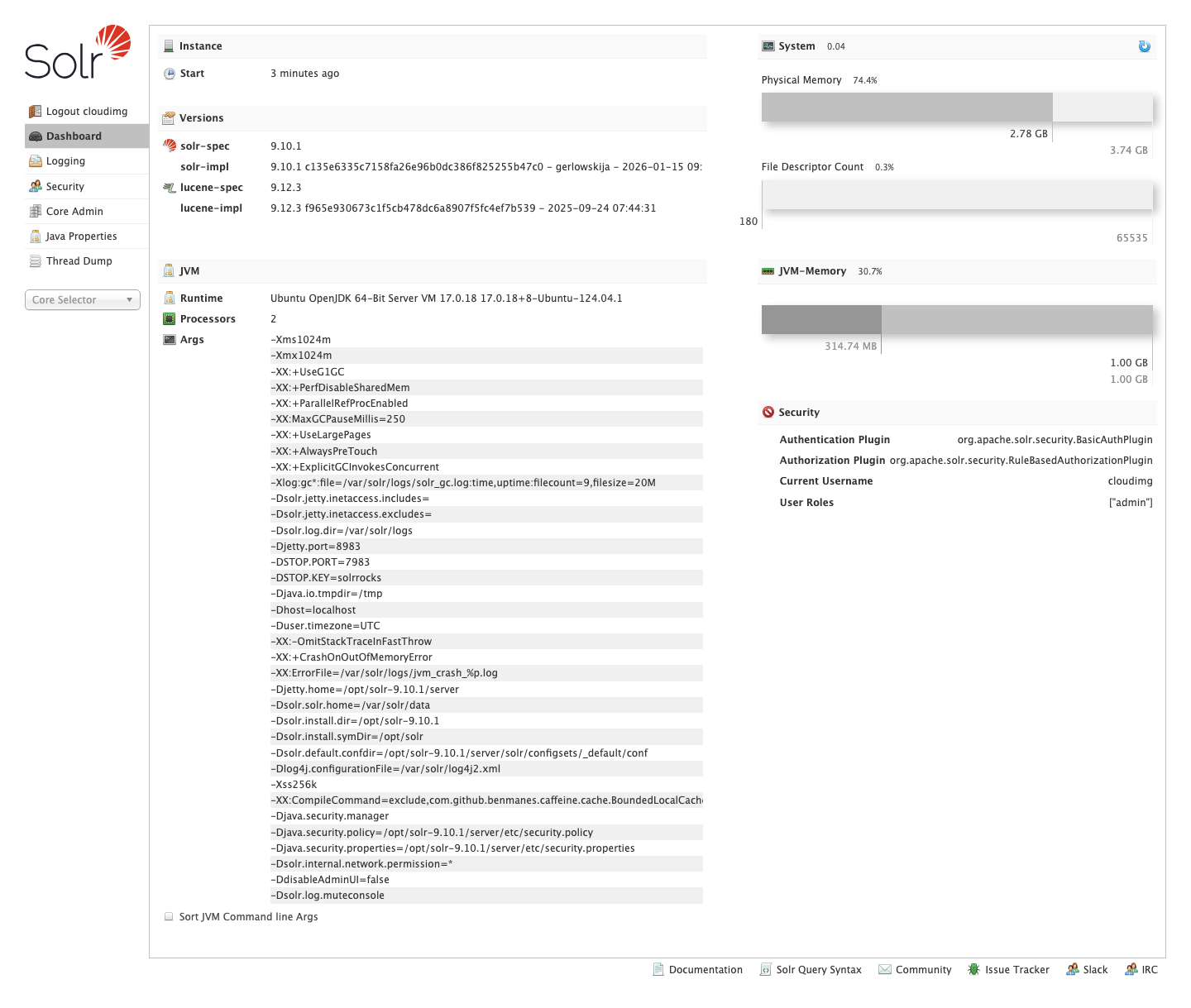
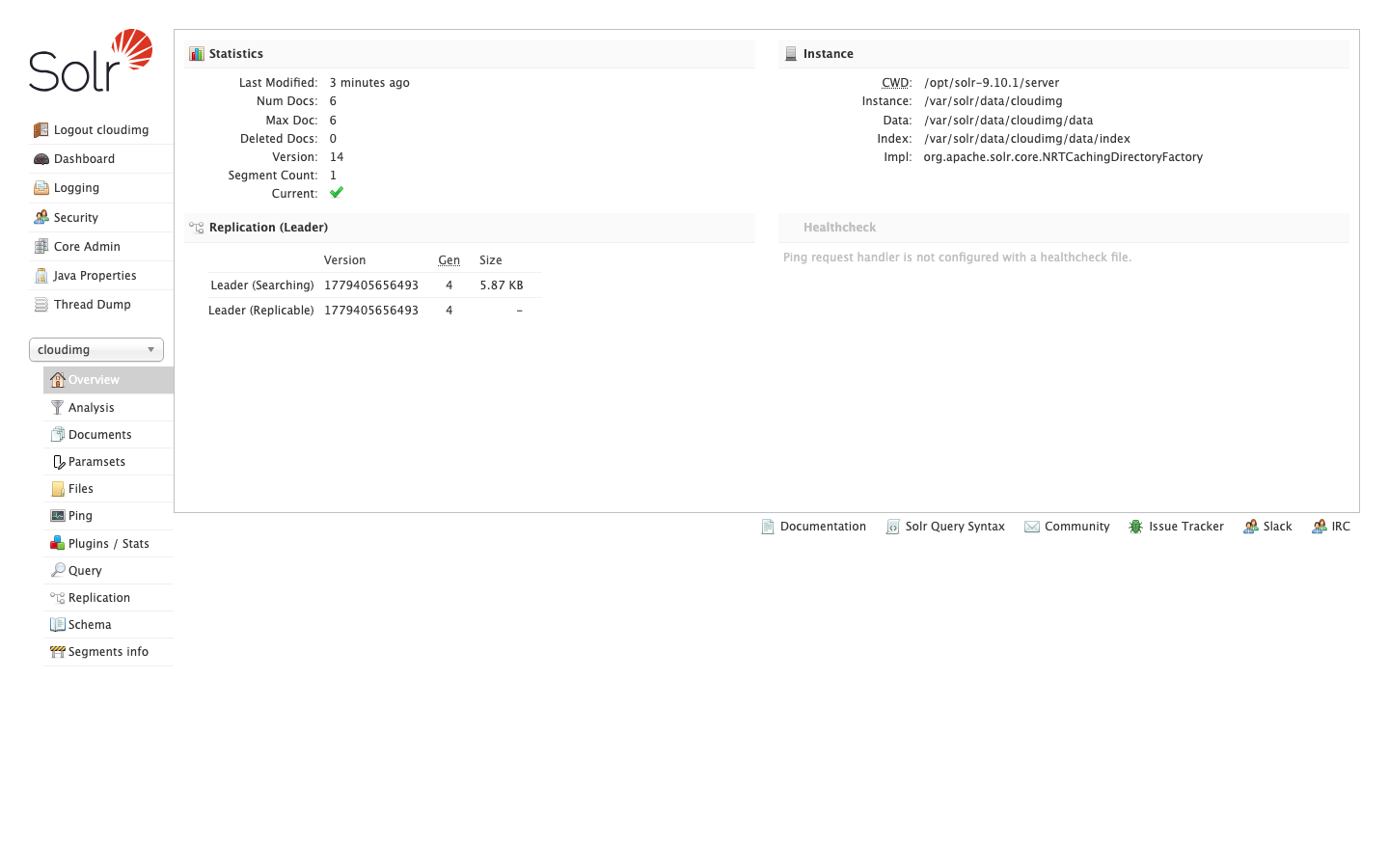
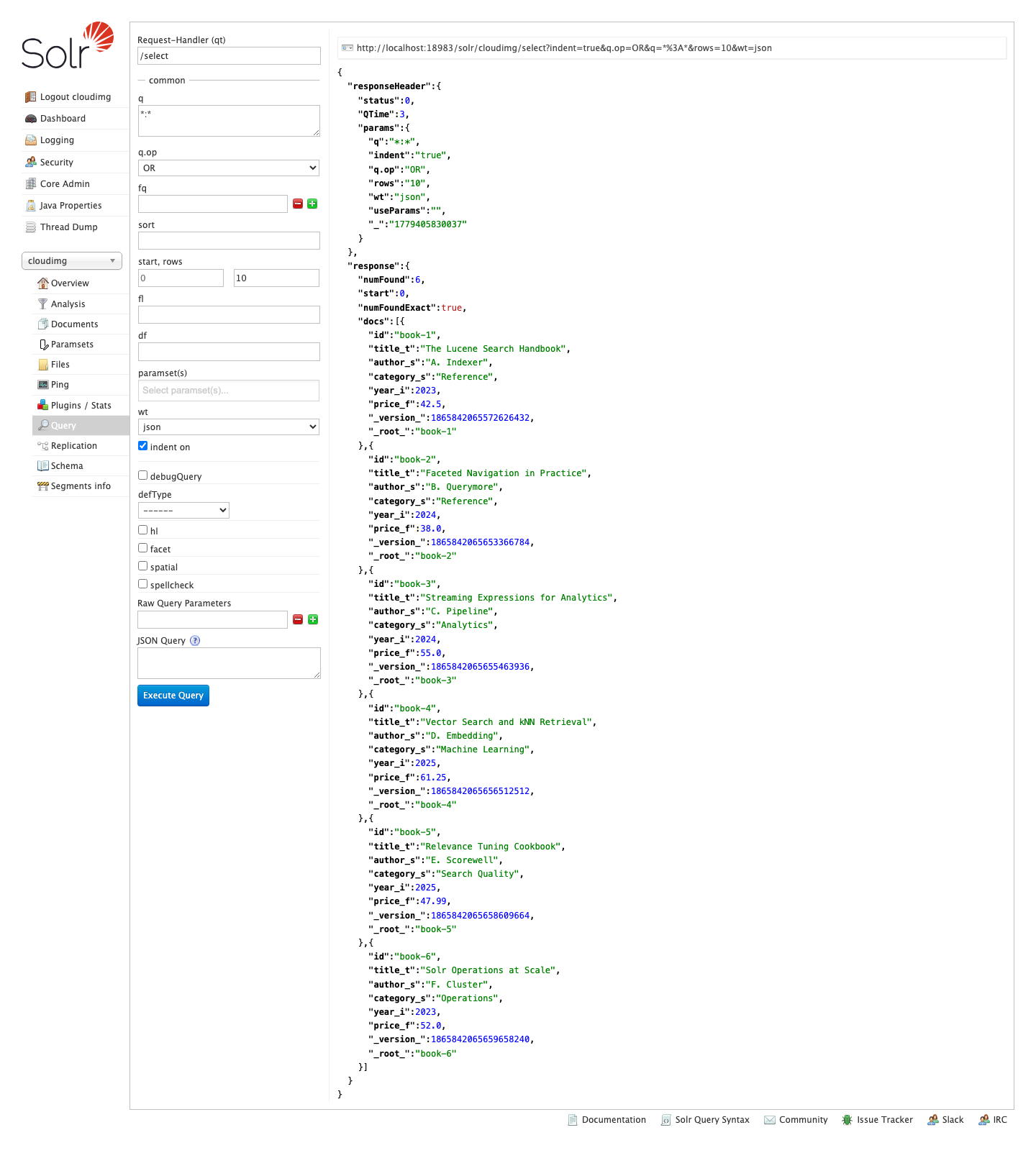
Real screenshots of this software running on the cloudimg image, taken while testing the deployment guide.
Description
This is a repackaged open source software product wherein additional charges apply for cloudimg support services.
## The Problem: Deploying Search Should Not Take Days
Setting up Apache Solr from scratch means installing Java, configuring service files, hardening authentication, provisioning storage, and creating initial cores - a process that can consume hours or days of engineering time. Most community images ship with default credentials or no authentication at all, exposing your admin UI to the internet. This AMI eliminates that burden entirely.
## What You Get
Apache Solr 9 fully installed and running as a system service on OpenJDK 17. A demonstration search core is pre-created from the bundled default configset, so the server is queryable the moment you sign in. Full-text search, faceted navigation, hit highlighting, rich document indexing, vector kNN retrieval, and streaming analytics are all available immediately.
## Secure by Default - No Shared Credentials
Unlike images that ship with published default passwords, this AMI generates a unique administrator password on first boot. A one-shot service creates the credential, writes it into the Solr security configuration as a salted hash, and records the plain value in a file only the root user can read. Every endpoint under the Solr context requires a valid login from the first moment the instance is reachable. You avoid the most common misconfiguration that leads to exposed search clusters.
## Production-Grade Storage Layout
The Solr data directory lives on a dedicated, independently resizable EBS volume, separate from the operating system disk. Indexes, cores, and transaction logs all land on that volume. When your index grows, resize the data volume without touching the OS or redeploying - no downtime, no data migration.
## Getting Started
1. Launch the AMI on your chosen EC2 instance type (recommended: m5.large or larger for production workloads).
2. Open TCP port 8983 in your security group for your trusted IP range.
3. SSH into the instance and retrieve the admin password from the root-only file.
4. Browse to http://your-instance-ip:8983 and sign in to the Solr Admin UI.
5. Create cores, define schemas, index documents, and run queries.
The demonstration core is queryable as soon as you authenticate, so you can validate the deployment in minutes.
## Evaluate Before You Scale
Launch on a t3.medium instance to explore the Admin UI, test schema designs, and run sample queries against the demo core. When you are satisfied, scale up to a production instance type and attach a larger data volume - no reinstallation required.
## Detailed Use Case: Ecommerce Product Search
A mid-market retailer indexing hundreds of thousands of SKUs can deploy this AMI to power faceted product navigation with filters for brand, price range, size, and availability. Solr's near-real-time indexing keeps search results current as inventory changes, while vector kNN retrieval enables "find similar products" recommendations. The dedicated data volume means the index can grow with the catalogue without OS-level changes.
## Additional Use Cases
- Website and application search with sub-second response times
- Document and knowledge base search with hit highlighting
- Log and event search for operational analytics
- Faceted analytics and vector similarity retrieval
## Why This AMI Over a Manual Install
- Minutes vs. hours: Skip Java installation, service configuration, and security hardening.
- Secure from boot: No exposed admin UI, no default credentials to forget to change.
- Separated storage: Resize indexes independently without OS changes.
- Expert support: 24/7 assistance from cloudimg engineers for schema design, query tuning, and scaling to SolrCloud.
## Next Steps
Subscribe and launch to begin evaluating. For guidance on schema design, SolrCloud clustering, or production sizing, contact cloudimg support via email or live chat - our engineers are available around the clock.
All product and company names are trademarks or registered trademarks of their respective holders. Use of them does not imply any affiliation with or endorsement by them.
Key Features
- Apache Solr preinstalled and running as a service, with OpenJDK 17, a demonstration search core and no manual setup required
- Hardened first boot enables Solr authentication and generates a fresh administrator password for every instance, stored as a salted hash and recorded in a file only the root user can read
- 24/7 technical support from cloudimg, with expert assistance for Solr deployment, schema design, query tuning and scaling
Related Technologies
Related Products

Apache Flink Stream Processing
Apache Flink is the open source framework and distributed processing engine for stateful computations over unbounded and...

Apache Kafka
Apache Kafka, the open source distributed event streaming platform, preinstalled in KRaft mode with OpenJDK 17 and a bun...

Apache Tomcat 11
This image runs Apache Tomcat 11, the open source implementation of the Jakarta Servlet, Jakarta Pages, Jakarta Expressi...
Apache ZooKeeper Coordination Service
Apache ZooKeeper is a high performance coordination service for distributed applications.
Calibre-Web Self-Hosted Ebook Server
This image runs Calibre-Web from a dedicated Python virtual environment, served on the loopback interface and fronted by...

etcd - Hardened Distributed Key Value Store for AWS
cloudimg's etcd Amazon Machine Image delivers etcd 3.5 fully installed as a single-node deployment with Role-Based Acces...