Base
Hardened build
minimal ports, security patches applied at build time

Hatchet, an open source distributed task queue and workflow orchestration engine, ready on first boot.
Hatchet is an open source distributed task queue and background job engine for durable workflow orchestration. You define workflows and tasks in code with your language SDK, and Hatchet runs them across a fleet of workers with automatic retries, concurrency and rate limits, fan out and scheduling, then shows every run, worker, event and schedule in a modern web dashboard. Teams use it to run reliable background jobs, event driven pipelines and multi step AI and data workflows, owned inside their own cloud account rather than a hosted service.
cloudimg ships Hatchet hardened and fully patched, with a bundled PostgreSQL and RabbitMQ on the same instance. Security is enforced from first boot: a unique administrator, database password, message broker password and encryption keyset are generated on each instance, the default account and default secrets are never shipped, open sign up and tenant creation are disabled so the instance cannot be seized, and PostgreSQL and RabbitMQ are bound to the internal container network only. It comes with a paired deployment guide and 24/7 cloudimg support.
Real screenshots taken while testing this image against its deployment guide.
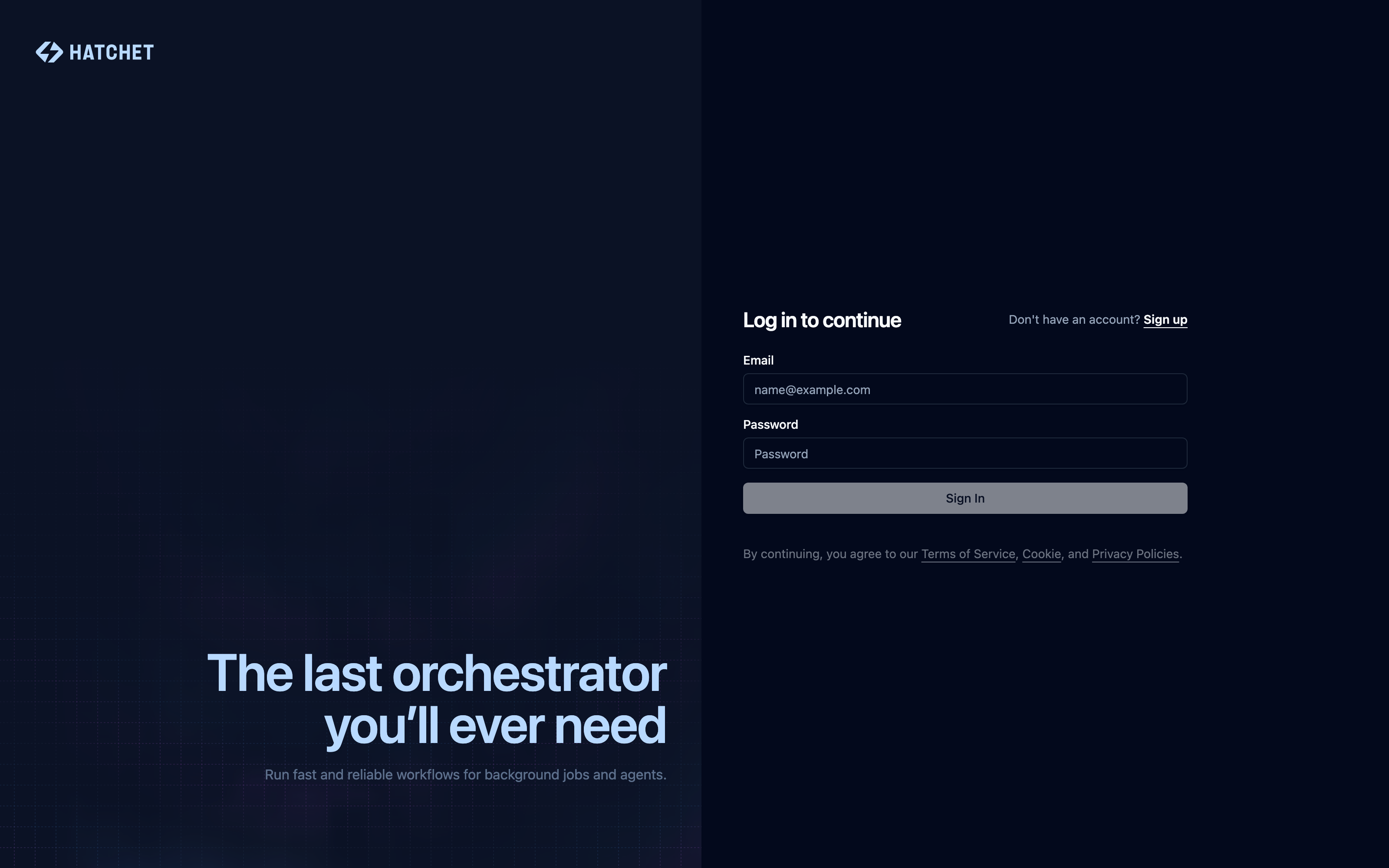
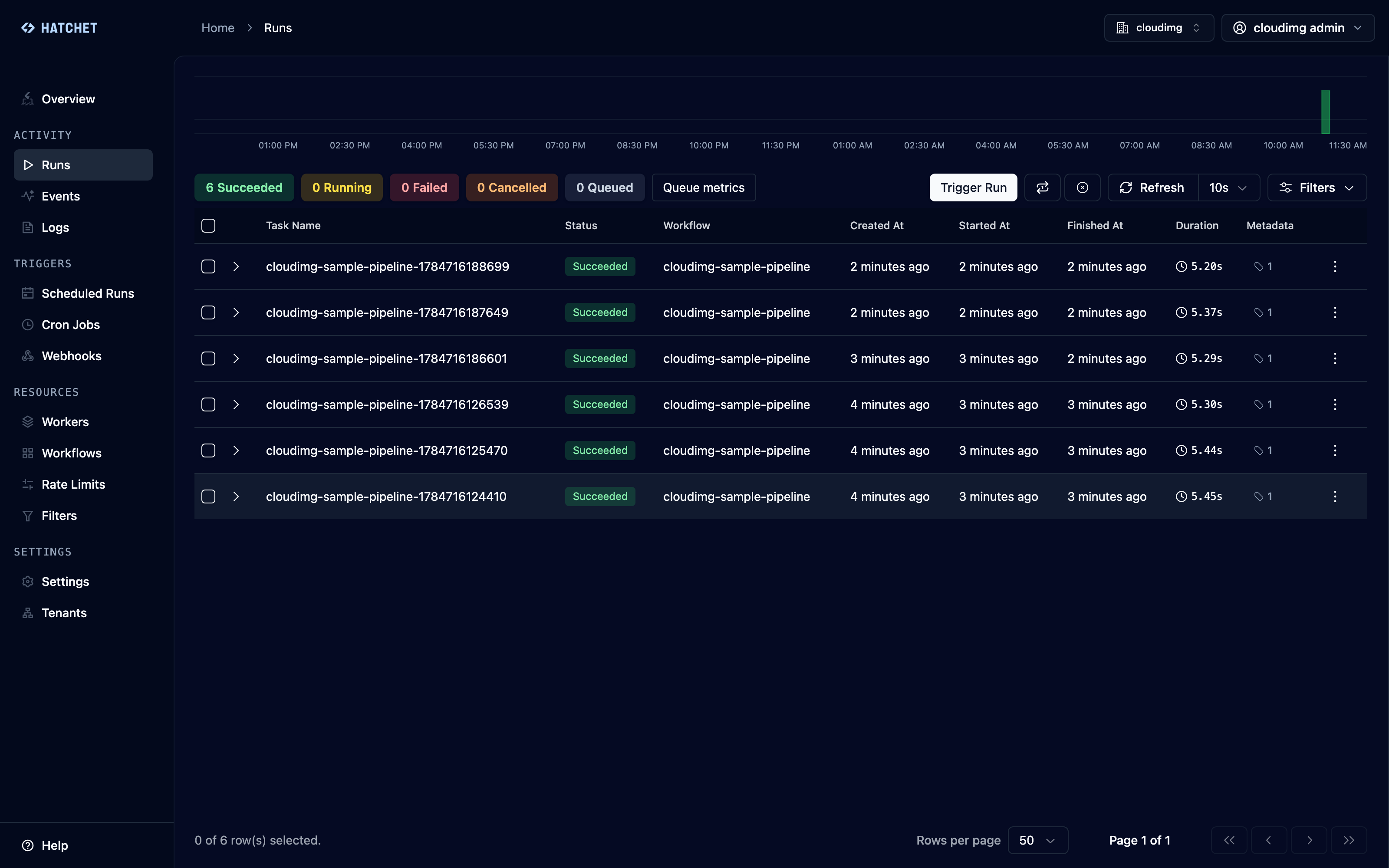
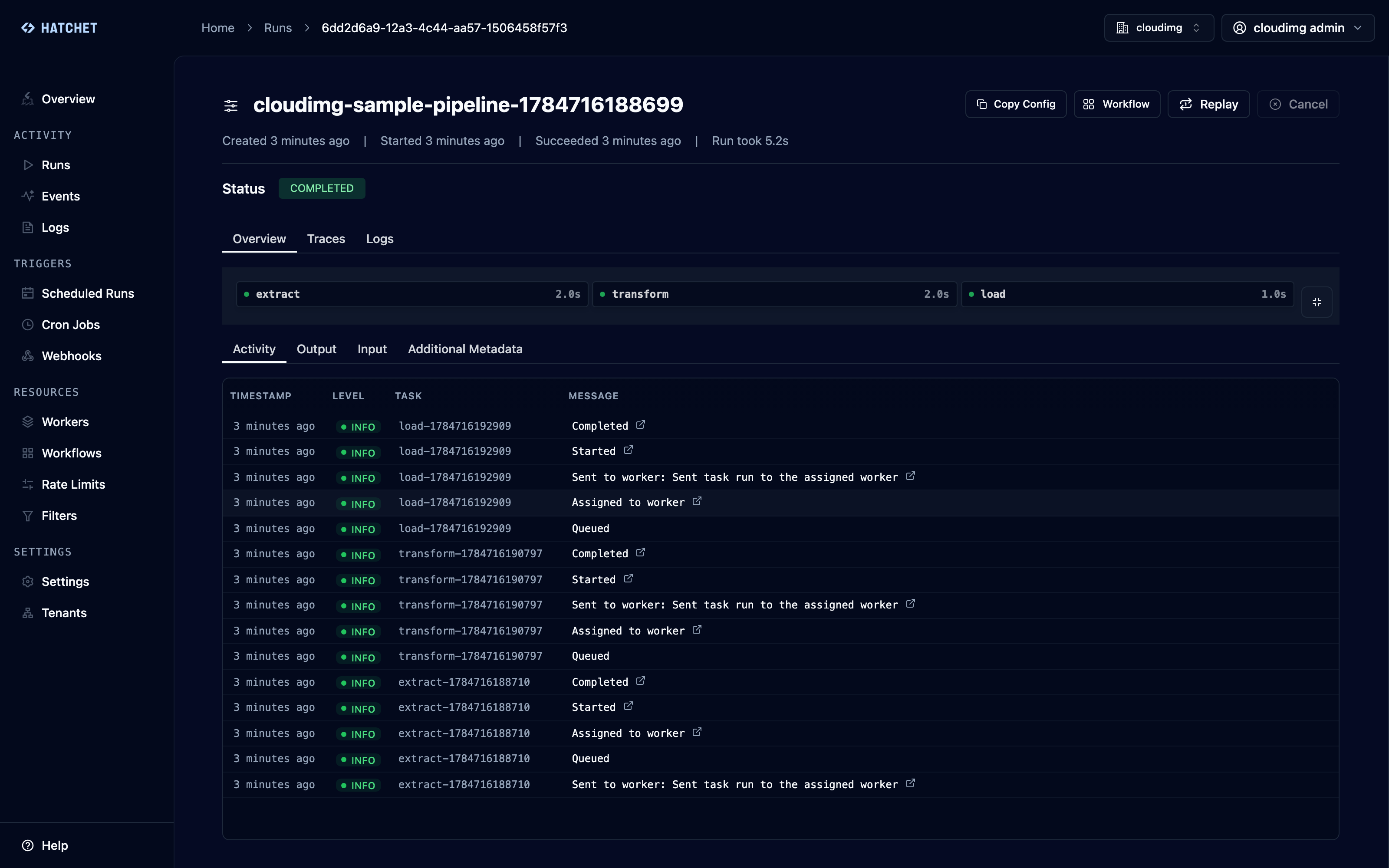
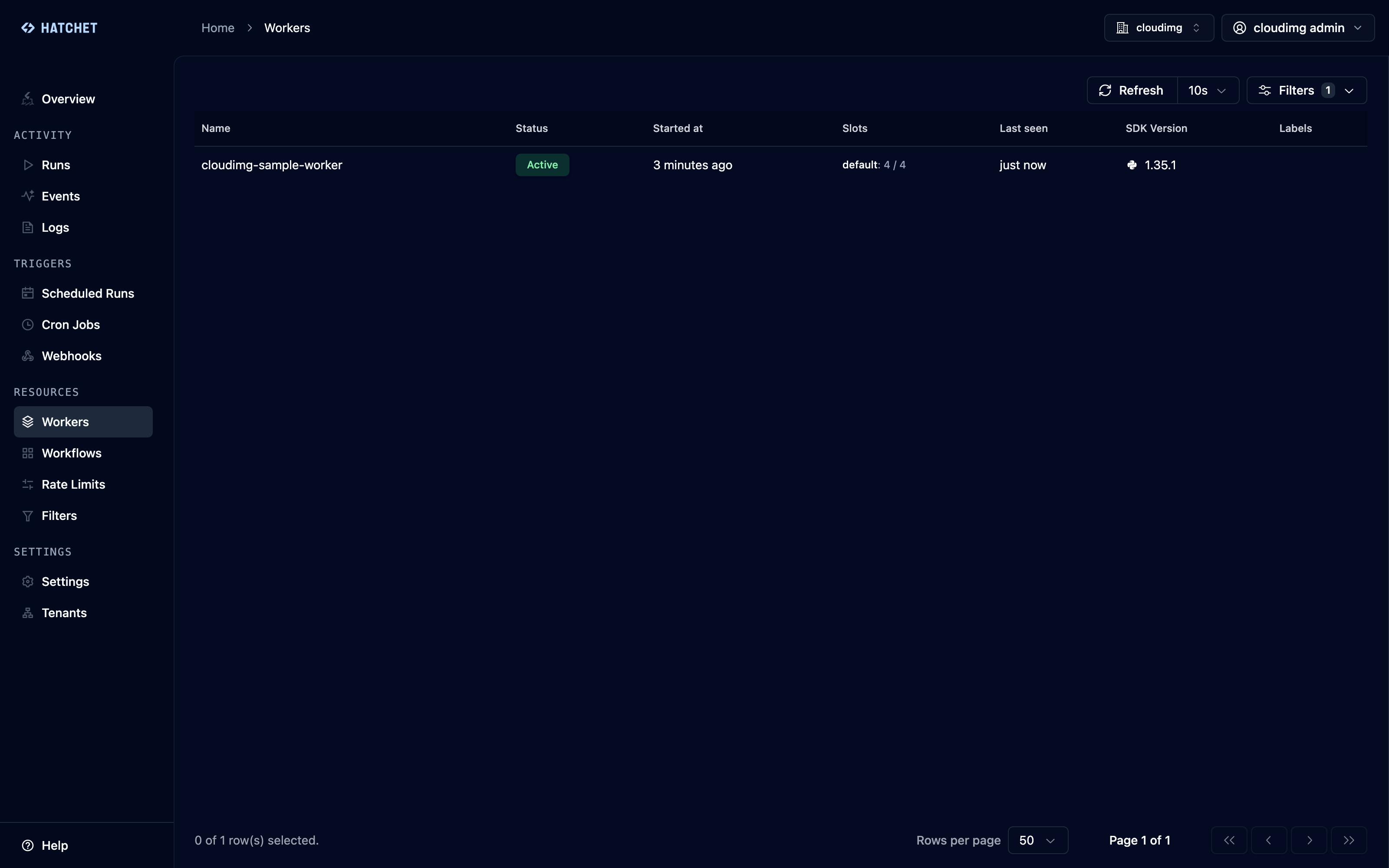
This is a repackaged open source software product wherein additional charges apply for cloudimg support services.
## Overview
Hatchet is an open-source distributed task queue and background job engine for durable workflow orchestration. Define workflows and tasks in code with your existing language SDK, and Hatchet runs them across a fleet of workers with automatic retries, concurrency and rate limits, fan-out and scheduling - then shows you every run, worker, event and schedule in a modern web dashboard. This AMI delivers Hatchet fully installed and secured so a working orchestration engine is operational within minutes of launch.
## Why This Image vs. a Manual Install
Running Hatchet yourself means standing up Docker, a PostgreSQL datastore, a RabbitMQ message broker and the Hatchet engine, wiring them together on a private network, generating encryption keysets and cookie secrets, and removing the well-known default administrator the stock compose seeds. This image completes every one of those steps at build time. Launch the instance, read your unique credential, and sign in - no configuration files to edit.
## Application Stack
Hatchet is delivered as the official all-in-one engine, API and dashboard container, pinned by digest, alongside a bundled PostgreSQL and RabbitMQ, also pinned by digest and reachable only inside a private container network. Docker Engine and its data root - including every pre-pulled image and the database and broker state - live on a dedicated, independently resizable data volume separate from the OS disk. systemd brings the whole stack up on boot and restarts it on failure. The dashboard and API are served behind nginx over TLS.
## Security Hardening
This image follows a defence-in-depth approach:
Buyers requiring formal compliance documentation should contact cloudimg to discuss specific requirements.
## Concrete Use Cases
## AWS Integration
Deploy on any EC2 instance type; the recommended size is m5.large. Use the unauthenticated liveness endpoint with an Application Load Balancer for health monitoring. Back up the workflow database and broker state using EBS snapshots or AWS Backup, and resize the dedicated data volume independently of the OS disk as your throughput grows. Connect external workers over the engine gRPC port once you open it in the security group.
## Getting Started
1. Launch the AMI on an m5.large (or larger) EC2 instance.
2. Read your unique administrator credential from the root-only file on the instance.
3. Open the web dashboard in your browser over TLS and sign in.
4. Create an API token and point your Hatchet SDK workers at the instance.
5. Define your first workflow in code, run it, and watch every step in the dashboard.
For a guided walkthrough or help planning your deployment architecture, book a free consultation with cloudimg at support@cloudimg.co.uk.
## About cloudimg
cloudimg publishes pre-hardened, production-ready AMIs on AWS Marketplace and provides 24/7 technical support by email and live chat. Every AMI is built with unique per-instance credentials, network isolation, and dedicated data volumes so teams can move to production without manual hardening.

This image runs 1Panel, the modern open source web control panel that manages a Linux server entirely from the browser.
This image runs Apache APISIX, the high performance, scalable open source cloud native API gateway built on NGINX and et...

This image runs Apache Seata 2.6.0, an open source distributed transaction solution for microservices.
Apache ZooKeeper is a high performance coordination service for distributed applications.

Appwrite is an open source backend as a service platform, a self-hosted Firebase alternative that gives developers a com...

This image runs Authelia, the open source authentication and authorization server that provides single sign-on and multi...