Base
Hardened build
minimal ports, security patches applied at build time

a private, self hosted photo and video gallery with map, timeline and similarity search
HomeGallery is an open source, self hosted photo and video gallery. It indexes a media directory into a fast, file based database and serves a browsable web gallery: a photo grid, a full screen lightbox, an interactive map of geotagged media, a timeline, faceted search and content based similarity search that finds visually similar images. There is no external database and no object store to run.
cloudimg ships HomeGallery hardened and ready to serve: the admin password is generated fresh on first boot and unique to each instance, so no shared or known credential is baked into the image; the gallery media and its file based index live on a dedicated, independently resizable data volume kept off the operating system disk; and every deployment is paired with a step by step guide and 24/7 cloudimg support.
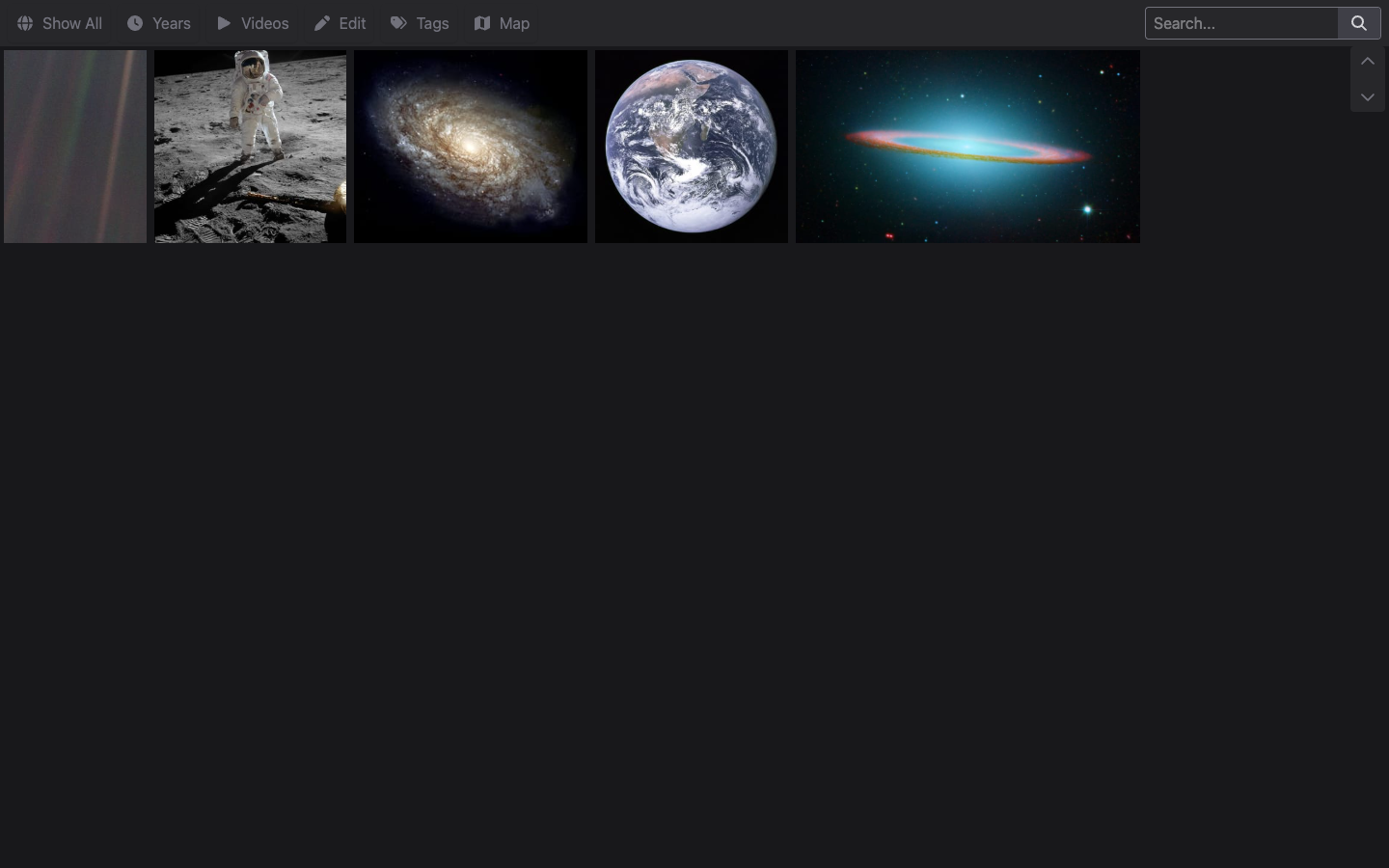
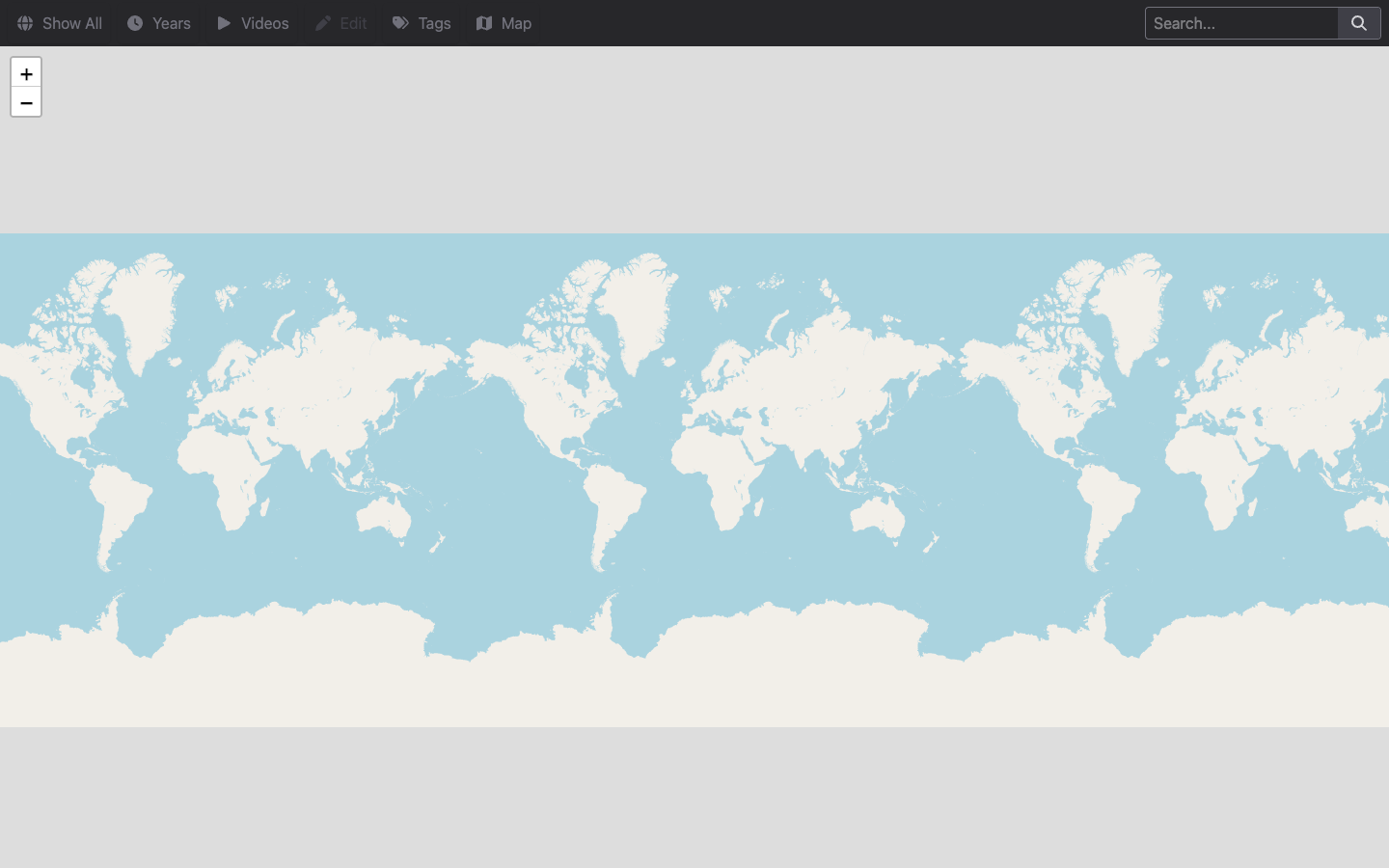
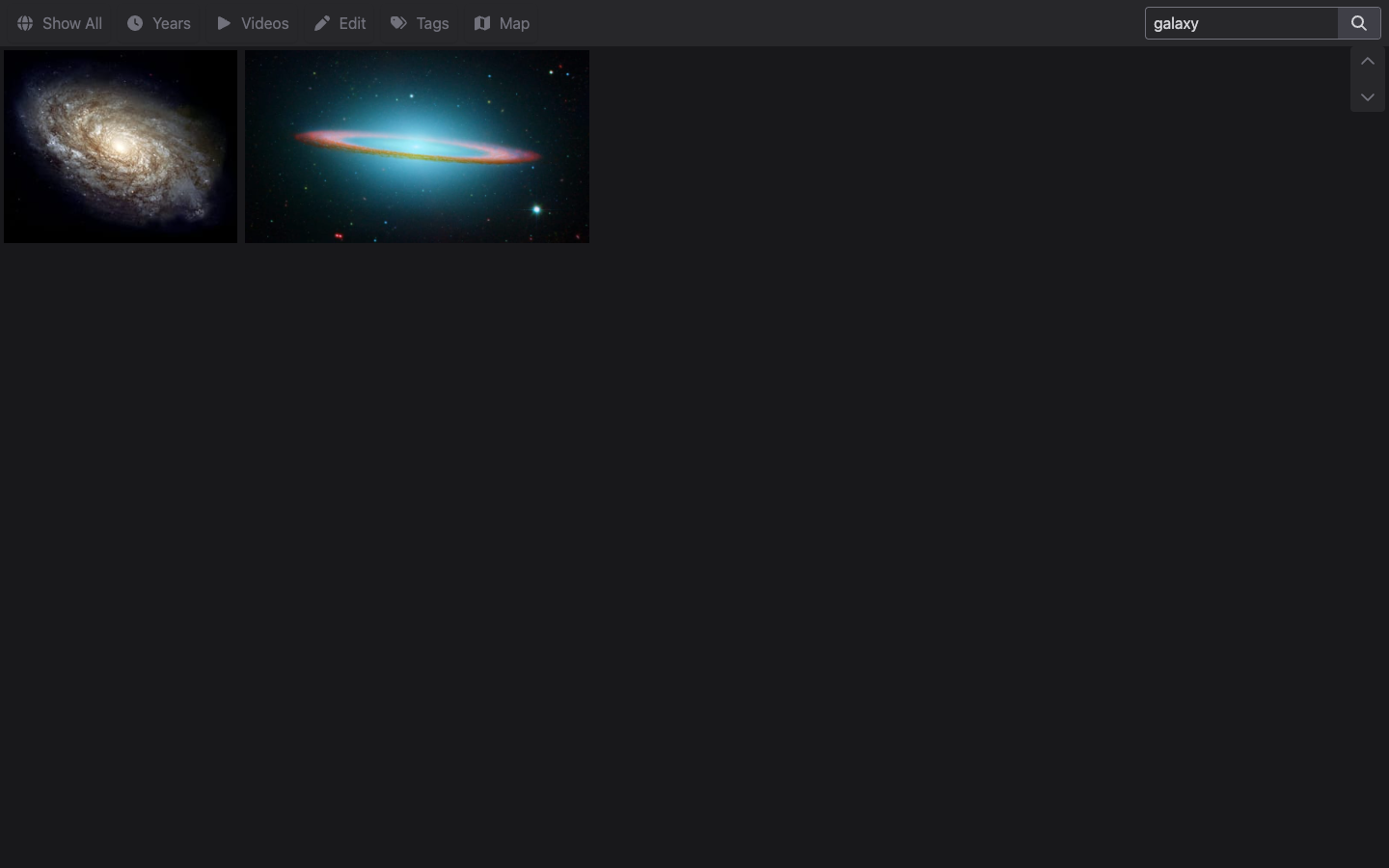
Real screenshots taken while testing this image against its deployment guide.

This is a repackaged open source software product wherein additional charges apply for cloudimg support services.
## Why This AMI Instead of Self-Install
Standing up HomeGallery yourself means fetching and verifying the self extracting release, creating a dedicated service account, writing a hardened systemd unit, configuring authentication, indexing your media and keeping the stack patched. This AMI removes that operational burden. HomeGallery is pre-installed, pre-configured and tested so your private gallery is serving within minutes of launching an EC2 instance. cloudimg handles tested upgrade paths between HomeGallery releases and provides 24/7 expert support that community forums and DIY troubleshooting cannot match.
## Overview
HomeGallery is the open source, self-hosted photo and video gallery. It indexes a media directory into a fast, file based database and serves a clean, browsable web gallery: a photo grid, a full screen lightbox, an interactive map of geotagged media, a timeline, faceted search and content based similarity search that finds visually similar images. There is no external database and no object store to run. The current release available is HomeGallery 1.21.
## Who This Is For
Individuals and families who want a private alternative to cloud photo services, keeping decades of photos and videos in their own VPC. Photographers browsing large libraries by map, date and similarity. Teams and archivists who need a searchable, self hosted media catalog on infrastructure they control. HomeGallery scales from a few hundred to hundreds of thousands of items on a single lightweight instance.
## Application Stack
HomeGallery ships as a single self contained binary that bundles its own Node runtime, image processing and video tooling, so there is no separate interpreter, database server or object store to manage. It serves the web gallery directly on port 3000. Your media, the file based index and the generated previews live on a dedicated, independently resizable EBS data volume mounted at /var/lib/home-gallery, keeping gallery data off the operating system disk.
## Secure By Default
HomeGallery upstream serves with no authentication by default. This AMI never ships that way. The image enables authentication with a deny all except loopback rule and no usable account, and the gallery service does not start until first boot. On first boot the instance generates a strong administrator password that is unique to that instance, stores only a salted SHA-256 hash in the configuration, writes the plaintext to a root only file, and only then begins serving. Every network client must present that per-instance password; the loopback interface is allowed unauthenticated so local health checks work. No shared, default or known credential is baked into the image.
## Security Practices
## Getting Started
1. Launch the AMI on your chosen EC2 instance
2. Ensure your security group allows inbound TCP on port 3000 from your trusted IP range
3. Retrieve the per-instance admin password with: sudo cat /root/home-gallery-credentials.txt
4. Browse to http://your-instance-public-ip:3000/ and sign in as admin with that password
5. Explore the seeded public domain sample gallery: grid, lightbox, map, timeline, search and similar-image discovery
6. Copy your own photos and videos into /var/lib/home-gallery/media and re-run the indexer to build your library
## cloudimg Support
24/7 technical support by email and live chat for deployment, upgrades, media indexing, TLS termination, backups and data migration. Our engineers guide you through production hardening, scaling decisions and HomeGallery version upgrades.
HomeGallery is a trademark of its respective owner. All product and company names are trademarks or registered trademarks of their respective holders. Use of them does not imply any affiliation with or endorsement by them.

Backrest is a popular open source web interface and orchestrator for restic, the fast, secure, deduplicating backup prog...

This image runs Barman (Backup and Recovery Manager), the open source disaster-recovery manager for PostgreSQL from Ente...
Cyberduck is a libre file transfer client for FTP, SFTP, WebDAV, Amazon S3, Google Cloud Storage, Microsoft Azure, OpenS...

This image runs File Browser, the open source, self-hosted web file manager - browse, upload, download, edit, preview an...
This image runs a production ready network file server built on the operating system's own kernel NFS server, the file s...

This image runs ownCloud Infinite Scale (oCIS), the Go based, cloud native rewrite of the classic ownCloud PHP server.