
InfluxDB Time Series Database - Supported
Overview
InfluxDB time-series database preinstalled on EC2 - skip manual setup and query metrics, IoT, or telemetry data in minutes. Includes24/7 cloudimg support.
See it running
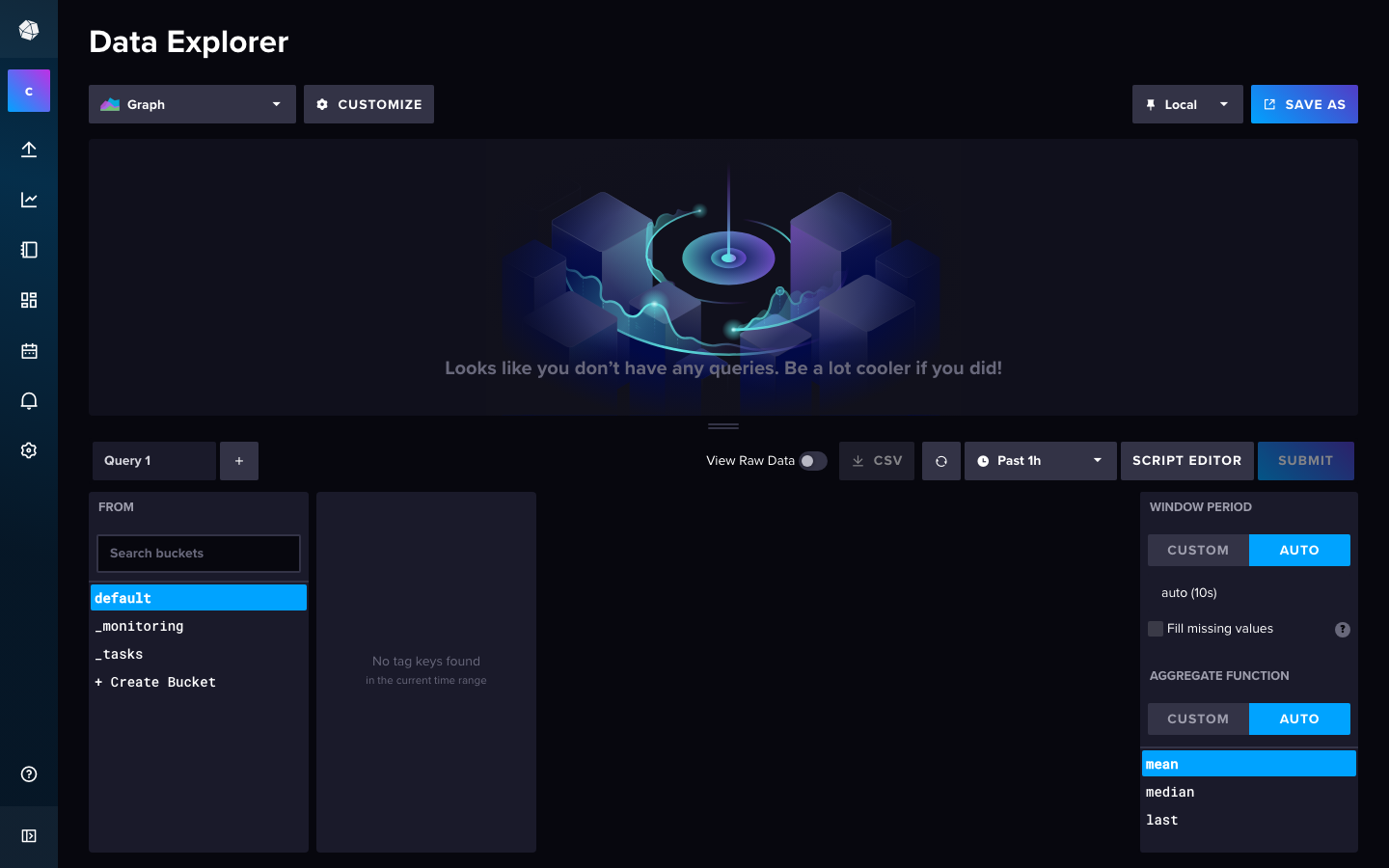
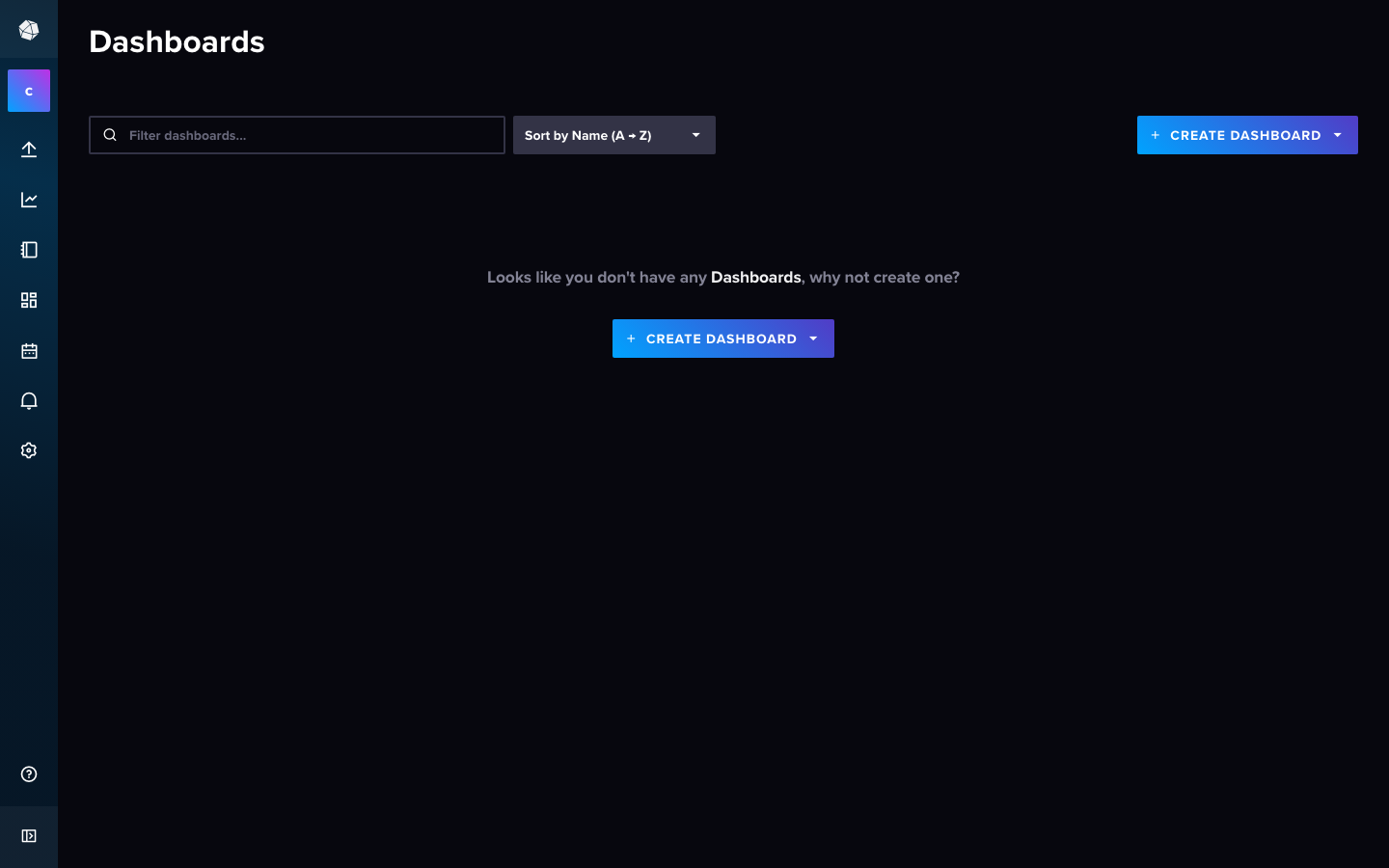
Real screenshots of this software running on the cloudimg image, taken while testing the deployment guide.
Description
This is a repackaged open source software product wherein additional charges apply for cloudimg support services.
## Overview
InfluxDB is the open source time-series database purpose-built for high-write, high-query workloads against timestamped data such as metrics, events, sensor readings, and application traces. This AMI deliversInfluxDB 2 fully installed and bootstrapped on your EC2 instance, so a complete time-series database with its built-in web interface is running within minutes of launch - eliminating the hours of manual installation, configuration, and hardening you would face deploying from scratch.
## Database Stack
InfluxDB runs as a systemd service. The HTTP API, Data Explorer query interface, Dashboards canvas, Tasks, and Alerts all listen on a single port. nginx fronts the service on the default HTTP port so the web interface is reachable without specifying a port number. Database files are stored on a dedicated, independently resizable EBS data disk, keeping your data separate from the OS volume for easier backups and scaling.
## Integrations and Ecosystem
InfluxDB supports over 300Telegraf input plugins, enabling you to collect metrics from systems such as AWS CloudWatch, Kubernetes clusters, Docker containers, Prometheus endpoints, and hundreds of other sources without custom code. Visualize your data using the built-in Dashboards or connect external tools like Grafana for advanced charting. Query your data using Flux or InfluxQL, and drive the database programmatically via the HTTP API or official client libraries for Python, Go, JavaScript, and more.
## Secure First Boot
On first boot, a one-shot service automatically:
- Generates a fresh admin password unique to your instance
- Generates a fresh initial admin API token
- Runs the non-interactive setup wizard
- Stores both secrets in a root-only file
No shared or default credentials ship in the image. The database is never exposed with known passwords, unlike many community AMIs that rely on shared defaults.
## Security and Hardening
nginx is configured to proxy requests to InfluxDB, providing a layer of network separation. The dedicated data disk supports EBS encryption, allowing you to enable encryption at rest through your AWS account settings. We recommend configuring a security group that restricts inbound access to only the ports and IP ranges your applications require, and enabling HTTPS via TLS termination at nginx for encrypted data in transit.
## Ready To Use
The InfluxDB service, configuration, data directory, and admin account are all prepared at launch. Browse to your instance address on the default HTTP port to reach the Data Explorer and Dashboards interface. From there you can build queries, create dashboards, set up alerting tasks, and configure retention policies - all without touching the command line.
## Use Cases
IoT and Sensor Data: Collect readings from thousands of devices reporting at sub-second intervals, apply downsampling tasks to manage storage, and visualize fleet health on built-in dashboards with configurable retention windows.
Application and Infrastructure Monitoring: Ingest metrics from your servers, containers, and cloud services via Telegraf plugins. Build real-time dashboards showing CPU, memory, network, and custom application metrics with alerting on threshold breaches.
Financial Market Data: Store tick-level price data with nanosecond precision, run windowed aggregations for technical indicators, and query historical ranges for backtesting strategies.
Industrial Telemetry: Capture high-frequency machine data from manufacturing lines or energy systems, detect anomalies with continuous queries, and retain raw data alongside aggregated summaries.
## Get Started
Launch the AMI, retrieve your unique admin credentials from the root-only file, and open the web interface to begin ingesting data immediately. For guidance on schema design, retention policies, or scaling your deployment, contact cloudimg support at any time.
All product and company names are trademarks or registered trademarks of their respective holders. Use of them does not imply any affiliation with or endorsement by them.
Key Features
- InfluxDB preinstalled and ready, with the built-in Data Explorer and Dashboards web interface served by nginx on the default HTTP port and no manual setup required
- Hardened first boot generates a fresh admin password and initial API token for every instance and stores them in a file only the root user can read, so the database is never left with default credentials
- 24/7 technical support from cloudimg, with expert assistance for InfluxDB deployment, schema design, retention policies and performance tuning
Related Technologies
Related Products

Apache Cassandra NoSQL Database
This image runs Apache Cassandra, the open source distributed NoSQL database built for scalability and high availability...

Apache CouchDB NoSQL Database
This image runs Apache CouchDB, the open source document oriented NoSQL database, on a single node.
Chroma Vector Database for AI
This image runs Chroma 1.5, the open source vector database for AI - store embeddings and run fast similarity search for...

ClickHouse Analytics Database
This image runs ClickHouse, the open source column oriented analytics database, on a single node.
Apache Cassandra NoSQL Database
Once your instance is running and has passed both status checks (2/2), connect using SSH:

Elasticsearch Single-Node Search and Analytics
This image runs Elasticsearch 8.x, the open source distributed search and analytics engine, fully installed and configur...