Base
Hardened build
minimal ports, security patches applied at build time

an open source infrastructure source of truth and infrastructure data management platform, packaged and supported by cloudimg
Infrahub is an open source infrastructure source of truth. You model your own infrastructure domain as a schema, store network, device, service and topology data as objects in a graph, and manage every change through branches and proposed changes, so your infrastructure data gets the same version controlled, review before merge workflow your code already has. A GraphQL API and a REST API make that data available to your automation and CI pipelines. Under the hood it runs as a seven container stack, the Infrahub server, task workers and task manager alongside a Neo4j graph database, a cache, a message queue and a PostgreSQL database.
The cloudimg image runs the official upstream containers unmodified, pinned by digest and captured into the image so it starts in seconds. Upstream ships a large set of published default secrets, an admin password, admin and agent API tokens, a security key and the graph, broker and database passwords, and every one of them is regenerated uniquely on first boot before the application serves traffic. Anonymous access to the object graph and product telemetry are disabled, the per instance admin credentials land in a root only file, and the stateful data lives on a dedicated resizable volume. It comes with a paired step by step deploy guide and 24/7 cloudimg support.
Real screenshots taken while testing this image against its deployment guide.
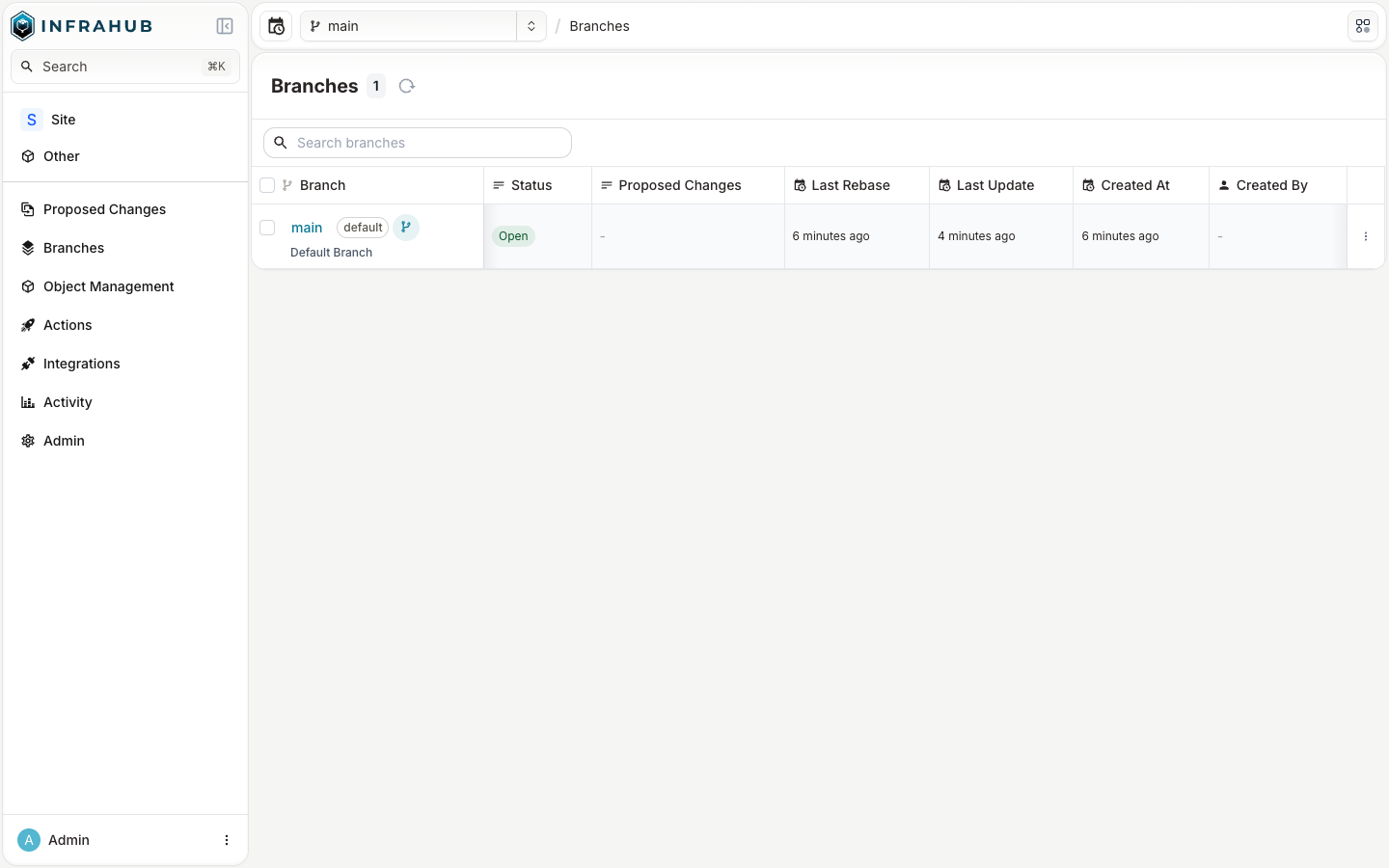
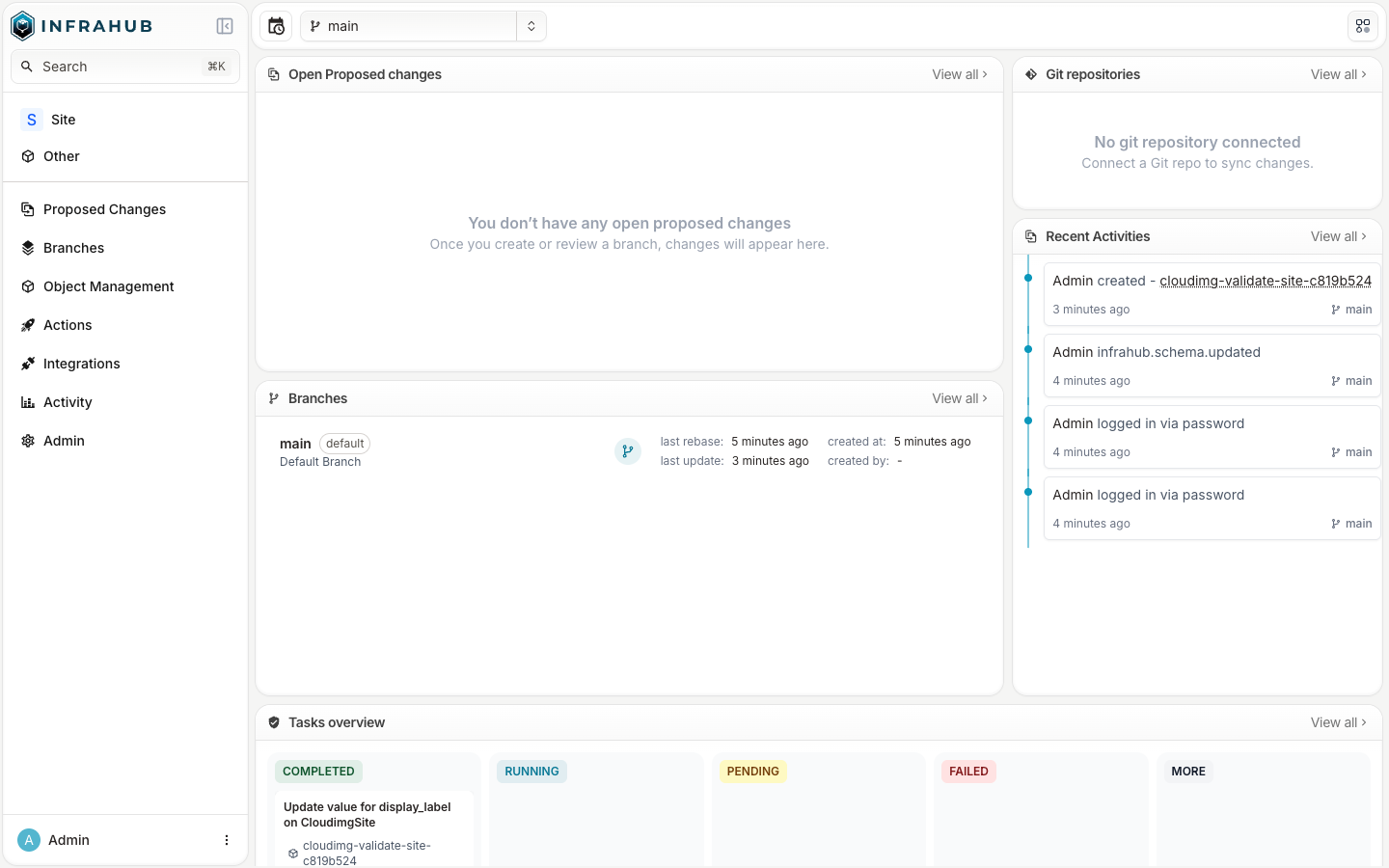
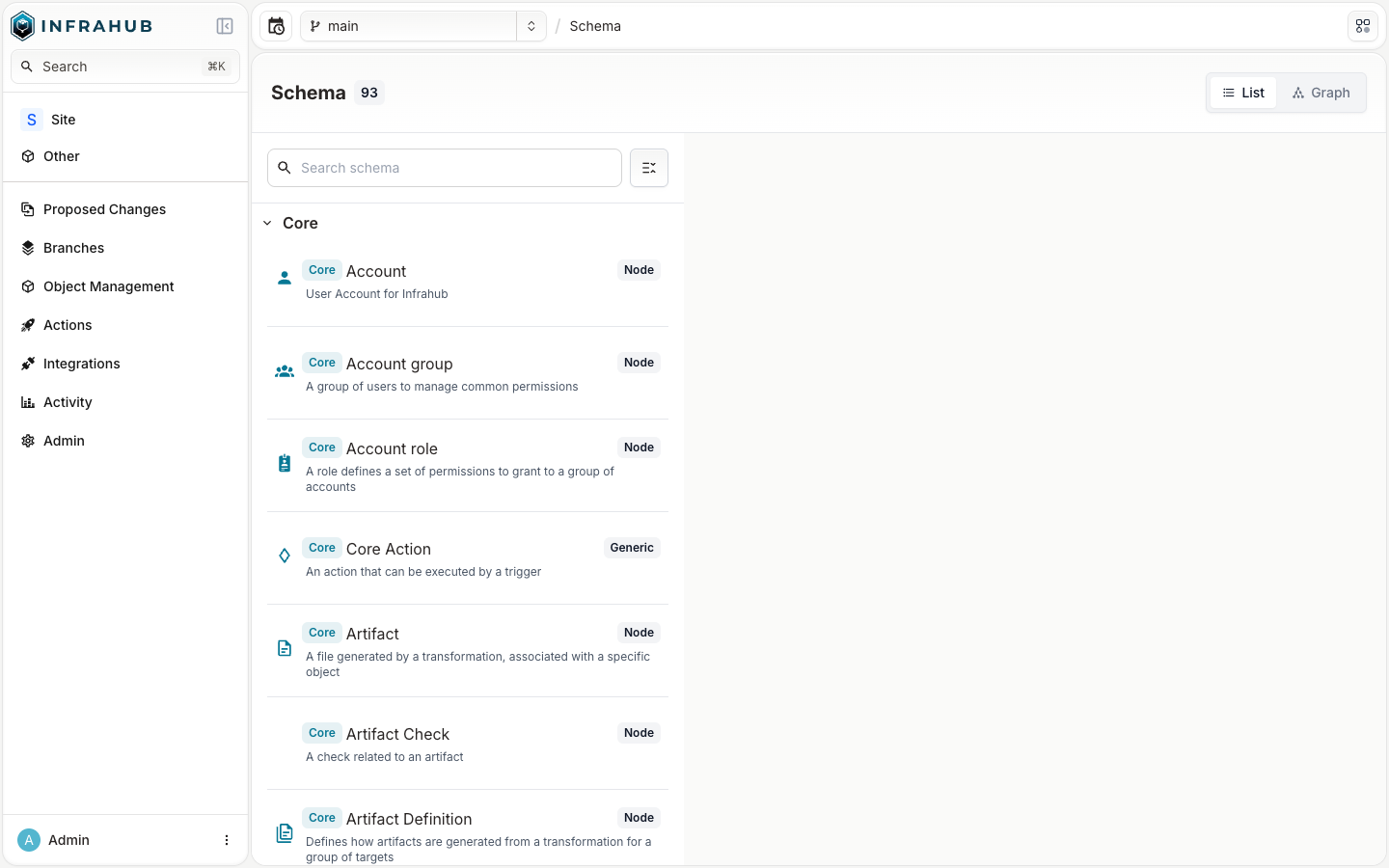
This is a repackaged open source software product wherein additional charges apply for cloudimg support services.
## Why This AMI Instead of Self-Deploying?
Infrahub is an open source infrastructure source of truth and infrastructure data management platform - a FastAPI backend with a GraphQL API, a web frontend, version-controlled schemas and branch-based change proposals, backed by a Neo4j graph database. Deploying it yourself means installing Docker, wiring up a seven-container compose stack (application, graph database, cache, message queue, task manager and its database, and workers), generating and rotating a large set of secrets, hardening the anonymous-access and telemetry defaults, and maintaining the stack over time. This AMI eliminates that effort entirely - your self-hosted source of truth is running within minutes of launch, not hours. You get a pre-hardened, tested configuration backed by 24/7 expert support with a one-hour average response for critical issues, something community forums cannot provide.
The current release available is Infrahub 1.10.5.
## Application Stack
Seven official upstream containers, pinned by digest, run under one systemd service via Docker Compose on a private network: the Infrahub server, two task workers and the task manager (all the Infrahub image), a Neo4j Community graph database that is Infrahub's source of truth, a Redis cache, a RabbitMQ message queue, and a PostgreSQL database for the task manager. Only the web application is published, on port 80; the graph database, cache, message queue and PostgreSQL bind to the private container network only and are never reachable from off the instance. The stateful data lives on a dedicated, independently-resizable data volume.
## Secure By Default
Upstream ships a large set of published default credentials - an admin password, an admin API token, an agent token, a security secret key, and graph, broker and database passwords - all hardcoded in a public repository. This image neutralises every one of them:
## Ready To Use
Browse to the instance on port 80, sign in with the generated admin credentials, and start modelling your infrastructure: define a schema, create objects through the web UI or the GraphQL API, and use branches and change proposals to review changes before they land. Retrieve the generated credentials with sudo cat /root/infrahub-credentials.txt.
## Recommended Sizing
Infrahub is a seven-container stack including a JVM graph database. Upstream documents a minimum of 6 vCPU and 12 GB RAM and recommends 8 vCPU and 16 GB. For production use launch this AMI on an m5.2xlarge (8 vCPU, 32 GB) or larger instance.
## What You Avoid By Using This AMI
## cloudimg Support
24/7 technical support by email and chat with a one-hour average response for critical issues. Our engineers help with deployment, TLS termination, schema design, backups, scaling and upgrades.
## Use Cases
All product and company names are trademarks or registered trademarks of their respective holders. Use of them does not imply any affiliation with or endorsement by them.
This image runs Apache Archiva, the open source build-artifact repository manager - a central, governed store for the bi...

Apache JMeter is the de-facto open-source tool for load and performance testing of web applications, APIs, databases and...

This image runs Appsmith Community Edition, the open source low-code platform for building internal tools, admin panels,...

This image runs Atlantis 0.46 (Apache-2.0), the open source server that automates Terraform and OpenTofu pull request wo...

Pre-configured self-hosted Atuin sync server: an end-to-end-encrypted, searchable shell-history sync backend for the Atu...

This image runs BaGetter, a lightweight self-hosted NuGet package feed server, as a hardened systemd service on Ubuntu 2...