Base
Hardened build
minimal ports, security patches applied at build time

Krill, the RPKI certificate authority from NLnet Labs: run your own resource PKI and publish route origin authorizations, secured from first boot by cloudimg.
Krill is an open source RPKI Certificate Authority. It lets a network operator run their own Resource Public Key Infrastructure, issuing certificates for the IP address space and AS numbers they hold and publishing Route Origin Authorizations that state which networks are allowed to originate their prefixes. It is a single self contained daemon with an embedded data store and a built in web interface, and it can operate under a parent authority such as a Regional Internet Registry or as a delegated child, so operators gain control over the RPKI objects that protect their routing rather than depending on a hosted portal.
cloudimg ships Krill secure by default with no surviving default login. On the first boot of every instance a unique administrator token is generated and written to a root only file, so no two deployments share a secret and no example token ever governs a running instance. The daemon is bound to loopback behind a TLS reverse proxy that is the only public surface, the web interface and API refuse unauthenticated requests, and the build proves an authenticated create and read back of a certificate authority end to end before the image is captured. The base is fully patched with unattended security upgrades enabled, and every deployment is paired with a step by step guide and backed by 24/7 cloudimg support.
Real screenshots taken while testing this image against its deployment guide.
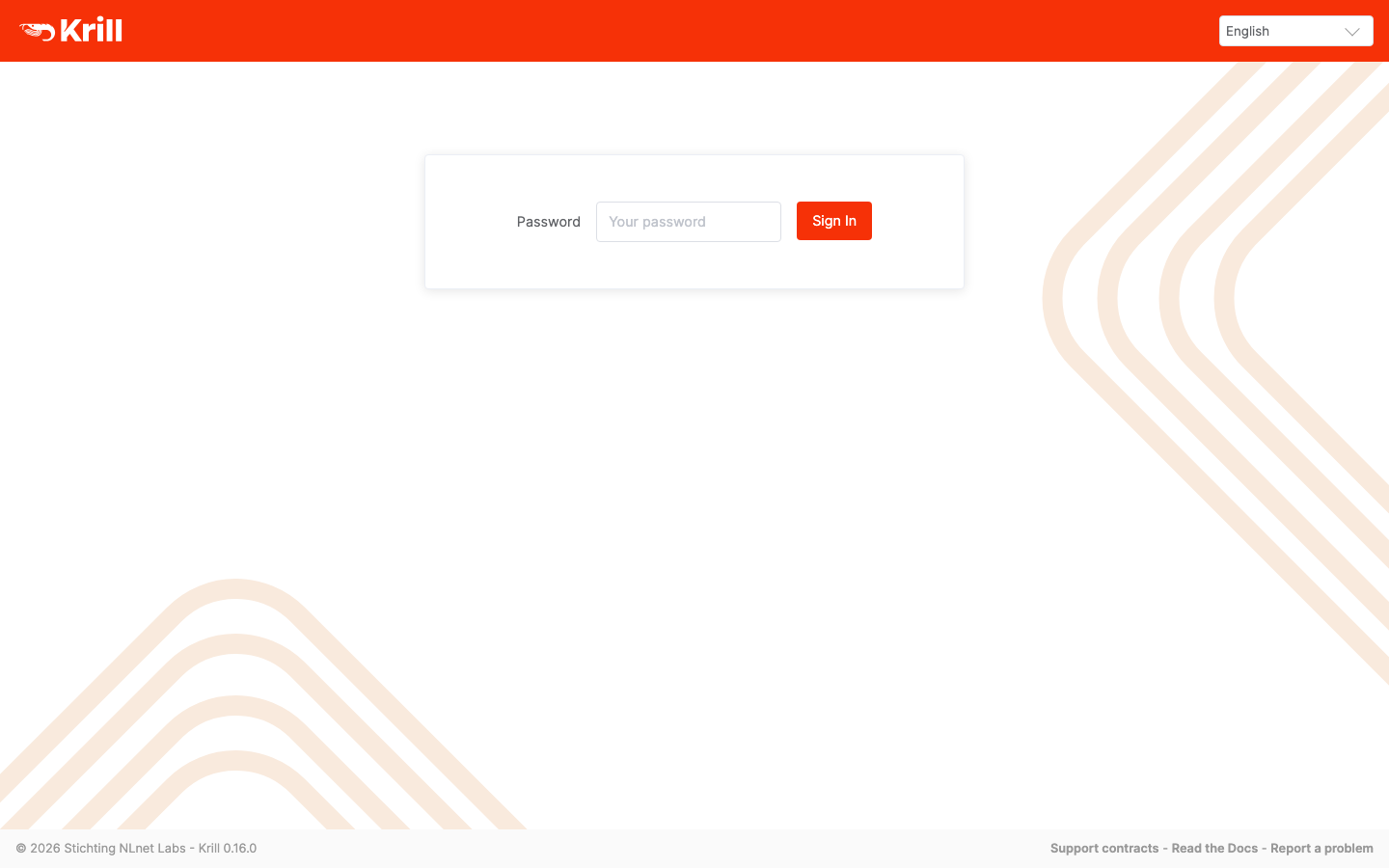
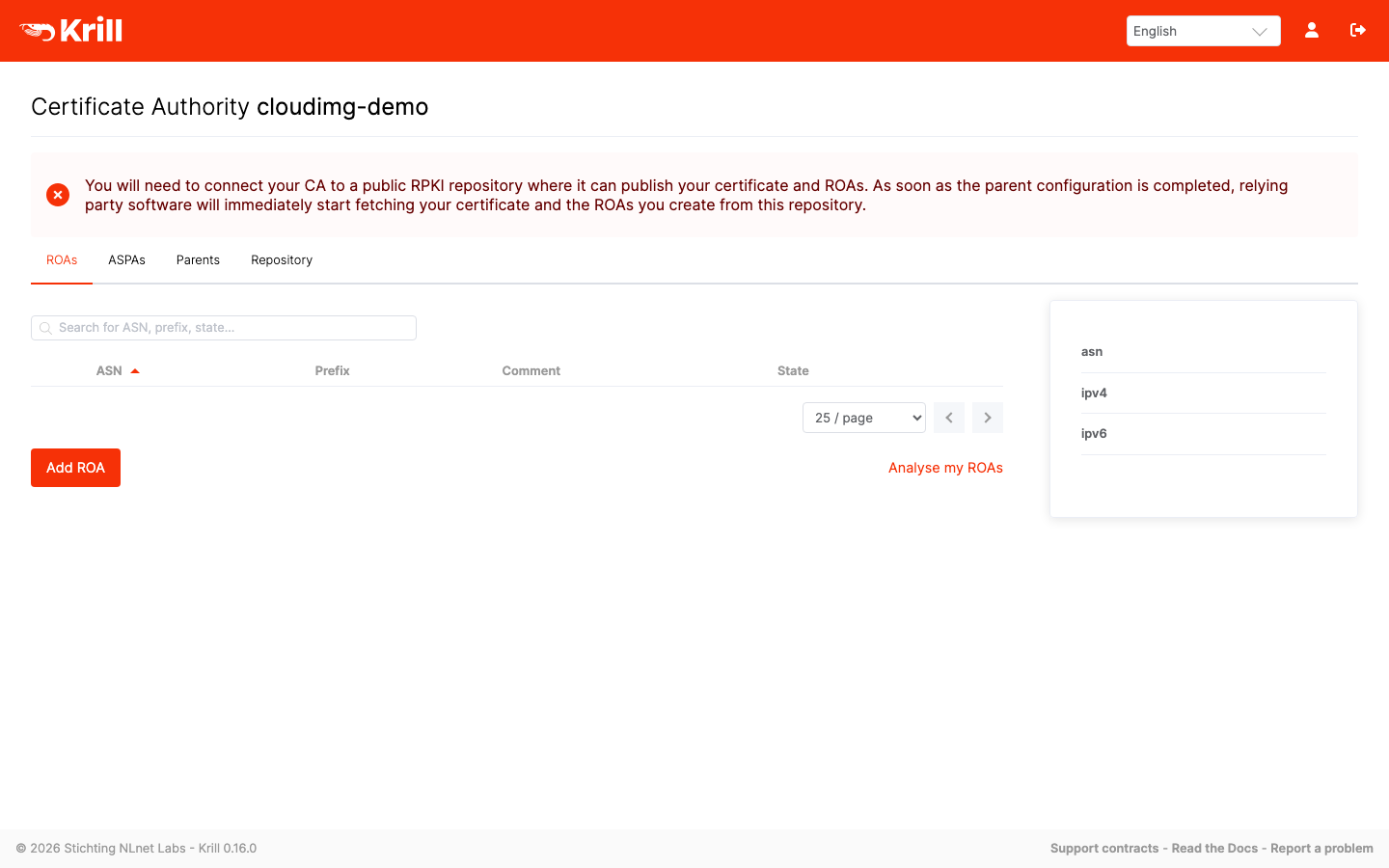
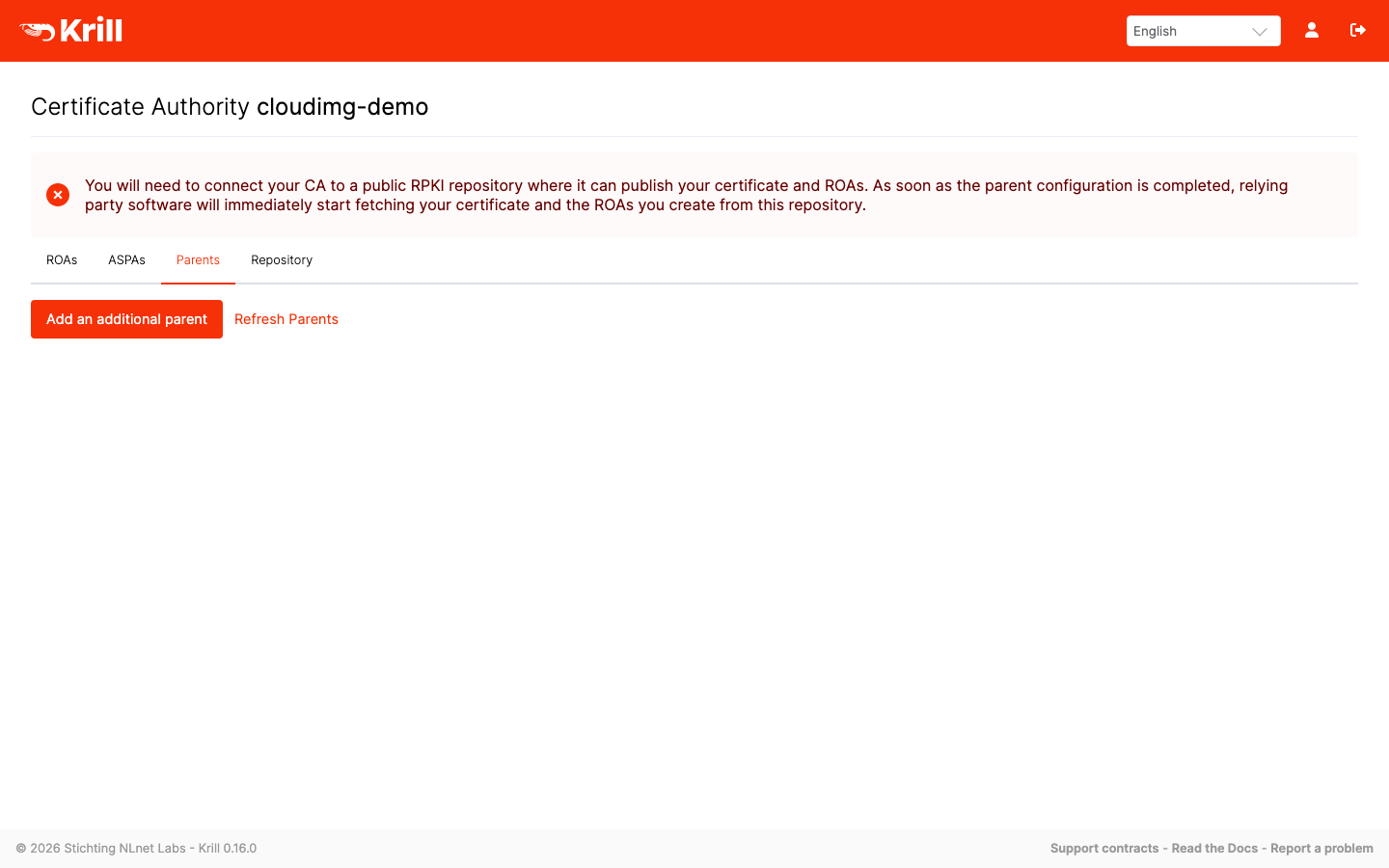
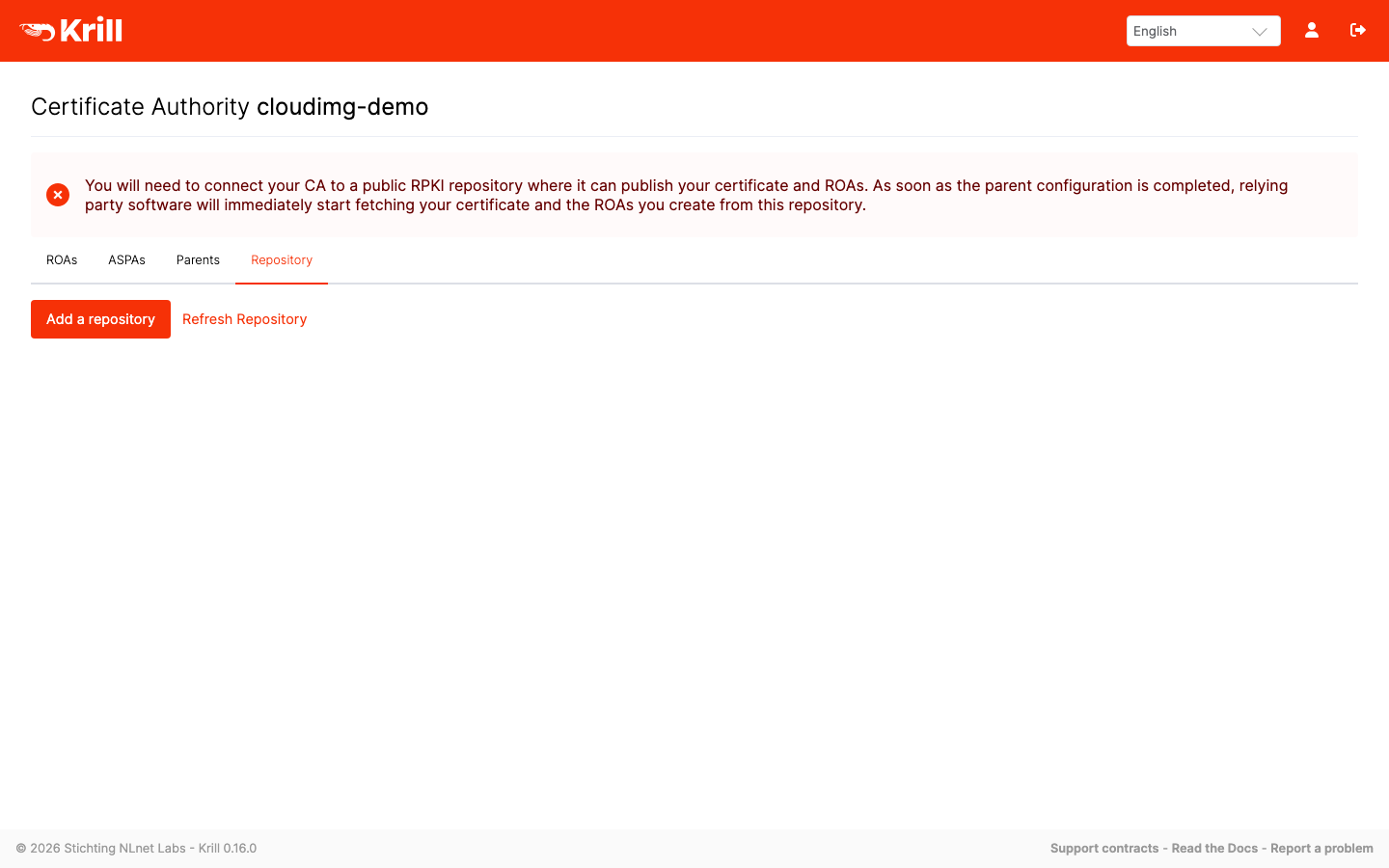
This is a repackaged open source software product wherein additional charges apply for cloudimg support services.
## Krill RPKI Certificate Authority - Production-Ready AMI by cloudimg
Krill is a Resource Public Key Infrastructure (RPKI) Certificate Authority that lets network operators run their own CA and publish Route Origin Authorizations (ROAs) for their IP prefixes. Networks worldwide can then cryptographically verify which autonomous system is authorized to originate a route, strengthening BGP security. This AMI delivers Krill 0.16.0 fully installed and serving over HTTPS within minutes of launch, with no manual compilation, no nginx configuration, and no systemd unit authoring required.
## Why This AMI Instead of Alternatives
Buyers evaluating RPKI deployment typically consider three paths:
## Application Stack
Krill ships as a single set of Rust binaries (the krill daemon and the krillc CLI client) with an embedded data store, so there is no external database to deploy or manage. The daemon binds exclusively to the loopback interface. nginx is the sole network-facing surface: it terminates TLS on port 443 and reverse-proxies to the daemon. Port 80 redirects to HTTPS and answers an unauthenticated health probe for load-balancer checks. systemd starts both services on boot and restarts them on failure.
## Secure First Boot
On the first boot of your instance, a one-shot systemd service generates a fresh admin token unique to that instance, regenerates the TLS certificate for that instance, and records the token in a file only the root user can read. No shared or default credential ships in the image. Anonymous and wrong-token API calls are rejected. Compare this to AMIs that ship with a published default password: this image has no credential to rotate because one is never shared.
## Run Your Own RPKI
Create one or more Certificate Authorities, request resources from a parent such as your Regional Internet Registry, and publish ROAs that state which autonomous system may originate each of your prefixes. Krill implements the standard RPKI provisioning and publication protocols and includes a built-in web UI as well as the krillc CLI, so you can operate everything from a browser or a script.
## Getting Started
1. Launch the AMI and ensure your security group allows inbound TCP on ports 443 and 80.
2. SSH into the instance and retrieve the generated admin token from the root-only file.
3. Open the web UI in your browser over HTTPS, sign in with the token, and create your first CA.
4. Configure your parent CA (typically your RIR) and a publication server.
5. Publish your first ROA.
For production use, place a real domain and a CA-signed certificate in front of the instance.
## Use Cases
## cloudimg Support
24/7 technical support by email and chat. Assistance covers deployment, HTTPS and custom domain setup, configuring a parent CA and publication server, creating and managing ROAs, and storage and upgrade planning.
All product and company names are trademarks or registered trademarks of their respective holders. Use of them does not imply any affiliation with or endorsement by them.
The image builds the official 3proxy binary (pinned at build from the upstream release) and runs it under systemd as the...

This image runs AdGuard Home, the open source network-wide DNS server that blocks ads, trackers and malicious domains fo...
The image installs the latest stable Anubis release, resolved at build time from the official GitHub release package and...

This image runs Apache Guacamole, the open source clientless remote desktop gateway.

The image installs the official BGPalerter binary at /usr/local/bin/bgpalerter, running as the bgpalerter service with i...
The image installs Chrony from the official Ubuntu package and runs it under systemd as the standard chronyd service, so...