Base
Hardened build
minimal ports, security patches applied at build time

Krill, the RPKI certificate authority from NLnet Labs: run your own resource PKI and publish route origin authorizations, secured from first boot by cloudimg.
Krill is an open source RPKI Certificate Authority. It lets a network operator run their own Resource Public Key Infrastructure, issuing certificates for the IP address space and AS numbers they hold and publishing Route Origin Authorizations that state which networks are allowed to originate their prefixes. It is a single self contained daemon with an embedded data store and a built in web interface, and it can operate under a parent authority such as a Regional Internet Registry or as a delegated child, so operators gain control over the RPKI objects that protect their routing rather than depending on a hosted portal.
cloudimg ships Krill secure by default with no surviving default login. On the first boot of every instance a unique administrator token is generated and written to a root only file, so no two deployments share a secret and no example token ever governs a running instance. The daemon is bound to loopback behind a TLS reverse proxy that is the only public surface, the web interface and API refuse unauthenticated requests, and the build proves an authenticated create and read back of a certificate authority end to end before the image is captured. The base is fully patched with unattended security upgrades enabled, and every deployment is paired with a step by step guide and backed by 24/7 cloudimg support.
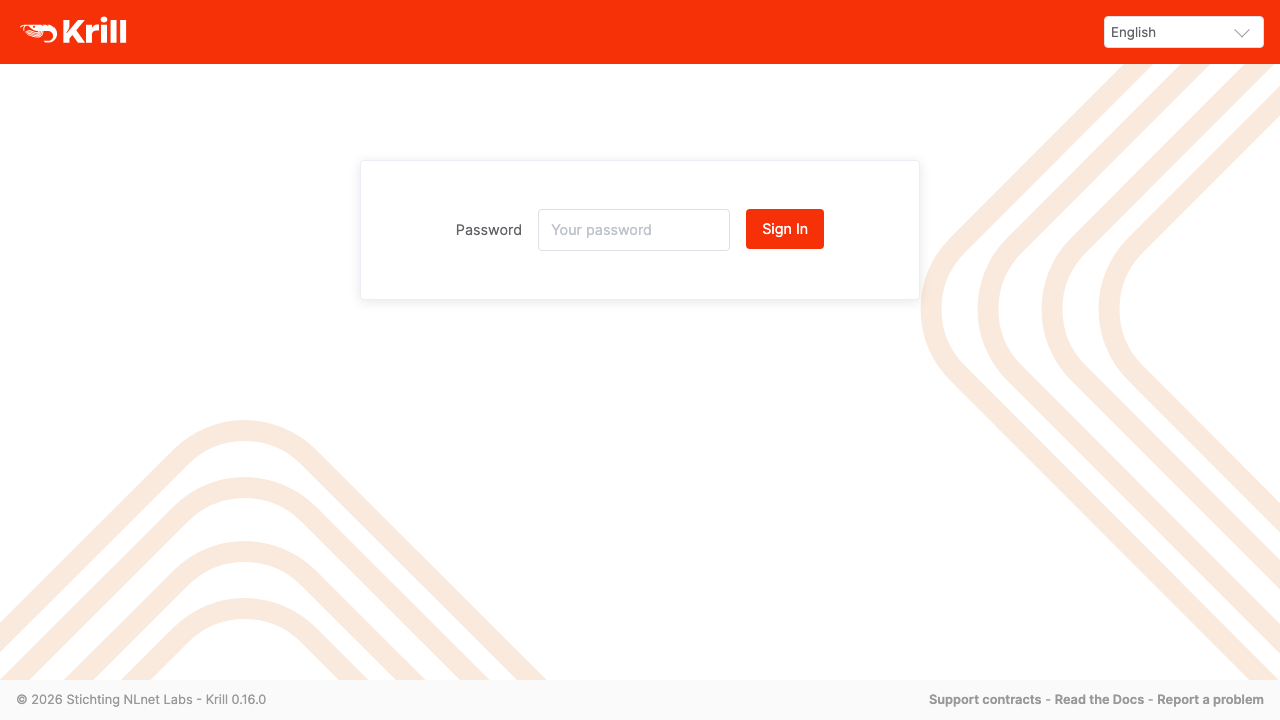
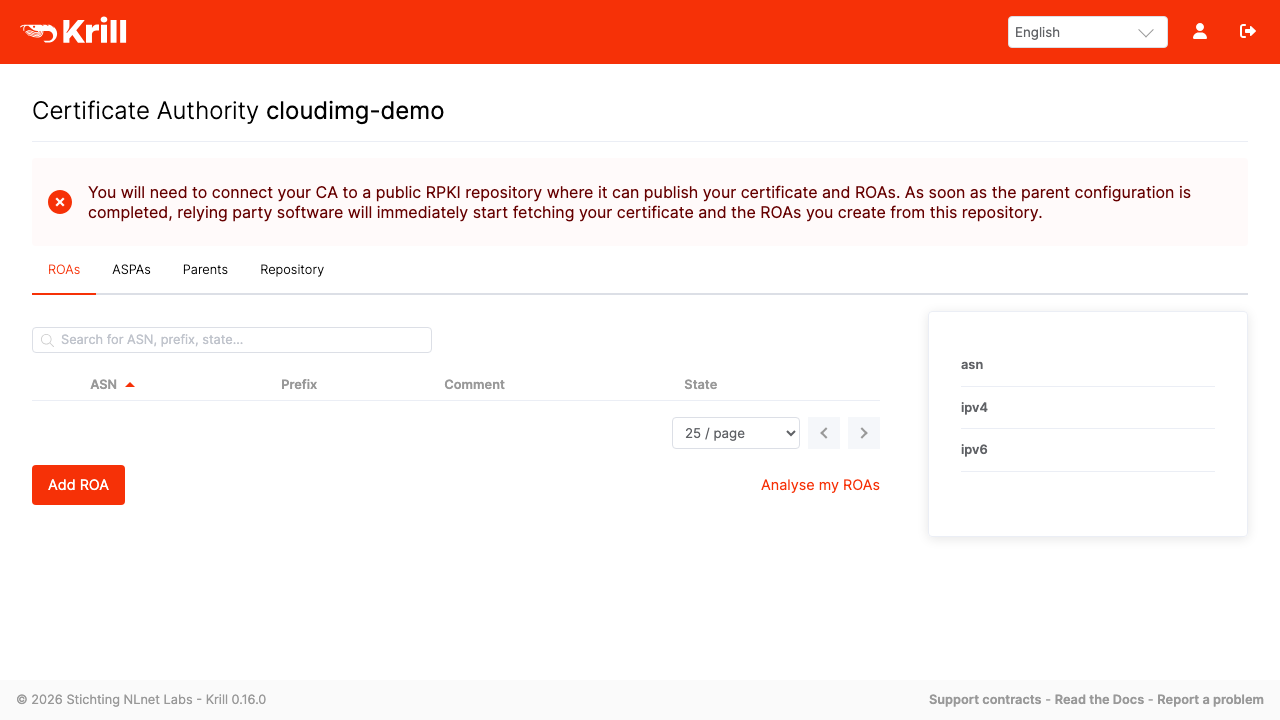
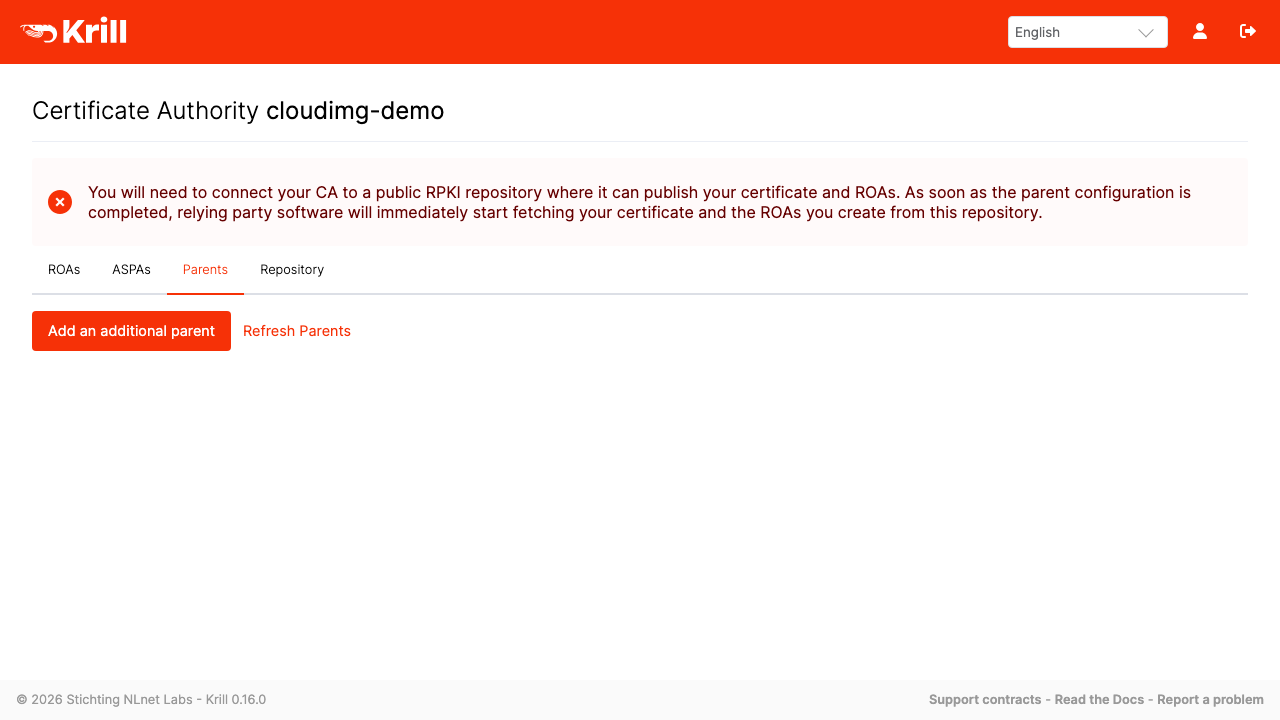
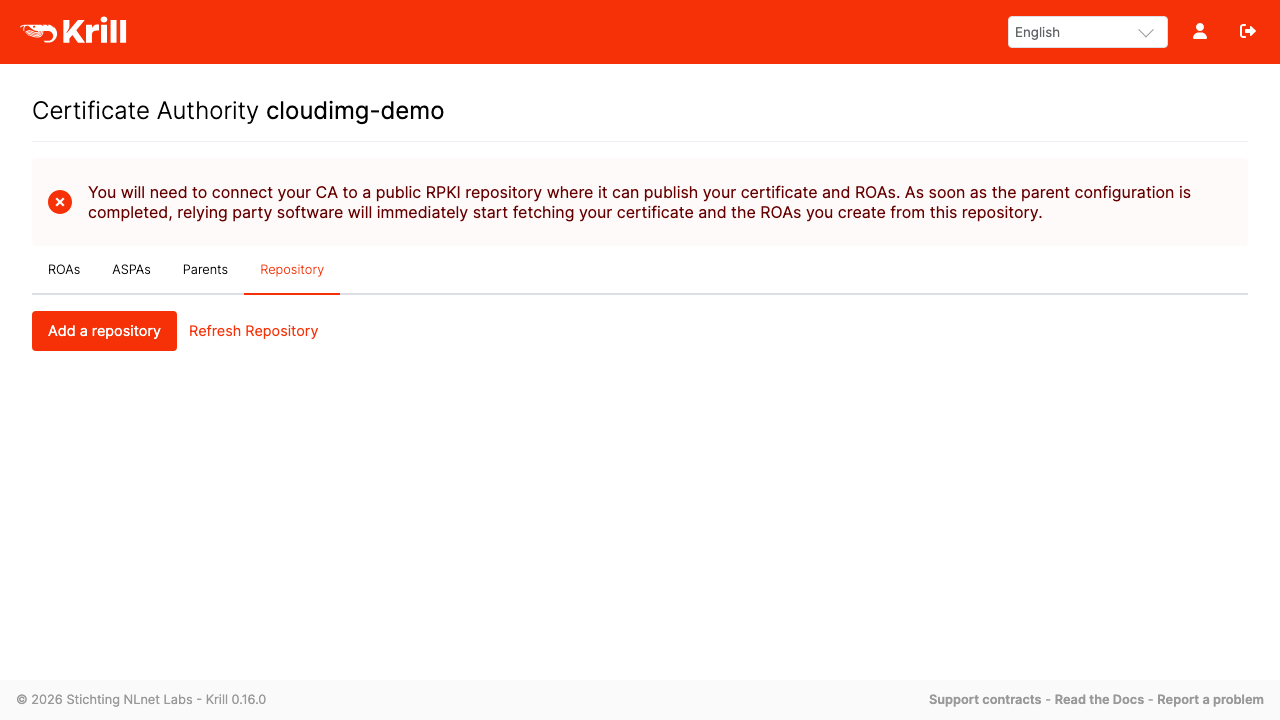
Real screenshots taken while testing this image against its deployment guide.

What cloudimg adds to every version - Every image is built by cloudimg on a fully patched base with the latest security ...

What cloudimg adds to every version - Every image is built by cloudimg on a fully patched base with the latest security ...

What cloudimg adds to every version - Every image is built by cloudimg on a fully patched base with the latest security ...
The image builds 3proxy 0.9.7 from the pinned upstream source (github.com/z3APA3A/3proxy tag 0.9.7), so the exact versio...
3X-UI is a web based management panel for Xray-core, the proxy platform behind protocols such as VLESS, VMess, Trojan an...
The image builds accel-ppp 1.14.0 from the upstream source tag (commit 048d31cb, dated 25 January 2026), verified agains...