Base
Hardened build
minimal ports, security patches applied at build time

A private, self hosted chat workspace for many AI models, brought together in one interface.
LibreChat is an open source, self hosted chat interface for large language models. It brings many providers together in one place, so you can connect your own OpenAI, Anthropic, Google or Azure OpenAI keys, or point at a local model endpoint, and move between models inside a single conversation. It adds conversation search, prompt and preset management and multi user accounts on top.
It suits teams and individuals who want a familiar chat experience over their own model providers, running inside their own cloud account rather than a public service.
The cloudimg image installs LibreChat with its MongoDB database and Meilisearch search engine already wired together behind an nginx reverse proxy, so the workspace is usable the moment it boots. No administrator ships in the image: you create your own account at the first sign-up screen, and the per instance signing and encryption secrets are generated uniquely on first boot. The paired deployment guide covers first sign-up, connecting a model provider and enabling HTTPS, and every deployment carries 24/7 support.
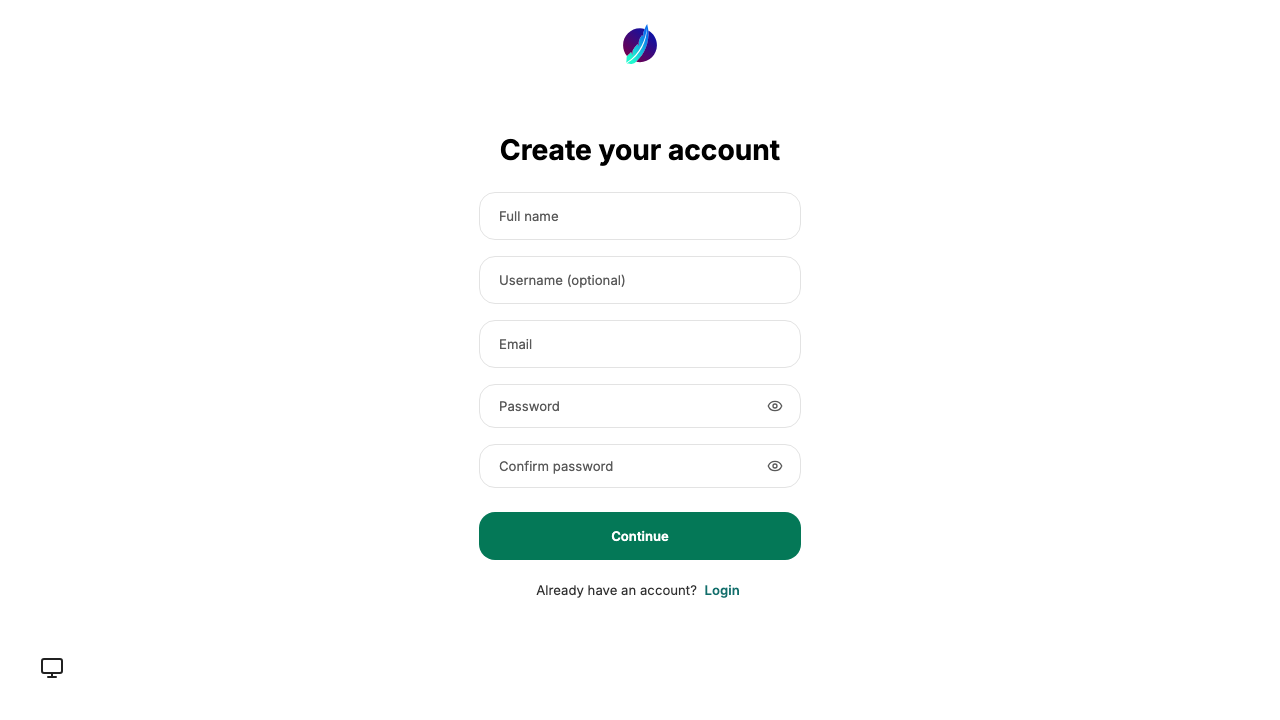
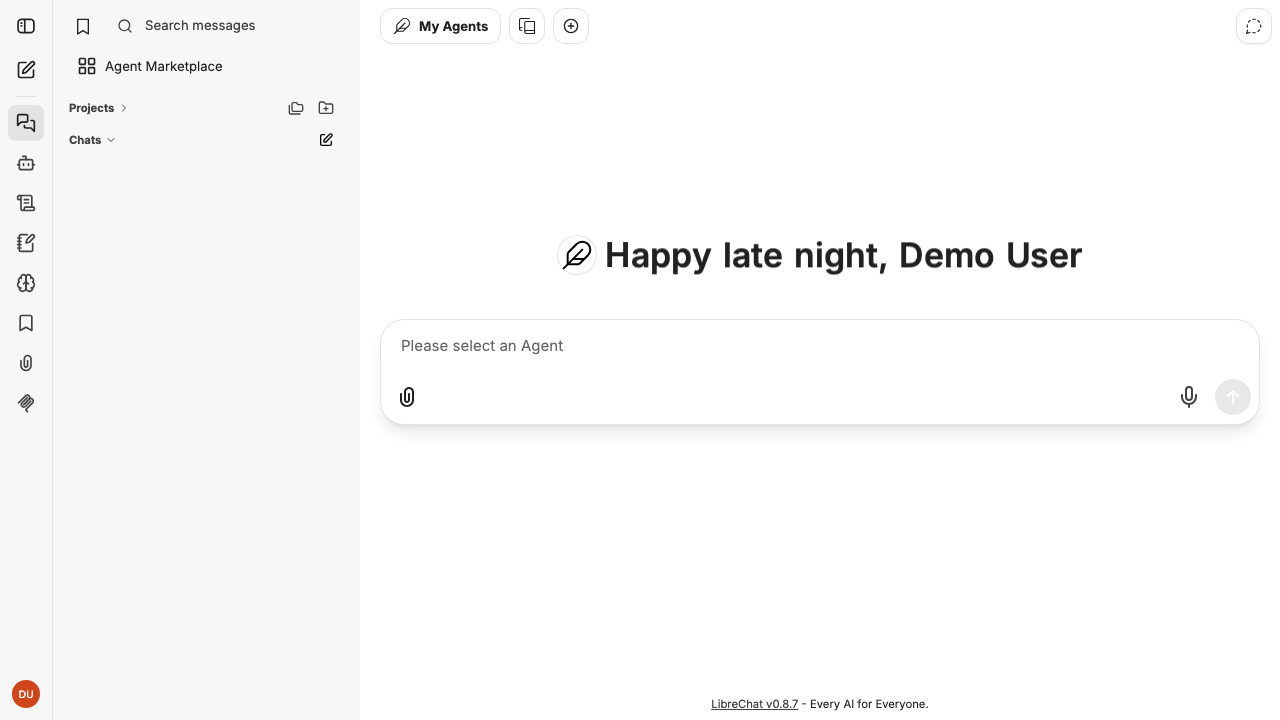
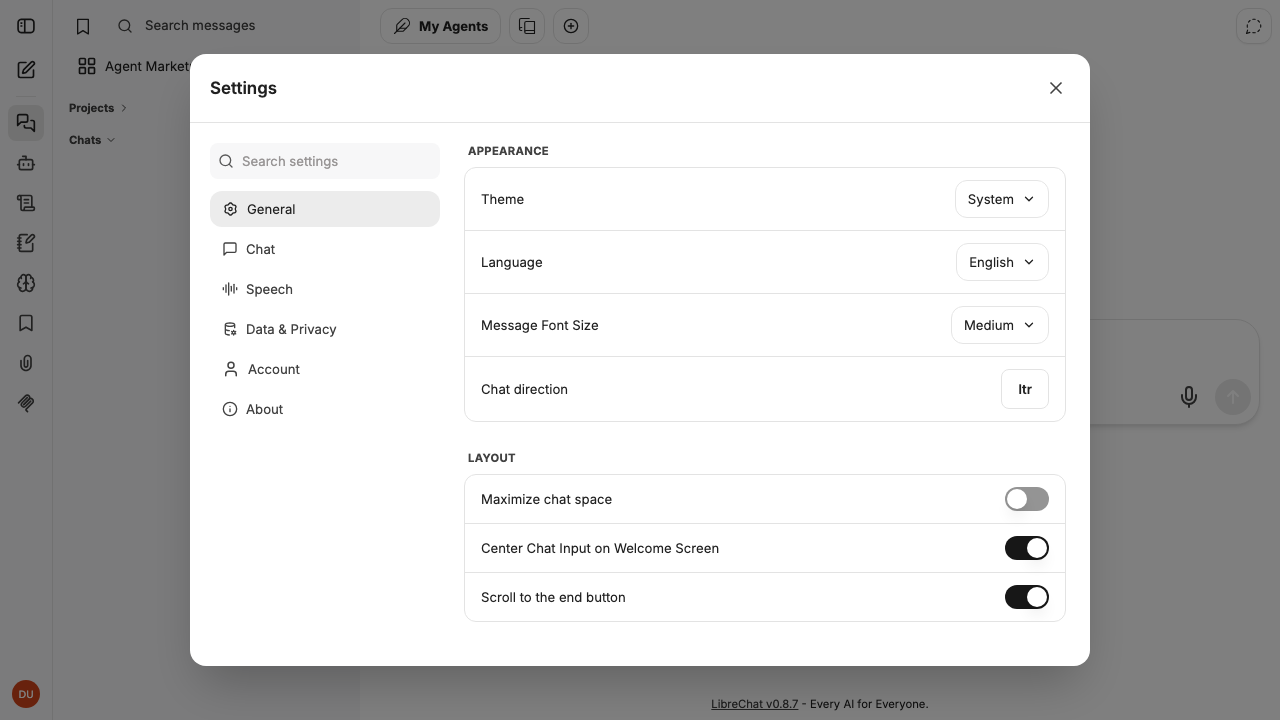
Real screenshots taken while testing this image against its deployment guide.

This image runs Argilla 2.8.0, the open source data annotation and curation platform for building high quality datasets ...

Because the endpoint is OpenAI compatible, existing application code usually needs only a base URL change.

ContextForge MCP Gateway is IBM's open-source gateway, registry and proxy for the Model Context Protocol (MCP), the stan...

Crawl4AI is a fast, open source web crawler and scraper that converts web pages into clean, LLM ready Markdown and struc...
DeepWiki-Open on Ubuntu 24.04 LTS preconfigured machine image for Microsoft Azure, hardened and verified with 24/7 suppo...

Dify is a popular platform for building and operating applications on top of large language models.