Base
Hardened build
minimal ports, security patches applied at build time
multiOTP, an OATH certified open source strong authentication server for TOTP and HOTP one time passwords, with a per instance admin password generated on first boot.
multiOTP is an open source, OATH certified strong two factor authentication server. It issues and validates time based and counter based one time passwords (TOTP and HOTP) as well as Mobile OTP, provisions users to authenticator apps with QR codes, and keeps its users and tokens in a simple local store, all driven from a command line utility and a bundled web administration interface. It gives teams a self hosted second factor they own inside their own cloud account, ready to plug into VPNs, RADIUS front ends and login flows.
A default administrator login turns an authentication server into a liability, so cloudimg makes multiOTP secure by default. On the first boot of every instance a unique administrator password is generated and applied to two gates in lock step, the multiOTP web administration interface and the nginx HTTP Basic authentication gate that fronts it, a per instance self signed TLS certificate is regenerated, and the credentials are written to a file only the root user can read, so no default credential is ever reachable and no two instances share one. The image ships the open source LGPL edition only, never the commercial appliance, serves the admin console over HTTPS, and keeps the application and token store on a dedicated, independently resizable data volume. It comes with a paired deployment guide and 24/7 cloudimg support.
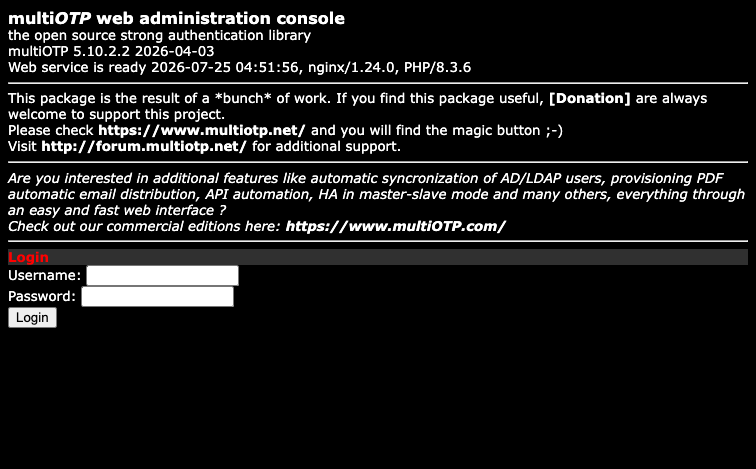
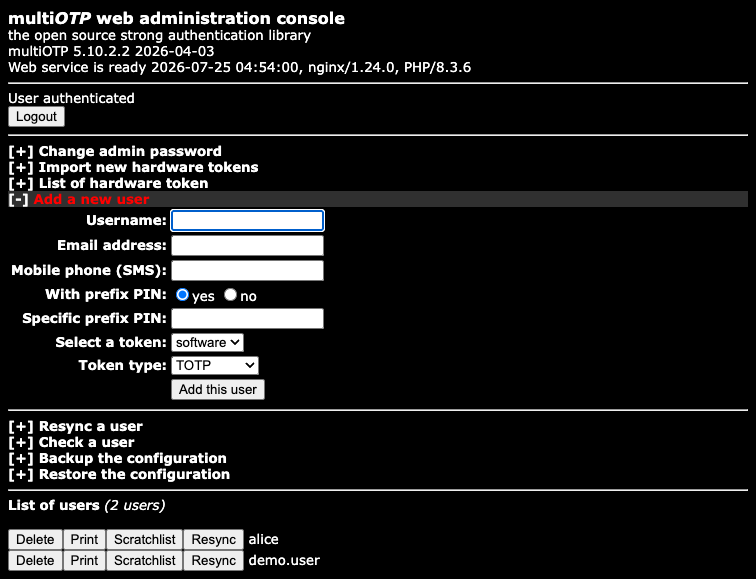
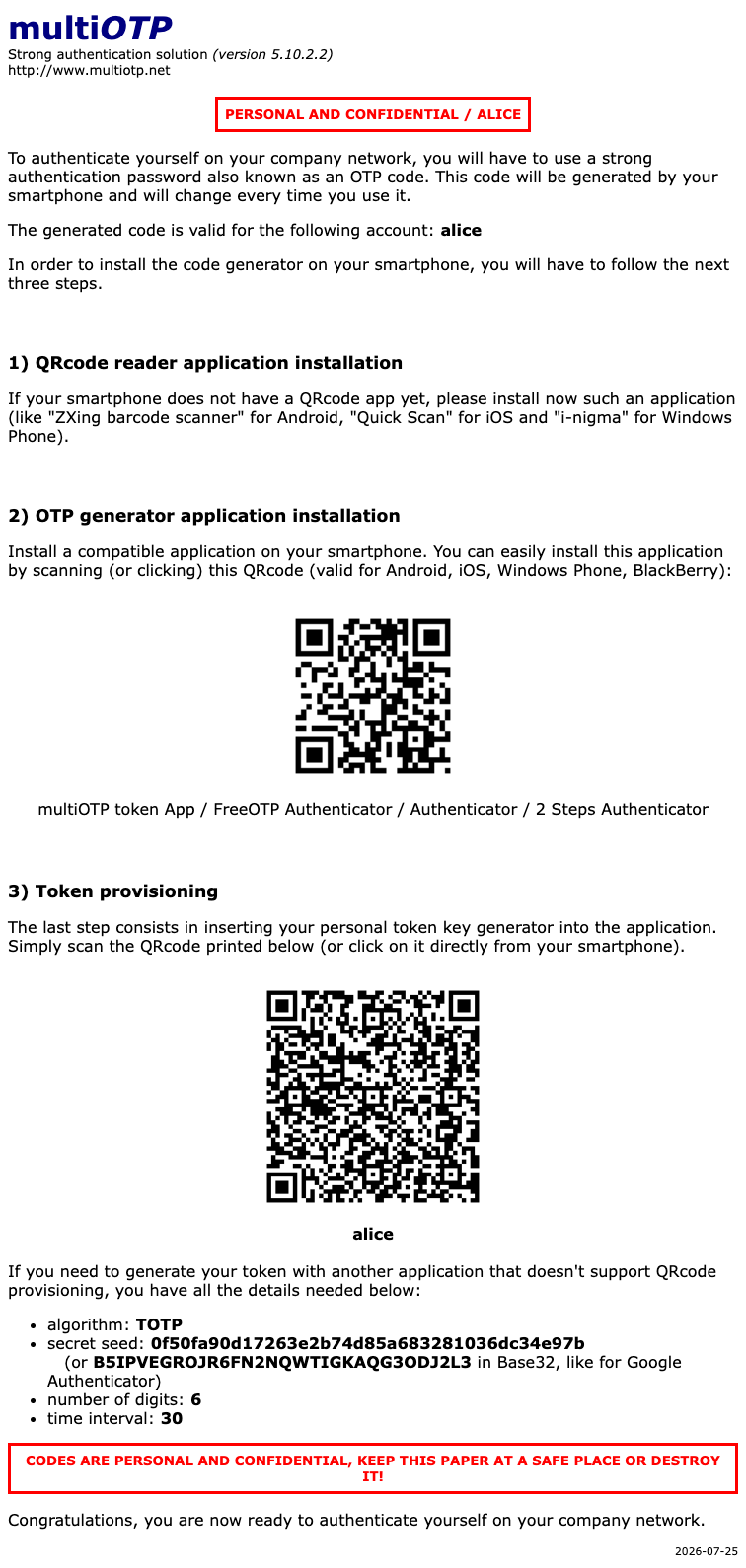
Real screenshots taken while testing this image against its deployment guide.
This is a repackaged open source software product wherein additional charges apply for cloudimg support services.
## Self-Hosted Two-Factor Authentication - Deploy in Minutes, Not Hours
multiOTP is an open source, OATH-certified strong-authentication (MFA) server that adds time-based (TOTP) and event-based (HOTP) one-time passwords to your applications, VPNs, and network devices - while keeping every token seed on infrastructure you control. This AMI delivers multiOTP 5.10.2.2 (LGPL open-source edition) fully installed and hardened. Launch the instance and sign in to the web admin console over HTTPS to start creating users and provisioning tokens immediately.
## Why This AMI Instead of a Manual Install
Standing multiOTP up from source means installing and tuning a PHP runtime, wiring a web server, generating a TLS certificate, hardening the admin gate, and validating the OATH engine end to end - hours of work with plenty of room for misconfiguration that undermines the very system meant to protect you. This image removes that entire workflow:
## Application Stack
## Secure First Boot
On first launch, a one-shot service generates a fresh administrator password unique to that instance, applies it in lock-step to both the nginx Basic-auth gate and the multiOTP web admin, regenerates a per-instance self-signed TLS certificate, and writes the credentials to a root-only file. Any build-time account and the multiOTP default admin are reset to unusable placeholders, so every instance starts with a clean, unique security posture.
## What You Can Protect
multiOTP speaks the standards your infrastructure already understands:
On the AWS side, the dedicated data volume leverages Amazon EBS for durable, resizable storage. Enable EBS encryption for data-at-rest protection and use Amazon CloudWatch to monitor instance health and performance metrics.
## Use Cases
## Getting Started
1. Launch the AMI from AWS Marketplace
2. Retrieve the generated admin password from the root-only credentials file on the instance
3. Browse to the instance address over HTTPS and sign in to the multiOTP web admin console
4. Create a user and provision a token by scanning the QR code with an authenticator app
5. Point your applications, VPN, or RADIUS front end at multiOTP to begin validating one-time passwords
## cloudimg Support
24/7 technical support by email and live chat. Engineers assist with multiOTP deployment, upgrades, token and user provisioning, RADIUS integration, HTTPS/certificate setup, and EBS storage administration. Critical issues receive a one-hour average response time. Contact our support team for sizing guidance tailored to your environment.
All product and company names are trademarks or registered trademarks of their respective holders. Use of them does not imply any affiliation with or endorsement by them.

This image runs AIDE (Advanced Intrusion Detection Environment), the open source, GPL-2.0 licensed host-based file and d...

The cloudimg image ships the free and open source, AGPL-3.0 licensed AliasVault, run the officially supported way as the...

This image runs Apache Directory Server (ApacheDS) 2.0, the Apache Software Foundation's extensible, embeddable director...

This image runs Apache SpamAssassin, the open source, Apache-2.0 licensed anti-spam platform.

This image runs Authgear, the open source authentication server and identity provider.
This image runs Beelzebub, the open source low code honeypot and deception framework.