
Neo4j Community Edition Graph Database
Overview
Neo4j Community Edition graph database preinstalled on AWS with secure auto-generated credentials, nginx-fronted Browser, and 24/7 cloudimg support for dev and data teams.
See it running
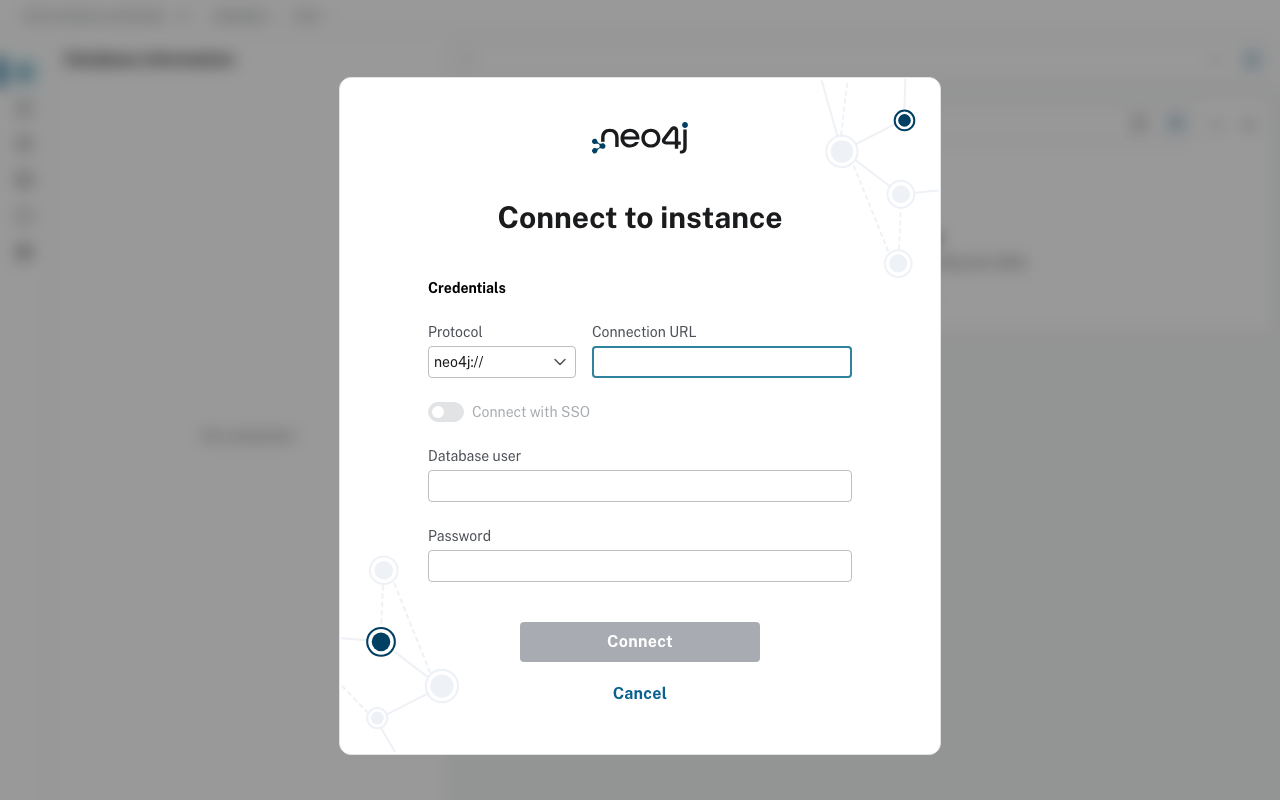
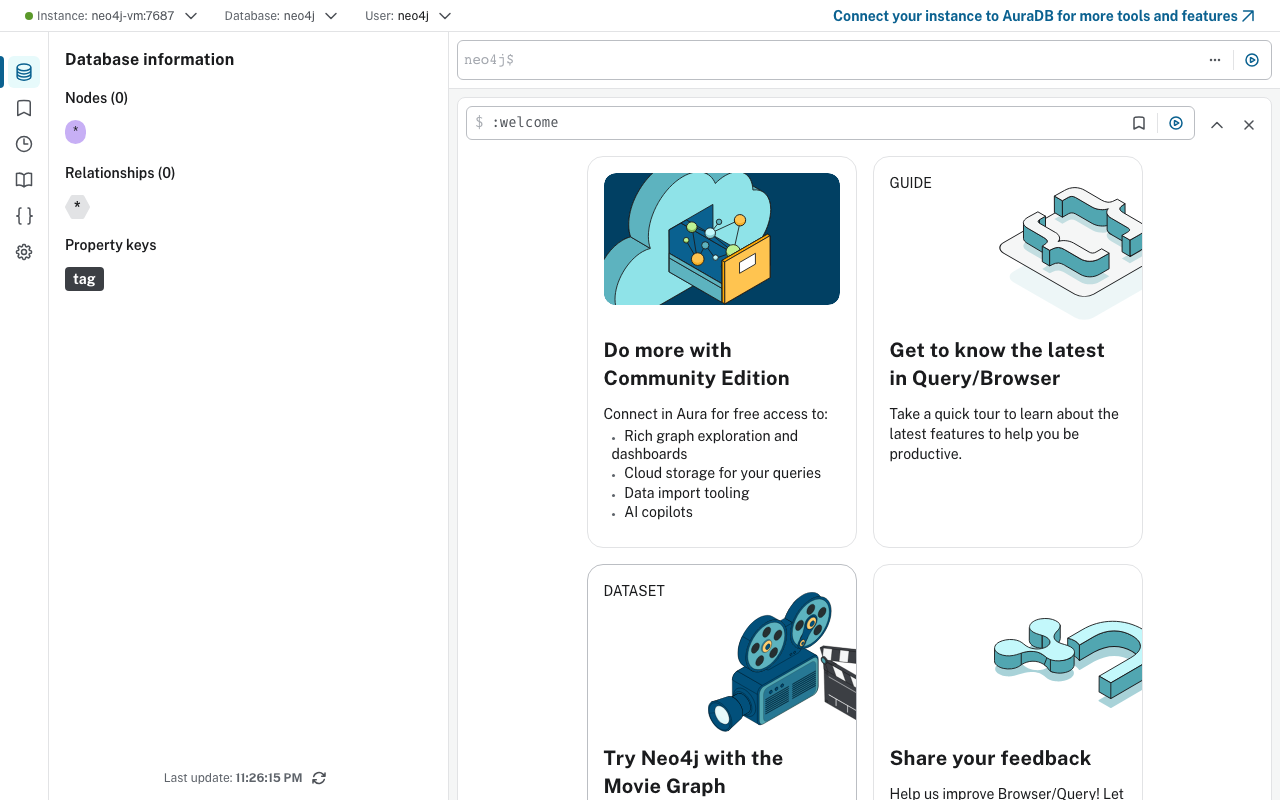
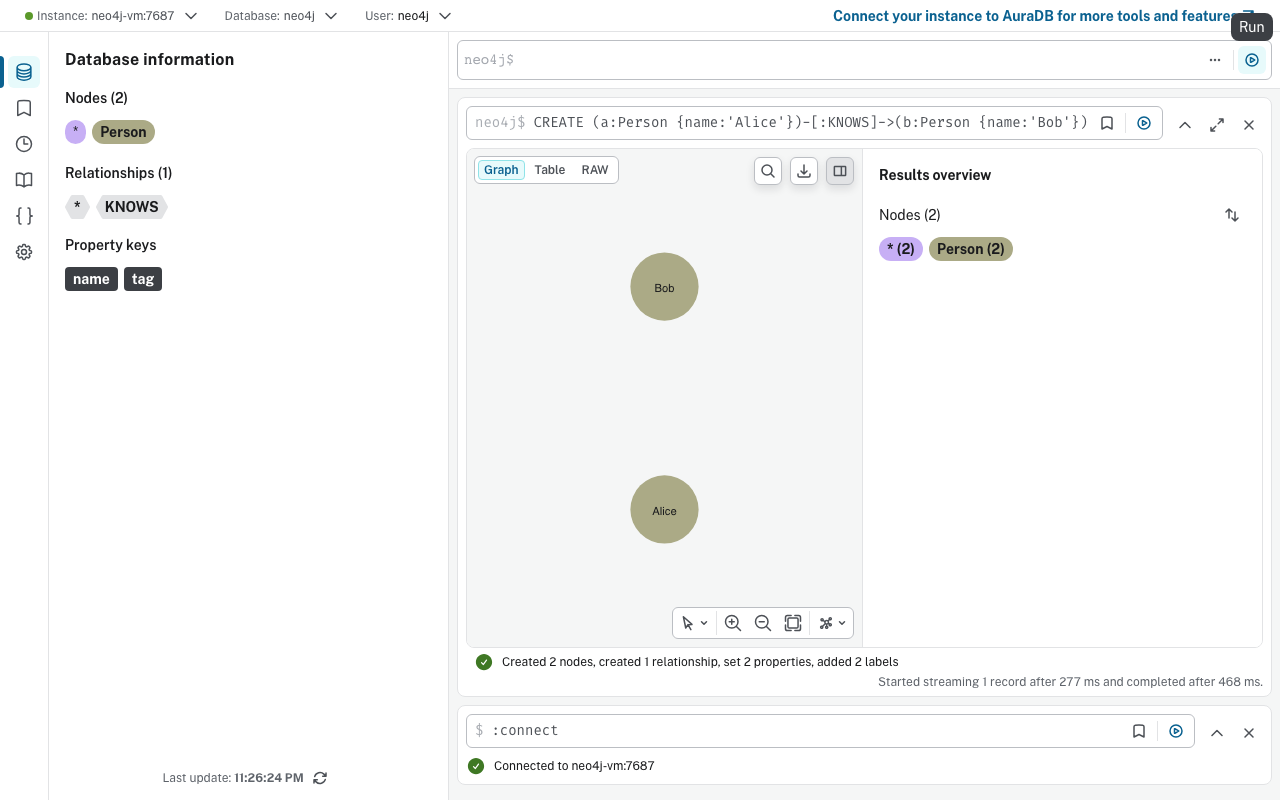
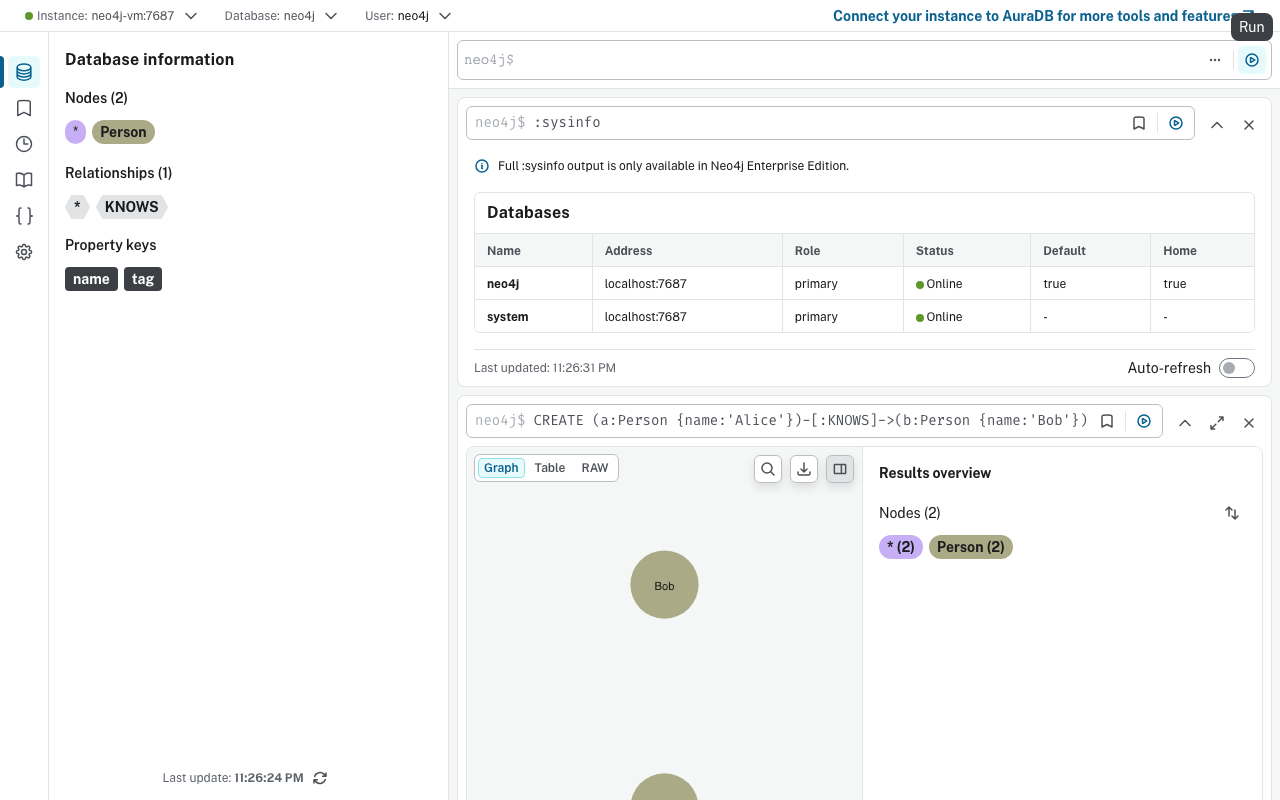
Real screenshots of this software running on the cloudimg image, taken while testing the deployment guide.
Description
This is a repackaged open source software product wherein additional charges apply for cloudimg support services.
## Neo4j Community Edition - Production-Ready Graph Database on AWS
Launch a fully configured Neo4j Community Edition graph database and start running Cypher queries in under five minutes. This AMI eliminates manual installation, credential hardening, and reverse-proxy configuration so development teams, data engineers, and small engineering groups without a dedicated DBA can focus on building connected-data applications rather than managing infrastructure.
---
## Why Choose This AMI Over Alternatives
Unlike default Neo4j Docker images or unsupported community AMIs that ship with the well-known neo4j/neo4j credentials, this image generates a unique superuser password on every first boot and stores it in a root-only file. Competing images typically require manual post-launch hardening steps; here, the database is never exposed with default credentials. Combined with 24/7 expert support from cloudimg, buyers get a maintained, secure deployment path that self-managed installs cannot match.
---
## Database Stack
- Neo4j Community Edition (5.x line) running as a systemd service in single-node mode on OpenJDK 21
- Bolt protocol on TCP7687 for driver and cypher-shell connections
- HTTP REST API and Neo4j Browser on TCP 7474
- nginx reverse proxy on TCP 80 fronting the Neo4j Browser with WebSocket upgrade headers forwarded for Bolt-over-WebSocket compatibility
---
## Secure First Boot
On first launch a one-shot systemd service:
1. Generates a cryptographically random neo4j superuser password unique to the instance
2. Applies it via neo4j-admin set-initial-password while the database is stopped
3. Stores the plaintext value in /root/.neo4j_password (readable only by root)
No shared or default credentials ever exist on the running instance. This eliminates the most common misconfiguration vector that leads to unauthorized data access in graph database deployments.
Additional security guidance:
- Enable EBS encryption at rest when launching the instance to protect stored graph data
- Configure TLS termination at the nginx layer or use AWS Certificate Manager for encrypted Bolt and HTTP traffic in transit
- Restrict Security Group ingress on ports 80, 7474, and 7687 to trusted CIDR ranges or a VPC-internal subnet
- Consider placing the instance in a private subnet behind an Application Load Balancer for network isolation
---
## Getting Started
1. Launch the AMI on a t3.medium or larger instance with at least 20 GB gp3 EBS storage
2. Configure your Security Group to allow inbound TCP on ports 80, 7474, and 7687 from your IP or VPC
3. SSH into the instance and retrieve the generated password: sudo cat /root/.neo4j_password
4. Open your browser to http://
5. Connect using the username "neo4j" and the retrieved password
6. Run your first Cypher query: RETURN'Hello, Graph!' AS message
7. Alternatively, connect any Bolt-compatible driver to bolt://
Health check: confirm the Neo4j service is active with systemctl status neo4j and verify HTTP200 on port 7474/browser.
---
## Use Case Spotlight: Real-Time Fraud Detection
A fintech data team ingests transaction events as nodes and relationships into Neo4j, then runs graph traversal queries to surface suspicious transaction rings in real time. Analysts use the Neo4j Browser on port 80 to visually investigate flagged clusters, tracing multi-hop paths that traditional relational queries would miss. This pattern applies equally to anti-money-laundering, identity verification, and insurance claims analysis.
Additional use cases:
- Knowledge graphs and master data management
- Recommendation engines and personalisation
- Identity and access management graphs
- Network and IT dependency mapping
- Supply chain traceability and risk analysis
---
## cloudimg Support
24/7 technical support by email and live chat with one-hour average response for critical issues. Our engineers assist with Neo4j deployment, upgrades, Cypher query tuning, indexing strategy, graph data modelling, and database administration.
All product and company names are trademarks or registered trademarks of their respective holders. Use of them does not imply any affiliation with or endorsement by them.
Key Features
- Unlike unsupported community images that ship with default neo4j/neo4j credentials, this AMI generates a unique superuser password on every first boot and locks it in a root-only file. The database is never exposed with known credentials, eliminating the most common graph database misconfiguration that leads to unauthorized access. Combined with EBS encryption guidance and Security Group best practices, your data is protected from launch.
- Graph database accepting Cypher queries in under five minutes. Neo4j Community Edition 5.x runs as a systemd service on OpenJDK 21 with nginx reverse-proxying the Neo4j Browser on port 80, the HTTP API on 7474, and Bolt on 7687. WebSocket upgrade headers are forwarded so Browser-based Bolt connections work without additional configuration. No manual installation or post-launch setup required.
- 24/7 technical support from cloudimg with one-hour average response for critical issues. Engineers assist with Neo4j deployment, Cypher query tuning, indexing strategy, graph data modelling, and database administration. Unlike free community images with no vendor backing, this listing includes ongoing expert help so teams without a dedicated DBA can operate Neo4j confidently in production.
Related Technologies
Related Products

Apache Cassandra NoSQL Database
This image runs Apache Cassandra, the open source distributed NoSQL database built for scalability and high availability...

Apache CouchDB NoSQL Database
This image runs Apache CouchDB, the open source document oriented NoSQL database, on a single node.
Chroma Vector Database for AI
This image runs Chroma 1.5, the open source vector database for AI - store embeddings and run fast similarity search for...

ClickHouse Analytics Database
This image runs ClickHouse, the open source column oriented analytics database, on a single node.
Apache Cassandra NoSQL Database
Once your instance is running and has passed both status checks (2/2), connect using SSH:

Elasticsearch Single-Node Search and Analytics
This image runs Elasticsearch 8.x, the open source distributed search and analytics engine, fully installed and configur...