Base
Hardened build
minimal ports, security patches applied at build time

Netshot, the open source network configuration, inventory and compliance management server, backing up device configurations, tracking change history and enforcing software and configuration compliance across your estate, secured on first boot.
Netshot is an open source network configuration and compliance management platform. It periodically connects to your network devices to back up their running configurations, keeps a full history so you can diff and audit every change, maintains a live inventory of hardware and software, and continuously checks each device against configuration and software version compliance rules. It ships more than a hundred device drivers covering Cisco, Juniper, Arista, Fortinet, HPE, Nokia and many other vendors, and exposes every feature through a REST API so it plugs into automation and change workflows.
It suits network and operations teams who need a single source of truth for device configurations and want to prove compliance and catch unauthorised or risky changes: scheduled configuration backups with change detection from Syslog and SNMP traps, software and configuration compliance reporting for audits, and configuration diffing and rollback references across a multi vendor estate.
cloudimg delivers Netshot fully installed on a hardened, fully patched base with its GraalVM runtime, a local PostgreSQL backing database and its embedded web server serving over HTTPS, so the management console answers the moment the instance boots. The image is secure by default: because Netshot holds privileged access to network devices, nothing ships with a known secret, so the administrator password, the database password, the credential encryption key and the TLS certificate are all generated uniquely on the first boot of each instance before the port is reachable, with the built in default login neutralised and the admin credential written to a root only file. The database starts empty on first boot, and the image ships with a paired step by step deploy guide and 24/7 cloudimg support.
Real screenshots taken while testing this image against its deployment guide.
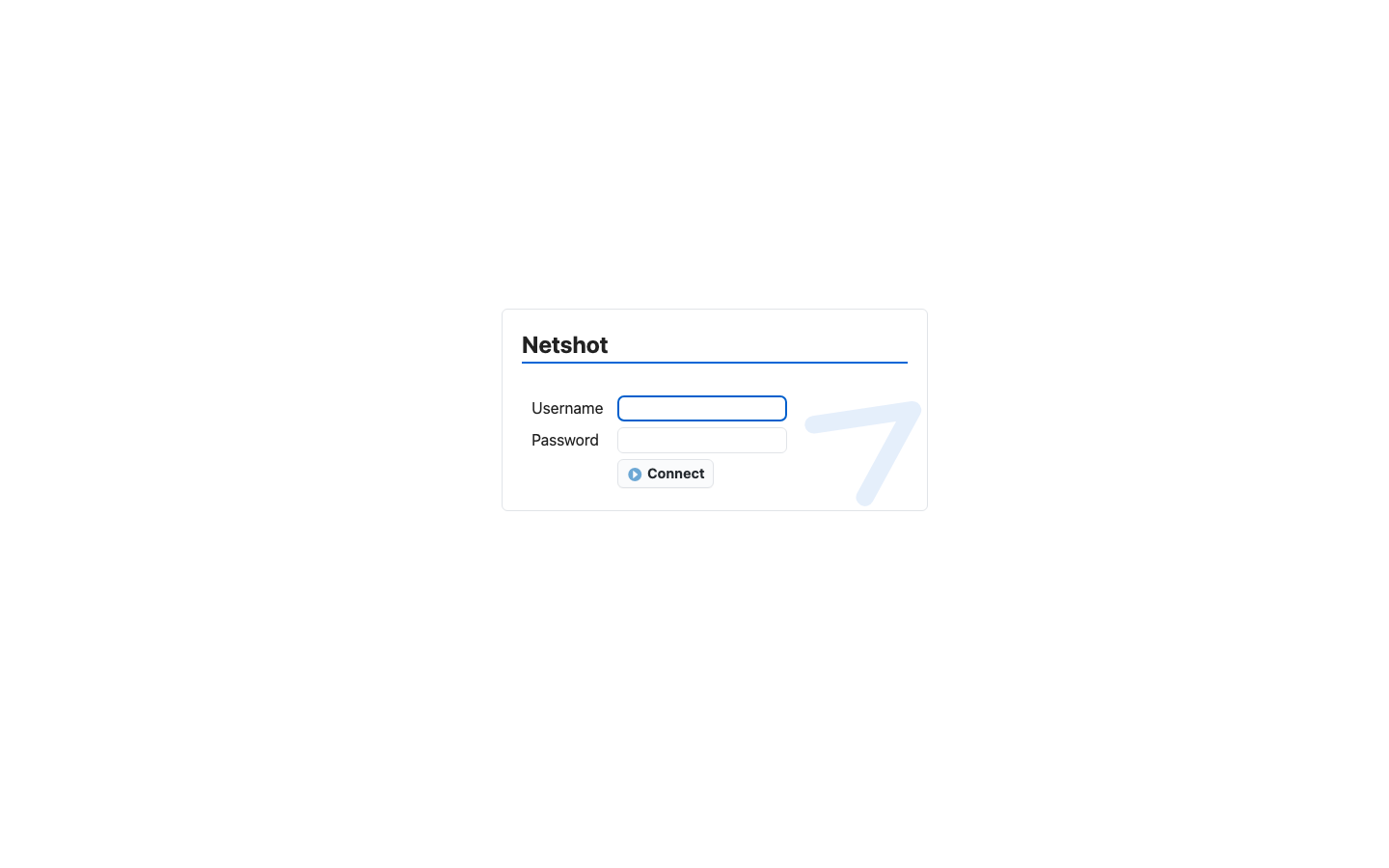
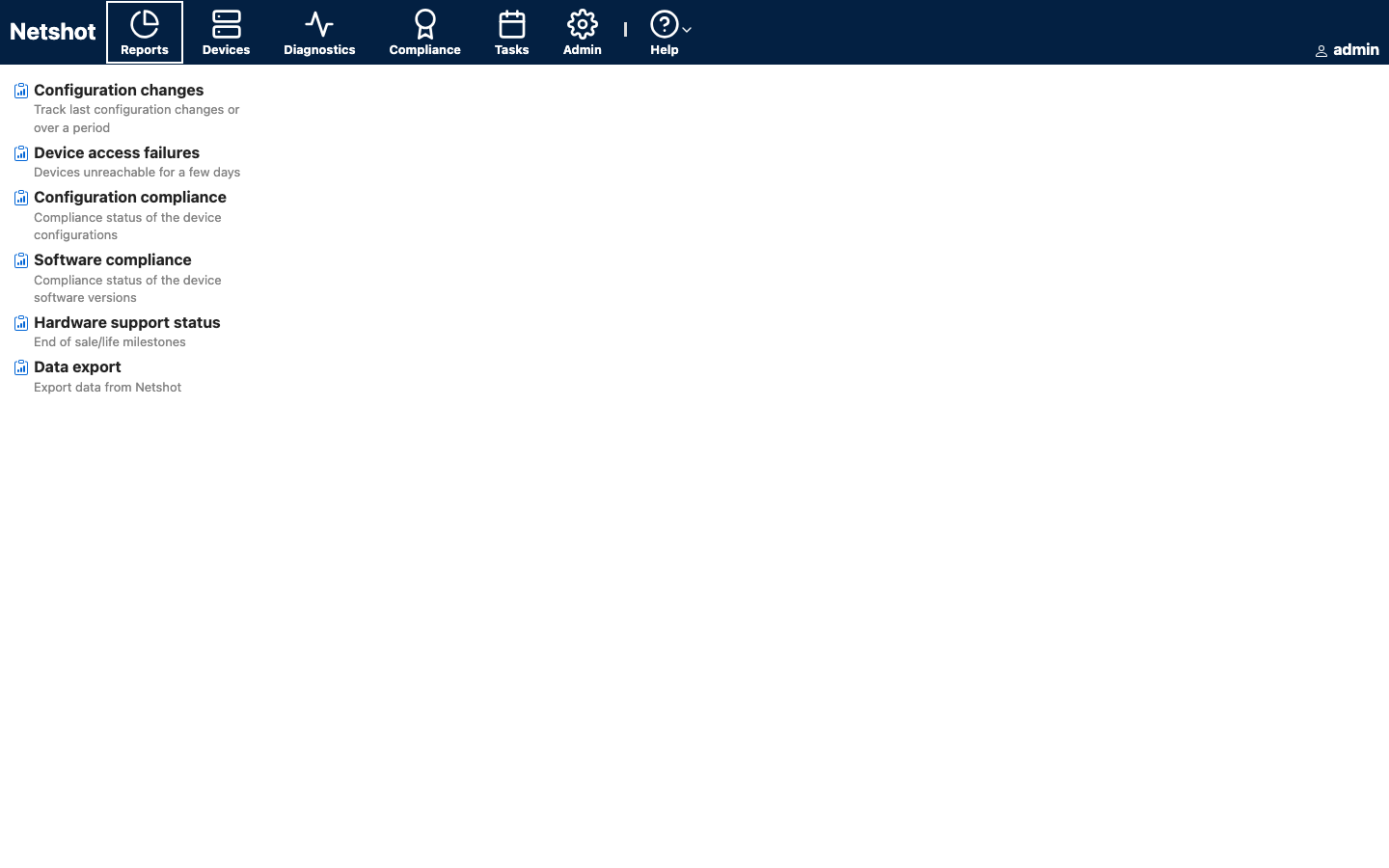
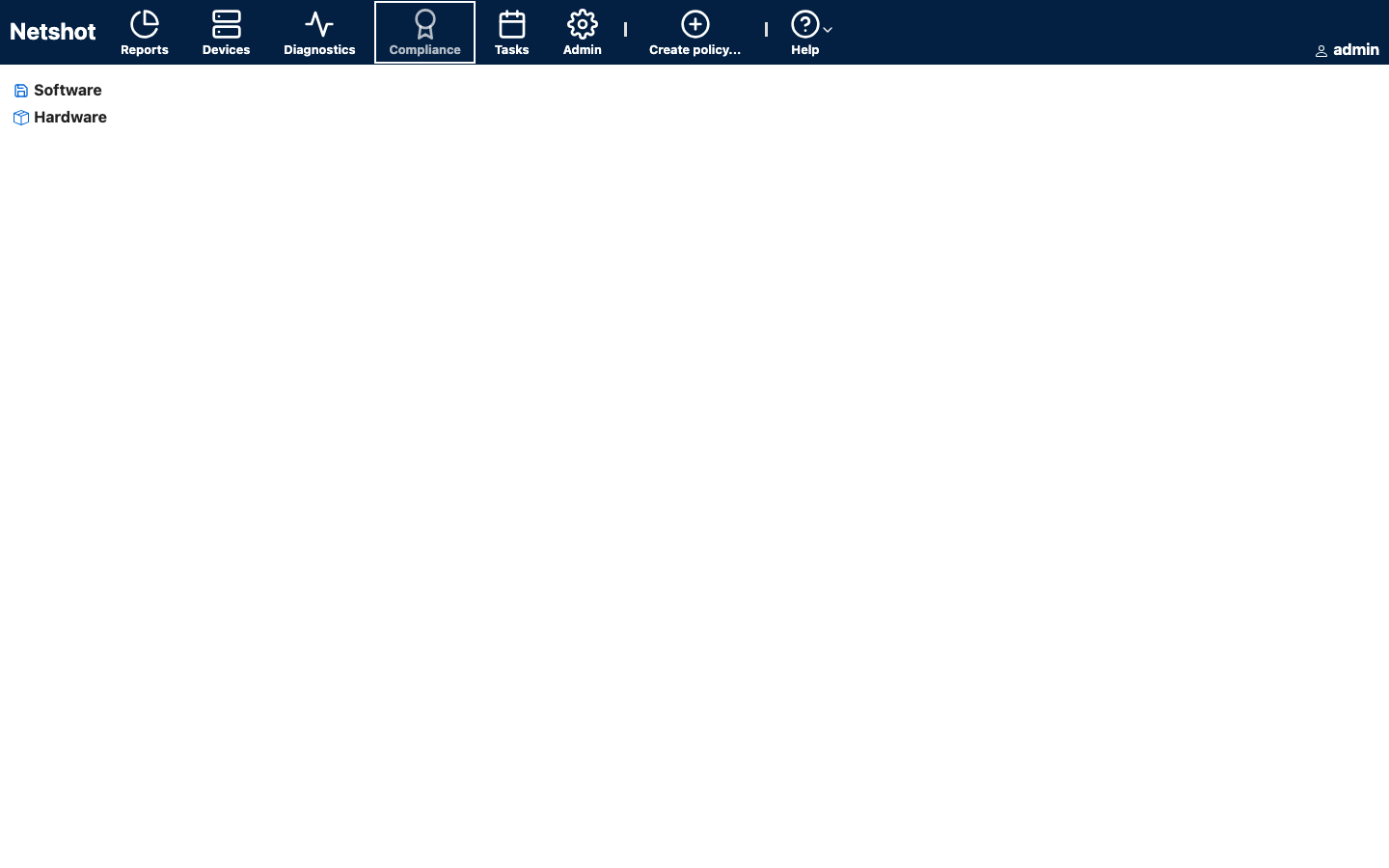
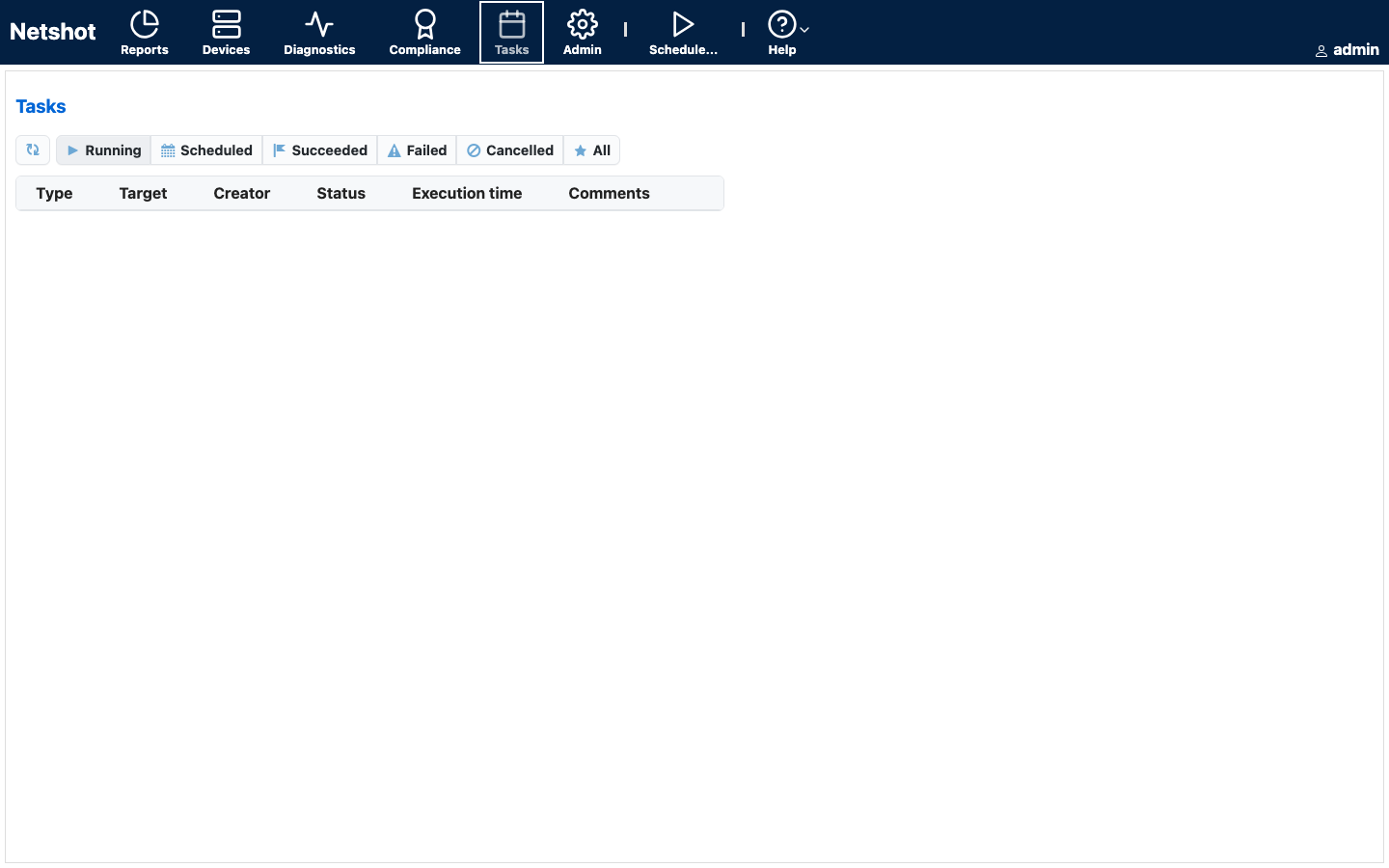
This is a repackaged open source software product wherein additional charges apply for cloudimg support services.
Overview
Netshot is an open source platform for automated network device configuration backup, inventory, and compliance management. It connects to routers, switches, firewalls, and load balancers across more than one hundred device families, including Cisco IOS, NX-OS, IOS-XR, ASA, Juniper, Arista, and Fortinet, periodically archiving running and startup configurations, maintaining a full change history with diffs, tracking hardware and software versions, and continuously checking your estate against compliance rules you define. This image delivers Netshot 0.24.0 fully installed and serving its web UI over HTTPS within minutes of launch.
Configuration Backup and Compliance
Schedule regular configuration snapshots of every managed device and browse the full history with side-by-side diffs to see exactly what changed and when. Group devices into dynamic domains, track hardware and software-version inventory across the fleet, and define compliance rules that flag devices running out-of-date software or configurations that drift from your standard. Change-detection listeners for syslog and SNMP traps let Netshot snapshot a device the moment its configuration is altered, giving your network operations team immediate visibility into unauthorized changes.
Application Stack
Netshot runs as a dedicated, non-root service on a GraalVM runtime, serving its web UI and REST API from an embedded web server over HTTPS on the standard secure port. A local PostgreSQL server holds the device inventory, configuration snapshots, compliance results, and users; the database schema is created and migrated automatically on first start. systemd starts the service and its database on boot and restarts them on failure.
Secure First Boot
The built-in administrator password, database password, credential-encryption key, and TLS keystore are all rotated to fresh, unique values on the first boot of your instance, before the service accepts any traffic. The generated administrator password is written to a file that only the root user can read. No shared or default credentials ship in the image.
Ready To Use
Open the web UI in your browser over HTTPS, read the generated administrator password, sign in, and start adding devices. The image uses a self-signed certificate that you replace with your own trusted certificate; the paired deployment guide walks through this and through onboarding your first devices.
Use Cases
cloudimg Support
24/7 technical support by email and chat. Help with deployment, replacing the self-signed certificate, device onboarding and driver selection, compliance-rule authoring, storage and upgrade planning.
All product and company names are trademarks or registered trademarks of their respective holders. Use of them does not imply any affiliation with or endorsement by them.
The image builds the official 3proxy binary (pinned at build from the upstream release) and runs it under systemd as the...
The image builds accel-ppp 1.14.0 from the upstream source tag (commit 048d31cb, dated 25 January 2026), verified agains...

This image runs AdGuard Home, the open source network-wide DNS server that blocks ads, trackers and malicious domains fo...
The image installs the latest stable Anubis release, resolved at build time from the official GitHub release package and...

This image runs Apache Guacamole, the open source clientless remote desktop gateway.

This image runs Apache ShenYu, the high performance, reactive open source API gateway built on Java and Spring WebFlux.