Base
Hardened build
minimal ports, security patches applied at build time

Nginx Proxy Manager, a web UI for reverse proxies and TLS certificates, ready to route hosts the moment it boots.
Nginx Proxy Manager is an open source management interface that puts a simple web UI in front of NGINX for creating reverse proxy hosts, redirects, and free TLS certificates. It lets teams expose internal services securely without editing configuration files by hand.
cloudimg delivers Nginx Proxy Manager preconfigured on a hardened, fully patched Ubuntu 24.04 base so the management interface is reachable straight after boot. A unique admin credential is generated on first boot with no default login, and 24/7 support is included.
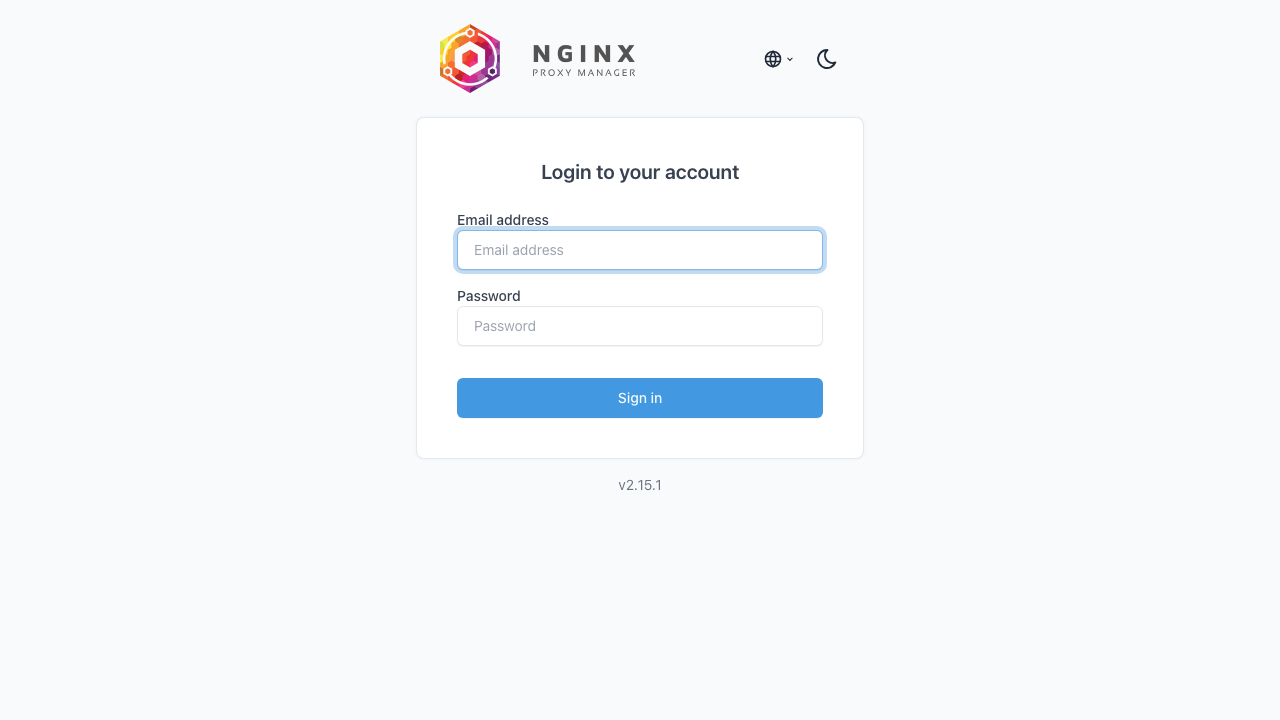
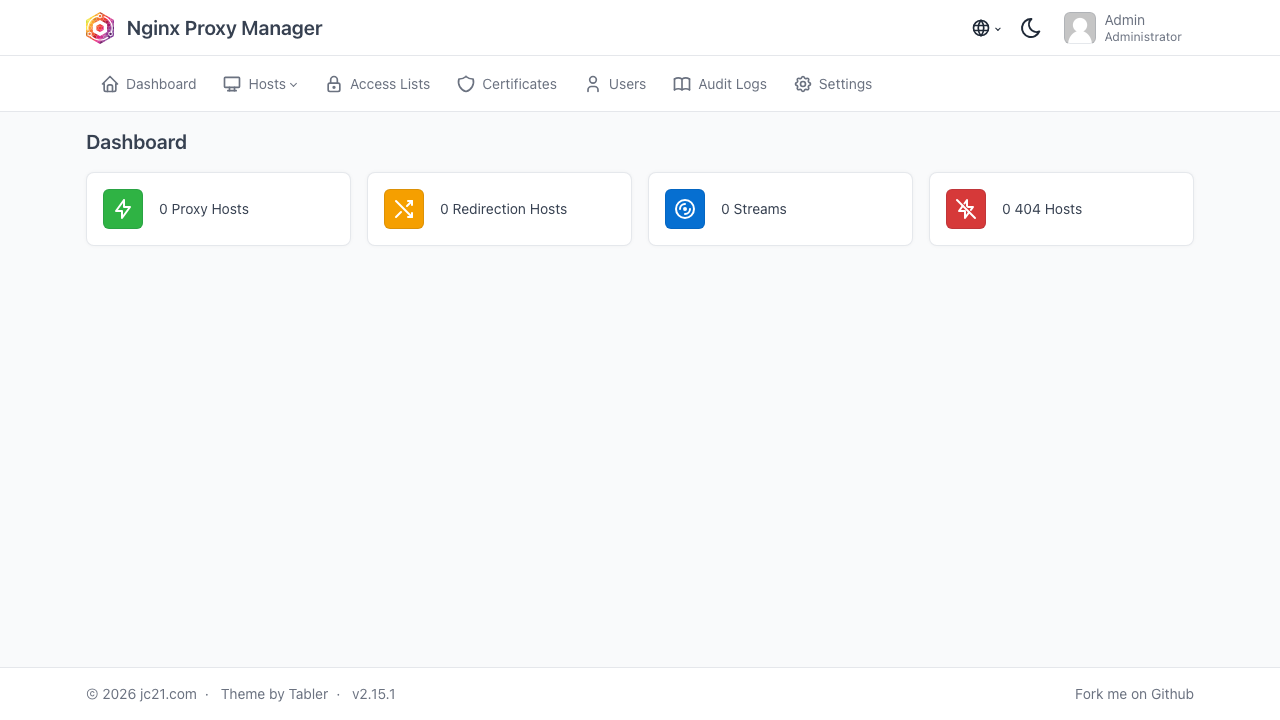
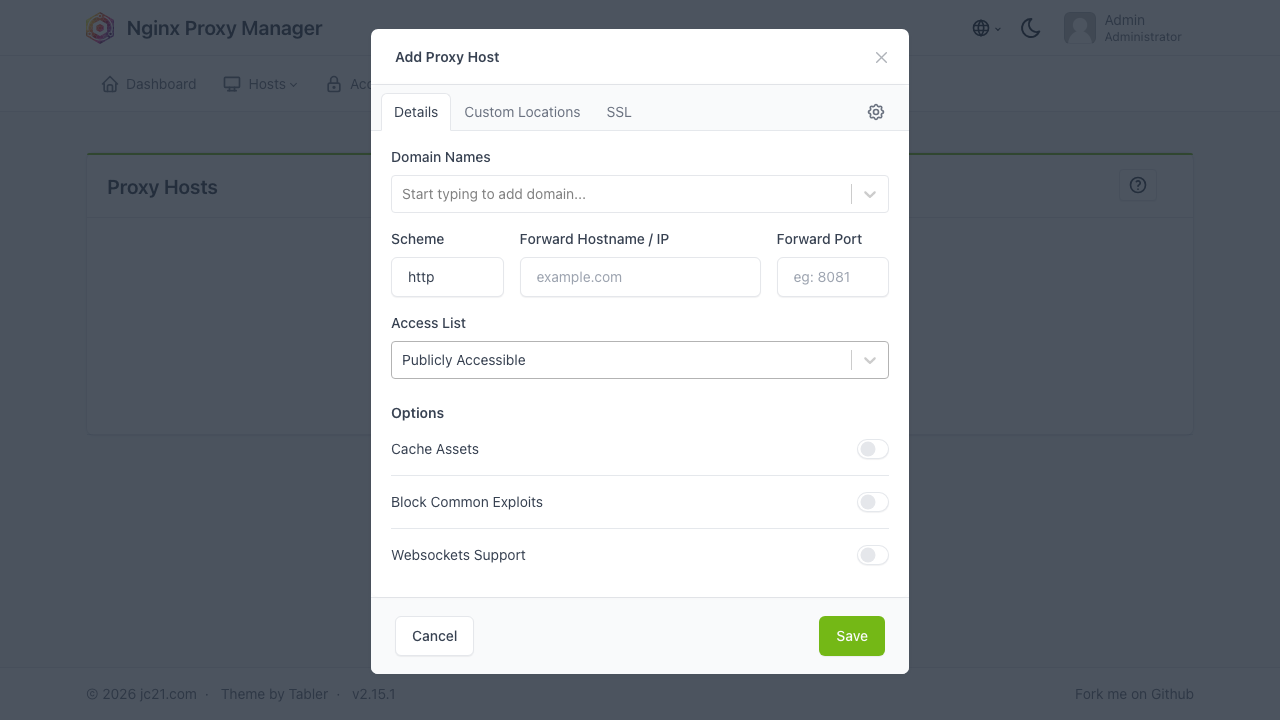
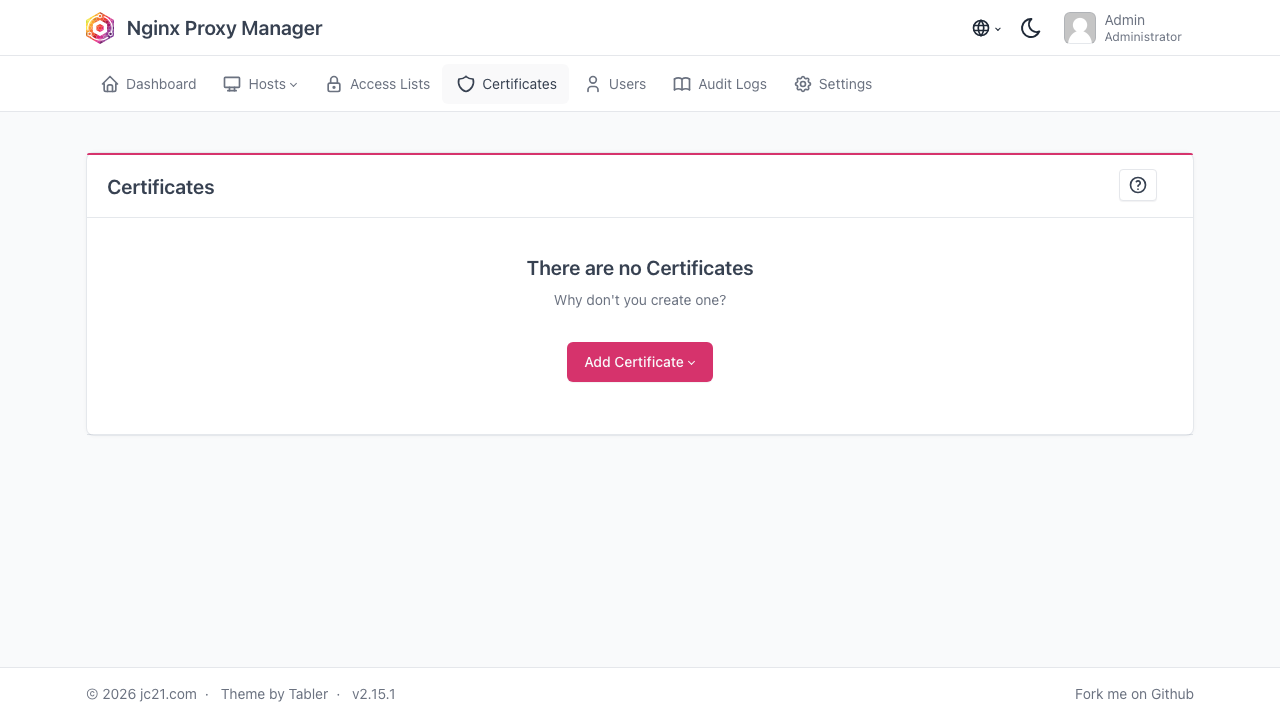
Real screenshots taken while testing this image against its deployment guide.

1Panel is an open source, web based control panel for managing a Linux server from the browser.

Alibaba Sentinel is a flow control, circuit breaking and real-time monitoring platform for microservices and distributed...

Apache Directory Server (ApacheDS) is an extensible, embeddable LDAP v3 and Kerberos directory server written in Java by...
Apache Dubbo is an RPC and microservice framework; this image ships the Dubbo Admin console with a ZooKeeper registry, h...

Apache Guacamole is a clientless remote desktop gateway: it delivers RDP, VNC and SSH sessions to a plain web browser, w...

Apache Seata is an open source distributed transaction solution for microservices.