Base
Hardened build
minimal ports, security patches applied at build time

efficient, self hosted usenet downloader with a secure browser interface, hardened and ready on cloudimg
NZBGet is a fast, lightweight open source Usenet binary downloader with an efficient C++ core and a full featured browser interface. It fetches NZB releases from your own Usenet provider, verifies and repairs them with par2, unpacks archives automatically, and organises completed downloads into categories, with RSS subscriptions and post processing scripts for hands off automation. The cloudimg image runs the daemon behind an nginx reverse proxy so you operate everything from the browser.
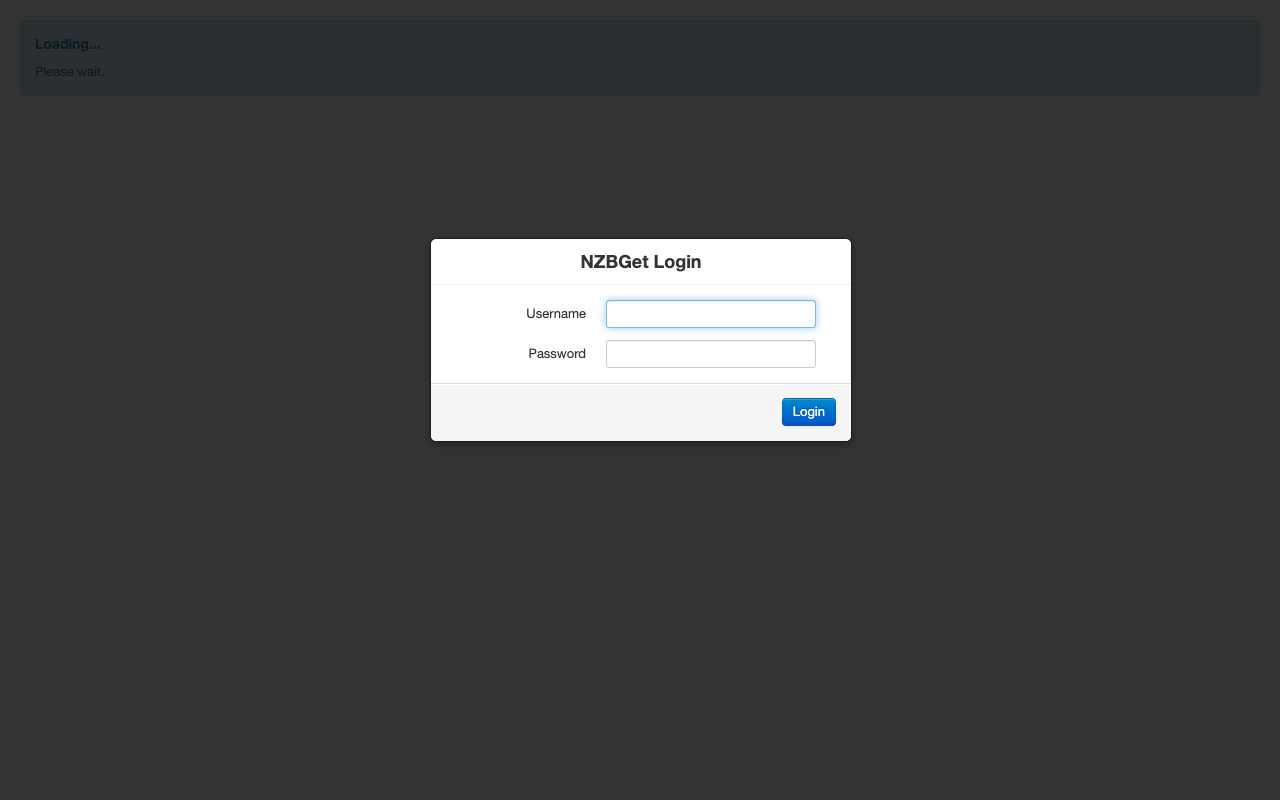
cloudimg ships NZBGet fully installed and hardened: the well known default control login is removed and a unique control password is generated on each instance first boot and written to a root only file. The Web UI and JSON-RPC interface bind to the loopback interface behind nginx, the daemon runs as an unprivileged system user, and the download queue and completed library live on a dedicated, independently resizable data volume that survives OS disk changes. Every image is paired with a step by step deploy guide and backed by 24/7 cloudimg support.
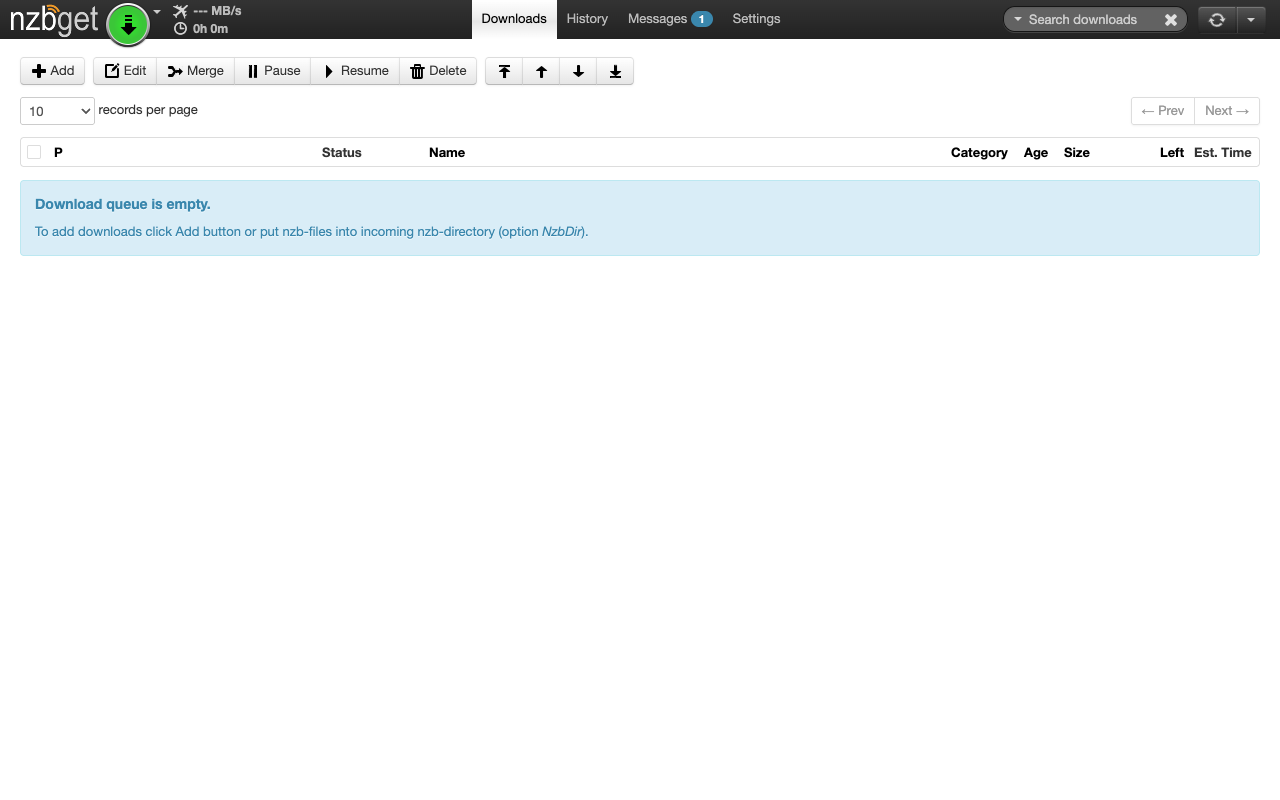
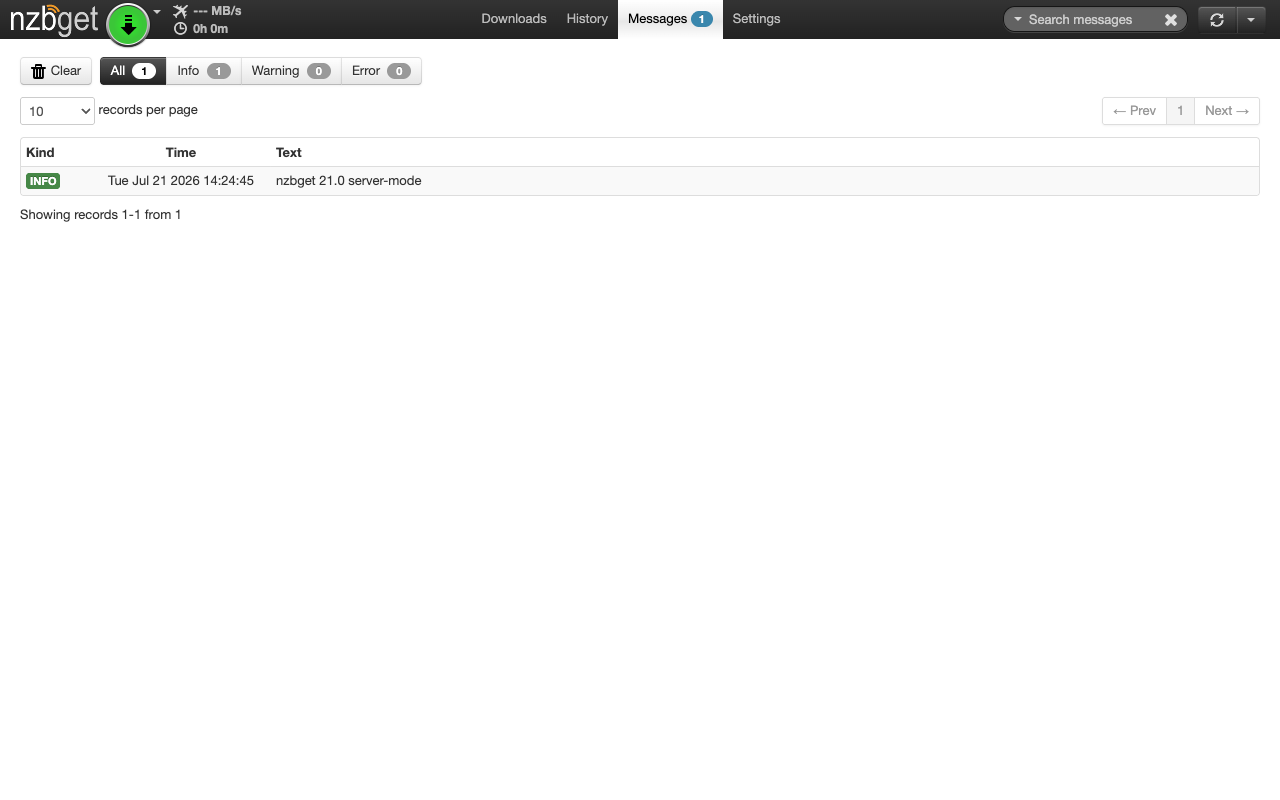
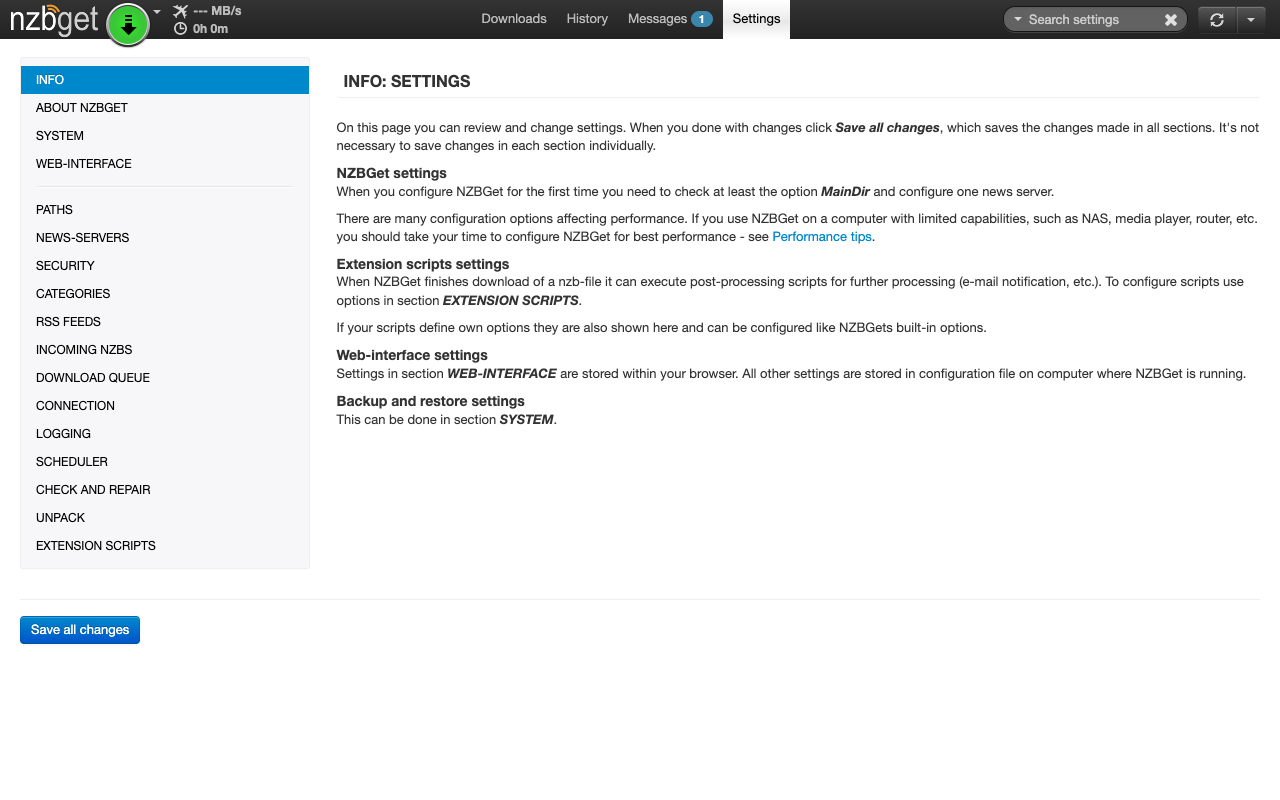
Real screenshots taken while testing this image against its deployment guide.
This is a repackaged open source software product wherein additional charges apply for cloudimg support services.
## Overview
NZBGet is a fast, efficient free and open-source Usenet (NZB) binary downloader with a lightweight C++ core and a full-featured browser-based web interface. This AMI runs the nzbget daemon and exposes its complete functionality through the browser - giving you a private, self-hosted Usenet download manager you run and control in your own AWS account. It is delivered fully installed and secured so a working downloader is operational within minutes of launch. NZBGet connects to your own Usenet provider, so a Usenet subscription is required to download.
## Why This Image vs a Manual Install
This image eliminates the manual package setup, config templating, reverse-proxy configuration, and credential hardening that a manual install requires. NZBGet ships with a well-known default nzbget/tegbzn6789 control login; this image never keeps it. What typically requires several steps across package management, service configuration, and security hardening is completed for you at image build time. Launch the instance, read your unique credential, point NZBGet at your Usenet provider, and start downloading.
## Application Stack
nzbget is installed from the distribution repository and runs as an unprivileged system user under a hardened systemd unit. Its Web UI and JSON-RPC interface are bound to the loopback interface only and fronted by an nginx reverse proxy on port 80. systemd starts the daemon and the web server on boot and restarts them on failure. The download queue, temporary directories and the completed downloads library live on a dedicated data volume, independently resizable and separate from the OS disk.
## Security Hardening
This image follows a defence-in-depth approach:
Buyers requiring formal compliance documentation should contact cloudimg to discuss specific requirements.
## Concrete Use Cases
## AWS Integration
Deploy on any EC2 instance type. Use the unauthenticated health endpoint with an Application Load Balancer for availability monitoring. Back up your configuration and download library using EBS snapshots or AWS Backup. Resize the dedicated download volume independently of the OS disk as your library grows. NZBGet connects outbound to your Usenet provider over NNTP/NNTPS - there is no inbound download port to open.
## Getting Started
Read your credential from the root-only file, open the web interface in your browser, sign in, and add your Usenet provider under Settings then News Servers. Add NZB files by upload or URL, organise downloads into categories, schedule bandwidth, and automate fetching via RSS subscriptions with rules.
## cloudimg Support
24/7 technical support by email and chat. Help with deployment, reverse-proxy termination with your own domain and certificate, Web UI configuration, Usenet provider setup, categories and RSS automation, and backup planning for your download library.

Backrest is a popular open source web interface and orchestrator for restic, the fast, secure, deduplicating backup prog...
Cyberduck is a libre file transfer client for FTP, SFTP, WebDAV, Amazon S3, Google Cloud Storage, Microsoft Azure, OpenS...

This image runs File Browser, the open source, self-hosted web file manager - browse, upload, download, edit, preview an...
This image runs a production ready SFTP file transfer server built on OpenSSH, the open source secure shell suite.

Kopia, the fast and secure open source backup and restore tool, preinstalled as a system service running in server mode ...

This image runs MinIO, the high performance open source object storage server that speaks the Amazon S3 API, in single n...