Kopia
Overview
Kopia, the fast and secure open source backup and restore tool, preinstalled as a system service running in server mode with its web UI published on port 80 behind the application's built in authentication, fronted by an nginx proxy. A unique password is generated on first boot. Backed by 24/7 cloudimg support.
See it running
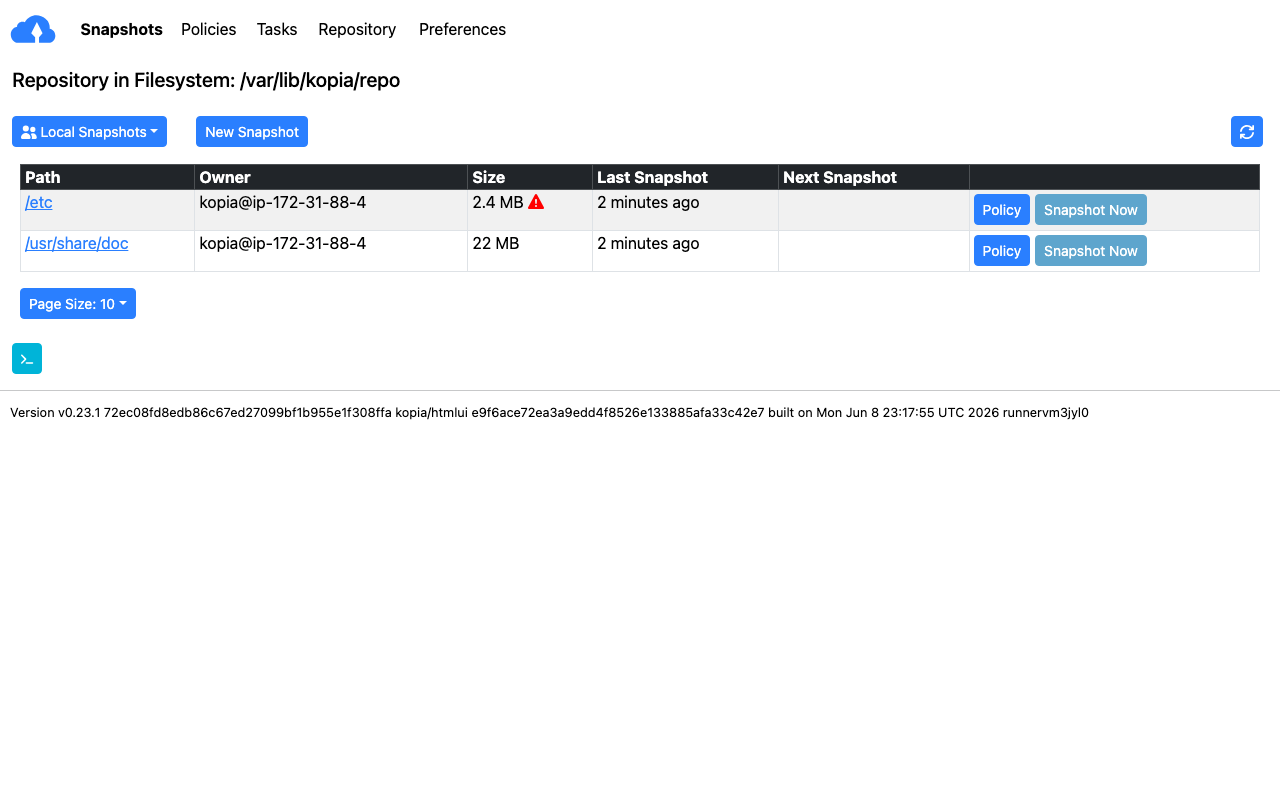
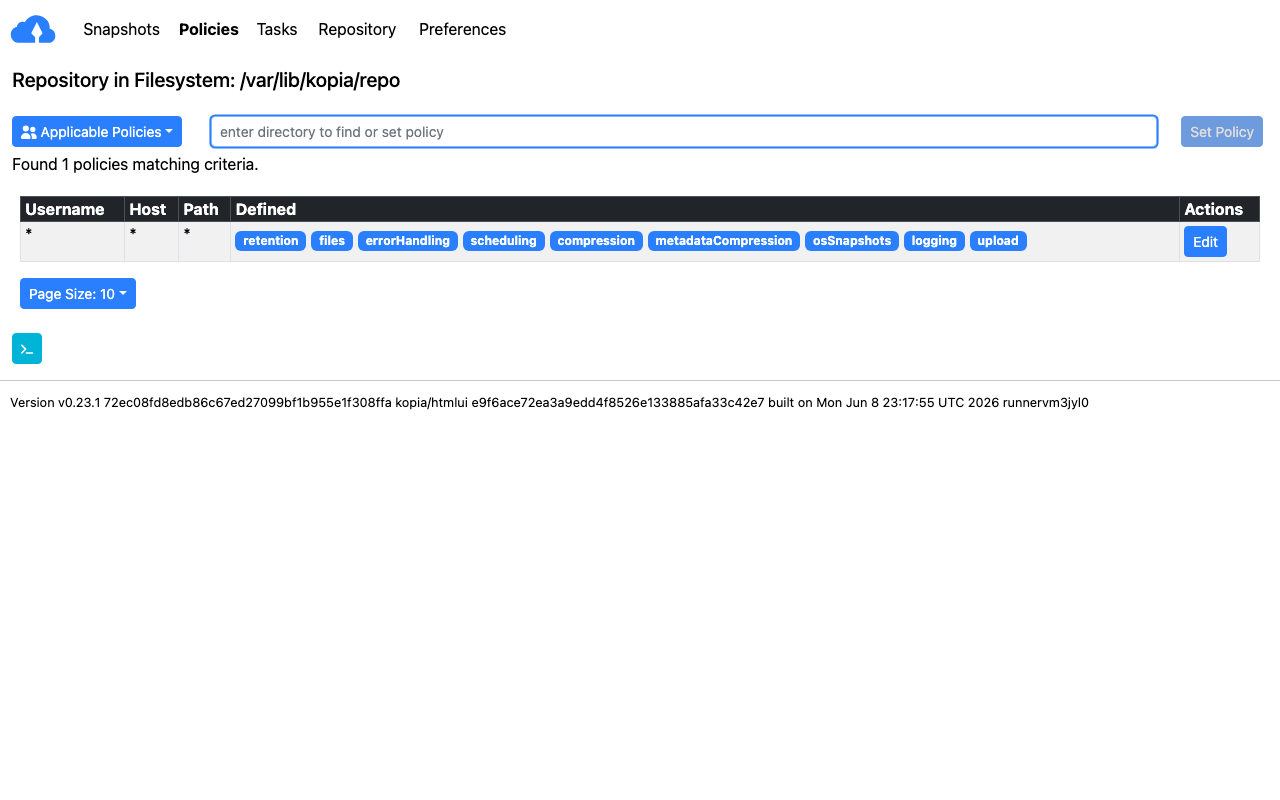
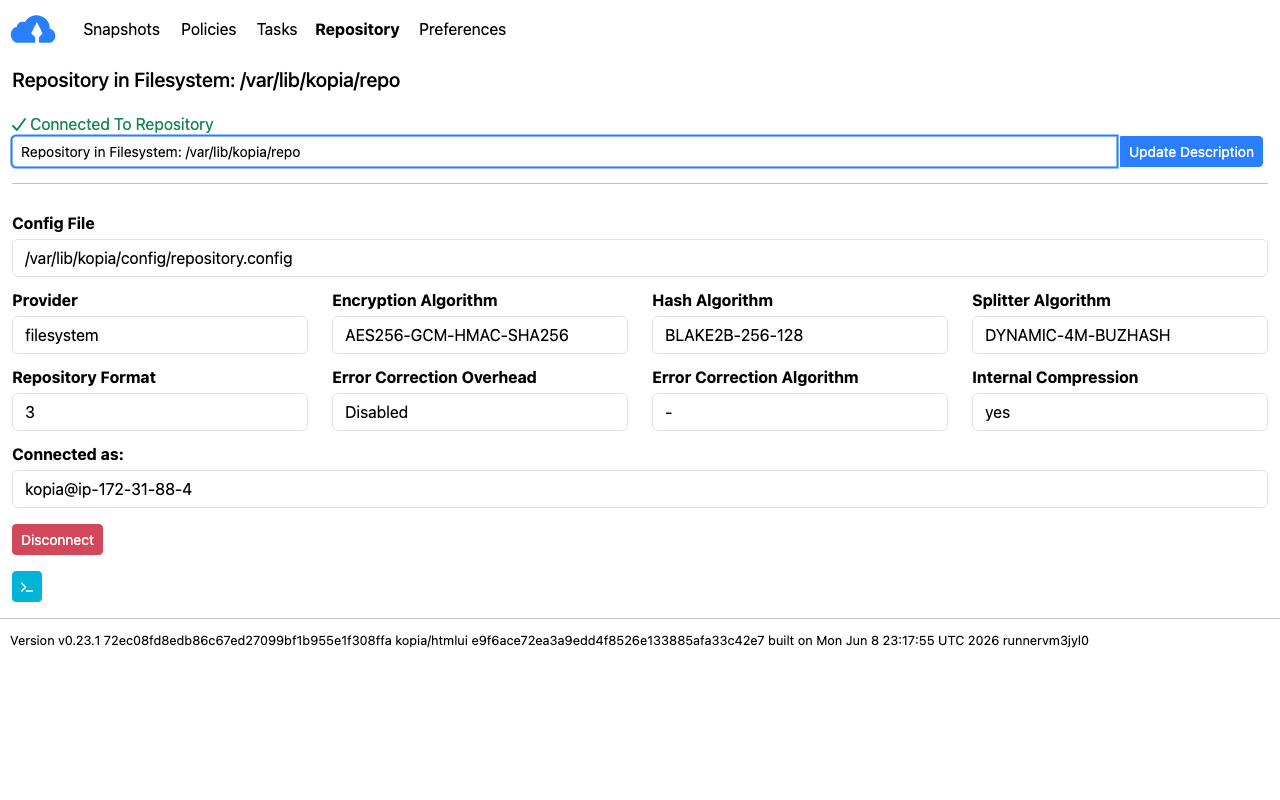
Real screenshots of this software running on the cloudimg image, taken while testing the deployment guide.
Description
This is a repackaged open source software product wherein additional charges apply for cloudimg support services.
Overview
Kopia is a fast and secure open source backup and restore tool. It creates encrypted, compressed and deduplicated snapshots of your files and directories and stores them in a repository that can live on a filesystem, on cloud object storage or on a Kopia repository server. This image delivers Kopia fully installed and configured in server mode with its browser based web UI, so a production grade backup server is running within minutes of launch.
Application Stack
The Kopia static binary installed under /opt/kopia and run by a dedicated unprivileged service account in server mode. A demo filesystem repository, the Kopia config and the content cache stored on a dedicated data disk so they are independently resizable and survive instance replacement. A systemd service that starts the Kopia server on boot and restarts it on failure. An nginx reverse proxy that publishes the web UI on port 80 with WebSocket support for live task updates.
Backup and Restore
Kopia takes incremental snapshots that are encrypted client side with strong cryptography, compressed and globally deduplicated, so repeated backups are fast and storage efficient. Define sources and policies in the web UI or with the command line, schedule snapshots, browse and mount past snapshots, and restore individual files or whole directories. Repositories can be hosted on a filesystem, on Amazon S3 and other object stores, or on a Kopia repository server.
Secure First Boot
On the first boot of your instance a one shot service generates a fresh web UI password, a fresh server control password and a fresh repository password, all unique to that instance, recreates the demo filesystem repository and writes the passwords to a root only file. The Kopia server binds to loopback only and is never exposed without authentication. No shared or default credentials ship in the image.
Ready To Use
The web UI is served on port 80 through nginx. Sign in with the generated credentials to connect repositories, define sources and policies, run and schedule snapshots, and restore data. The same server can act as a repository server for other Kopia clients on your network.
cloudimg Support
24/7 technical support by email and chat. Help with deployment, repository configuration on filesystem and object storage, snapshot policies and scheduling, retention and compression tuning, the repository server mode, TLS and restore workflows.
Use Cases
Encrypted, deduplicated backups of servers and workstations. A central backup server for a small fleet. Long term archival to object storage. Disaster recovery snapshots of application data. A self hosted alternative to hosted backup services.
All product and company names are trademarks or registered trademarks of their respective holders. Use of them does not imply any affiliation with or endorsement by them.
Key Features
- Kopia fast secure backup and restore tool preinstalled as a systemd service in server mode with the browser based web UI published on port 80, no manual setup required
- Encrypted, compressed and deduplicated snapshots to filesystem or object storage repositories, with the demo repository, config and cache on a dedicated independently resizable data disk
- Hardened first boot generates a fresh web UI, server control and repository password for every instance behind the application's built in authentication, stored in a file only root can read, with 24/7 cloudimg support