Base
Hardened build
minimal ports, security patches applied at build time

A private, self hosted AI chat workspace with a bundled local model backend, ready the moment it boots.
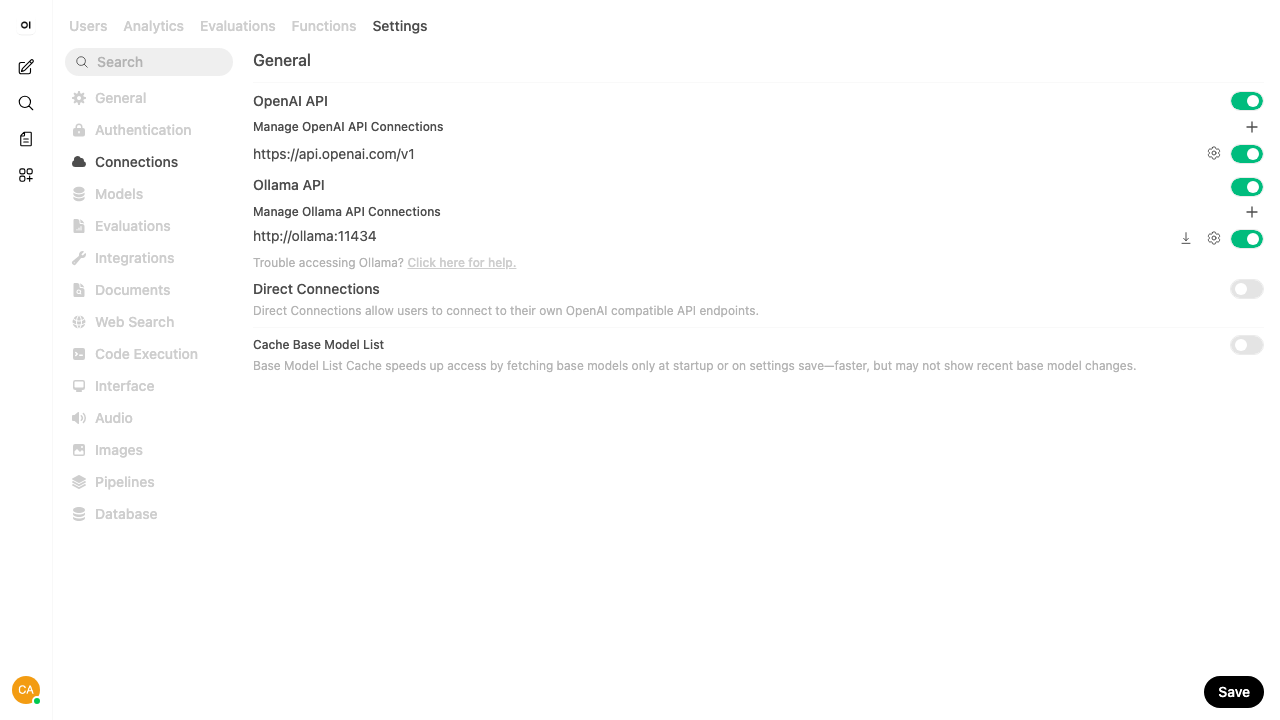
Open WebUI is an open source, self hosted interface for large language models. It gives you a polished chat workspace in your browser that talks to a local model backend and to any OpenAI compatible provider, with retrieval over your own documents, model and prompt management, and multi user workspaces with role based access. A local Ollama backend is bundled so the appliance is usable on its own without wiring up an external service.
It suits teams and individuals who want a capable AI assistant they run and own inside their own cloud account, rather than sending prompts and documents to a third party service.
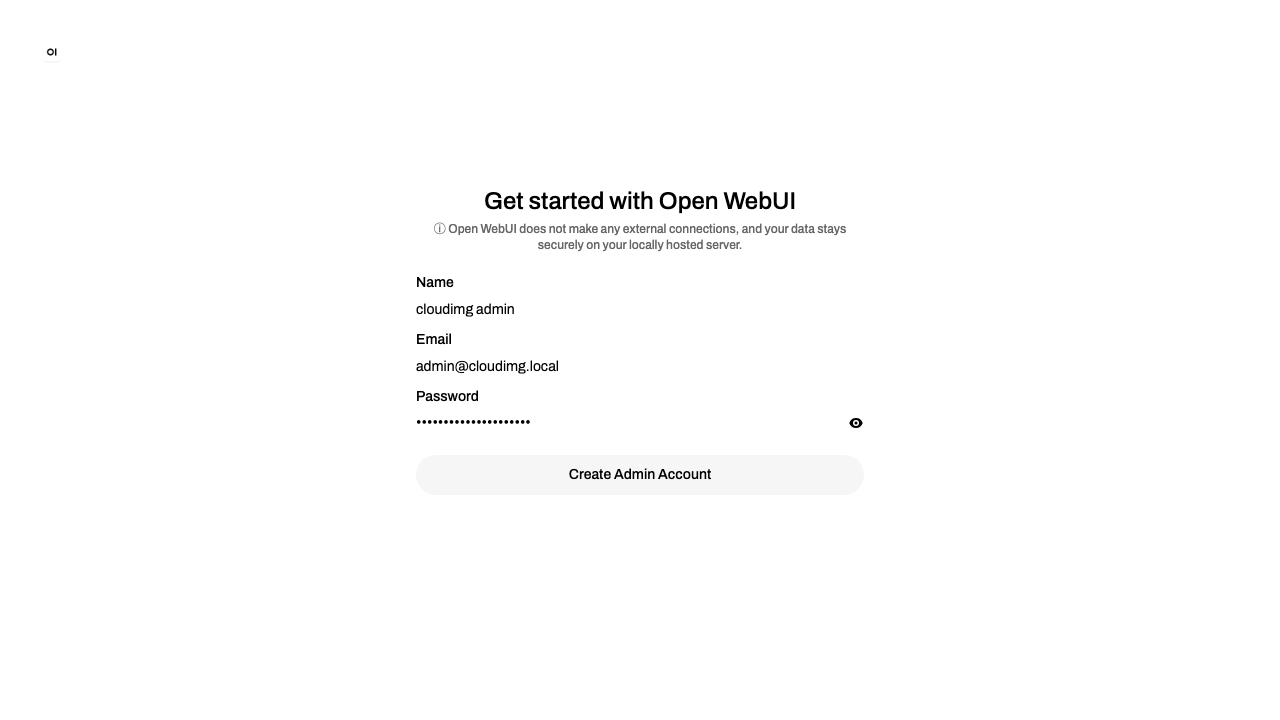
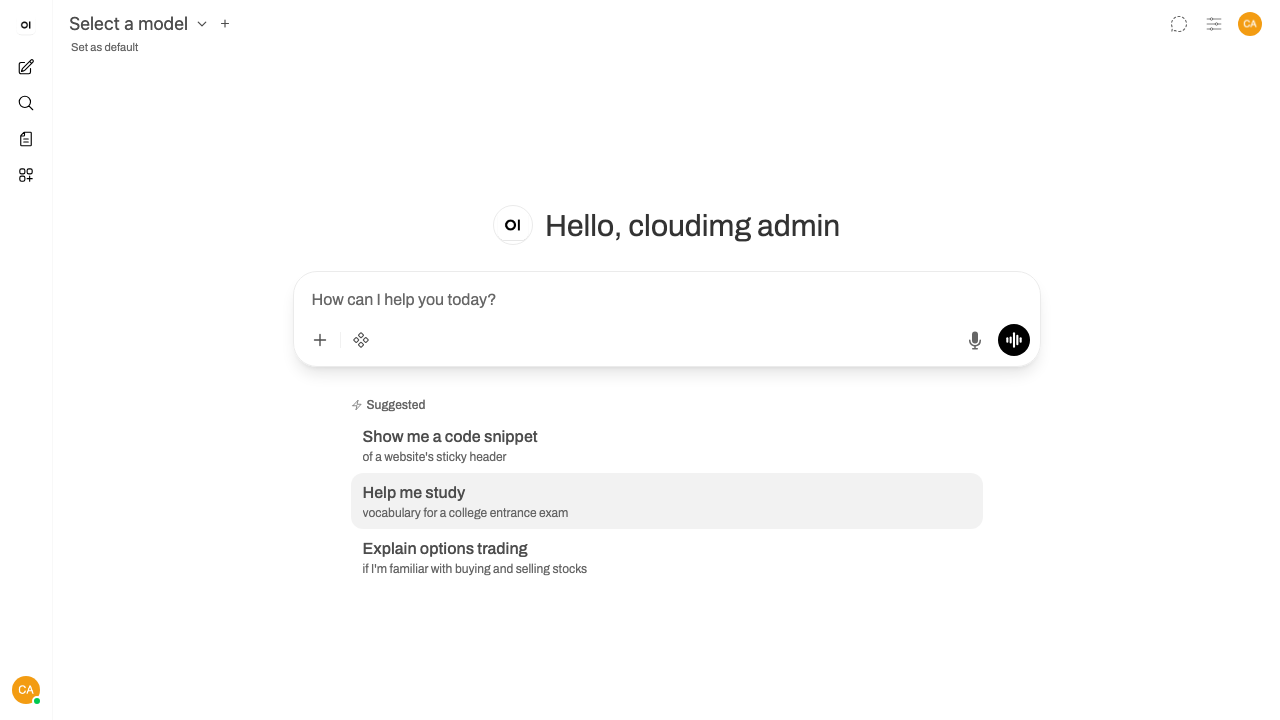
The cloudimg image ships Open WebUI and a bundled local Ollama behind an nginx reverse proxy already configured for the live interface's WebSocket traffic and ready for your TLS certificate. Nothing sensitive ships: no administrator and no user rows exist in the image, so your first visit lands on the sign up screen where the first account you create becomes the admin. The stack refreshes itself to the newest release on first boot, so every launch runs current software. The paired deployment guide covers first sign up, pulling a model and enabling HTTPS, and every deployment carries 24/7 support.
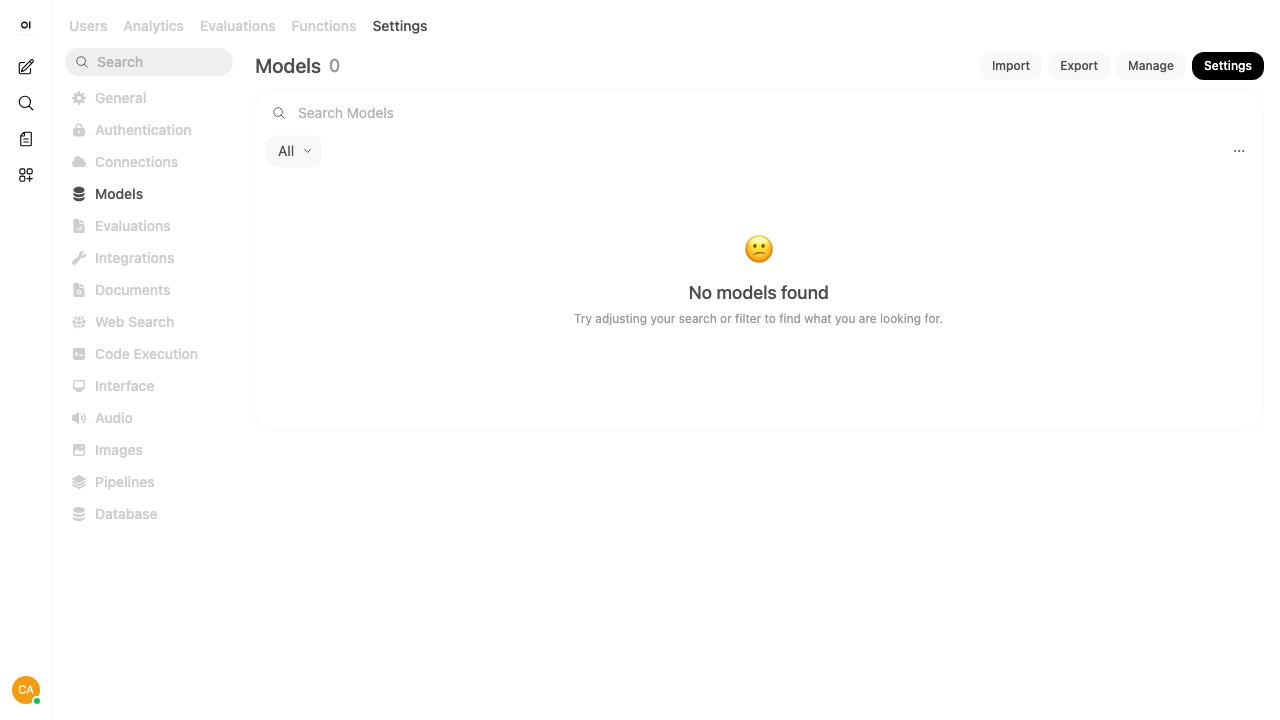
Real screenshots taken while testing this image against its deployment guide.

This image runs Argilla 2.8.0, the open source data annotation and curation platform for building high quality datasets ...

Because the endpoint is OpenAI compatible, existing application code usually needs only a base URL change.

ContextForge MCP Gateway is IBM's open-source gateway, registry and proxy for the Model Context Protocol (MCP), the stan...

Crawl4AI is a fast, open source web crawler and scraper that converts web pages into clean, LLM ready Markdown and struc...
DeepWiki-Open on Ubuntu 24.04 LTS preconfigured machine image for Microsoft Azure, hardened and verified with 24/7 suppo...

Dify is a popular platform for building and operating applications on top of large language models.