Base
Hardened build
minimal ports, security patches applied at build time

Password Pusher, share passwords, text, files and links over one time URLs that self destruct after a set number of views or a set number of days.
Password Pusher is an open source, self hosted web application for sharing sensitive information securely and temporarily. A sender pushes a password, block of text, a file or a URL and receives a one time link; the link stops working automatically once it has been viewed a set number of times or a set number of days have passed, whichever comes first, and every push is tracked with a full audit trail. It is a simpler, private alternative to emailing credentials or using a public paste service.
cloudimg delivers Password Pusher hardened and fully patched, served over TLS with a self signed certificate regenerated on first boot. The application binds to loopback behind an nginx reverse proxy, and both the session signing key and the database payload encryption key are generated uniquely on each machine at first boot, so no key material is ever shared between instances. The login system is disabled so the appliance ships anonymous by design with no default account, backed by 24/7 support.
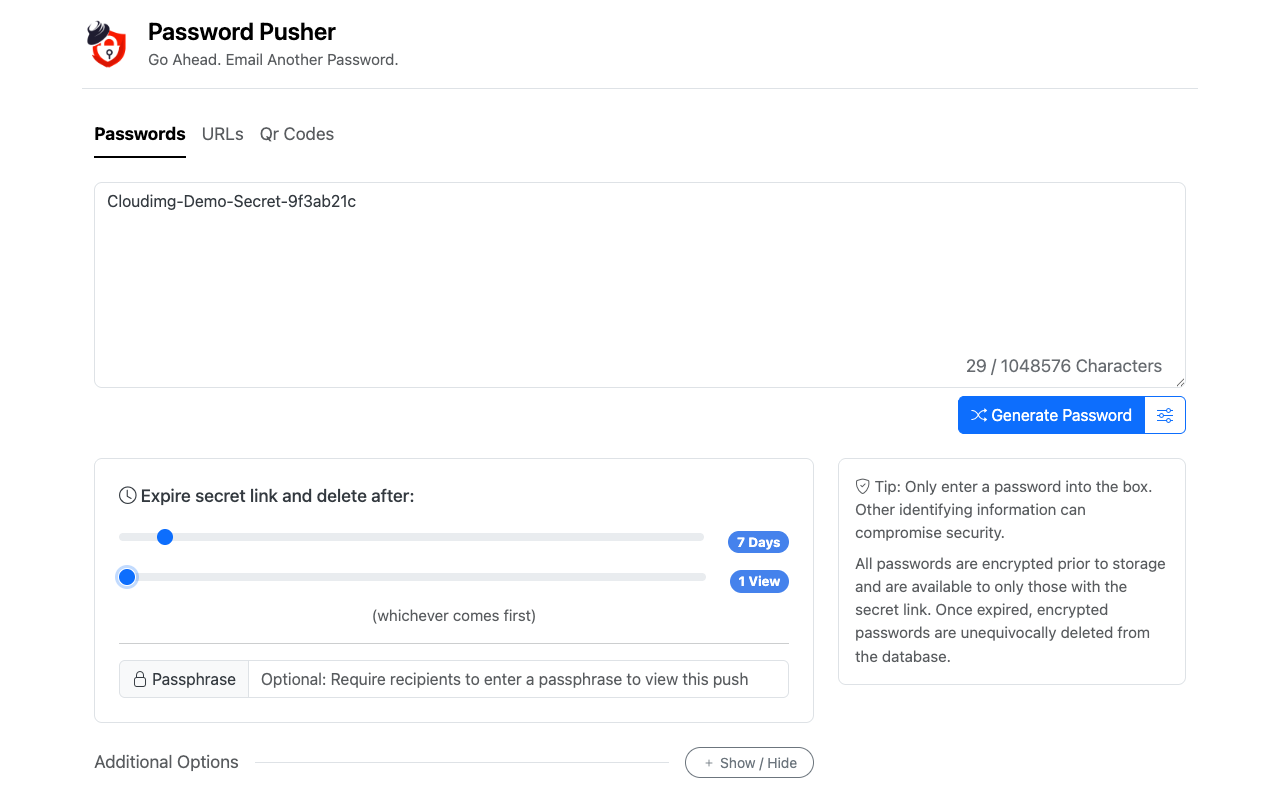
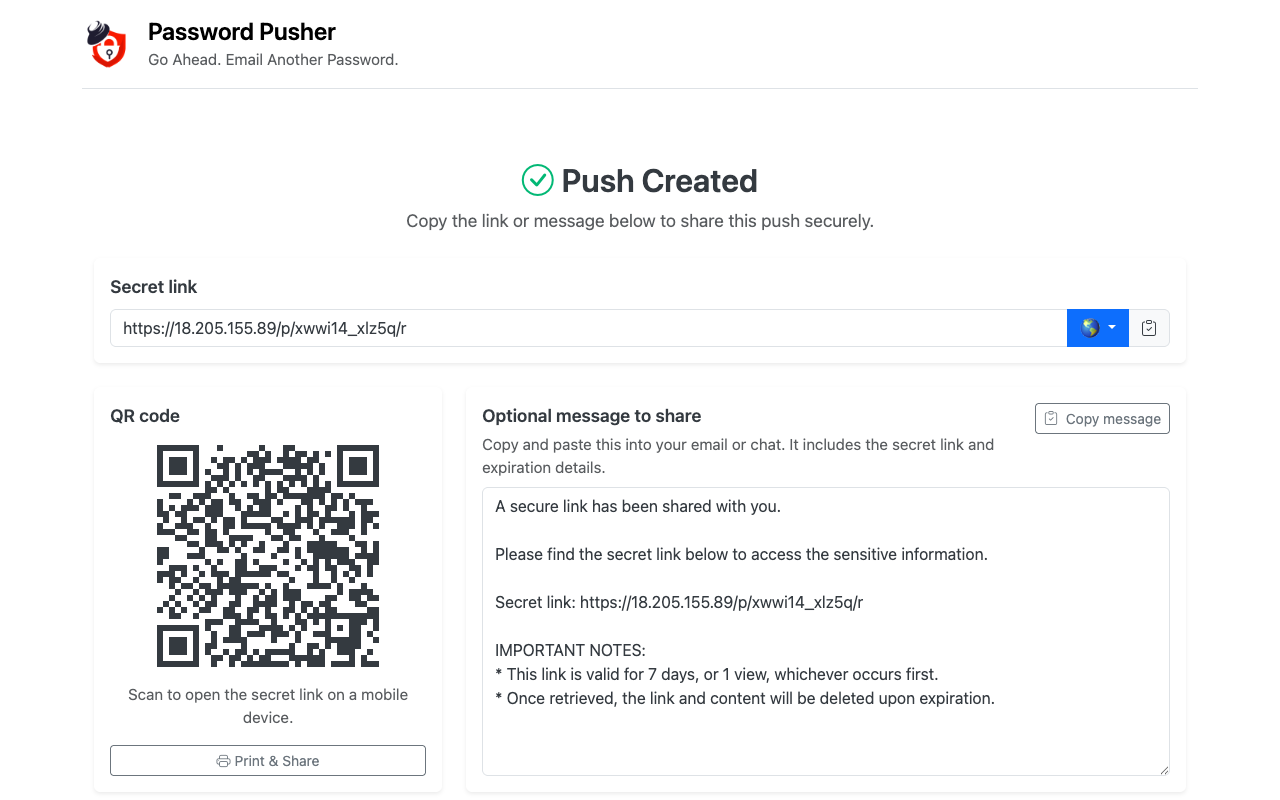
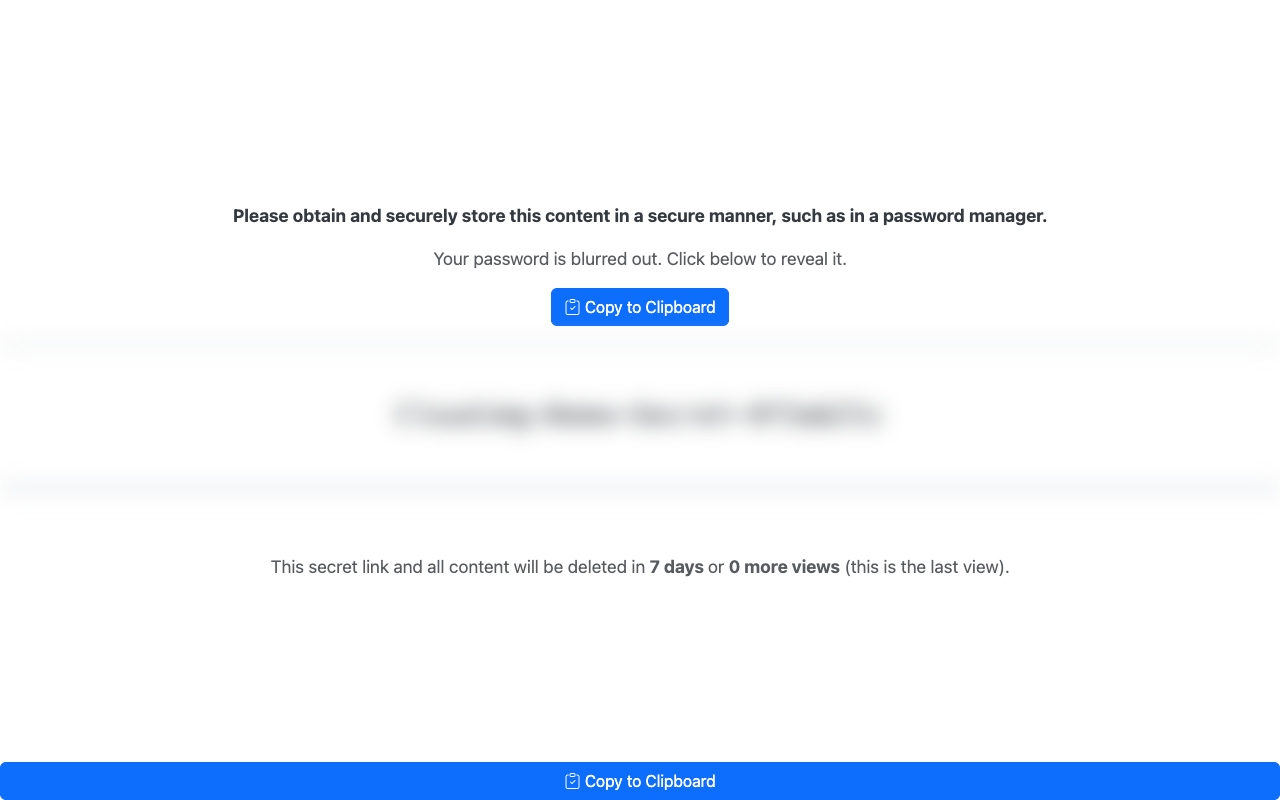
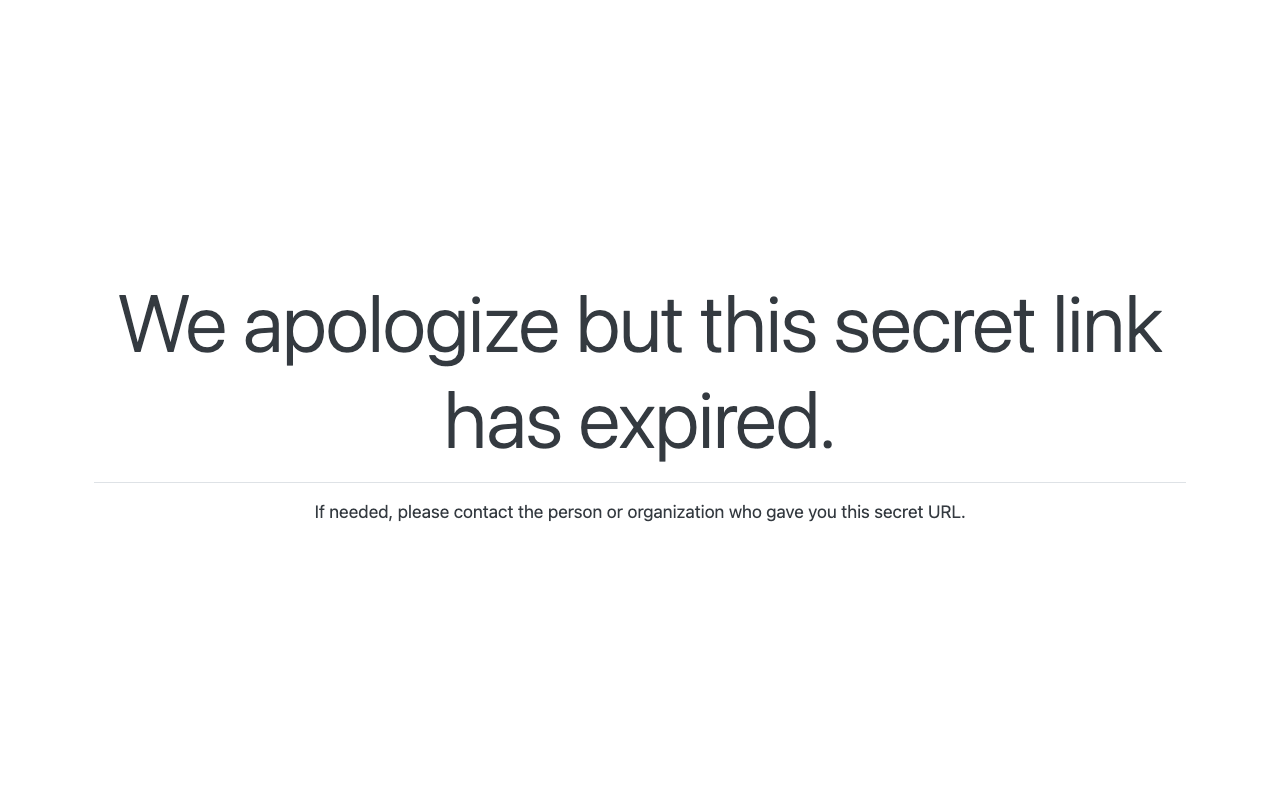
Real screenshots taken while testing this image against its deployment guide.
This is a repackaged open source software product wherein additional charges apply for cloudimg support services.
## Overview
Password Pusher is a popular open-source, self-hosted web application for securely sharing sensitive information. A sender pushes a password, a block of text, a file or a URL and receives a one-time link that stops working automatically once it has been viewed a set number of times (default 5) or a set number of days have passed (default 7), whichever comes first, with a full audit trail. It is a private, self-hosted alternative to emailing credentials or using a public paste service, and this AMI delivers it fully installed and hardened so a working instance is operational within minutes of launch.
## Why This Image vs a Manual Install
Password Pusher ships no prebuilt binary, so a manual install means compiling a matching Ruby, bundling gems, building front-end assets, preparing the database, authoring systemd units and configuring a TLS reverse proxy. This image completes every one of those steps at build time. It also closes the two security gaps a default deployment leaves open: the Rails session key and the database payload-encryption key both default to shared, insecure values upstream, and this image generates a unique random value for each on every instance's first boot.
## Application Stack
The Rails application runs under puma as an unprivileged system user, bound to the loopback interface only, and is fronted by an nginx reverse proxy that terminates TLS on port 443 (with a plain-HTTP port 80 that redirects to HTTPS). Payloads are stored in a local SQLite database, encrypted at rest with the per-instance key. systemd starts the application and the web server on boot and restarts them on failure.
## Security Hardening
This image follows a defence-in-depth approach:
Buyers requiring formal compliance documentation should contact cloudimg to discuss specific requirements.
## Concrete Use Cases
## AWS Integration
Deploy on any EC2 instance type. Use the unauthenticated health endpoint with an Application Load Balancer for availability monitoring. Put your own domain and an ACM or CA-signed certificate on the reverse proxy or an ALB in front. Back up the SQLite database with EBS snapshots or AWS Backup if you need push history to survive an instance replacement.
## Getting Started
Open the web interface in your browser, push a password, text, file or URL, and share the returned one-time link. The recipient views the secret once (or within the window you set) and the link then self-destructs. No login is required to push or retrieve a secret.
## cloudimg Support
24/7 technical support by email and chat. Help with deployment, putting your own domain and TLS certificate in front, expiration and retrieval-step configuration, and backup planning for your push database.

This image runs Certimate, the open source platform that automates the full life cycle of your SSL/TLS certificates.

This image runs Clair, the open source project for the static analysis of vulnerabilities in application containers.

KeePass is a free, open source password manager that stores all your passwords in a highly encrypted database. The datab...

This image runs OpenSCAP, the reference open source implementation of the Security Content Automation Protocol (SCAP).

This image runs CrowdSec, the free and open source collaborative behavioural security engine.

This image runs CyberChef 11.2.0, the open source "Cyber Swiss Army Knife" originally created by GCHQ, on Ubuntu 24.04 L...