Base
Hardened build
minimal ports, security patches applied at build time

Self-host Penpot on AWS in minutes - skip Docker setup, get a secure admin account on first boot, and design with your team backed by 24/7 cloudimg support.
This image arrives installed, configured and hardened, so there is no manual setup before you can use it. It is built on a patched base, runs with credentials generated uniquely for your instance on first boot, and passes an automated health check before every release. Every deployment is backed by 24/7 support from cloudimg engineers.
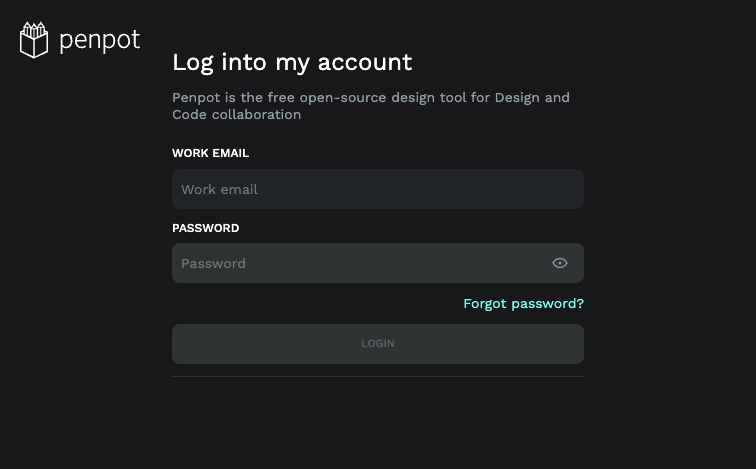
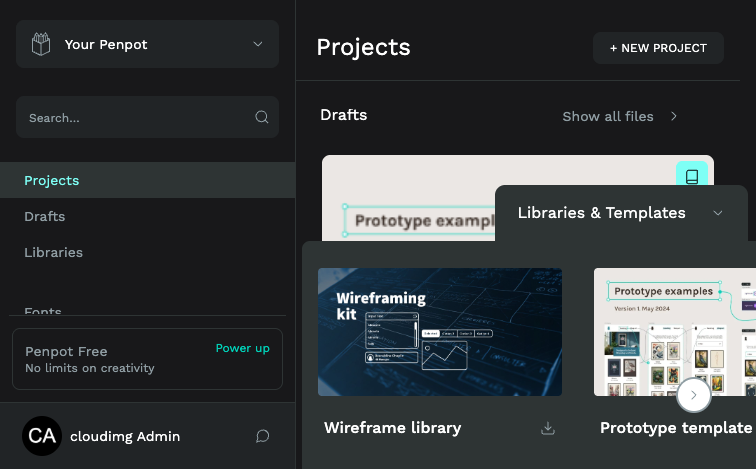
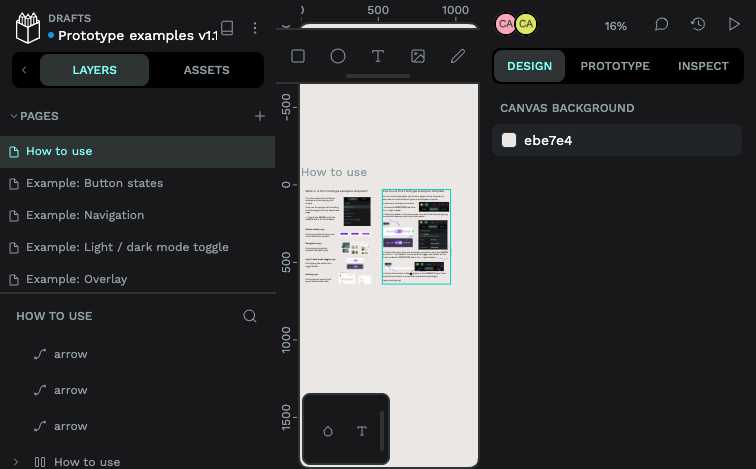
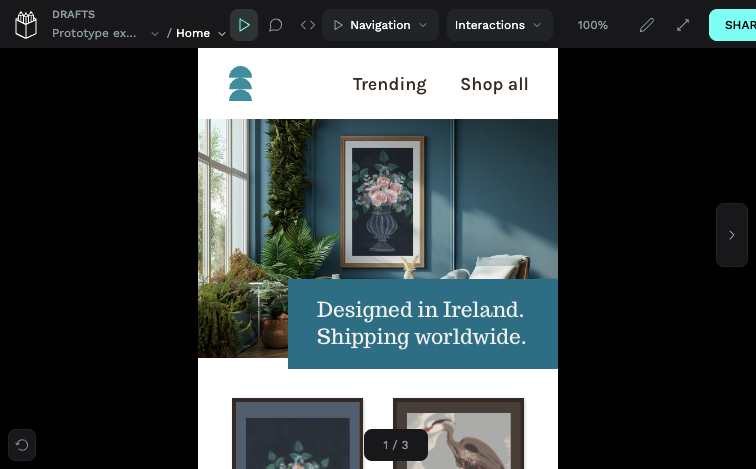
Real screenshots taken while testing this image against its deployment guide.
This is a repackaged open source software product wherein additional charges apply for cloudimg support services.
## Why This AMI Instead of Self-Deploying?
Penpot is an open source, self-hosted design and prototyping platform - a self-hostable alternative to Figma for building user interfaces and design systems, collaborative by default and running entirely in the browser. Deploying it yourself means installing Docker, wiring up the official five-service Compose stack (frontend, backend, exporter, PostgreSQL and Redis), generating application secrets, seeding an admin account, and maintaining the stack over time. This AMI eliminates that effort entirely - your design workspace is running within minutes of launch, not hours. You get a pre-hardened, tested configuration backed by 24/7 expert support, something community forums cannot provide.
The current release available is Penpot 2.5.4.
## Application Stack
The official Penpot self-host Compose stack ships preconfigured and pinned by version: penpot-frontend (the bundled nginx that publishes the SPA and proxies the API on port 80), penpot-backend (the application server), penpot-exporter (the headless render/export service), PostgreSQL 15 (the primary database) and Redis (cache, queue and realtime). Only port 80 is published; every backing service stays on the internal Docker network and is never exposed on the host. All application state - the database, the Redis data and your uploaded design assets - lives on a dedicated, independently-resizable EBS data volume, so your work survives restarts, reboots and resizes.
## Secure By Default
Many pre-built images ship with shared or default credentials - a common vulnerability that exposes instances immediately after launch. This image eliminates that risk entirely:
## Ready To Use
Browse to the instance on port 80 and sign in with the generated admin account. Design user interfaces and design systems, prototype interactive flows, and invite your team from the Penpot settings - open registration stays disabled so only invited users can join.
## Evaluate at Minimal Cost
Launch on a small instance to explore the platform. The hourly billing model means you can test the full Penpot experience - designing, prototyping and collaborating - without a long-term commitment. Scale up when you are ready.
## What You Avoid By Using This AMI
## cloudimg Support
24/7 technical support by email and chat. Our engineers help with deployment, TLS termination, backups, user management and scaling.
## Use Cases
All product and company names are trademarks or registered trademarks of their respective holders. Use of them does not imply any affiliation with or endorsement by them.

Accent is an open source, developer-oriented translation and localization management platform.
This image runs Apache Archiva, the open source build-artifact repository manager - a central, governed store for the bi...

Launch a production-ready Apache DolphinScheduler workflow scheduler in minutes with zero setup. All-in-one standalone d...

Apache JMeter is the de-facto open-source tool for load and performance testing of web applications, APIs, databases and...

This image runs Apache Subversion (SVN) 1.14, the Apache Software Foundation's enterprise centralised version-control sy...

This image runs Appsmith Community Edition, the open source low-code platform for building internal tools, admin panels,...