Base
Hardened build
minimal ports, security patches applied at build time

encrypted, deduplicated backups you can prove you can restore
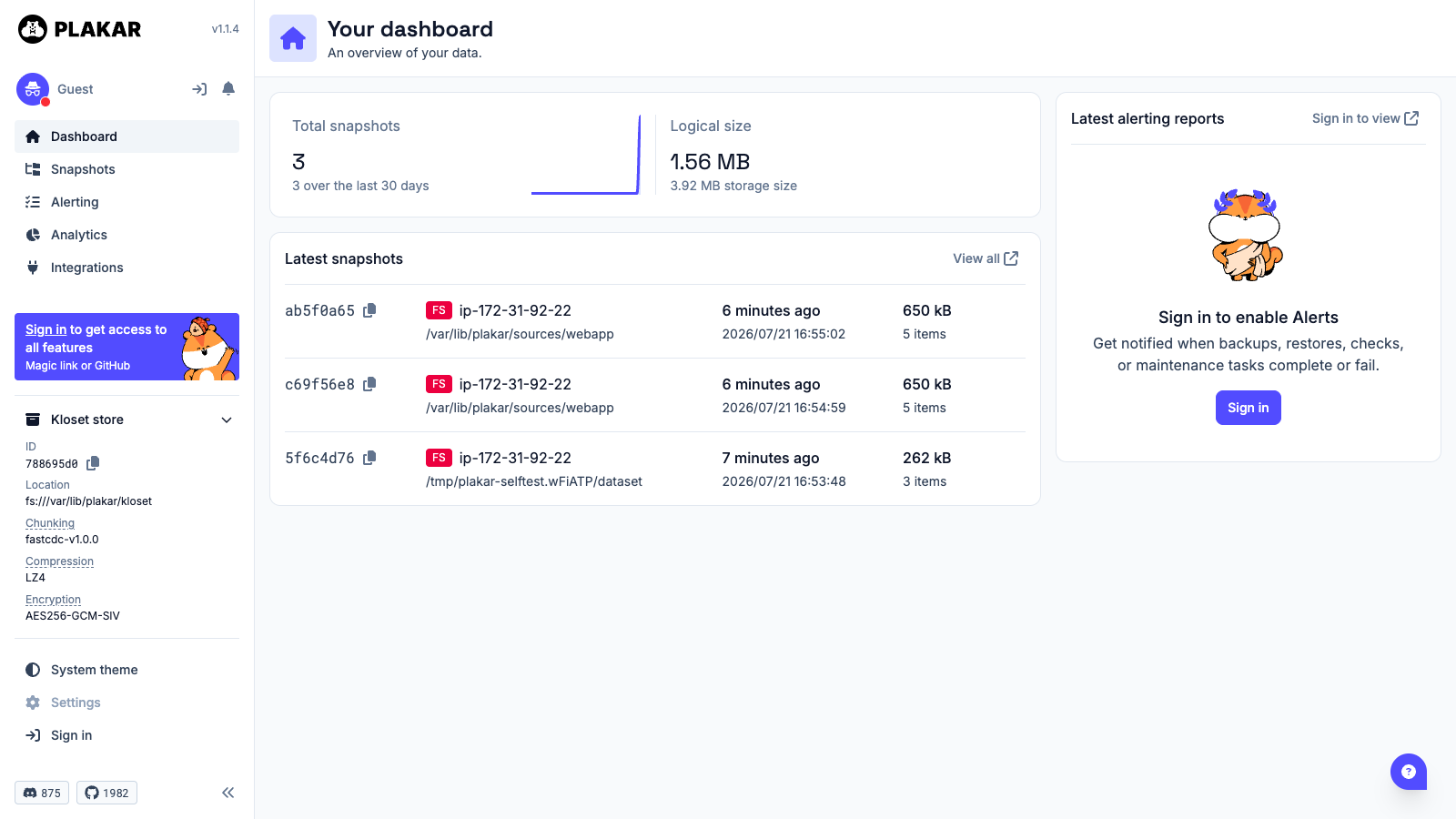
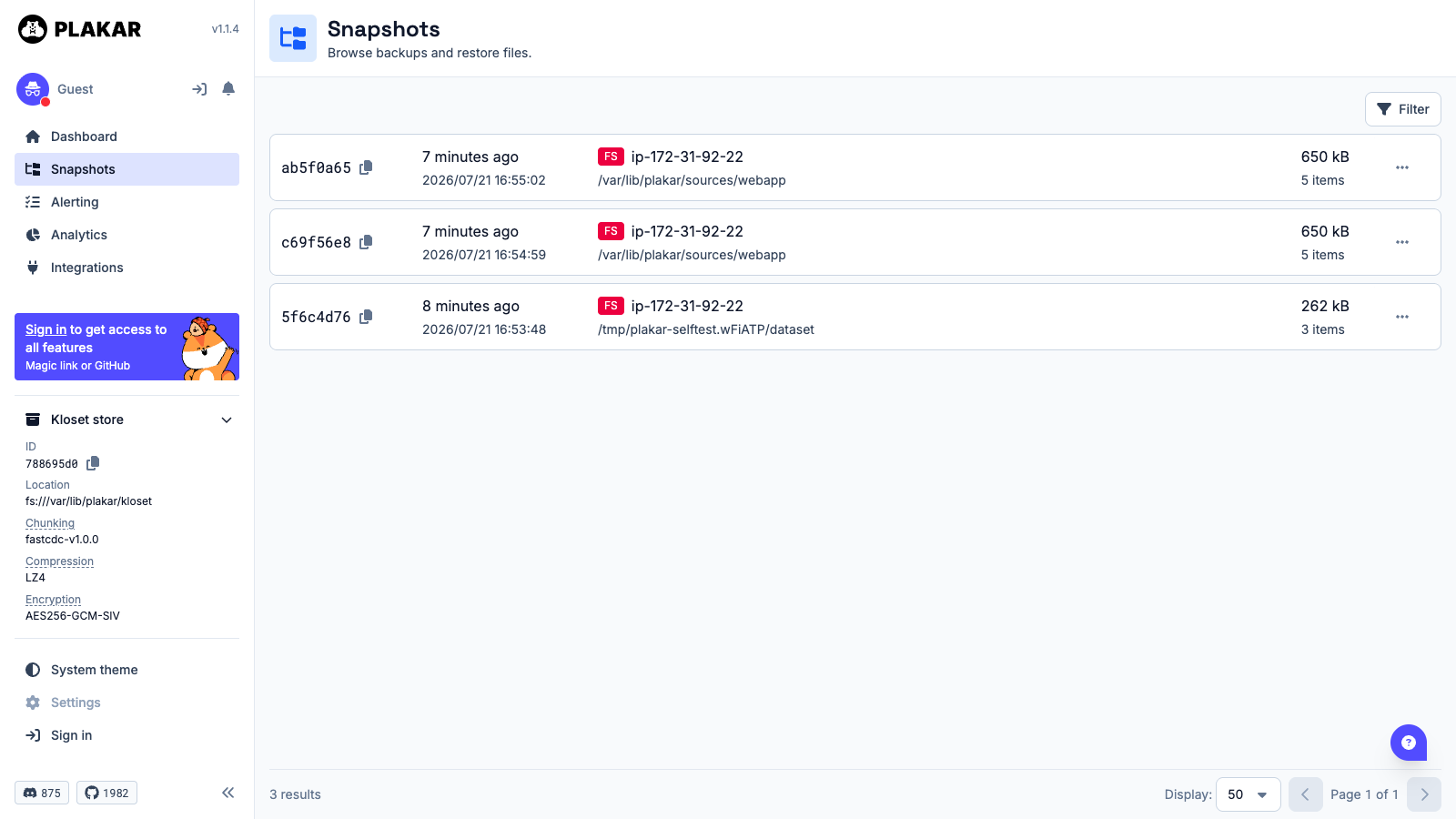
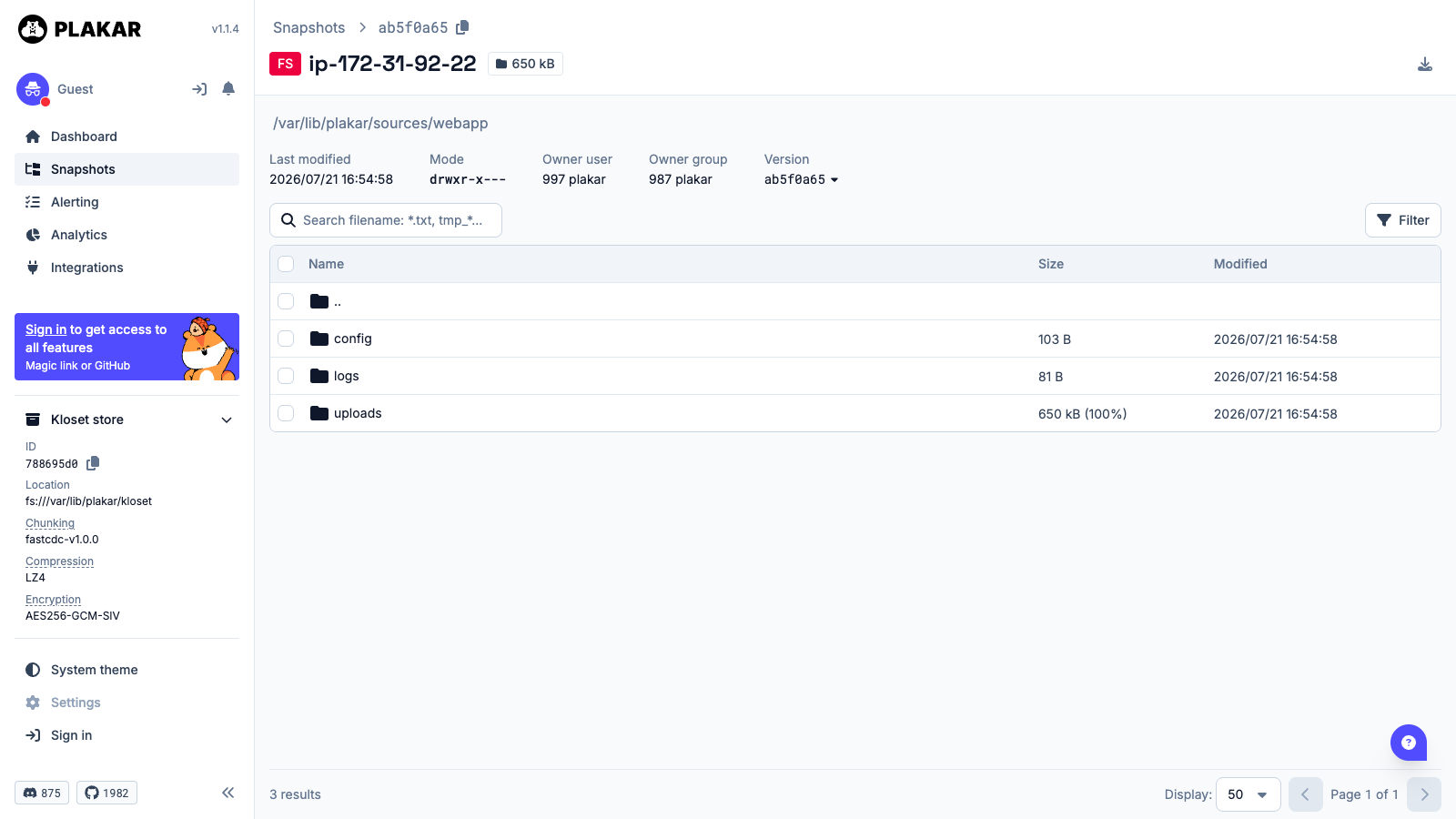
Plakar is an open source backup engine that creates versioned backups with compression, encryption and content addressed deduplication. Snapshots land in a Kloset store where identical data is kept exactly once however many snapshots reference it, so a long retention history costs a fraction of repeated full backups. Every snapshot is independently restorable and independently integrity checkable, and a built in web interface browses snapshots, compares revisions and restores files without the command line.
The repository encryption passphrase and the web interface token are generated uniquely on the first boot of every instance and written to a root only file, so no shared key ships in the image and no two deployments can read each other's backups. The Plakar server binds to loopback only behind nginx, and the API rejects unauthenticated and wrong token requests. The encrypted repository lives on a dedicated data volume, separate from the OS disk and independently resizable. The image also ships a self test that performs a real backup, restores it to a separate path and compares every file by checksum, so you can verify the appliance end to end at any time. Paired with a step by step deploy guide and 24/7 cloudimg support.
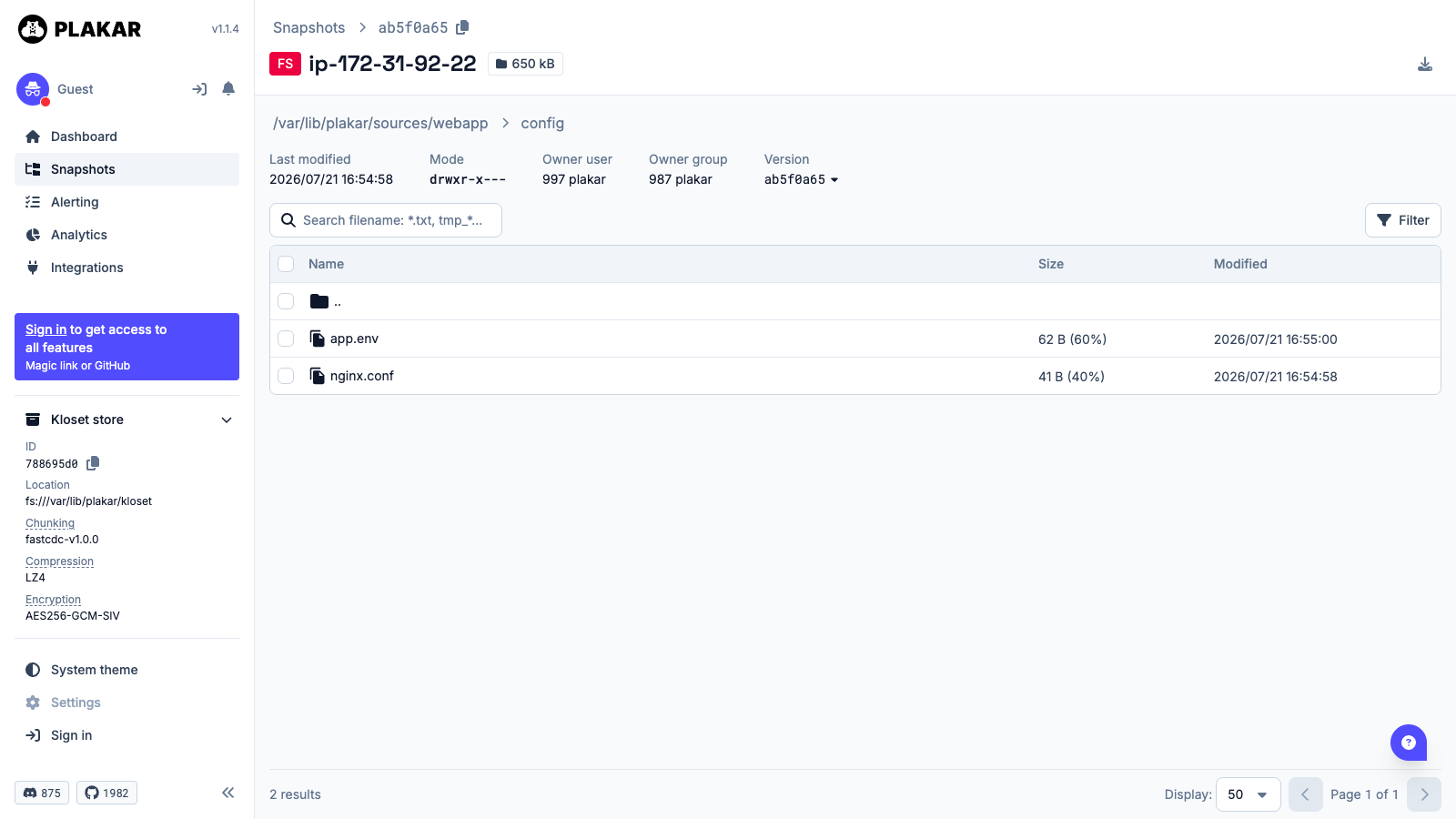
Real screenshots taken while testing this image against its deployment guide.
This is a repackaged open source software product wherein additional charges apply for cloudimg support services.
## Backups You Can Prove You Can Restore
Plakar is an open source backup engine that creates versioned, encrypted, deduplicated snapshots in a content addressed Kloset store. Identical data is stored exactly once regardless of how many snapshots reference it, so long retention histories cost a fraction of repeated full backups. Every snapshot is independently restorable and integrity checkable, and the built in web interface lets you browse snapshots, compare revisions, and restore files without touching the command line.
## Who This Is For
## Application Stack
## Zero Shared Secrets, Per Instance Key Generation
A backup appliance that shipped one passphrase for every customer would let anyone holding the image read anyone else's backups. This image ships nothing cryptographic at all:
Because the passphrase never leaves the instance, cloudimg cannot decrypt your backups and cannot recover the passphrase for you. Store it somewhere safe on first launch.
## Shipped Self Test Proves End To End Integrity
The image includes a self test at /usr/local/sbin/plakar-selftest. It writes a known dataset, backs it up into the real encrypted repository, restores it to a different path, and compares every restored file by sha256. It then runs a full integrity check and exercises four negative controls: a wrong passphrase must not open the repository, a bogus snapshot ID must not restore, an unauthenticated API call must be refused, and a wrong token must be refused. Run it any time to confirm the appliance genuinely backs up and genuinely restores.
## Getting Started
1. Launch the AMI on an m5.large or larger, opening ports 22 and 80 in the security group
2. SSH in and run: sudo cat /root/plakar-credentials.txt
3. Record the repository passphrase somewhere safe, then open the web interface link shown in that file
4. Point Plakar at the directories you want protected and take your first snapshot
5. Run sudo /usr/local/sbin/plakar-selftest to confirm backup and restore end to end
## Recommended Sizing
## Evaluate Before You Commit
Launch the AMI, run the self test, and take a test snapshot to validate the backup and restore cycle in your own environment. For pre-purchase deployment questions, email support@cloudimg.co.uk.
## 24/7 cloudimg Support
Every deployment is backed by cloudimg engineers available around the clock by email. Support covers deployment guidance, instance sizing, repository and volume layout, scheduling backups, restore and integrity check procedures, TLS termination, and Plakar version upgrades.
Plakar is open source under the ISC licence with no licence fee. The cloudimg charge covers packaging, security patching, image maintenance, and 24/7 support. Plakar is a trademark of its respective owner; cloudimg is not affiliated with or endorsed by the Plakar project.

Backrest is a popular open source web interface and orchestrator for restic, the fast, secure, deduplicating backup prog...
Cyberduck is a libre file transfer client for FTP, SFTP, WebDAV, Amazon S3, Google Cloud Storage, Microsoft Azure, OpenS...

This image runs File Browser, the open source, self-hosted web file manager - browse, upload, download, edit, preview an...
This image runs a production ready network file server built on the operating system's own kernel NFS server, the file s...
This image runs a production ready SFTP file transfer server built on OpenSSH, the open source secure shell suite.

Kopia, the fast and secure open source backup and restore tool, preinstalled as a system service running in server mode ...