Base
Hardened build
minimal ports, security patches applied at build time

encrypted, deduplicated backups you can prove you can restore
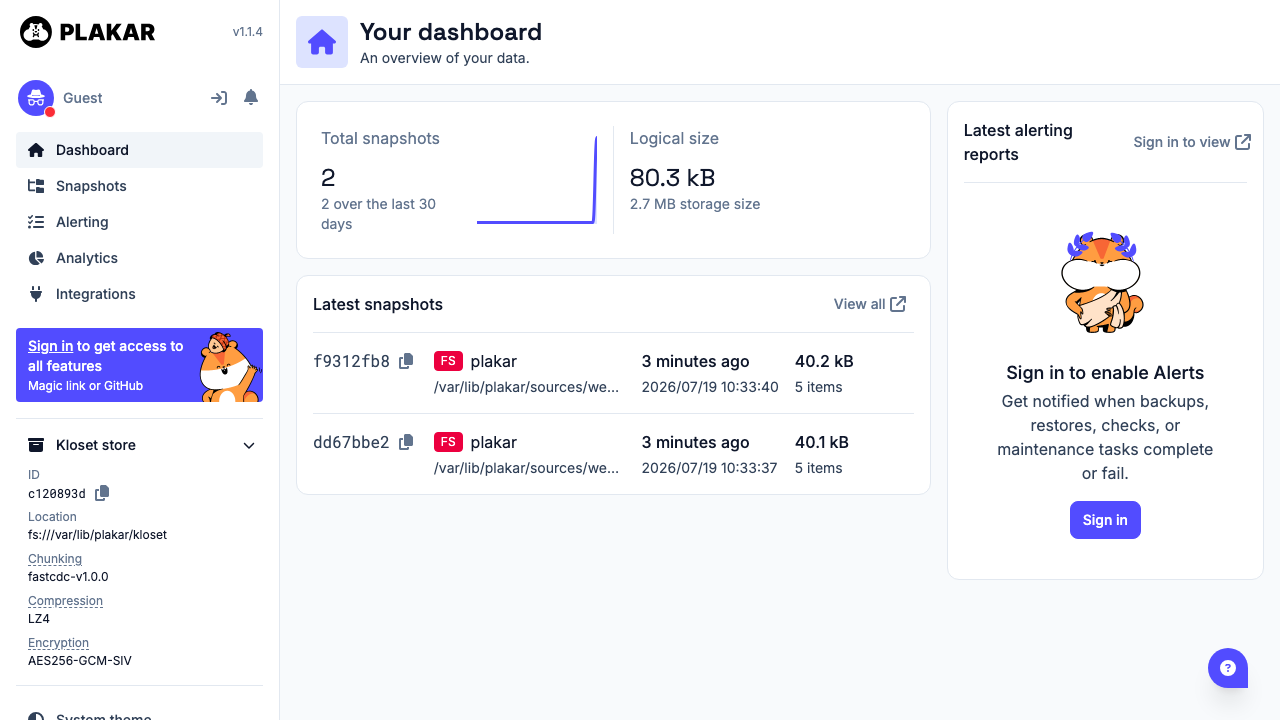
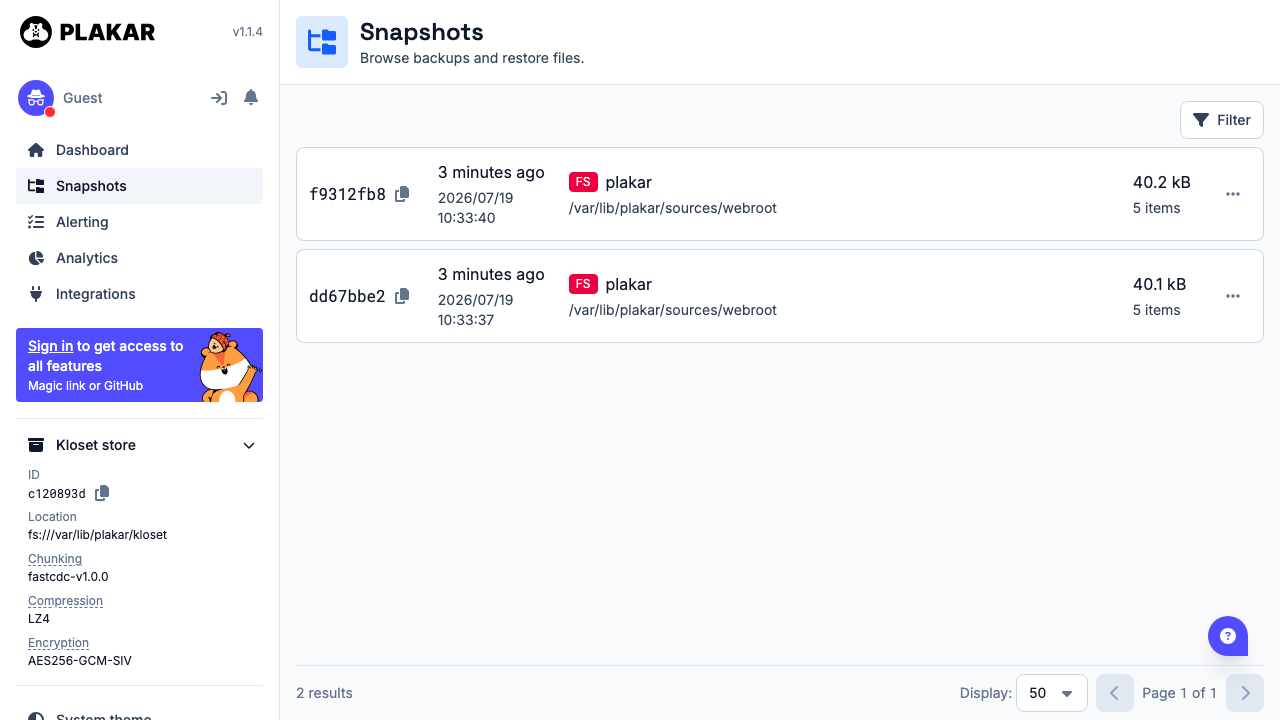
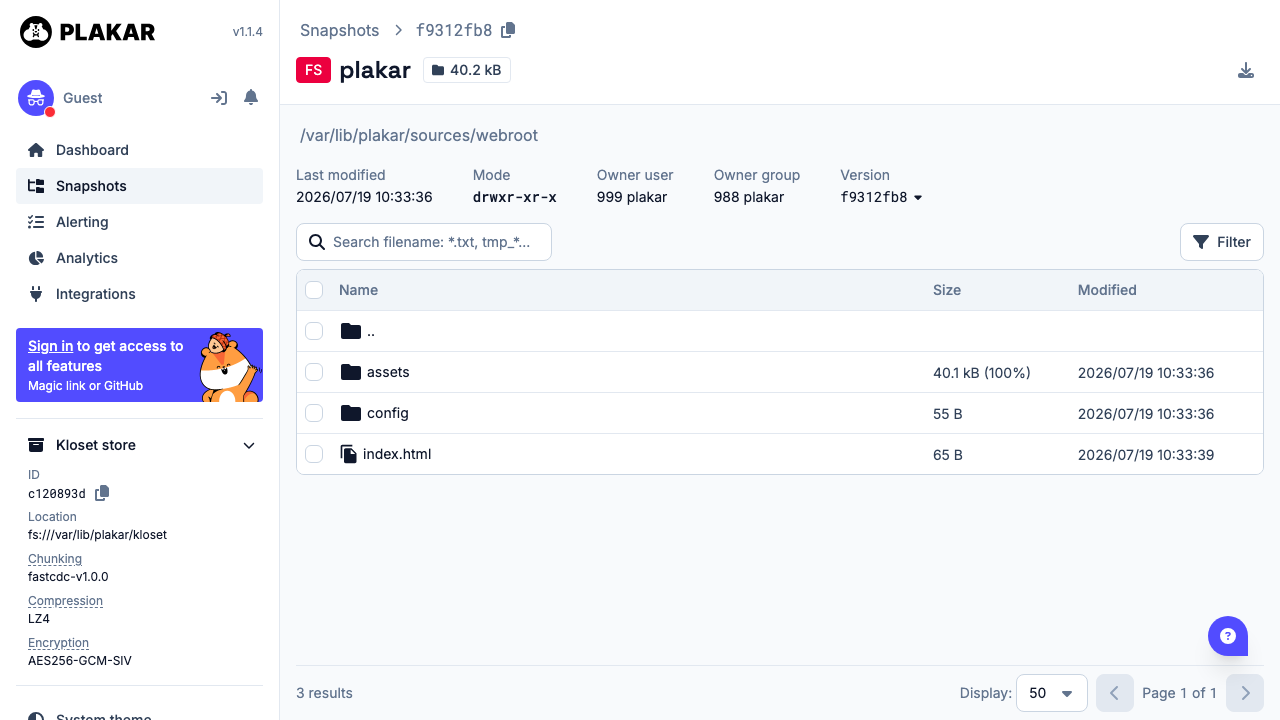
Plakar is an open source backup engine that creates versioned backups with compression, encryption and content addressed deduplication. Snapshots land in a Kloset store where identical data is kept exactly once however many snapshots reference it, so a long retention history costs a fraction of repeated full backups. Every snapshot is independently restorable and independently integrity checkable, and a built in web interface browses snapshots, compares revisions and restores files without the command line.
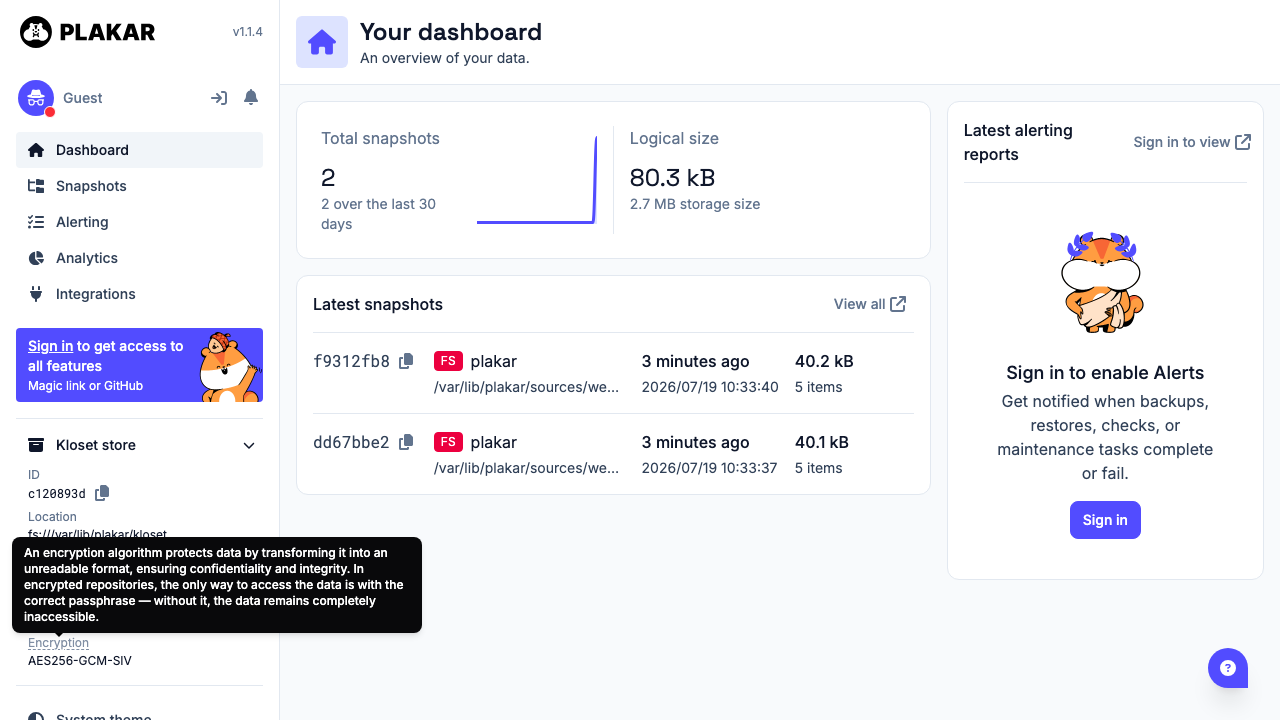
The repository encryption passphrase and the web interface token are generated uniquely on the first boot of every VM and written to a root only file, so no shared key ships in the image and no two deployments can read each other's backups. The Plakar server binds to loopback only behind nginx, and the API rejects unauthenticated and wrong token requests. The encrypted repository lives on a dedicated data volume, separate from the OS disk and independently resizable. The image also ships a self test that performs a real backup, restores it to a separate path and compares every file by checksum, so you can verify the appliance end to end at any time. Paired with a step by step deploy guide and 24/7 cloudimg support.
Real screenshots taken while testing this image against its deployment guide.
AIStore is an open source object storage system from NVIDIA, built for the read heavy, high throughput access patterns o...

Alfresco Community Edition is an open source enterprise content management platform.

Apache Ozone is the scalable, distributed object store for Hadoop and cloud-native workloads. It exposes both an S3-comp...

ArozOS on Ubuntu 24.04 LTS preconfigured machine image for Microsoft Azure, hardened and verified with 24/7 support by c...

Backrest is a popular open source web interface and orchestrator for restic, the fast, secure, deduplicating backup prog...

The image installs Bacula 13.0.4 from the Ubuntu 24.04 archive and runs the Director, a Storage Daemon writing to a file...