Base
Hardened build
minimal ports, security patches applied at build time
Sync-in, an open source platform for private file storage, sharing, synchronization and collaboration, keeping your files on infrastructure you control, ready to log in on first boot.
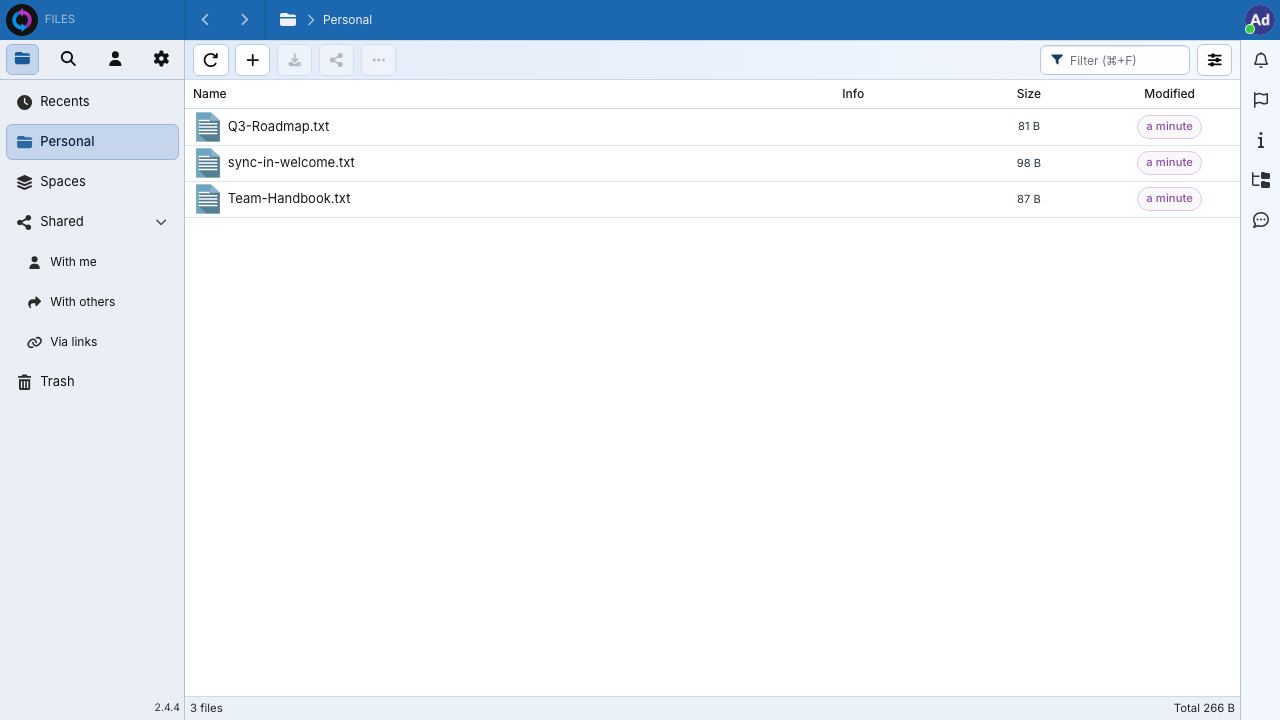
Sync-in is an open source, self hosted platform for file storage, sharing, synchronization and collaboration, a lightweight alternative to hosted drives. Users keep files in personal and shared spaces, share them with links and granular permissions, synchronize across devices, and collaborate as a team, all on infrastructure they run themselves. This image packages the platform as a ready to use appliance: the application server backed by a local relational database, behind a reverse proxy that terminates TLS as the single entry point, so it is reachable from a browser the moment the machine finishes its first boot.
The cloudimg image runs the official upstream release, preconfigured on a hardened, fully patched Ubuntu 24.04 base behind an nginx TLS reverse proxy. On the machine's first boot it generates a unique administrator password, a fresh database password, a fresh encryption key and fresh token signing secrets, and creates the sole administrator account, so no two deployments share a credential and the upstream default account is never created. The application and database bind to loopback and the internal container network only, leaving the reverse proxy as the single public surface. Every image ships with a paired step by step cloudimg deployment guide and is backed by 24/7 support.
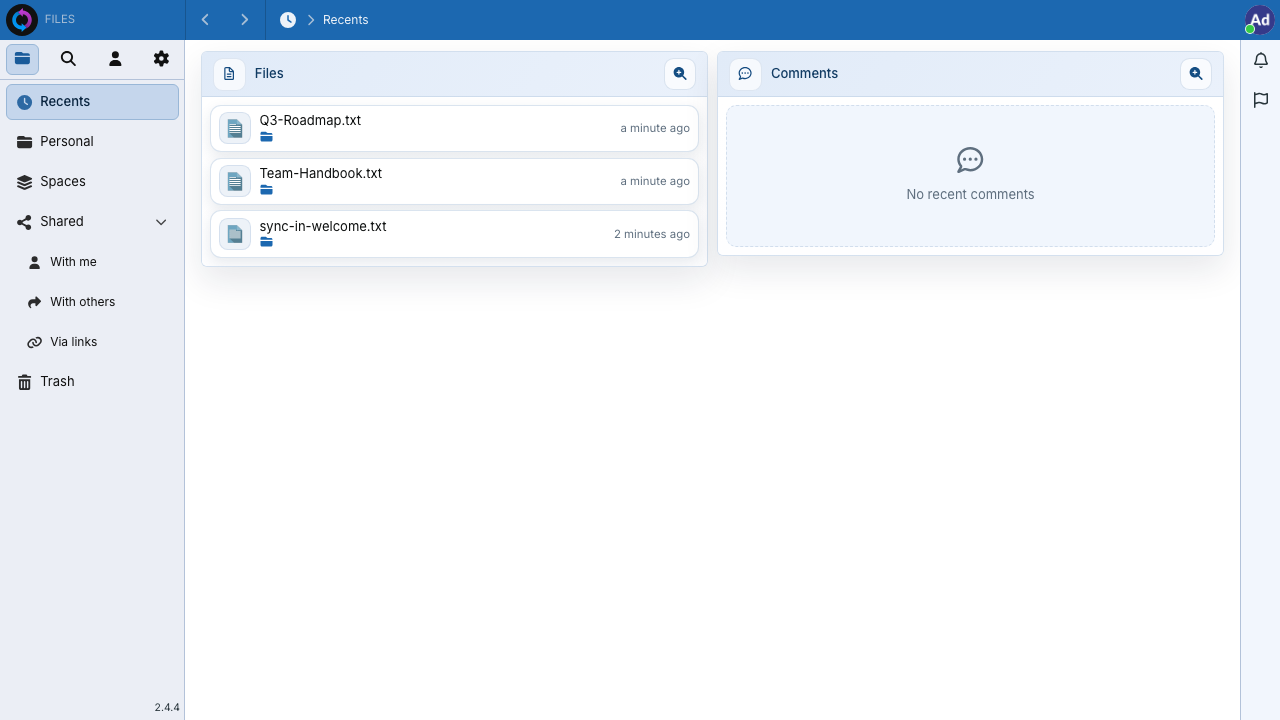
Real screenshots taken while testing this image against its deployment guide.
AIStore is an open source object storage system from NVIDIA, built for the read heavy, high throughput access patterns o...

Alfresco Community Edition is an open source enterprise content management platform.

Apache Ozone is the scalable, distributed object store for Hadoop and cloud-native workloads. It exposes both an S3-comp...

ArozOS on Ubuntu 24.04 LTS preconfigured machine image for Microsoft Azure, hardened and verified with 24/7 support by c...

Backrest is a popular open source web interface and orchestrator for restic, the fast, secure, deduplicating backup prog...

The image installs Bacula 13.0.4 from the Ubuntu 24.04 archive and runs the Director, a Storage Daemon writing to a file...