Base
Hardened build
minimal ports, security patches applied at build time

Tianji, an all in one self hosted insight hub that unifies website analytics, uptime and status monitoring, server telemetry and status pages in a single real time dashboard.
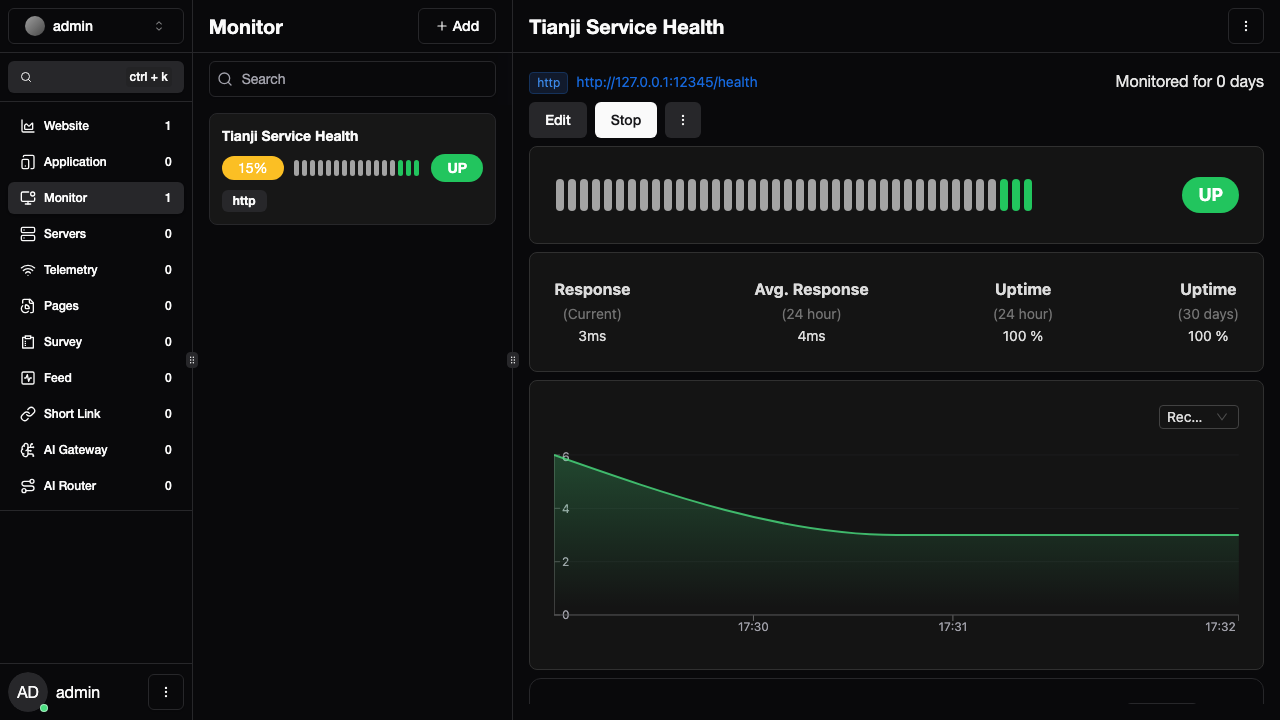
Tianji is an open source, self hosted insight hub that brings website analytics, uptime and status monitoring, server telemetry and public status pages together under one dashboard, so teams can watch everything about their sites and servers from one place instead of running several separate tools. The website analytics are privacy friendly and cookie free, the monitors run scheduled HTTP, TCP and ping checks and keep uptime history, servers push host metrics to a built in reporter, and public status pages share service health with users. It suits developers, operators and small teams who want a single, self owned observability surface for their web properties and infrastructure.
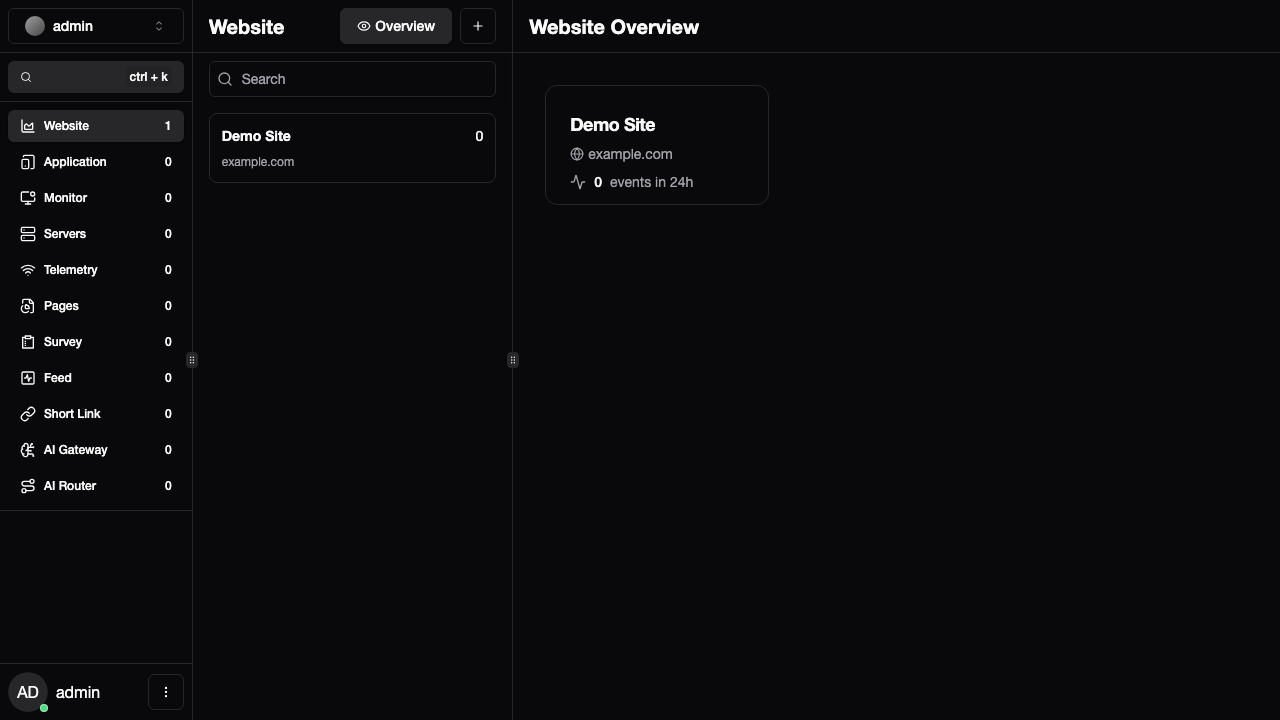
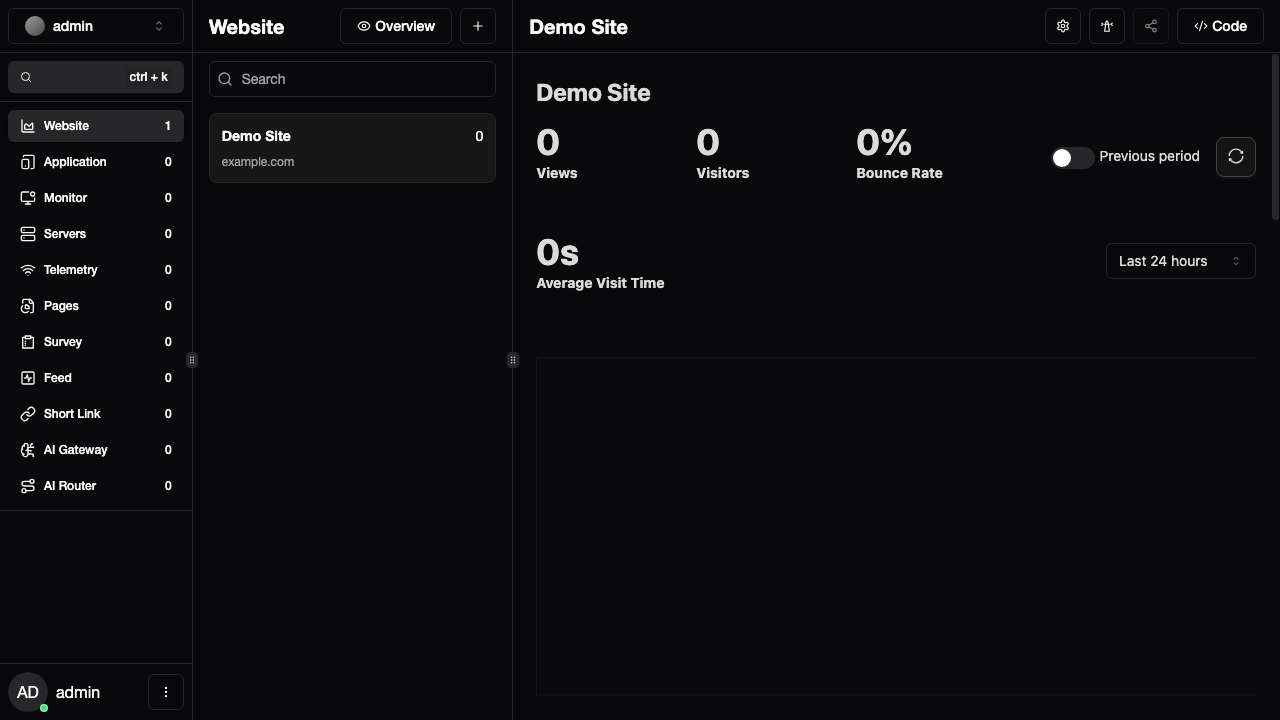
cloudimg ships Tianji as a Node.js server behind an nginx reverse proxy with PostgreSQL, ready on first boot. Tianji's database migration ships a default administrator account, and cloudimg closes that hole: on each instance's first boot the administrator password, the database password and the signing secret are rotated to unique random values written to a root only file, open self registration is disabled, and a demo website and uptime monitor are seeded so the dashboard is a real workspace. It comes with a paired deployment guide and 24/7 cloudimg support.
Real screenshots taken while testing this image against its deployment guide.

Apache HertzBeat is an open source, real time monitoring and alerting system from the Apache Software Foundation.

AWStats on Ubuntu 24.04 LTS preconfigured machine image for Microsoft Azure, hardened and verified with 24/7 support by ...

Checkmate (by BlueWave Labs) is an open source uptime, infrastructure and incident monitoring platform.

Gatus on Ubuntu 24.04 preconfigured machine image for Microsoft Azure, hardened and verified with 24/7 support by cloudi...
The cloudimg image ships the free and open source, AGPL-3.0 licensed Gigapipe 5.4.4 release, installed from the project'...

This image runs Glances 4.5.5, an open source cross platform system monitor, on Ubuntu 24.04 LTS.