Base
Hardened build
minimal ports, security patches applied at build time
Private, self hosted speech to text: an authenticated whisper.cpp transcription API and browser UI, with an MIT licensed model preinstalled.
whisper.cpp Server is a CPU speech to text inference service built on the C and C++ port of OpenAI's Whisper model. It exposes an HTTP API and a browser interface for transcribing audio to plain text, JSON, or subtitles, and ships a preinstalled speech recognition model so it works the moment it boots, with no GPU and no external service dependency.
cloudimg preconfigures whisper.cpp behind an authenticating nginx proxy with a unique password generated on first boot, the inference engine bound to loopback, the model swap endpoint blocked, and both MIT licence notices shipped in the image. Every image is paired with a step by step deploy guide and backed by 24/7 cloudimg support.
Real screenshots taken while testing this image against its deployment guide.
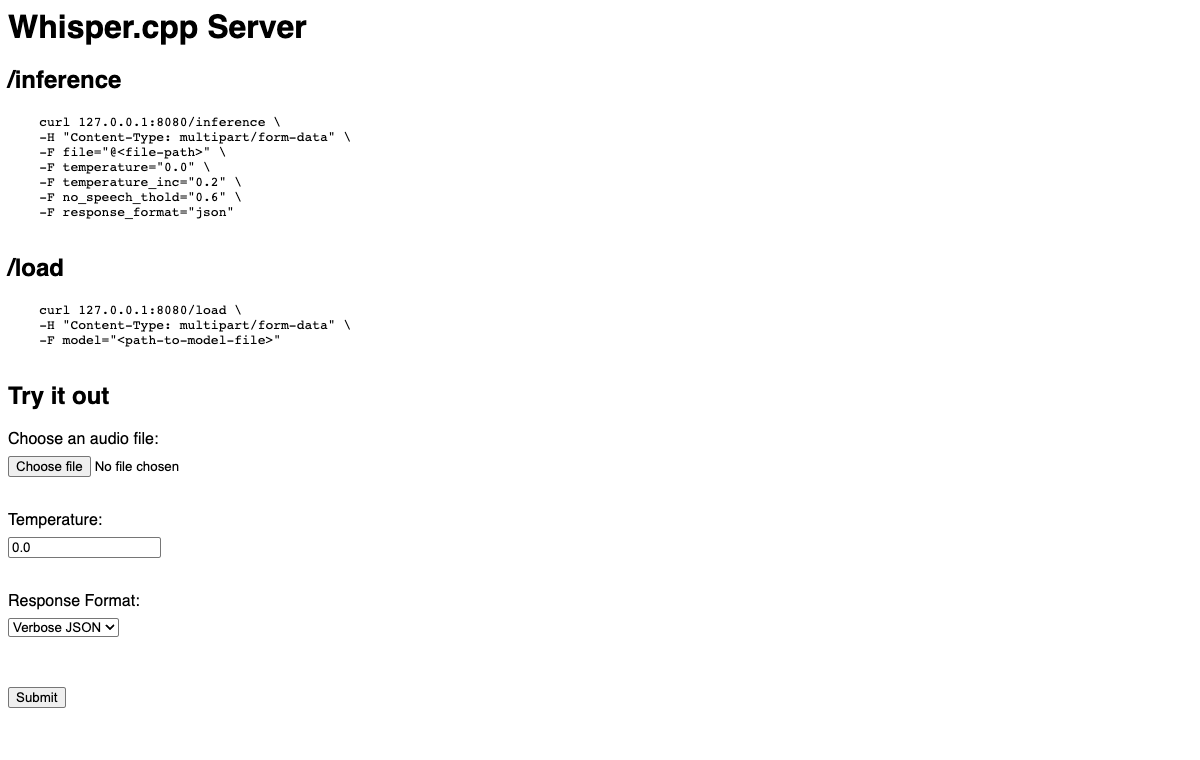
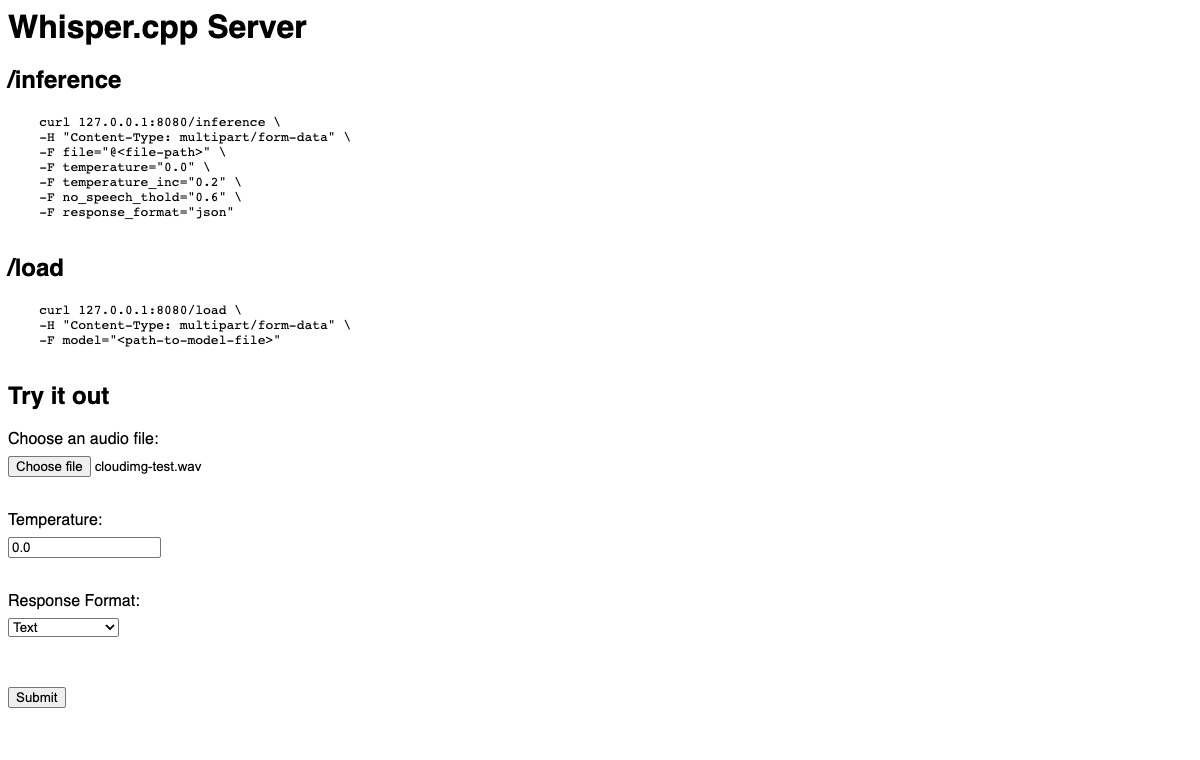

This is a repackaged open source software product wherein additional charges apply for cloudimg support services.
## What It Does
whisper.cpp is a high-performance C/C++ port of OpenAI's Whisper automatic speech recognition model, running entirely on the CPU with no GPU, no Python runtime, and no external service dependencies. This image delivers it fully built and configured with a speech-recognition model already installed and an HTTP API and browser interface operational within minutes of launch. Transcribe audio without compiling anything or hunting for model files.
## Why This Image Instead of a DIY Install
## Security - Hardened From First Boot
## Use Cases
## How It Works
Transcribe by posting an audio file to the /inference endpoint or by uploading it in the browser interface. Many audio and video formats are accepted and converted automatically. Results are available as plain text, JSON, SRT, or VTT subtitles.
The preinstalled model is a format conversion of OpenAI's original Whisper base English checkpoint. Both the model weights and whisper.cpp itself are distributed under the MIT License, and copies of both licences together with a written provenance record ship in the image, so the licensing position is documented rather than assumed.
## Getting Started
1. Launch the image and open port 80 (and optionally port 22) in your security group.
2. SSH into the instance and retrieve the generated credentials from /root/whisper-cpp-server-credentials.txt.
3. Browse to the instance public IP to reach the browser UI, or POST audio files to /inference using the credentials.
For production architecture planning or instance sizing recommendations for your workload, contact cloudimg support at any time.
## 24/7 cloudimg Support
Technical support by email and live chat covers deployment, instance sizing for CPU inference, credential management, model provenance questions, and API integration. Critical issues receive a one-hour average response time.
Whisper is a trademark of its respective owner. All product and company names are trademarks or registered trademarks of their respective holders. Use of them does not imply any affiliation with or endorsement by them.

ContextForge MCP Gateway is IBM's open-source gateway, registry and proxy for the Model Context Protocol (MCP), the stan...

This image runs Crawl4AI, a fast, open source web crawler and scraper that converts web pages into clean, LLM-ready Mark...

This image runs Dify, a source-available platform for building and operating LLM applications.

Docling Serve is the HTTP API service around Docling, an open source toolkit that converts documents into clean, structu...

This image runs Evidently, the open source platform for evaluating, testing and monitoring machine learning, large langu...

The image installs Gorse as the official single all in one gorse-in-one binary (master, server and worker in one process...