Base
Hardened build
minimal ports, security patches applied at build time

object storage as a real filesystem, over NFS, 9P and NBD
ZeroFS is a log structured filesystem for object storage. It presents a bucket or container as a real POSIX filesystem and serves it over NFS, 9P and NBD, so ordinary tools, ordinary mounts and ordinary block devices work against object storage without modification. File contents are split into 32 KiB extents, and each extent is compressed, encrypted and packed into immutable segment objects, with metadata held in a log structured merge tree on the same store. A local disk and memory cache keeps working set access fast.
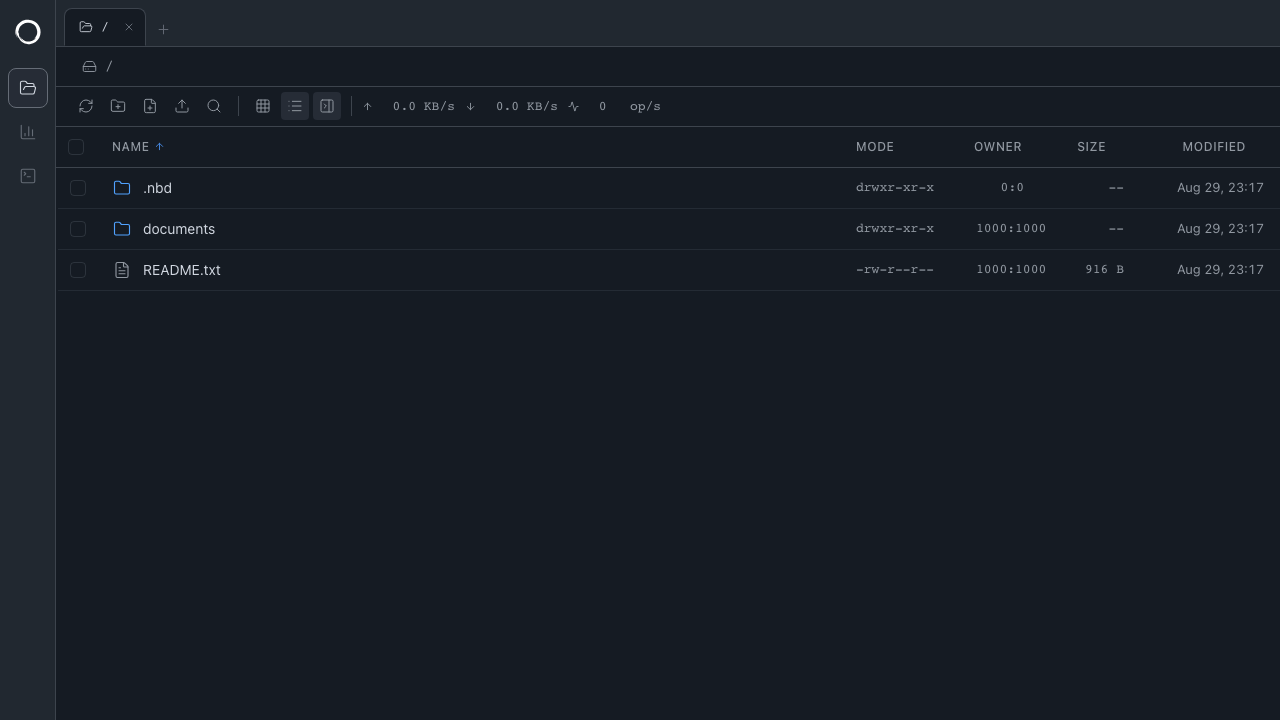
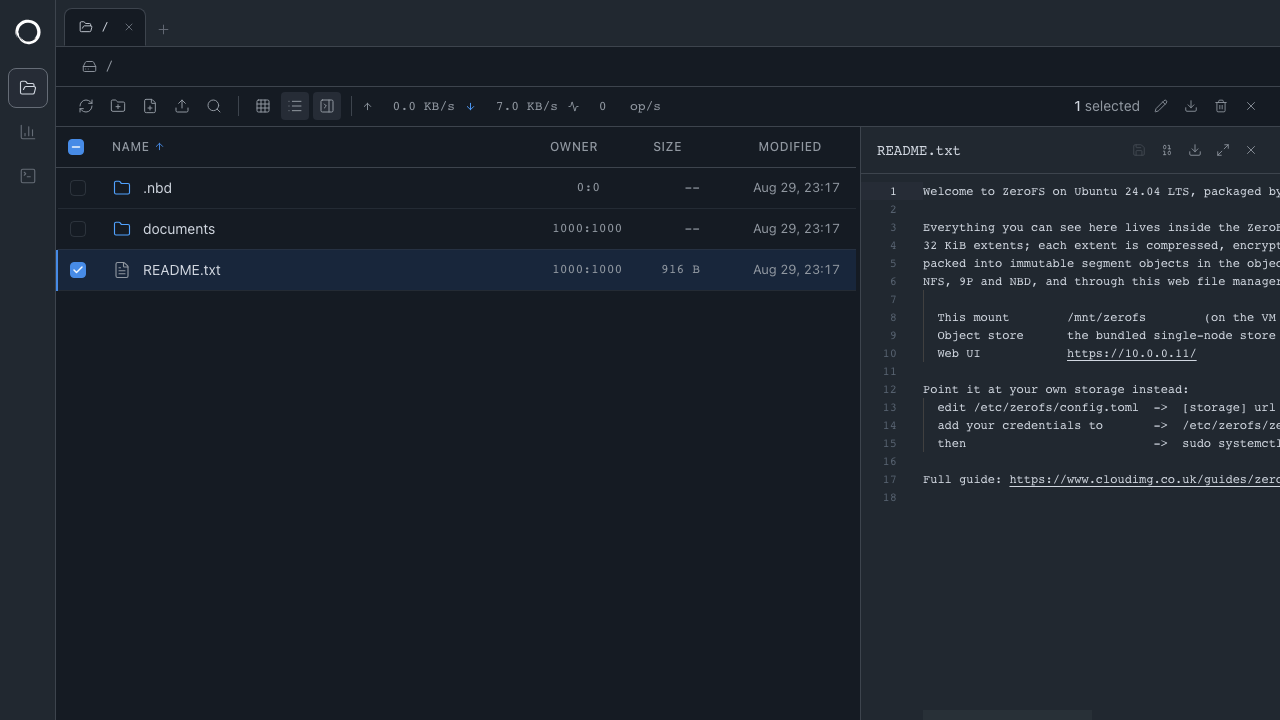
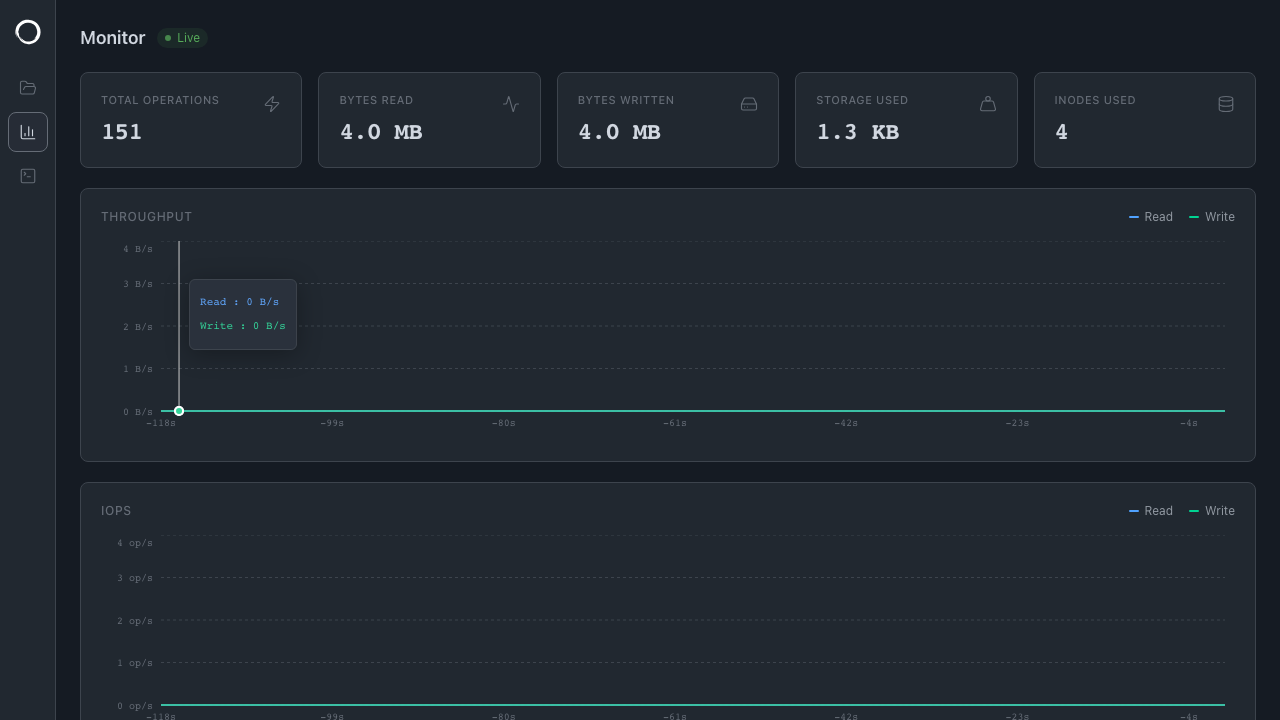
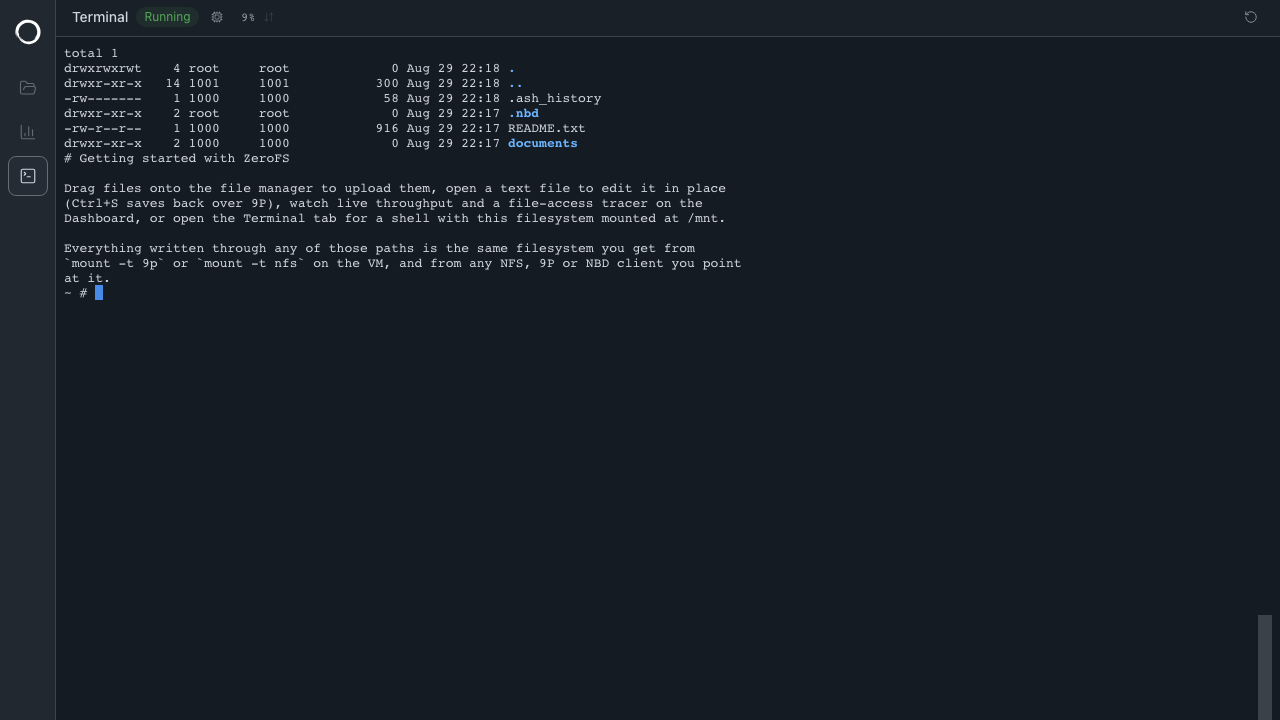
The cloudimg image works the moment it boots: a single node object store and a conditional write coordinator are bundled and wired up, and the filesystem is already mounted on a dedicated data volume, so there is nothing to provision before you can use it. Repointing at Azure Blob Storage, Amazon S3 or any S3 compatible store is a documented configuration change. ZeroFS has no authentication of its own, so every one of its listeners is bound to loopback and the only network facing surface is an nginx front that terminates TLS and enforces a credential generated uniquely on each virtual machine at first boot, alongside the filesystem encryption password. The base is fully patched and paired with a deployment guide, and every image is backed by 24/7 cloudimg support.
Real screenshots taken while testing this image against its deployment guide.
AIStore is an open source object storage system from NVIDIA, built for the read heavy, high throughput access patterns o...

Alfresco Community Edition is an open source enterprise content management platform.

Apache Ozone is the scalable, distributed object store for Hadoop and cloud-native workloads. It exposes both an S3-comp...

ArozOS on Ubuntu 24.04 LTS preconfigured machine image for Microsoft Azure, hardened and verified with 24/7 support by c...

Backrest is a popular open source web interface and orchestrator for restic, the fast, secure, deduplicating backup prog...

The image installs Bacula 13.0.4 from the Ubuntu 24.04 archive and runs the Director, a Storage Daemon writing to a file...