Base
Hardened build
minimal ports, security patches applied at build time

a self hosted graphql ide, build, send and inspect graphql queries in your browser, ready the moment it boots.
Altair GraphQL Client is an open source GraphQL IDE for building, sending and inspecting GraphQL requests. It gives you a full featured query editor with syntax highlighting, autocompletion and inline documentation driven by live schema introspection, so you can explore an API's types, queries, mutations and subscriptions as you write. You can set custom headers and variables, run queries, mutations and real time subscriptions, view formatted responses, keep a searchable history of what you have run, and organise reusable requests into collections.
The self hosted build is a purely client side web app: it runs entirely in your own browser and connects directly to whatever GraphQL endpoint you point it at, so nothing you send passes through a third party service. It suits backend and frontend developers, API teams and testers who want a private, self hosted GraphQL client they fully control.
cloudimg delivers Altair as the official pre built self hosted bundle served as static files behind nginx, so the GraphQL IDE answers in the browser the moment the instance boots. Because Altair has no authentication of its own, cloudimg gates the whole app behind a unique per instance credential that is generated on first boot and never shipped in the image, so no two instances share a login. The image is hardened and fully patched, pinned to a known release, and every deployment is paired with a step by step deploy guide and backed by 24/7 cloudimg support.
Real screenshots taken while testing this image against its deployment guide.
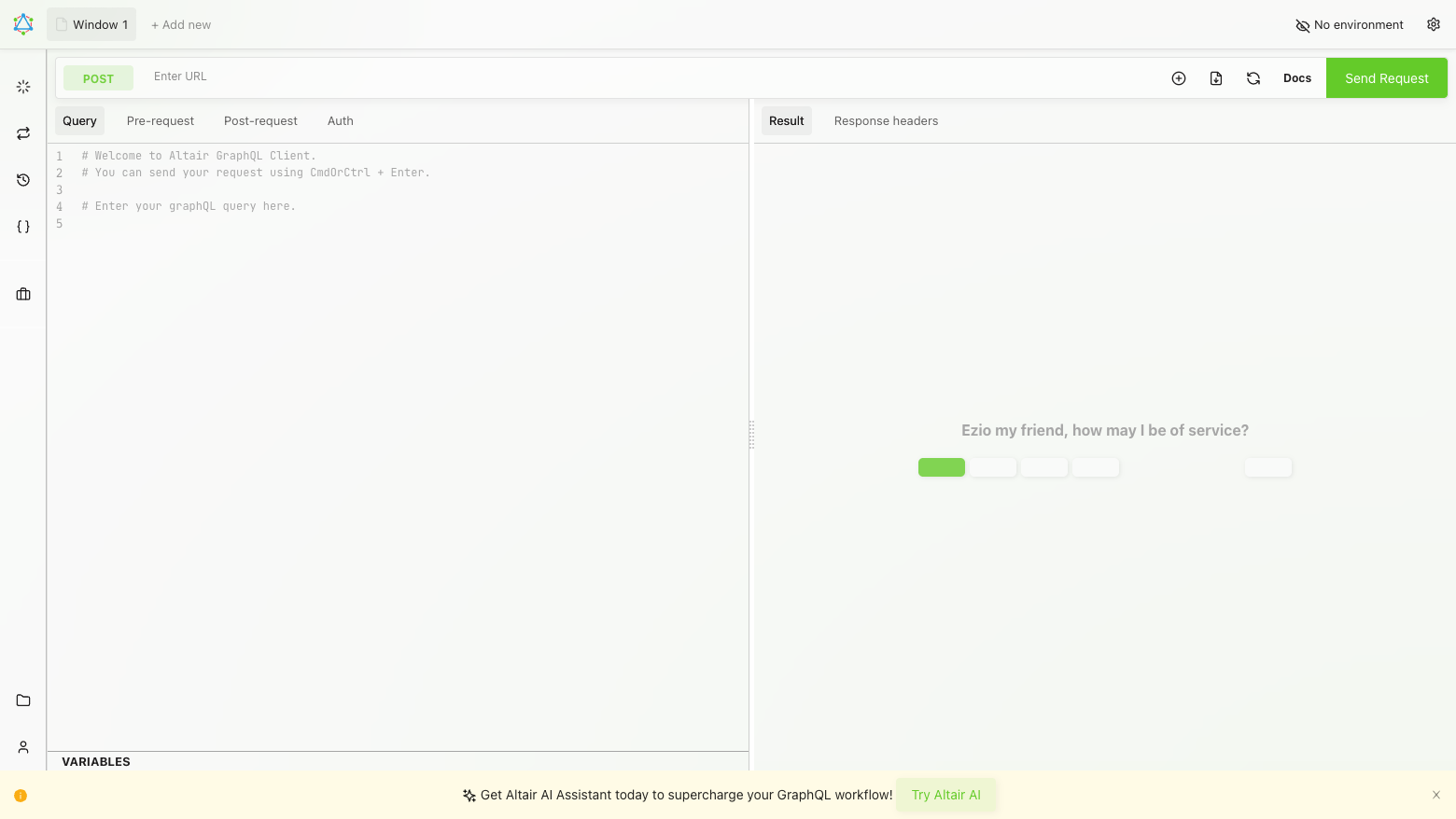
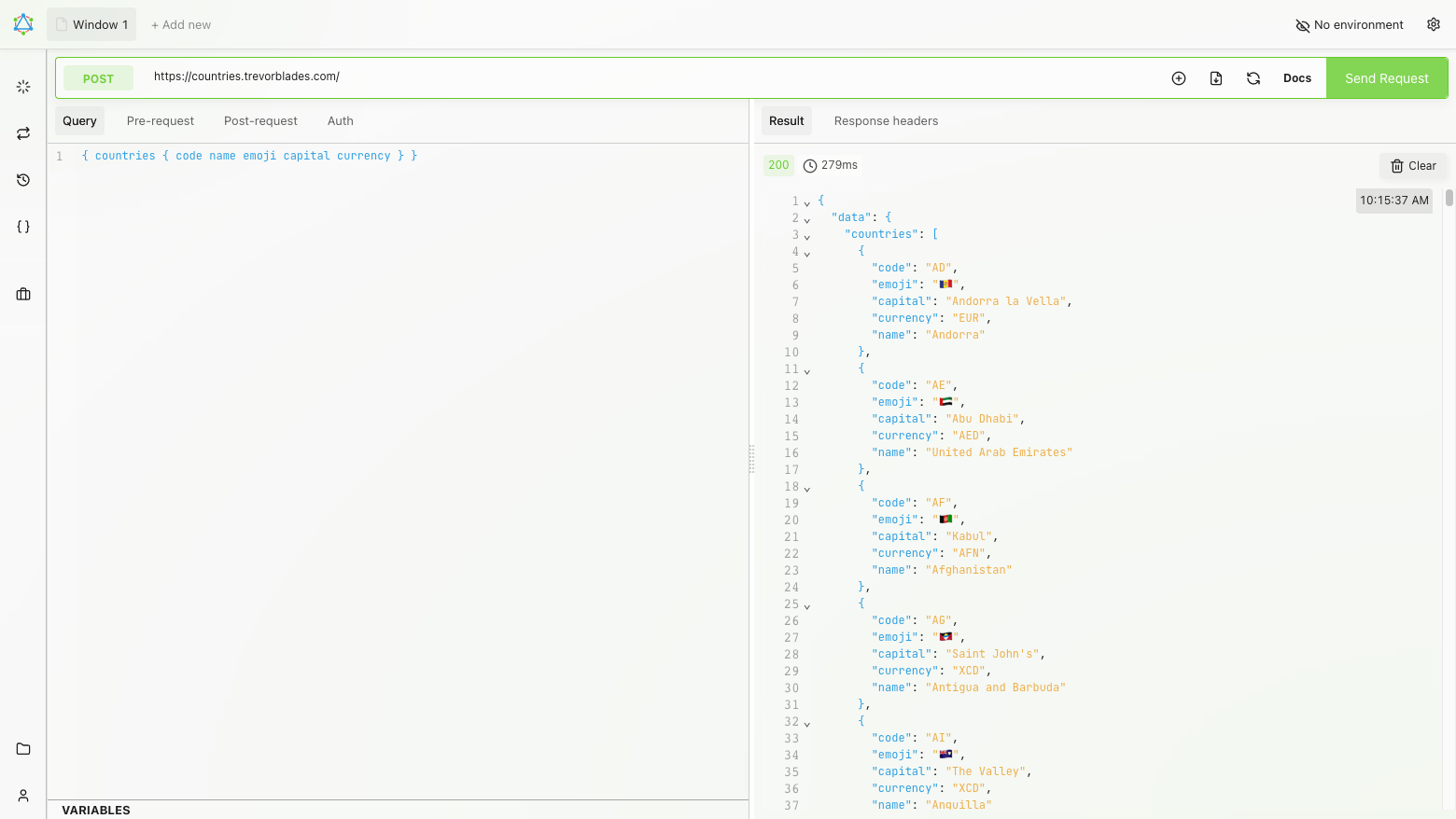
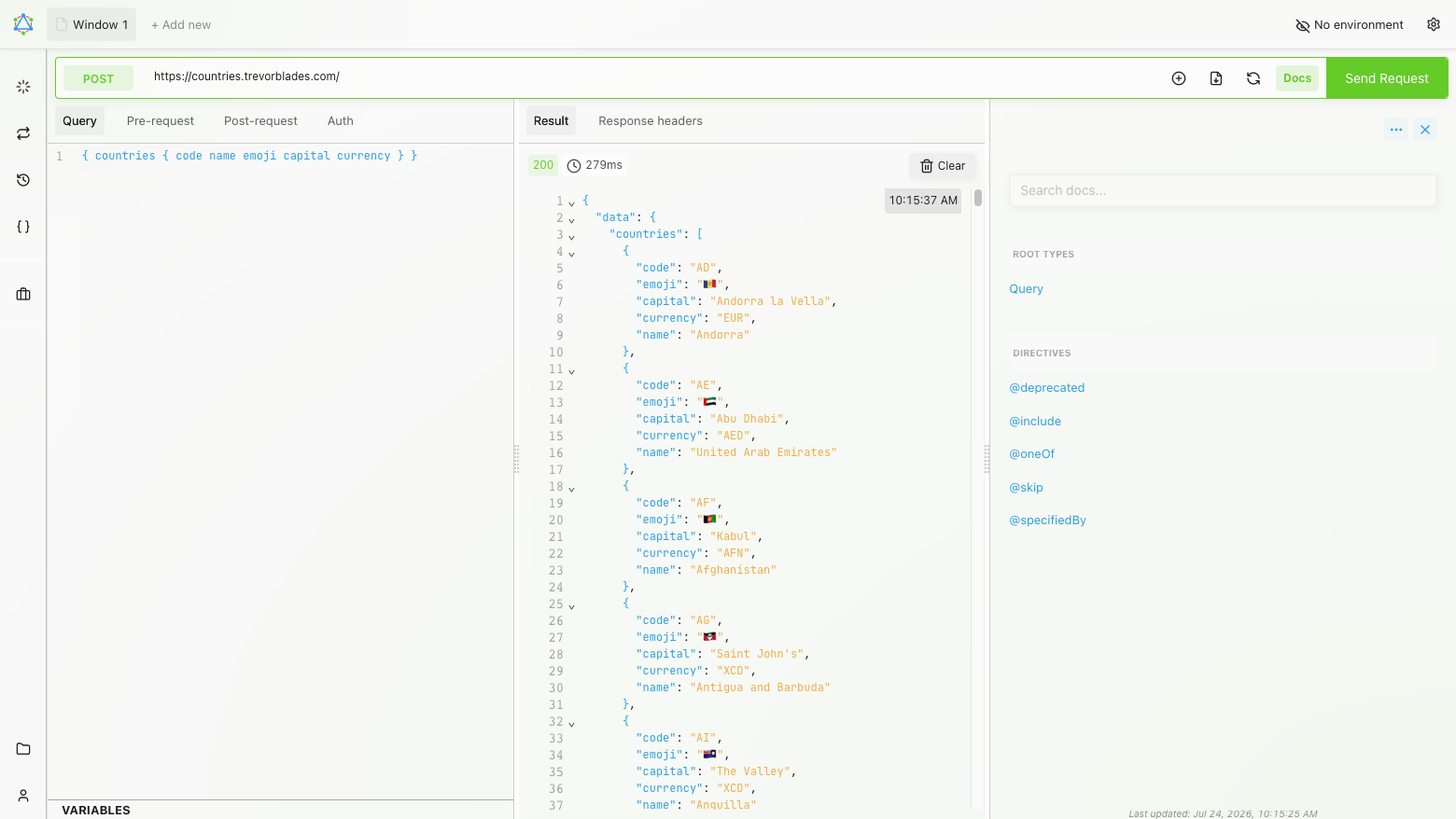
This is a repackaged open source software product wherein additional charges apply for cloudimg support services.
## Overview
Altair GraphQL Client is a self-hosted GraphQL IDE for building, sending and inspecting GraphQL requests entirely from your own browser. It gives you a full-featured query editor with syntax highlighting, autocompletion and inline documentation driven by live schema introspection, so you can explore an API's types, queries, mutations and subscriptions as you write. Set custom headers and variables, run real-time subscriptions, view formatted responses, keep a searchable history, and organise reusable requests into collections. Every request goes directly from your browser to the endpoint you choose - no data passes through a third party, no telemetry is collected, and nothing is stored on the server. This AMI delivers the official pre-built Altair bundle served by nginx and gated by a unique per-instance credential, so a working private GraphQL IDE is operational within minutes of launch.
## How It Differs from SaaS and Desktop Alternatives
Unlike hosted GraphQL tools such as Apollo Studio or cloud-based API clients, this product keeps all traffic on your network with zero SaaS data egress. Unlike desktop tools, it provides a shared team URL accessible from any browser without per-seat licensing:
## Why This Image vs a Manual Install
Altair's self-hosted build has no built-in authentication, so exposing it on a public IP would make it world-readable. Running it safely yourself means deploying the official static bundle, wiring the bootstrap call the self-hosting shell needs to render, serving it under nginx, and adding an authenticated front door. This image completes every step at build time. The pinned altair-static bundle is published under nginx on port 80, the render bootstrap is injected so the app loads on first request, and the whole application is gated behind HTTP Basic authentication using a credential generated fresh on each instance's first boot.
## Authentication
Altair itself has no accounts or login. This image adds a single per-instance HTTP Basic credential (user admin) generated on first boot and written to a root-only file, so the IDE is not publicly readable. A single unauthenticated path is exposed: GET /healthz returns 200 for load-balancer and health probing. Read your per-instance credential with: sudo cat /var/lib/cloudimg/altair-credentials.txt.
## Security Hardening
This image follows a defence in depth approach:
## Concrete Use Cases
## AWS Integration
Deploy on any EC2 instance type; the recommended size is m5.large. Put the instance behind an Application Load Balancer to terminate TLS with your own certificate, and restrict the security group to trusted source IP ranges. Because the application is entirely static and client-side there is no database to back up.
## About cloudimg
cloudimg publishes pre-hardened AMIs on AWS Marketplace with 24/7 support by email and live chat, covering deployment, adding your own TLS certificate, restricting network access, and reverse-proxy configuration.

Accent is an open source, developer-oriented translation and localization management platform.
This image runs Apache Archiva, the open source build-artifact repository manager - a central, governed store for the bi...

This image runs Apache Camel Karavan, an open source visual integration designer and toolkit for Apache Camel.

Launch a production-ready Apache DolphinScheduler workflow scheduler in minutes with zero setup. All-in-one standalone d...

Apache JMeter is the de-facto open-source tool for load and performance testing of web applications, APIs, databases and...

Launch a content crawler and search index in minutes. ManifoldCF, PostgreSQL and Apache Solr come preinstalled and wired...