Base
Hardened build
minimal ports, security patches applied at build time

Skip hours of manual setup - get a hardened DolphinScheduler with five pre-wired services running in under five minutes. Built for data engineers managing ETL and DAG pipelines on AWS.
This image arrives installed, configured and hardened, so there is no manual setup before you can use it. It is built on a patched base, runs with credentials generated uniquely for your instance on first boot, and passes an automated health check before every release. Every deployment is backed by 24/7 support from cloudimg engineers.
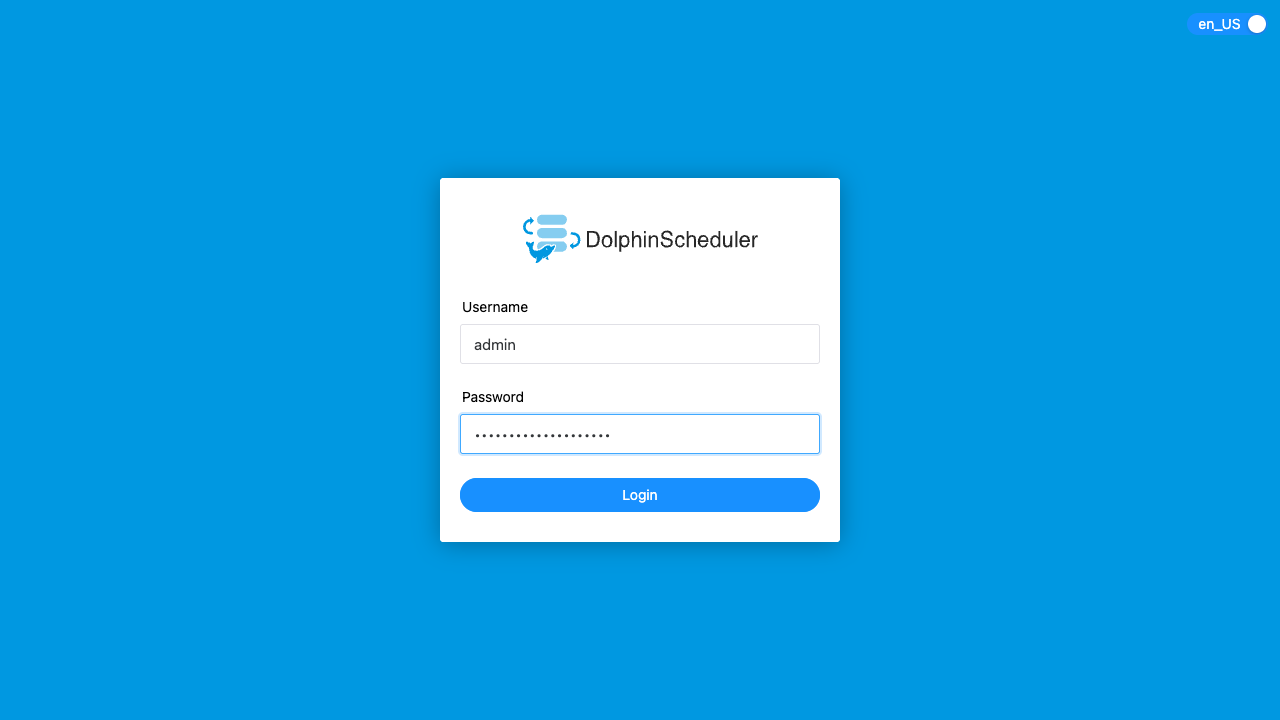
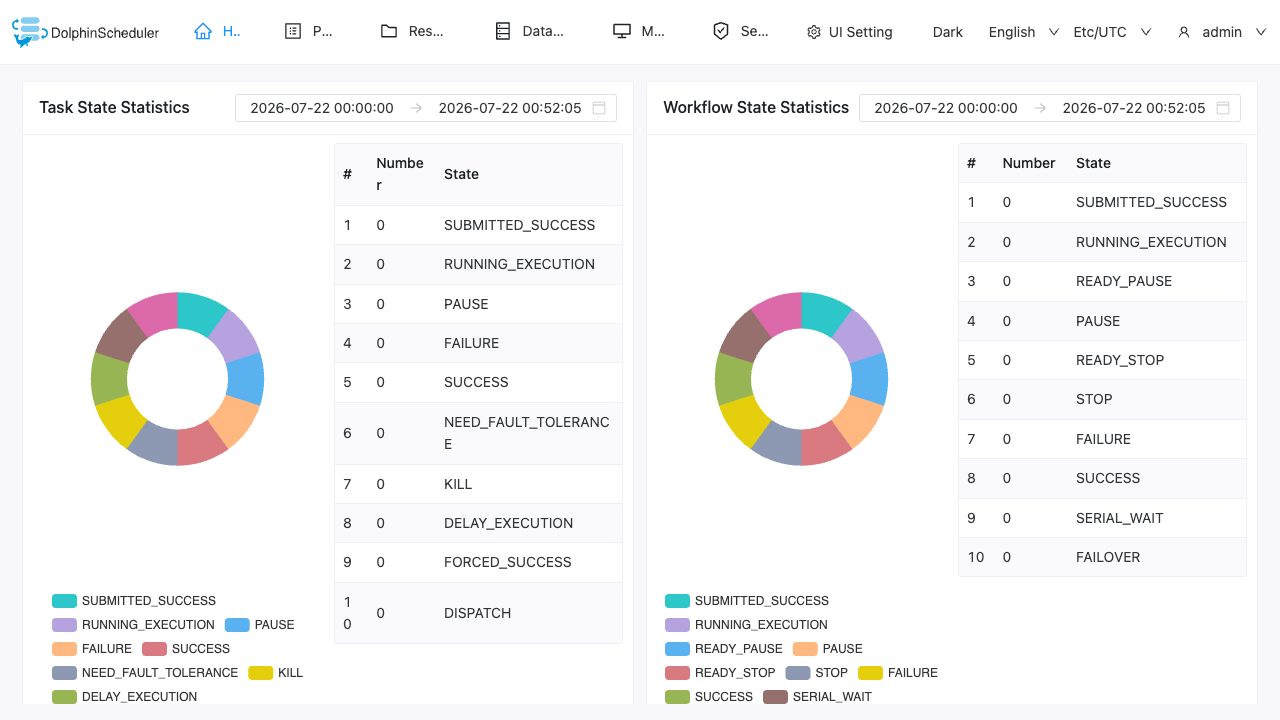
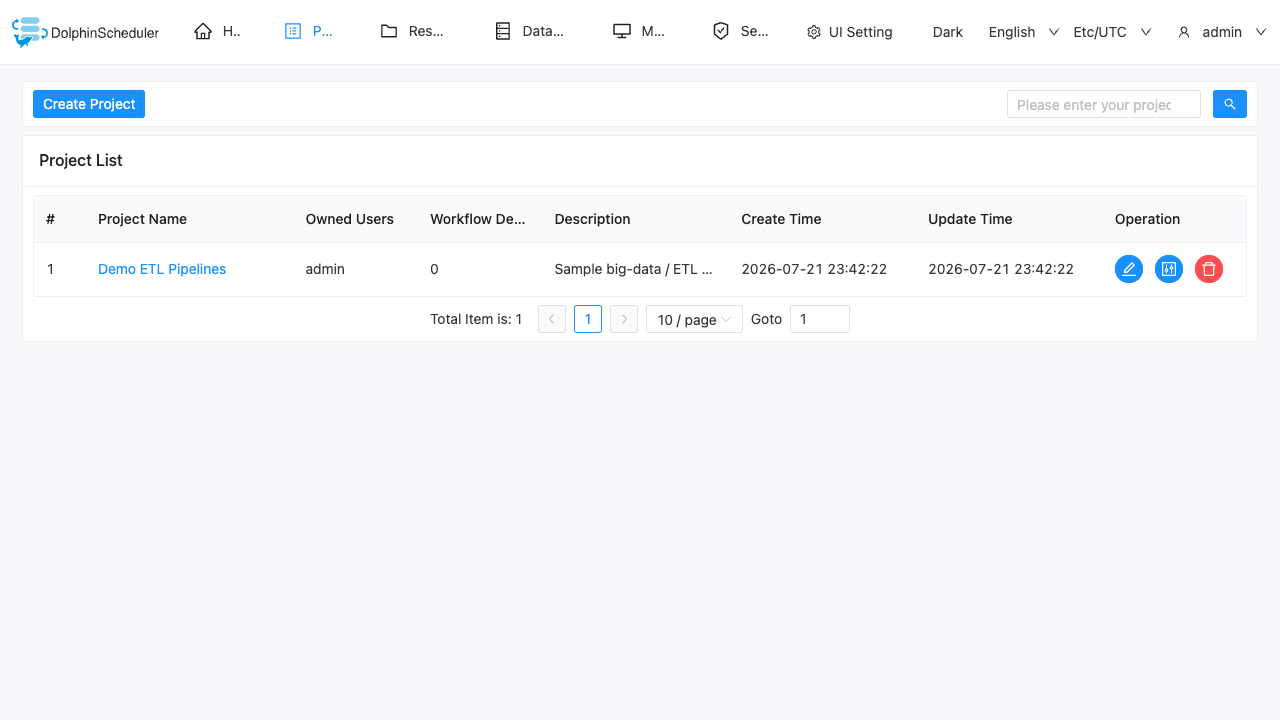
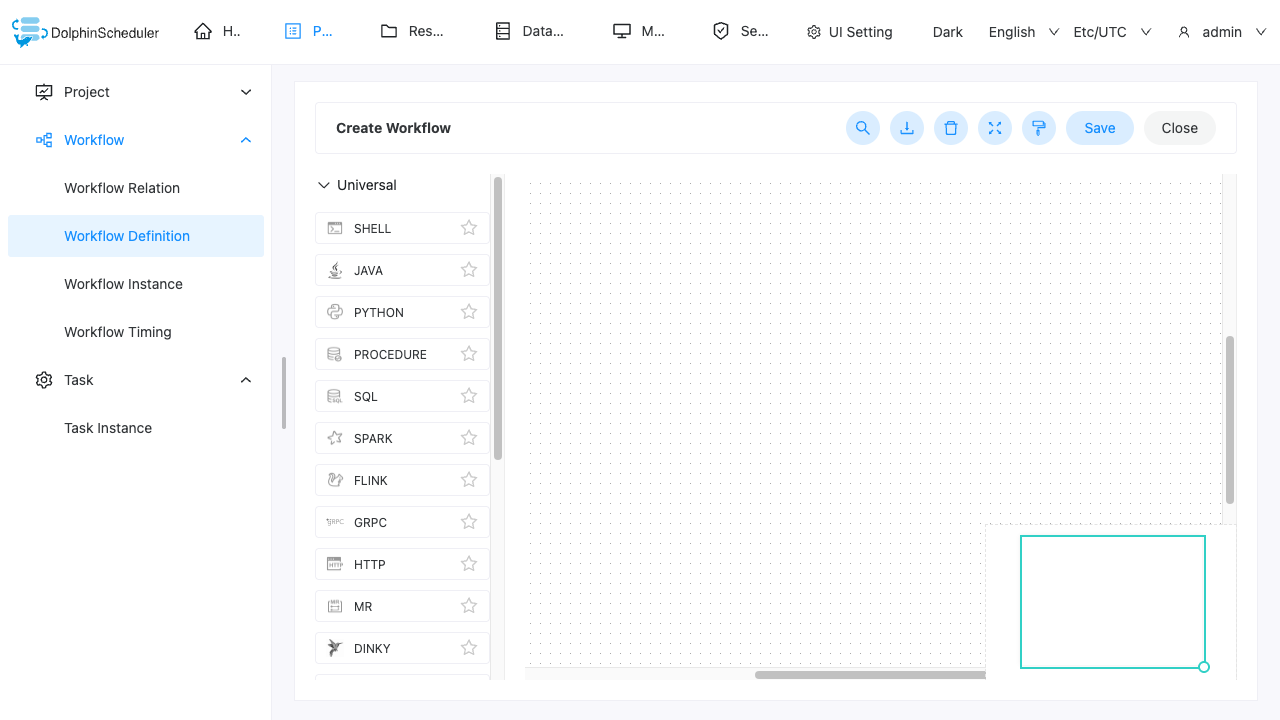
Real screenshots taken while testing this image against its deployment guide.
This is a repackaged open source software product wherein additional charges apply for cloudimg support services.
# Why This DolphinScheduler AMI Over Self-Managed Apache DolphinScheduler is a powerful distributed, visual workflow and DAG scheduler for big-data and ETL pipelines - but standing it up by hand means provisioning a registry, a metadata database, the master, worker, API and alert services, then wiring them together and hardening the defaults. That process typically takes hours of dependency troubleshooting and configuration. This AMI eliminates that work entirely. You get a fully configured, ready-to-run DolphinScheduler environment within minutes of launch - no default credentials left in place, and no multi-service orchestration to assemble yourself. ## Who This Is For Data engineers, platform engineers, and DevOps teams who need a production-grade workflow scheduler without the overhead of manual installation. Whether you are orchestrating nightly ETL ingestion of millions of records from S3 into Redshift with retry logic and Slack alerts, coordinating Spark jobs across a data lake, or scheduling ML training pipelines - this AMI gives you a running scheduler faster than writing a Docker Compose file. ## Application Stack - Apache DolphinScheduler deployed as the all-in-one standalone server, bundling the master, worker, API server, alert server and the visual web UI in a single managed JVM service
2. Ensure your security group allows inbound TCP on port 80 from your IP, and port 22 for SSH
3. Wait approximately 2-3 minutes for the first-boot credential rotation to complete
4. SSH into the instance and retrieve your credentials from the root-only file
5. Browse to http://your-instance-ip/ and sign in as the administrator
6. Create projects, author workflow definitions and schedule DAGs through the DolphinScheduler web interface ## Example Use Case: Nightly Data Warehouse Load A data engineering team schedules nightly ingestion of transaction records from Amazon S3 into Amazon Redshift. The DolphinScheduler DAG defines extraction, transformation, and load tasks with dependency edges, automatic retries on failure, and alert notifications via email or webhook when a task exceeds its SLA. The visual UI lets engineers monitor run status, drill into logs, and rerun failed branches - all without writing custom orchestration code. ## Additional Use Cases - Cross-system batch job orchestration and dependency management

This image runs AnythingLLM, the all-in-one open source application for chatting with your documents using any large lan...

Apache BifroMQ (Incubating) is a distributed MQTT broker written in Java, built around native multi tenancy.

Apache RocketMQ is an open-source distributed messaging and streaming platform built for low-latency, high-throughput, f...
This image runs Bluesky PDS, the reference Personal Data Server for the AT Protocol (atproto) - the open, federated soci...

Apache Qpid Broker-J is a pure Java message broker from the Apache Qpid project.

This image runs the full ELK Stack as a single node deployment. Elasticsearch is the distributed search and analytics en...