Base
Hardened build
minimal ports, security patches applied at build time

ByteStash, an open source self hosted code snippet manager with username and password sign in, full text and tag search, syntax highlighting and snippet sharing.
ByteStash is an open source, self hosted code snippet manager for developers and teams. Store, organise, tag and search reusable code snippets with syntax highlighting for dozens of languages through the Monaco editor, render Markdown and Mermaid diagrams, keep multi file snippets, and share snippets publicly with optional expiry. It exposes an OpenAPI surface, per user API keys, optional single sign on, and a remote endpoint for AI assistants, so a scattered collection of gists and scratch files becomes one searchable, owned library. It suits individual developers and engineering teams who want a private snippet library inside their own cloud account rather than a third party service.
cloudimg delivers ByteStash fully built from source and hardened behind an nginx reverse proxy that binds the application to loopback, so your snippet library answers the moment the instance boots. The image is secure by default with no known bootstrap credential: it ships with an empty database and a placeholder secret, and on the first boot of every instance a unique token signing secret is generated and an initial administrator account is created with its own random password, both written to a file only the root user can read. Open self registration is disabled, so no world open sign up window is ever exposed, and no two instances share a credential. systemd manages the service for automatic restarts and clean logging, and every deployment carries a paired deployment guide and 24/7 support.
Real screenshots taken while testing this image against its deployment guide.
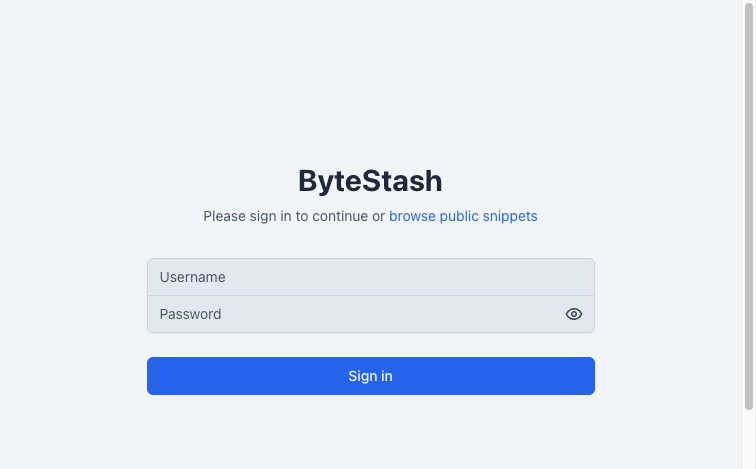
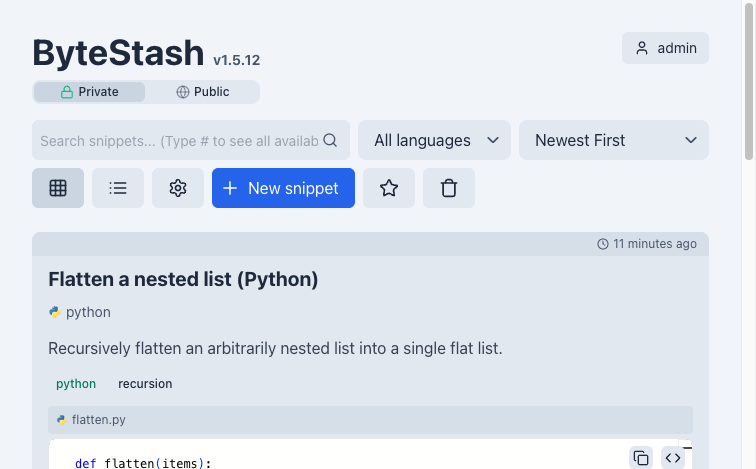
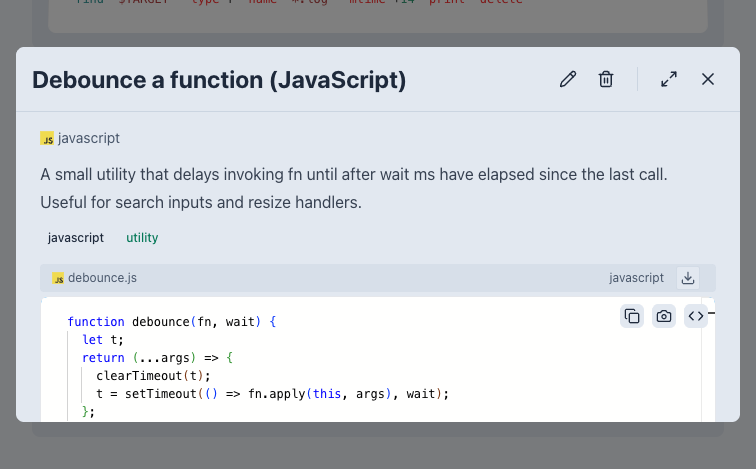
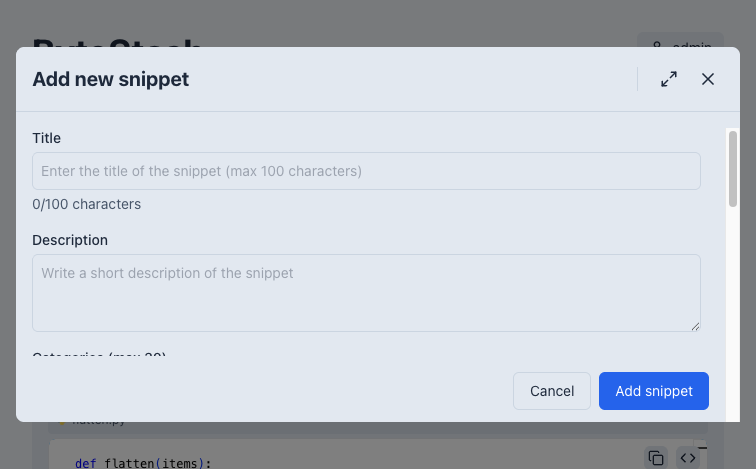
This is a repackaged open source software product wherein additional charges apply for cloudimg support services.
## Overview
ByteStash is a free and open source, self-hosted code-snippet manager for developers and teams. Store, organise, search, tag and share reusable code snippets with syntax highlighting for dozens of languages, Markdown and Mermaid rendering, multi-file snippets, snippet sharing with optional expiry, an embed API and a remote MCP endpoint for AI clients - a private snippet library you run and control in your own AWS account. It is delivered fully built from source, hardened and reverse-proxied behind nginx over TLS, so your snippet library is operational within minutes of launch with no manual package installation.
## Why This Image vs a Manual Install
This image eliminates the manual work of building the Node.js server and React client from source, compiling native dependencies, authoring systemd units, configuring a TLS reverse proxy and hardening credentials. ByteStash's registration can be open by default; this image never ships an open-registration or default-credential instance. What typically takes many steps across package management, service configuration and security hardening is completed for you at image build time. Launch the instance, read your unique credential, and start saving snippets.
## Application Stack
The ByteStash server runs under systemd as an unprivileged system user and binds to the loopback interface only. It is fronted by an nginx reverse proxy on port 443 with a self-signed certificate generated per instance (ready to be replaced with your own domain certificate); port 80 redirects to 443. The embedded SQLite datastore lives on a dedicated data volume, independently resizable and separate from the OS disk. systemd starts the service and the web server on boot and restarts them on failure.
## Security Hardening
This image follows a defence-in-depth approach:
Buyers requiring formal compliance documentation should contact cloudimg to discuss specific requirements.
## Concrete Use Cases
## AWS Integration
Deploy on any EC2 instance type. Terminate TLS at the instance or place the instance behind an Application Load Balancer with your own certificate. Back up your snippet library using EBS snapshots or AWS Backup, and resize the dedicated data volume independently of the OS disk as your library grows.
## Getting Started
Read your credential from the root-only file, open the web interface in your browser over HTTPS, sign in, and start creating snippets - organise them with tags, search across everything, and share individual snippets with a link.
## cloudimg Support
24/7 technical support by email and chat. Help with deployment, replacing the self-signed certificate with your own domain and certificate, OIDC single sign-on configuration, and backup planning for your snippet library.

Accent is an open source, developer-oriented translation and localization management platform.
This image runs Apache Archiva, the open source build-artifact repository manager - a central, governed store for the bi...

This image runs Apache Camel Karavan, an open source visual integration designer and toolkit for Apache Camel.

Launch a production-ready Apache DolphinScheduler workflow scheduler in minutes with zero setup. All-in-one standalone d...

Apache JMeter is the de-facto open-source tool for load and performance testing of web applications, APIs, databases and...

This image runs Apache Subversion (SVN) 1.14, the Apache Software Foundation's enterprise centralised version-control sy...