Base
Hardened build
minimal ports, security patches applied at build time
Claper is an open source interactive presentation platform: run live audience polls, quizzes, open questions and emoji reactions from your slides while the room answers from their phones in real time.
Claper turns a normal slide deck into a two way conversation with the room. A presenter uploads their slides, a PDF or a PowerPoint file, and Claper renders them into a live presentation that the audience follows on their own phone or laptop by opening a short join link, with no account and no app to install. Alongside each slide the presenter can run multiple choice polls, quizzes with scoring, open question and message boards and emoji reactions, and the results update live on the screen as people answer.
Everything that makes the audience interaction feel instant is built on Phoenix LiveView and WebSockets, so votes, questions and reactions appear the moment they are sent. Presenters manage their decks and interactions from an authenticated dashboard, review the responses afterwards, and export poll, quiz and message results. Because the whole thing is self hosted, the presentation content, the audience responses and the attendee identities stay on infrastructure the organisation controls, which matters for internal town halls, teaching, workshops and conferences where that data should not leave the building.
cloudimg ships Claper as the official application container assembled with its PostgreSQL database and a reverse proxy, so a working presentation console answers within minutes of launch and the real time audience features work out of the box. Security is designed in rather than left to the operator. The image carries no known login: the upstream default administrator is never created, and instead a unique administrator password is generated on the first boot of every instance and written to a file only root can read, together with a per instance Phoenix session signing key and database password that replace the published upstream defaults, so no two deployments share crypto material or a login. The application is held back from starting until those secrets are in place, so an instance can never come up on a shared key. Audience join stays open by design because that is the product, but presenter and administrator sign up is locked to that first administrator so a stranger cannot register themselves an account on a public instance. The database listens only on the machine itself, the reverse proxy is the single public listener and is configured for the WebSocket upgrades the live features depend on, the base is fully patched with unattended security updates enabled, and every image is paired with a step by step deploy guide tested against the exact build and backed by 24/7 cloudimg support.
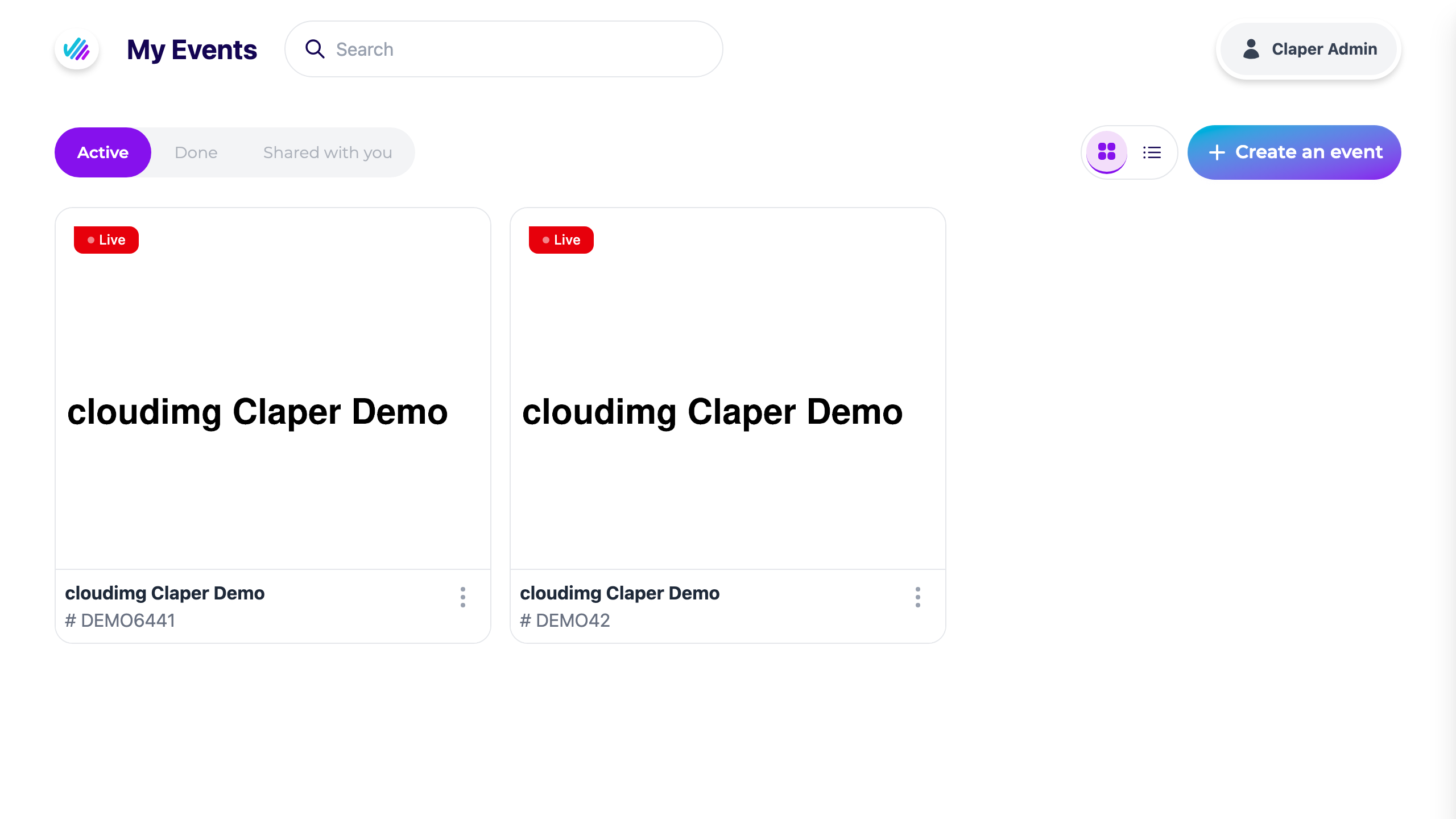
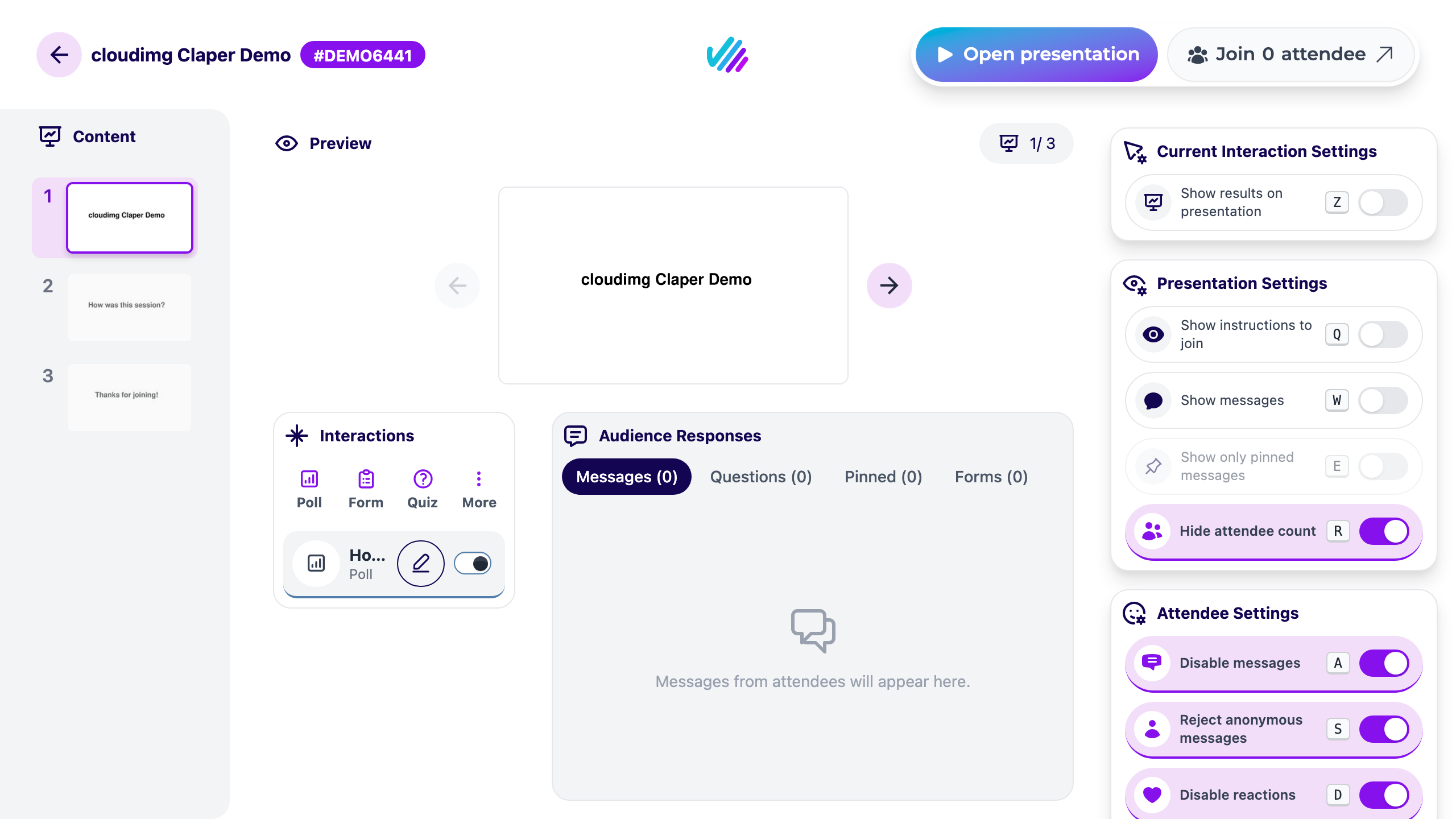
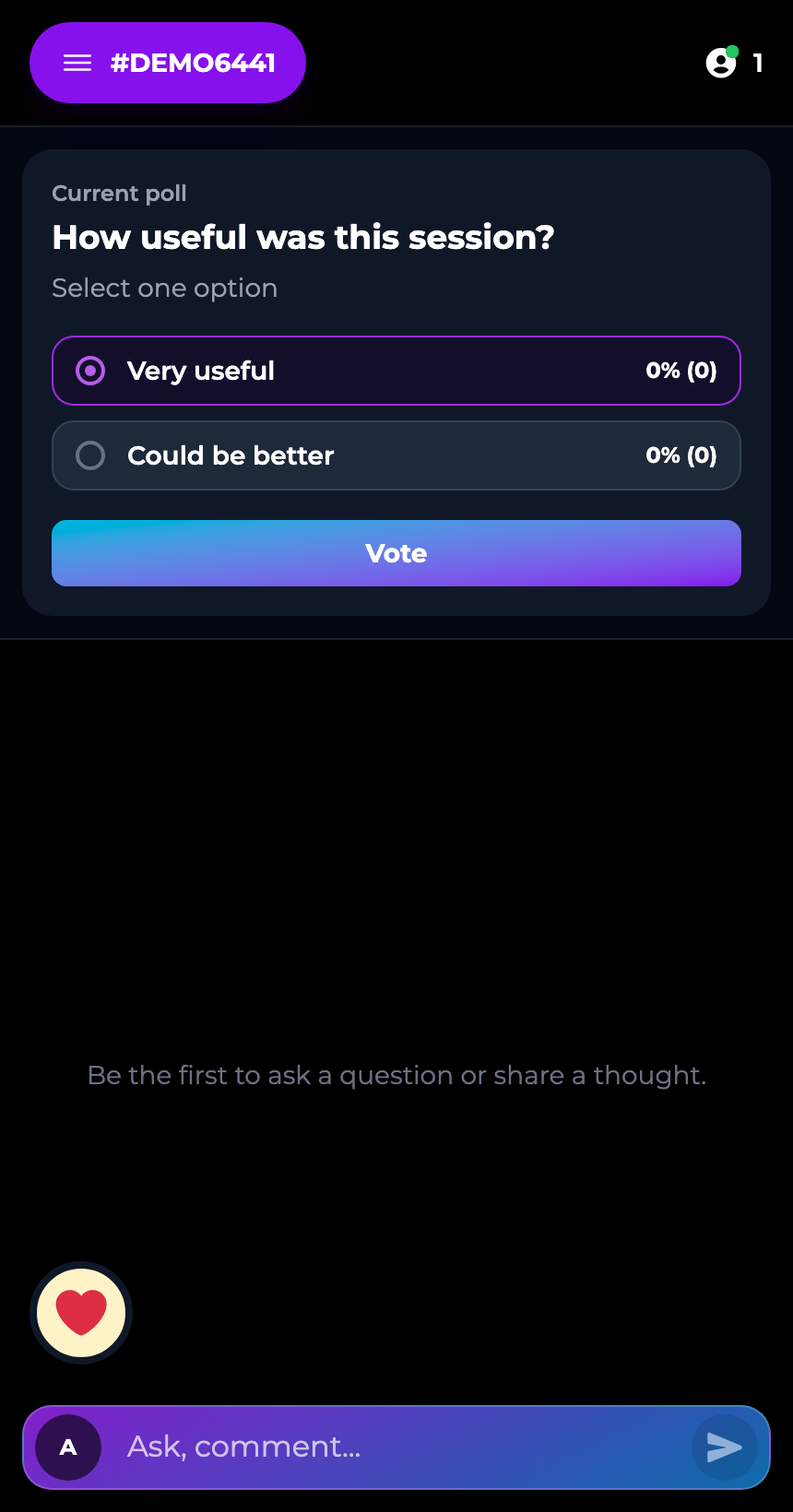
Real screenshots taken while testing this image against its deployment guide.

Actual Budget is a free, open source, local first personal finance application built around the proven envelope budgetin...

Admidio is the open source membership management platform for clubs, associations and non profit organisations.

AdventureLog is a self-hosted travel companion. It lets you log the countries and regions you have visited, plan future ...
Aim is an open-source ML experiment tracker: your training code logs metrics, hyperparameters and other artifacts as it ...

The cloudimg image ships the free and open source, GPL-3.0 licensed AirTrail application, run the officially supported w...
Akkoma is a lightweight, highly customisable open-source server for the fediverse: a self-hosted, federated microbloggin...