Base
Hardened build
minimal ports, security patches applied at build time

Cockpit CMS, an API first, self hosted content platform that lets you model structured content in a clean admin interface and serve it to any frontend over a REST and GraphQL API.
Cockpit CMS is an open source, headless content management system. You define your content structure in the admin interface as collections and singletons made of typed fields, manage assets in a built in file manager, and then consume everything through a documented REST and GraphQL Content API. Because it is headless it does not dictate how your site or app is built: the same content can drive a website, a mobile app, a static site generator or several frontends at once, each reading from the same API.
It is deliberately lightweight. Content is stored in a self contained file based datastore, so there is no separate database server to run or tune, and the admin interface, asset manager, user and role management and the API all ship in one small application. That makes it a practical choice for teams who want structured, reusable content and a clean editing experience without committing to a heavyweight, template driven CMS.
cloudimg delivers Cockpit CMS fully installed on an nginx and PHP stack, so the admin interface is ready as soon as the instance boots. The image is deliberately shipped with no users and no instance key: on the first boot of every instance a one shot service generates a unique application security key and a strong administrator password, seeds the administrator account and writes the credentials to a root only file on that machine. Until that finishes the interface is bound to loopback and nothing is published on the public port, so no instance is ever reachable in an unclaimed, unconfigured state and no secret is shared between customers. Every image is paired with a step by step deployment guide and backed by 24/7 support.
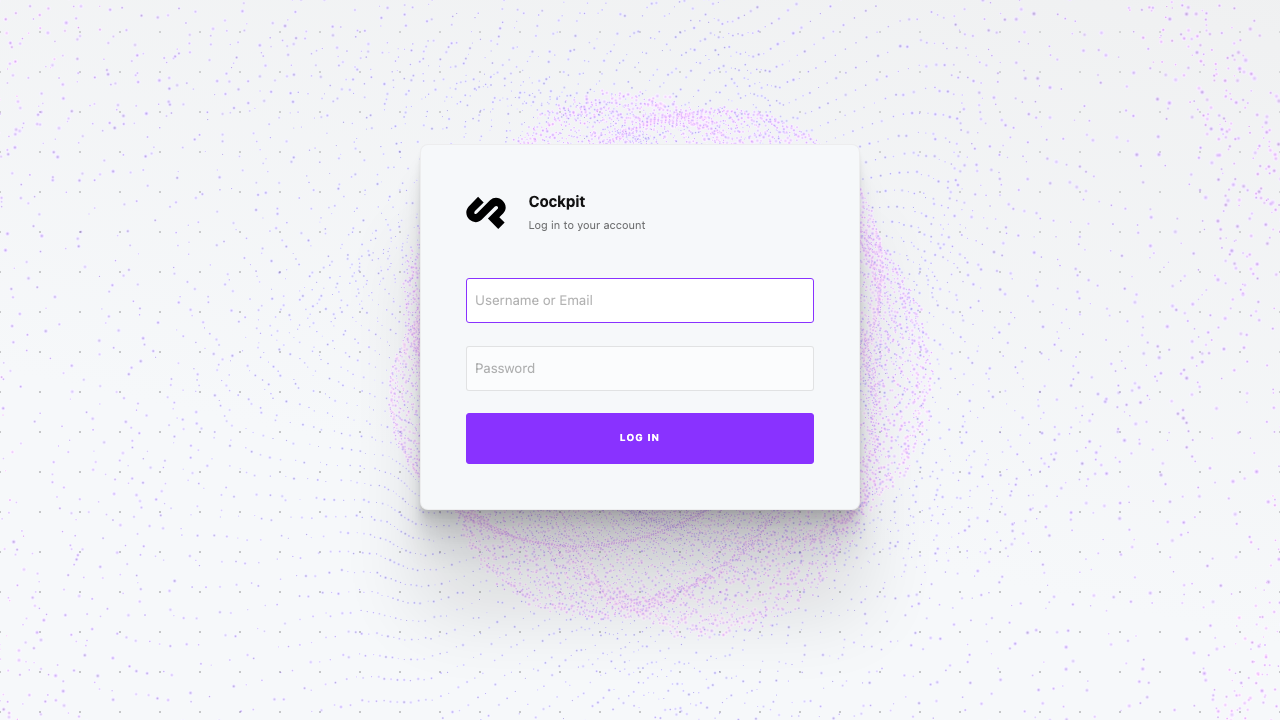
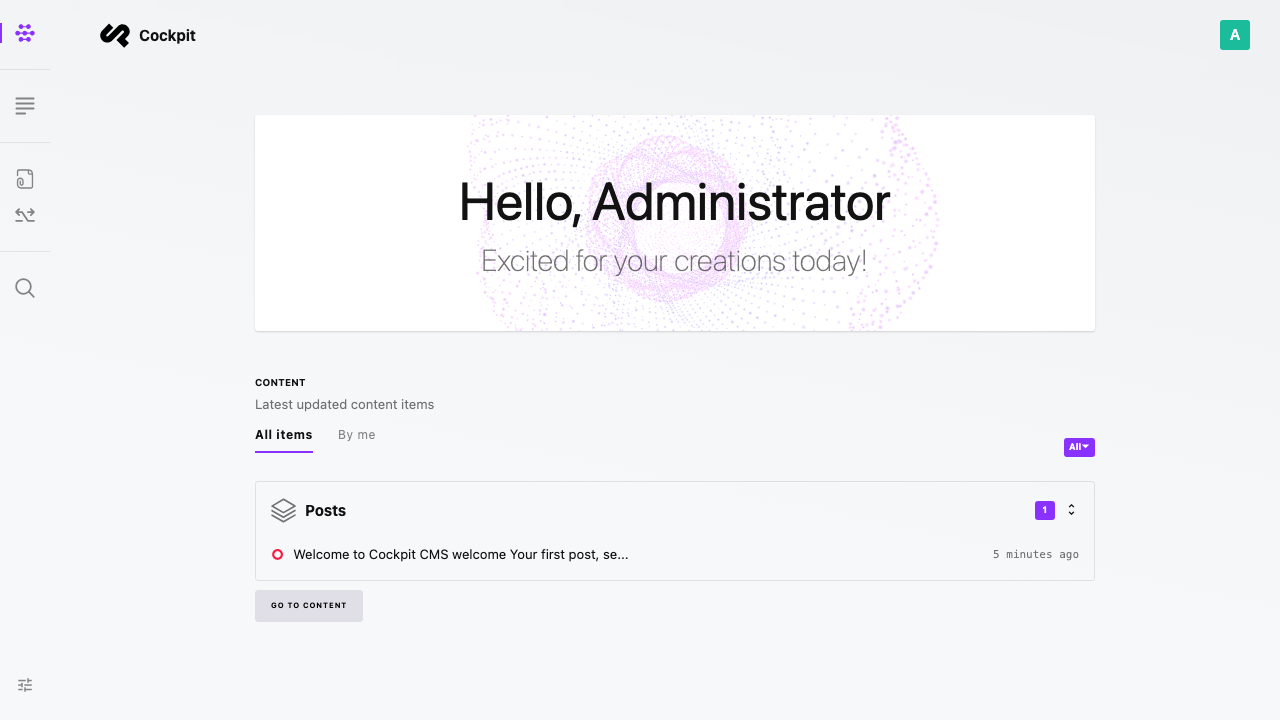
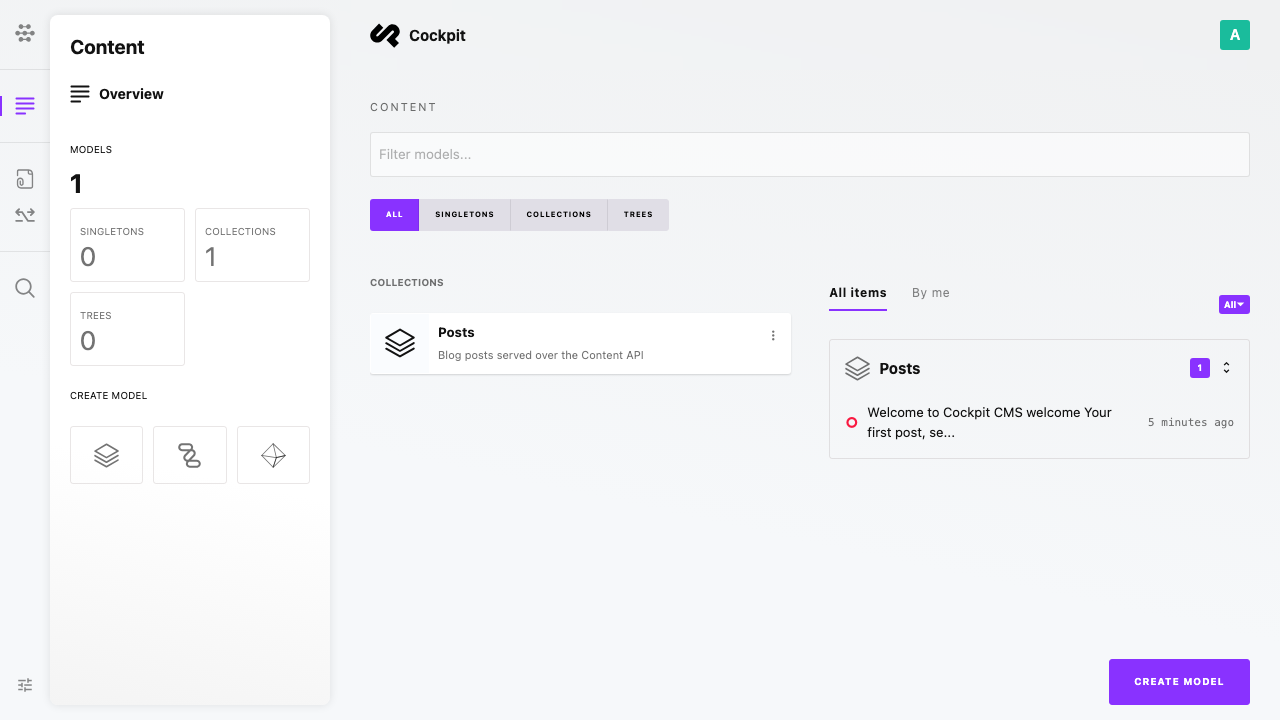
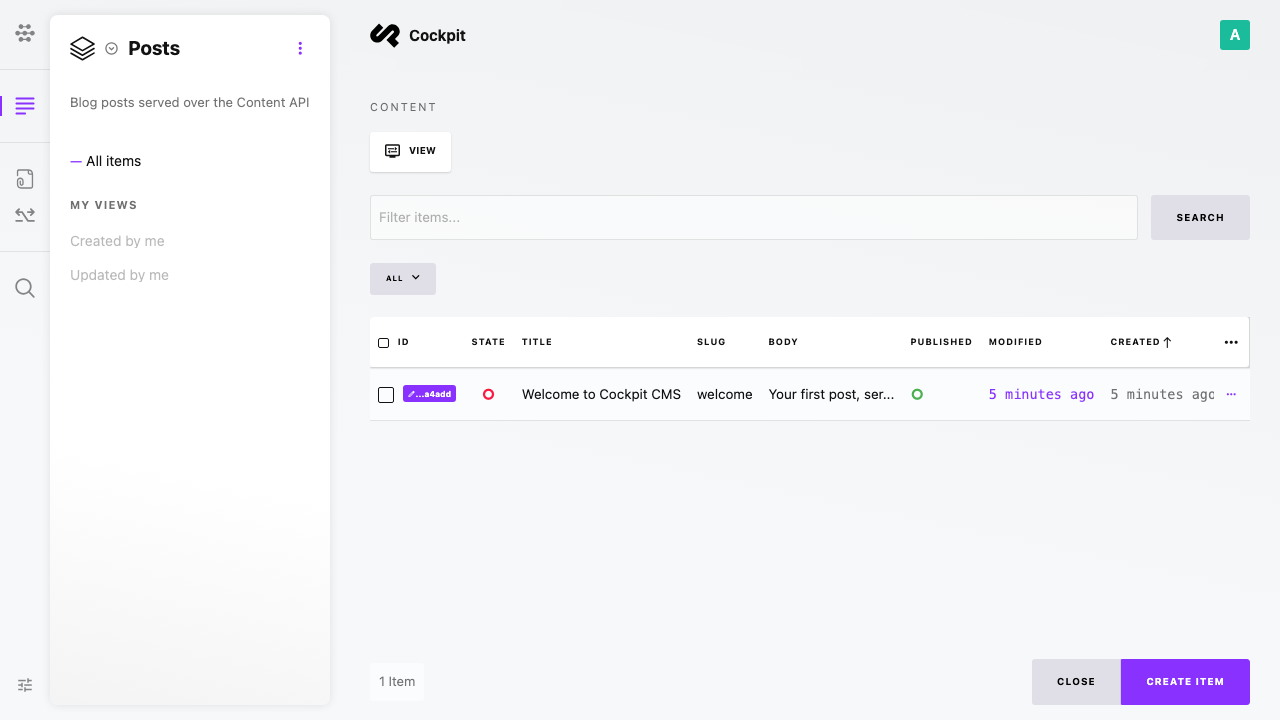
Real screenshots taken while testing this image against its deployment guide.

Actual Budget is a free, open source, local first personal finance application built around the proven envelope budgetin...

Admidio is the open source membership management platform for clubs, associations and non profit organisations.

AdventureLog is a self-hosted travel companion. It lets you log the countries and regions you have visited, plan future ...
Aim is an open-source ML experiment tracker: your training code logs metrics, hyperparameters and other artifacts as it ...

The cloudimg image ships the free and open source, GPL-3.0 licensed AirTrail application, run the officially supported w...
Akkoma is a lightweight, highly customisable open-source server for the fediverse: a self-hosted, federated microbloggin...