code-server - VS Code in the Browser
Overview
code-server delivers full Visual Studio Code running in your web browser, preinstalled and running behind nginx and ready to use within minutes of launch. A unique access password is generated on first boot. Backed by 24/7 cloudimg support.
See it running
Real screenshots of this software running on the cloudimg image, taken while testing the deployment guide.
Description
This is a repackaged open source software product wherein additional charges apply for cloudimg support services.
Overview
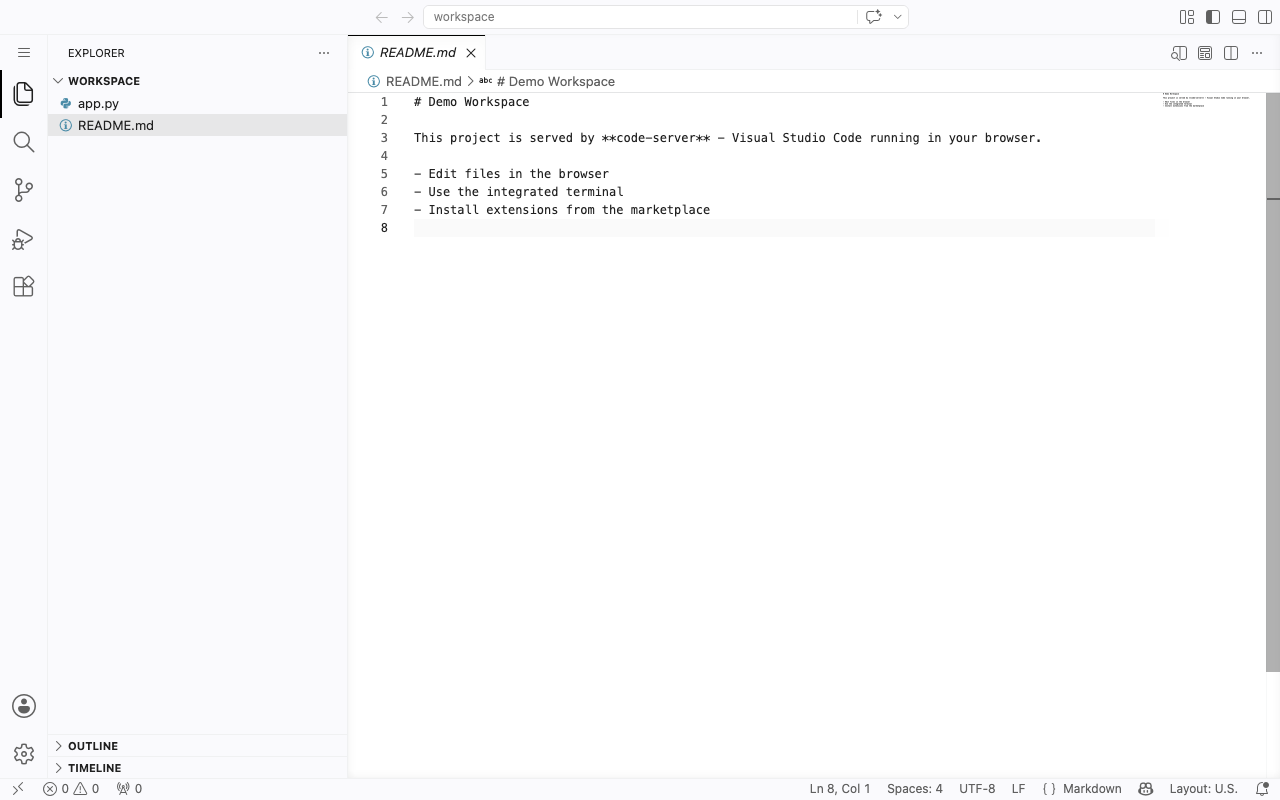
code-server is Visual Studio Code running on a server and reachable from any modern web browser. You get the complete VS Code editing experience, the integrated terminal, the extension marketplace, source control and debugging, hosted on your own instance, so your development environment lives next to your code and compute instead of on a laptop. This image delivers code-server fully installed and running behind an nginx reverse proxy, so a browser IDE is serving within minutes of launch. The current release available is code-server 4.127.0.
Application Stack
code-server runs as a Node.js service under a dedicated unprivileged service account. It binds to the loopback interface and is fronted by nginx on port 80, with the WebSocket upgrade the editor needs already configured. systemd starts it on boot and restarts it on failure. User settings, installed extensions and workspace state live on a dedicated data disk so they are independently resizable and separate from the operating system disk.
A Full IDE in the Browser
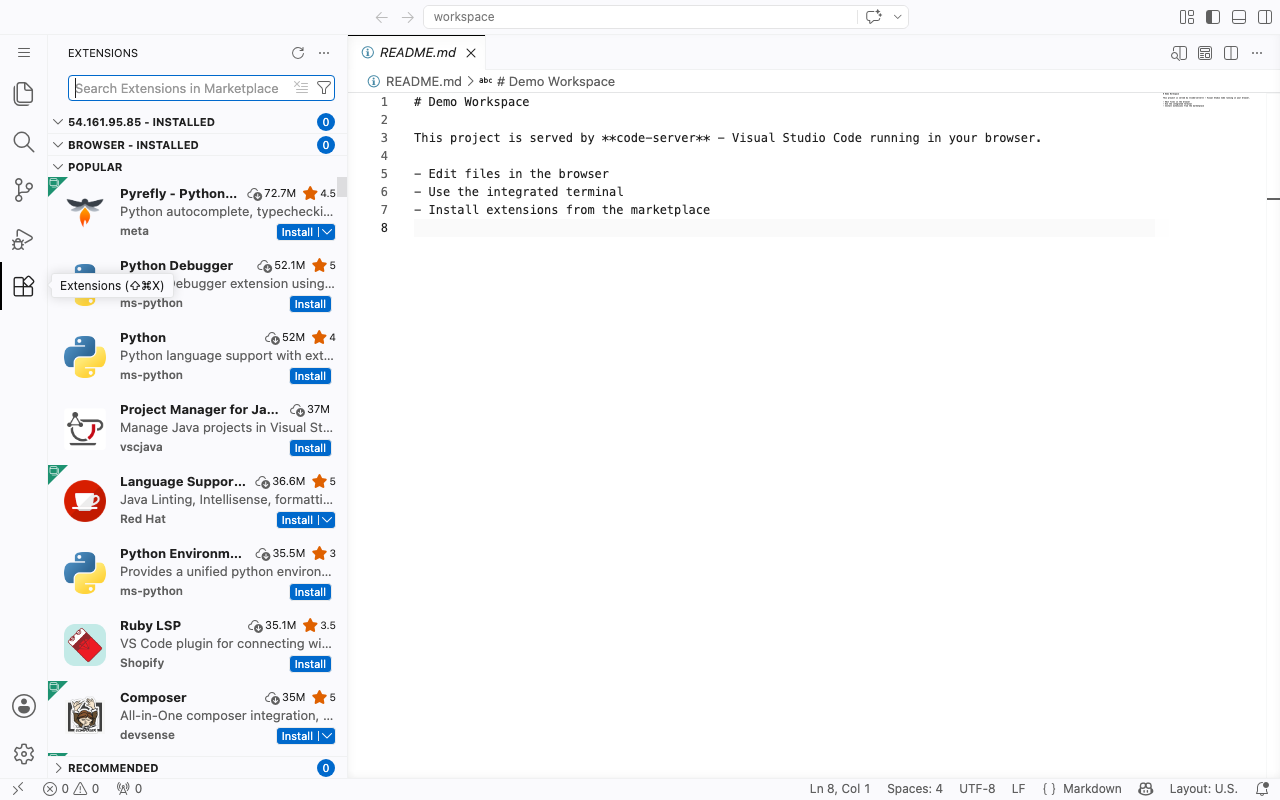
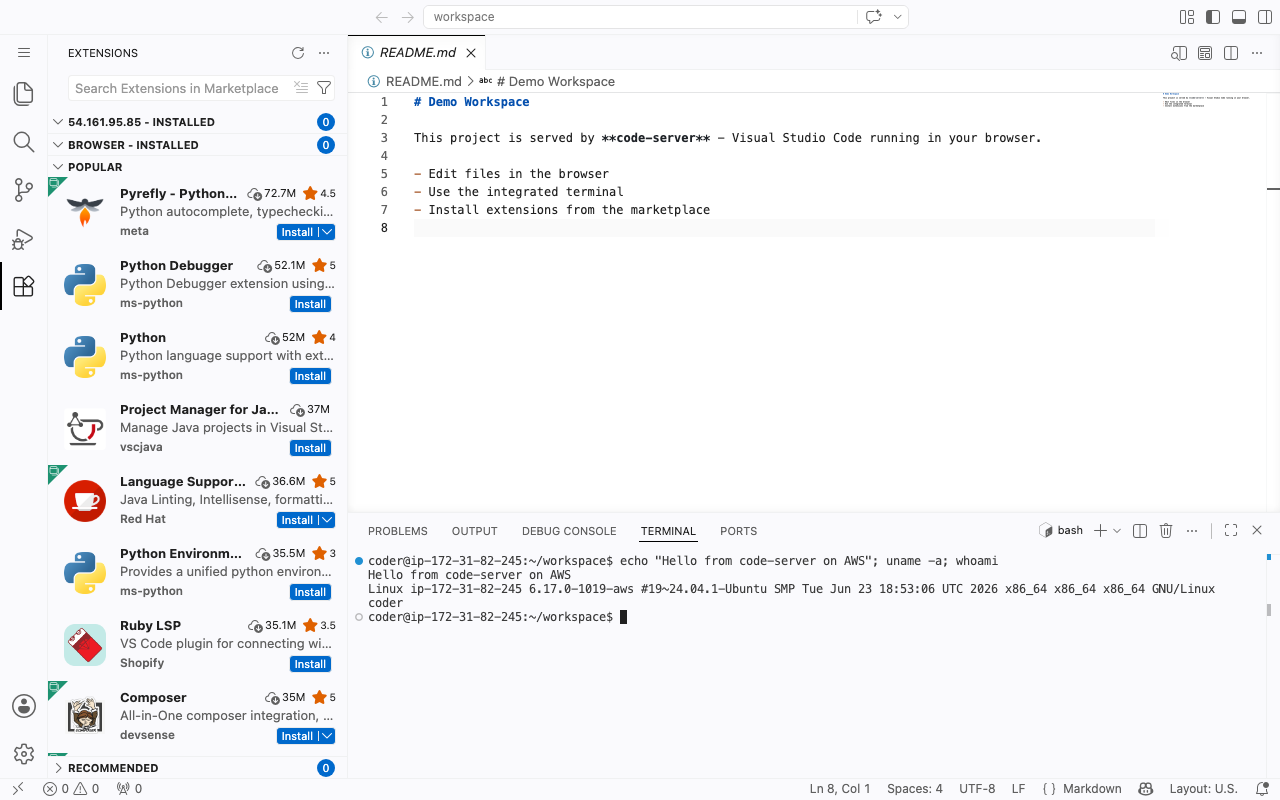
Open a folder and edit, search and refactor across your project. Use the integrated terminal to run builds and shells on the instance. Install extensions for your languages and frameworks from the marketplace. Use built-in source control, task running and debugging. Everything renders in the browser, so any device with a browser becomes a full development workstation backed by server-grade compute.
Secure First Boot
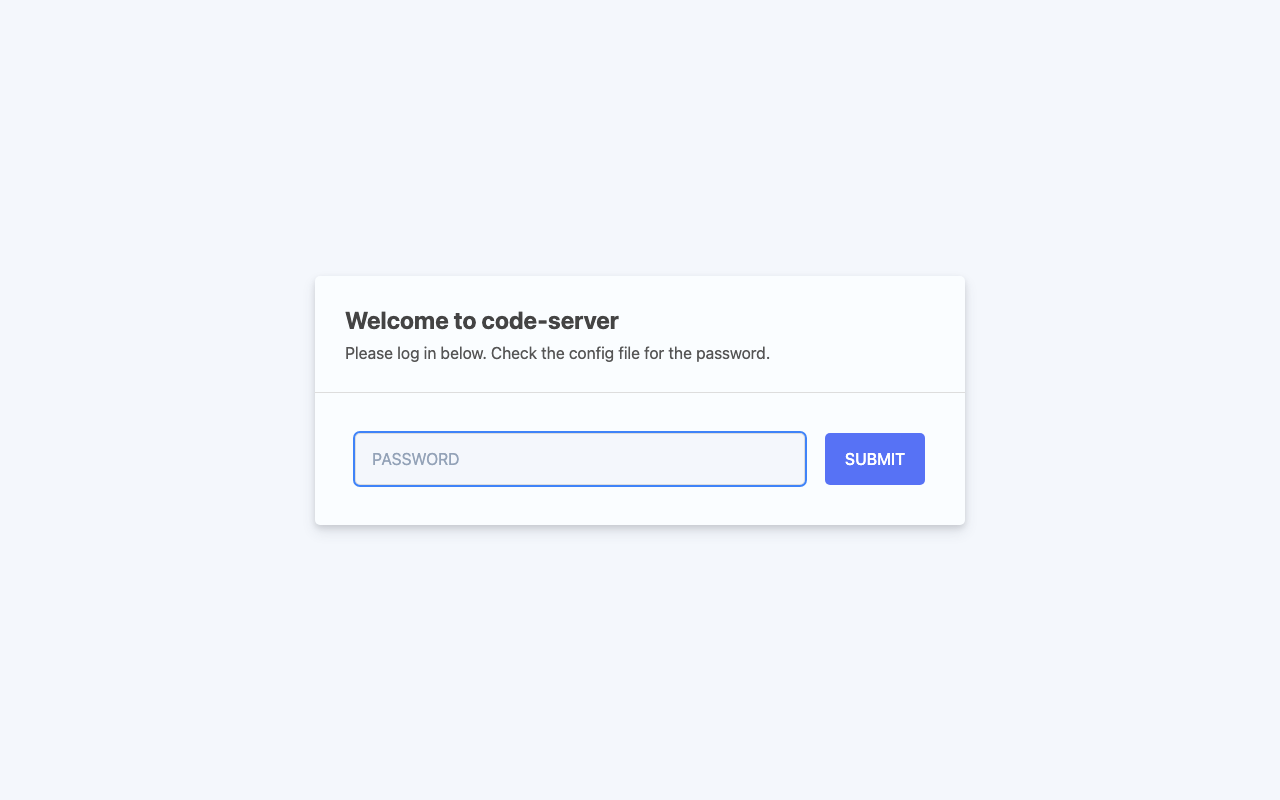
On the first boot of your instance a one-shot service generates a fresh access password, unique to that instance, writes it into the editor configuration, and records it in a file only the root user can read. No shared or default credentials ship in the image.
Ready To Use
Open the web UI in your browser, read the generated password, sign in, and start editing straight away. A built-in health endpoint answers on the reverse proxy for load-balancer and uptime checks. The user-data tier lives on a dedicated, independently resizable data disk.
cloudimg Support
24/7 technical support by email and chat. Help with deployment, HTTPS and reverse-proxy configuration, extension and workspace management, access control, storage and upgrade planning.
Use Cases
A consistent, shareable cloud development environment for your team. A powerful editor reachable from a tablet, Chromebook or locked-down workstation. A build and debugging environment that lives next to your compute and data. An on-demand IDE for onboarding, workshops and pair programming.
All product and company names are trademarks or registered trademarks of their respective holders. Use of them does not imply any affiliation with or endorsement by them.
Key Features
- Full Visual Studio Code running in the browser, preinstalled and serving behind nginx with the WebSocket upgrade configured, so a browser IDE is ready within minutes of launch
- Node.js service under a dedicated unprivileged account, with user settings, installed extensions and workspace state on a dedicated independently resizable data disk
- Hardened first boot generates a fresh access password for every instance and stores it in a file only the root user can read, with 24/7 technical support from cloudimg
Related Technologies
Related Products

Apache Airflow - Workflow Orchestration
This image runs Apache Airflow as a single node deployment. Airflow is installed into a dedicated Python virtual environ...
Apache Archiva Repository Manager
This image runs Apache Archiva, the open source build-artifact repository manager - a central, governed store for the bi...
Appsmith Open-Source Low-Code Platform
This image runs Appsmith Community Edition, the open source low-code platform for building internal tools, admin panels,...
Appwrite
Appwrite is an open source backend as a service platform, a self-hosted Firebase alternative that gives developers a com...
changedetection.io - Website Change Monitor
This image runs changedetection.io, the self-hosted service that monitors web pages for changes and notifies you when so...
CloudBeaver - Web Database Manager
CloudBeaver CE is a web-based database manager - a browser edition of the popular DBeaver desktop tool - that lets you c...