C6

CodeChecker 6 on Ubuntu 24.04

Azure Developer Tools

CodeChecker is the static analysis platform for C and C++ teams, running established analysers over your source and turning what they report into findings your developers can triage, suppress and track between builds.

Base
Hardened build
minimal ports, security patches applied at build time
Access
Unique credentials
generated on first boot, readable only by root
Verified
Boots working
services pass a health gate before release
Support
24/7, 365 days
by email and live chat, 24 hour response SLA

Overview

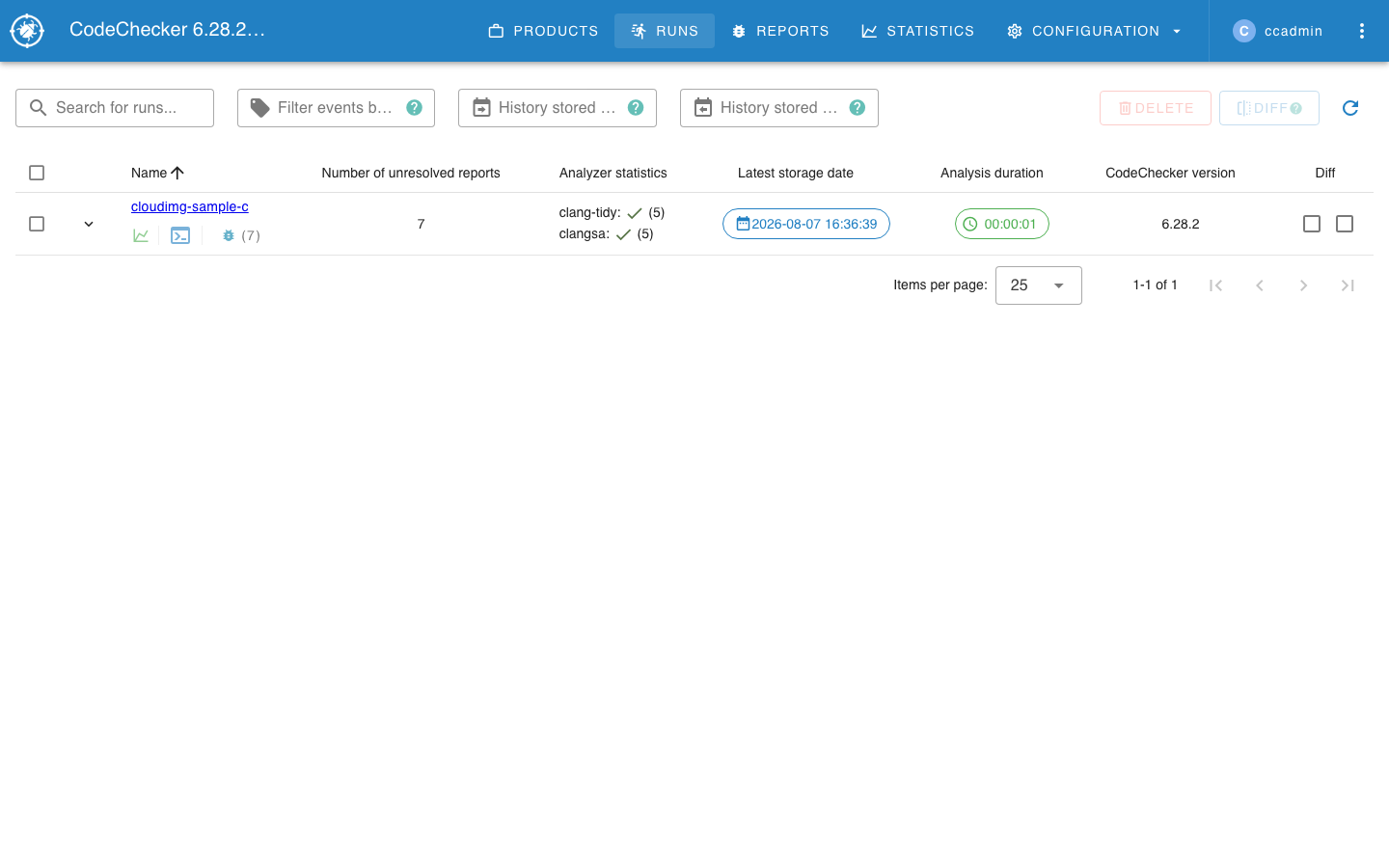
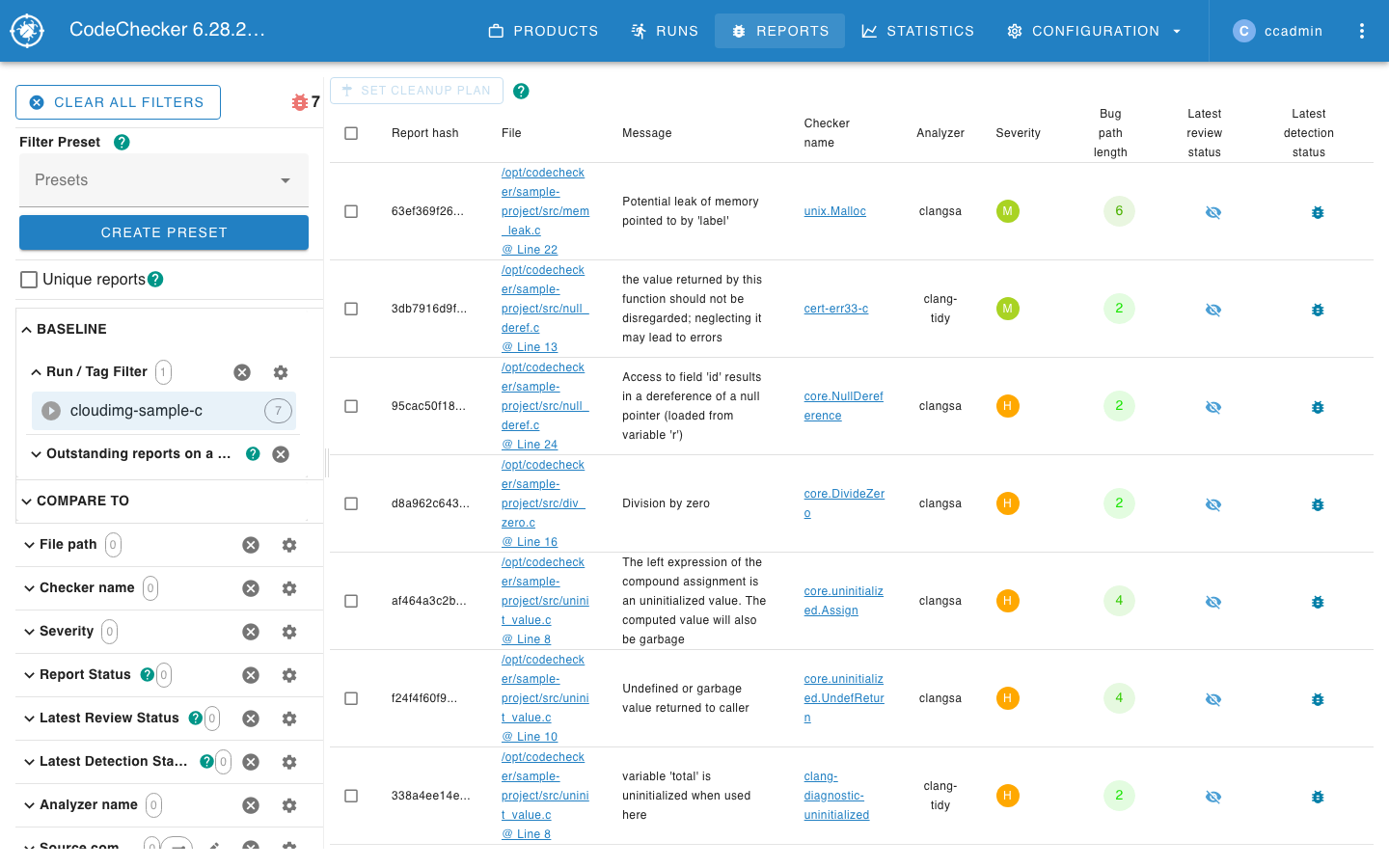
CodeChecker is an open source static analysis platform built around the LLVM and Clang analysis toolchain. It drives analysers such as the Clang Static Analyzer, Clang Tidy and Cppcheck across a codebase, collects everything they report into a single results database, and presents the output in a web interface designed for triage rather than for reading raw logs. Each analysis is stored as a named run, so a team can compare today's results against a previous build to see which defects are new, which are still outstanding and which have been fixed. Reviewers can mark a finding as a genuine bug or a false positive, leave a comment for colleagues, and open any report to see the full execution path that leads to the defect highlighted over the real source. It gives engineering teams a durable, shared record of code quality instead of analyser output that is discarded when the terminal closes.

Why the cloudimg image

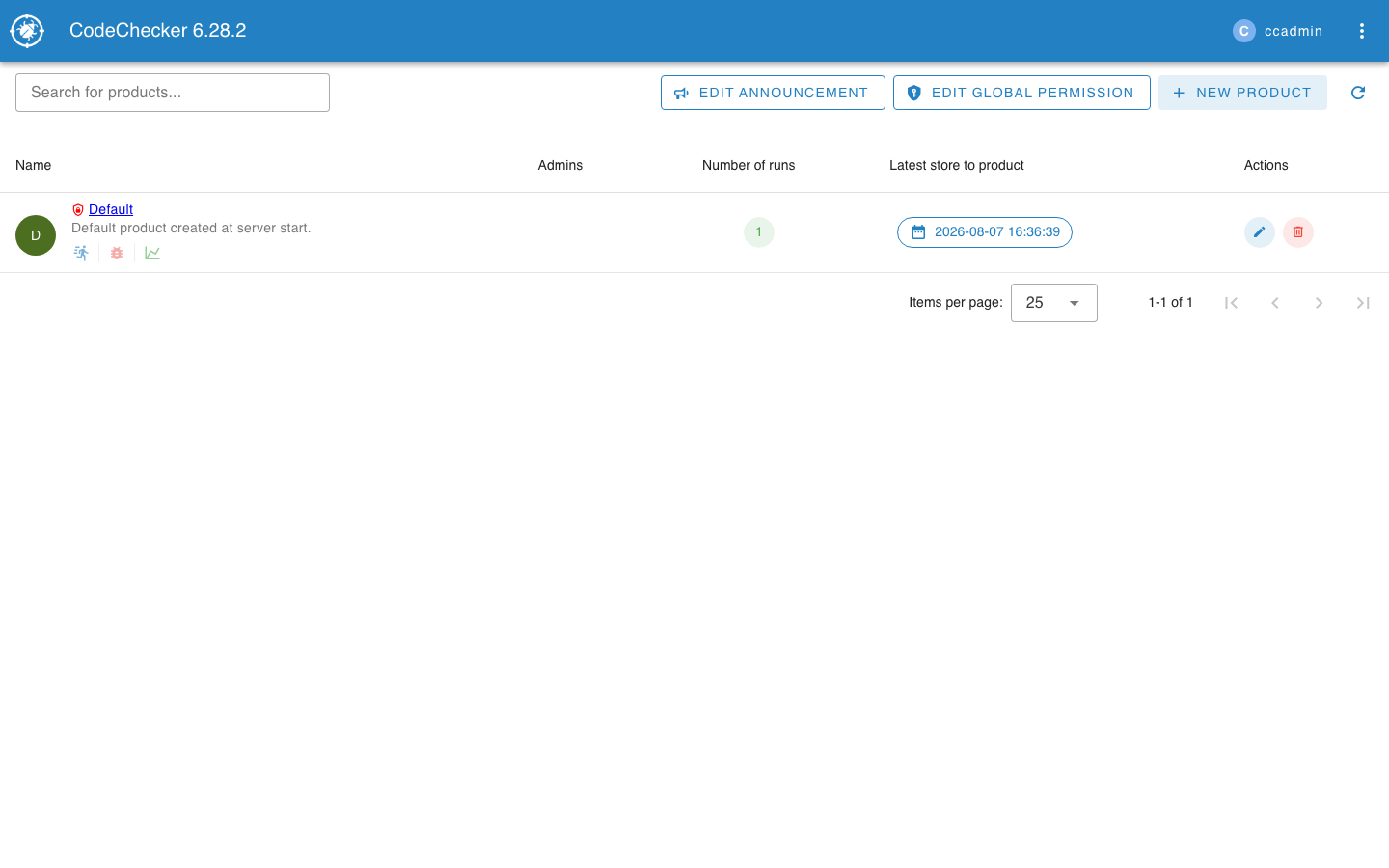
cloudimg ships CodeChecker with the analysers it needs already installed and pinned, so a customer can analyse a real project the moment the instance boots instead of building a compiler toolchain first. The image is secure by default, which matters here because upstream ships with authentication switched off: an unauthenticated server would expose a customer's source code findings, including file paths and code snippets, to anyone who could reach the port. This appliance enables authentication, generates a unique administrator credential on the first boot of every instance, stores only a salted hash of it on disk, and refuses to start the server at all if no credential is configured. The analysis server is bound to the loopback interface behind a reverse proxy, results are kept in a bundled database with no external service to run, and a small sample project is analysed and stored during first boot so the web interface shows real findings immediately rather than an empty database. Every deployment is paired with a step by step deploy guide, backed by 24/7 cloudimg support.

Common uses

  • Give a C or C++ team one web interface for triaging static analysis findings
  • Track which defects are new, outstanding or fixed between successive builds
  • Run the Clang Static Analyzer, Clang Tidy and Cppcheck from a single stored run

See it running

Real screenshots taken while testing this image against its deployment guide.
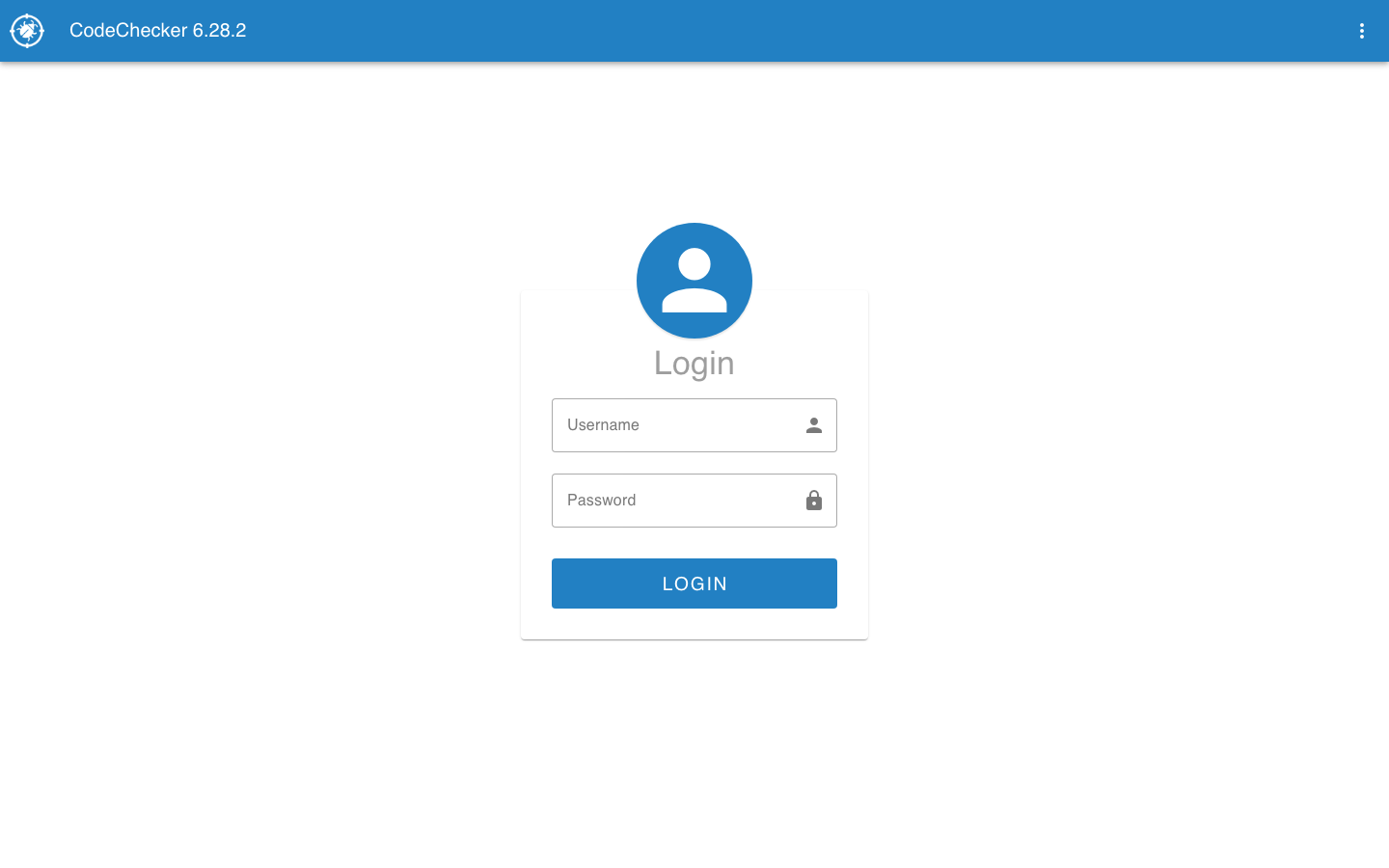
CodeChecker 6 on Ubuntu 24.04 screenshot 1 CodeChecker 6 on Ubuntu 24.04 screenshot 2 CodeChecker 6 on Ubuntu 24.04 screenshot 3 CodeChecker 6 on Ubuntu 24.04 screenshot 4