Base
Hardened build
minimal ports, security patches applied at build time
Crontab UI, a web interface to safely create, edit and manage cron jobs, secured with a per instance login.
Crontab UI is an open source web interface for managing cron jobs. Create, edit, pause, resume, run, import, export, back up and restore scheduled jobs from a browser, with a clear view of every job's schedule and command, instead of hand editing crontab text over SSH.
cloudimg delivers Crontab UI hardened and fully patched, served over TLS with a self signed certificate regenerated on first boot. Authentication is on by default and a unique admin credential is generated per instance, and the service refuses to start without one. It binds to loopback behind an nginx reverse proxy and manages the crontab of a dedicated unprivileged service account rather than root's. Backed by 24/7 support.
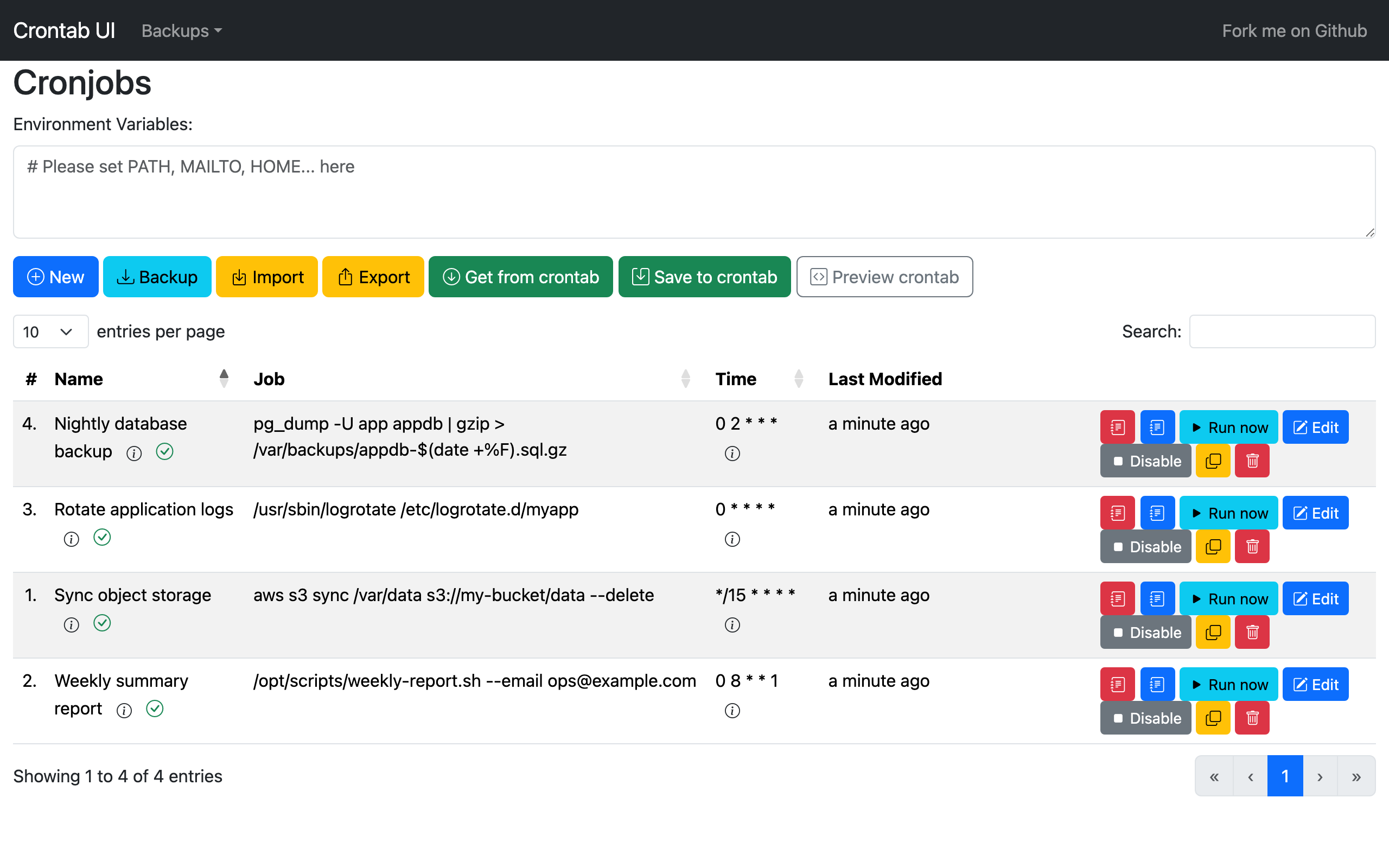
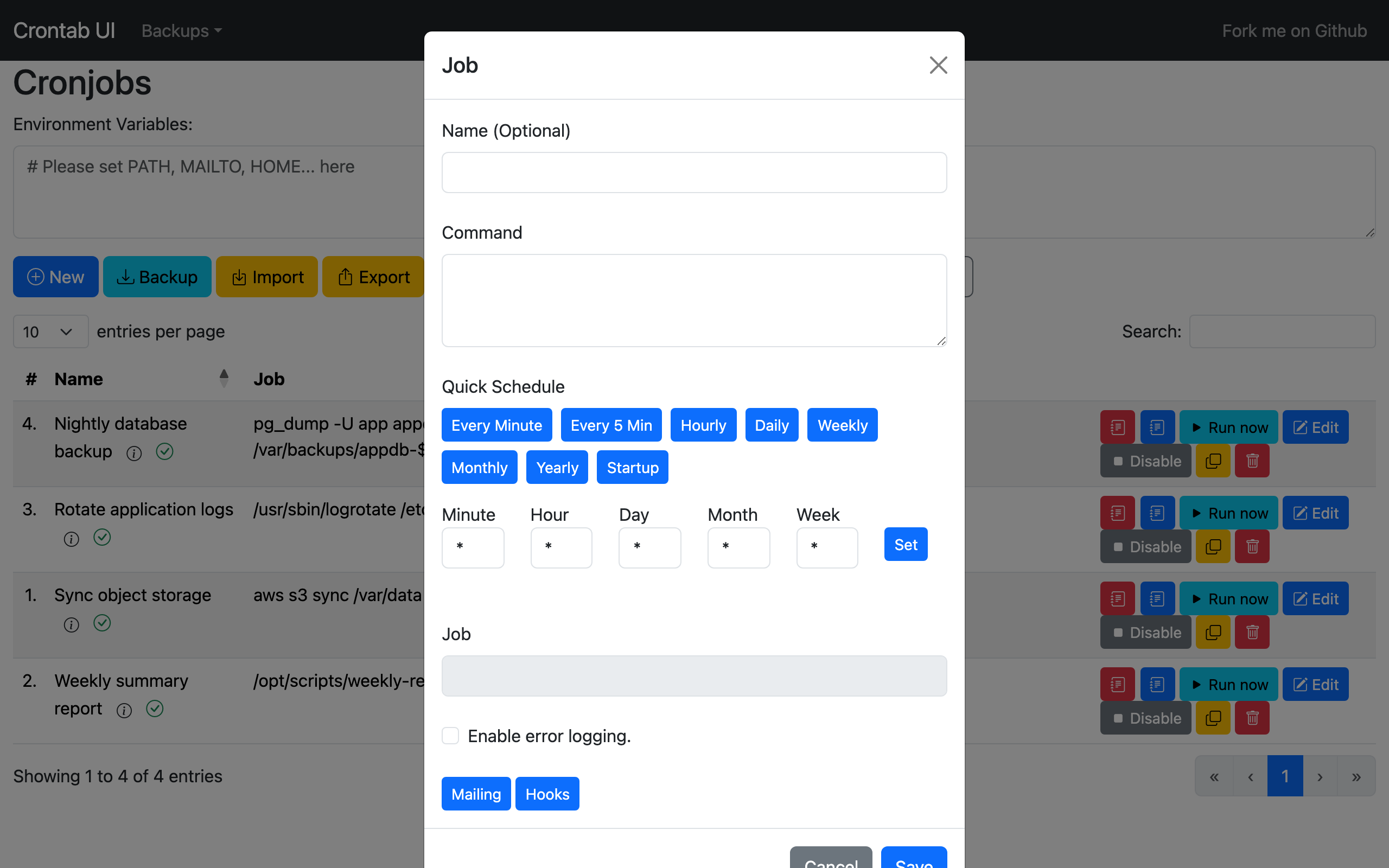
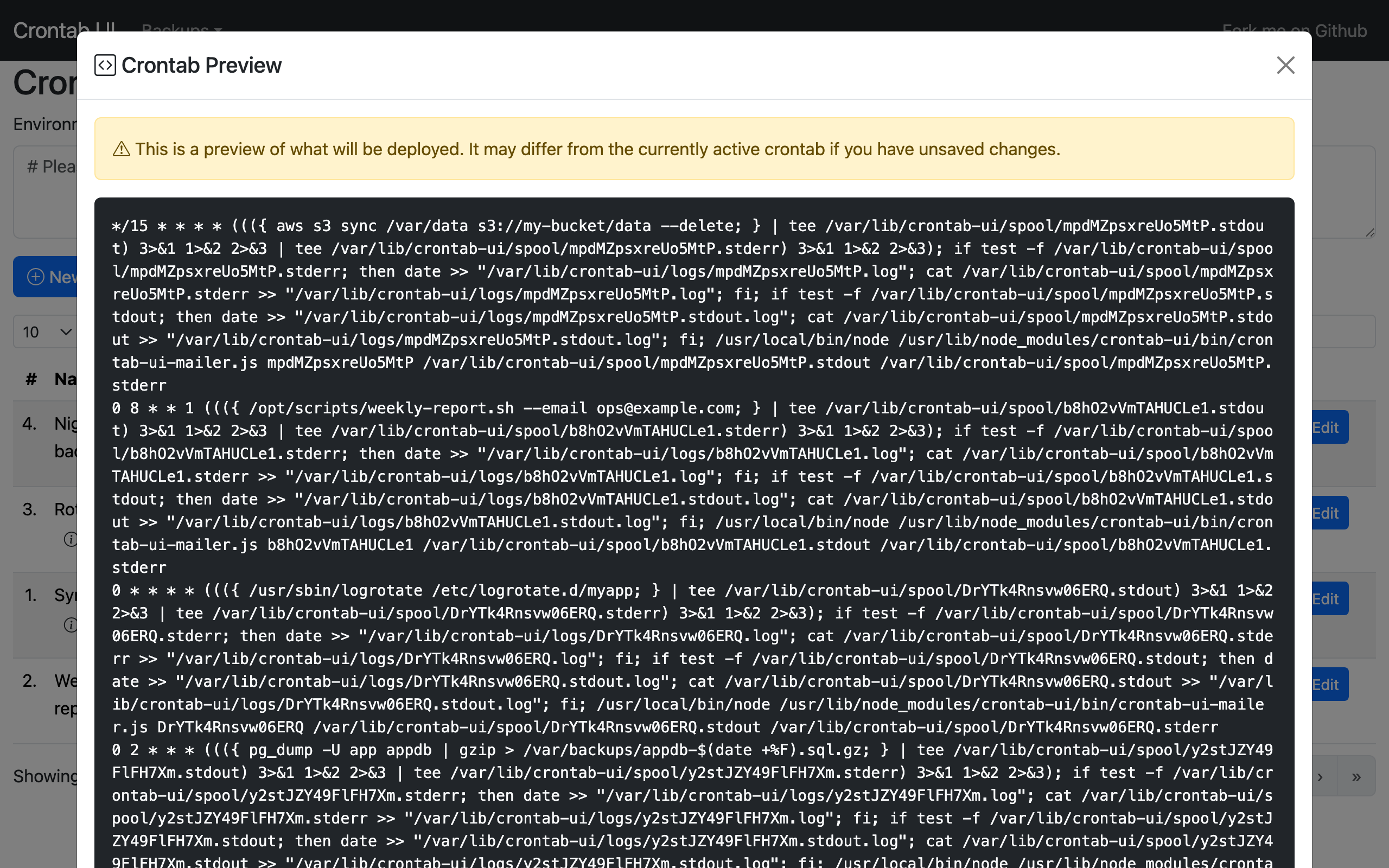
Real screenshots taken while testing this image against its deployment guide.
This is a repackaged open source software product wherein additional charges apply for cloudimg support services.
## Why This AMI Instead of Self-Deploying?
Crontab UI is a popular open source web interface for managing cron jobs. Instead of hand editing crontab text over SSH, you create, edit, pause, resume, run, import, export, back up and restore scheduled jobs from a browser, with a clear view of every job's schedule and command, and backups so a mistake is never final. Deploying it yourself means installing Node.js, configuring npm globally, writing systemd units, standing up a TLS reverse proxy, generating secure credentials and turning on authentication that the software leaves off by default. This AMI eliminates that effort entirely: a working, secured cron management endpoint is operational within minutes of launch, backed by 24/7 expert support.
## Application Stack
Crontab UI is installed globally with npm on Node.js 22 LTS and run by a dedicated unprivileged service account, so it manages that account's own crontab rather than root's, at least privilege. It binds the loopback interface only and an nginx reverse proxy terminates TLS on port 443 in front of it, with port 80 redirecting to HTTPS. The system cron daemon is enabled so scheduled jobs actually run. Saving a job in the interface writes it straight to the real crontab.
## Secure By Default
Crontab UI ships with no authentication at all, which means anyone who can reach it could schedule or run arbitrary commands on your server. This image closes that gap:
## Ready To Use
Browse to the instance over HTTPS, sign in with the generated admin credential, and start scheduling. Create and edit jobs with a friendly form, pause or resume them, run a job on demand, view per job logs, and import, export or back up your whole crontab. The interface manages the crontab of the unprivileged service account, and autosave writes every change straight to the live crontab.
## What You Avoid By Using This AMI
## cloudimg Support
24/7 technical support by email and live chat with a one hour average response for critical issues. Our engineers help with deployment, restricting access to your own network, enabling a real domain and CA signed certificate, backing up and restoring crontabs, and scheduling best practice.
## Use Cases
Crontab UI is a trademark of its respective owner. All product and company names are trademarks or registered trademarks of their respective holders. Use of them does not imply any affiliation with or endorsement by them.

Accent is an open source, developer-oriented translation and localization management platform.
This image runs Apache Archiva, the open source build-artifact repository manager - a central, governed store for the bi...

This image runs Apache Camel Karavan, an open source visual integration designer and toolkit for Apache Camel.

Launch a production-ready Apache DolphinScheduler workflow scheduler in minutes with zero setup. All-in-one standalone d...

Apache JMeter is the de-facto open-source tool for load and performance testing of web applications, APIs, databases and...

This image runs Apache Subversion (SVN) 1.14, the Apache Software Foundation's enterprise centralised version-control sy...