Base
Hardened build
minimal ports, security patches applied at build time

self-hosted, server-based photo management and de-duplication, secured by default
Damselfly is a self-hosted, server-based photograph management and de-duplication application. It indexes an extremely large collection of images and makes them fast to search and retrieve using IPTC keyword tags, folder names and file names, with a modern browser interface for browsing, tagging, basket downloads and optional on-device object and face detection. The cloudimg image runs the official Damselfly container behind an nginx TLS reverse proxy with a network authentication gate, so the photo library is never left world-open.
Secure by default: authentication is turned on, self registration is disabled, and a unique administrator credential is generated on each instance's first boot and stored in a root-only file, with only a one-way hash kept in the database. An nginx basic-auth gate fronts the app so raw image and API endpoints are never reachable without a credential. Your photo library, search index and thumbnail cache live on a dedicated, independently resizable data volume captured into the image. Paired with a step-by-step deployment guide and 24/7 cloudimg support.
Real screenshots taken while testing this image against its deployment guide.

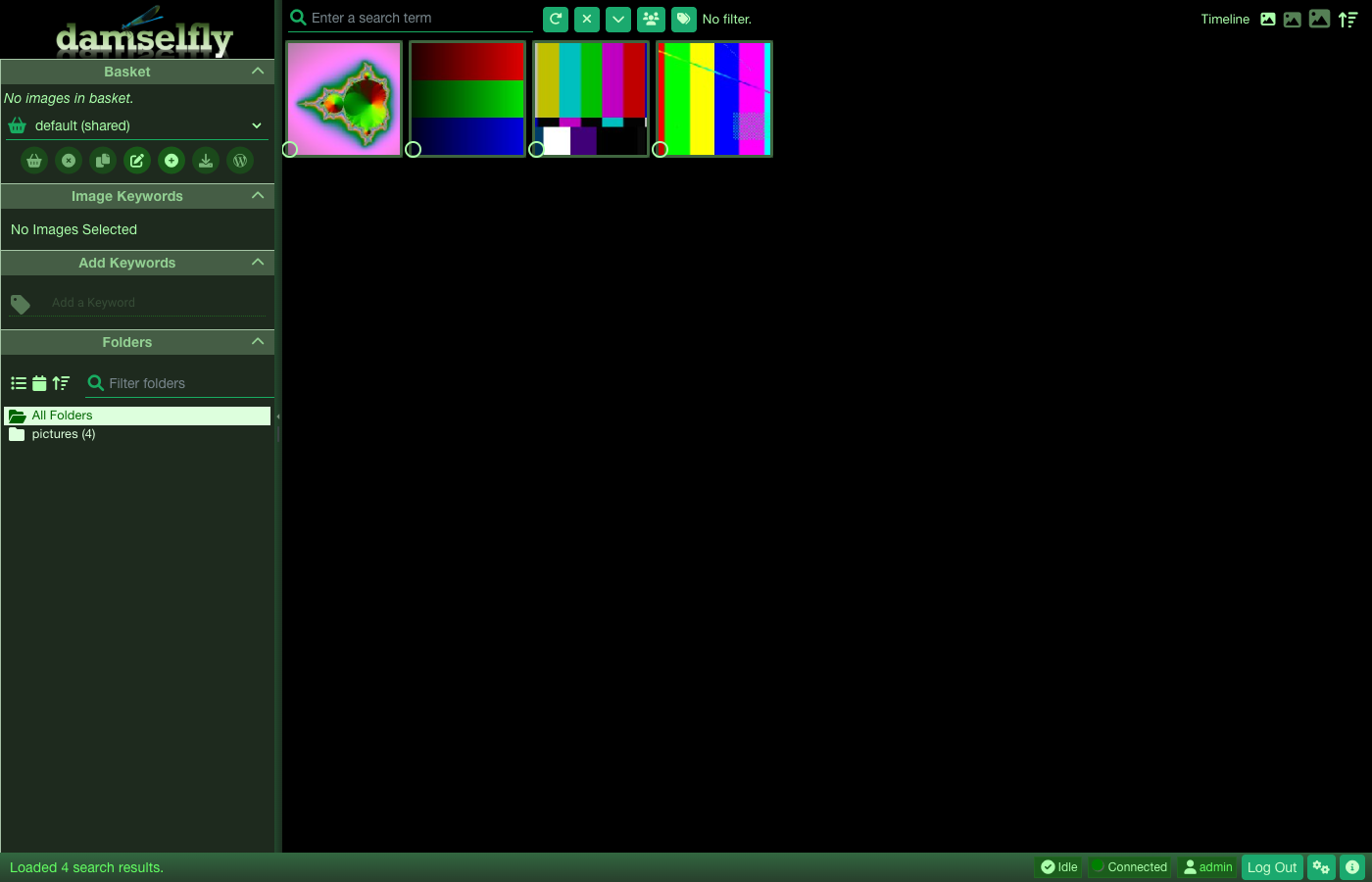
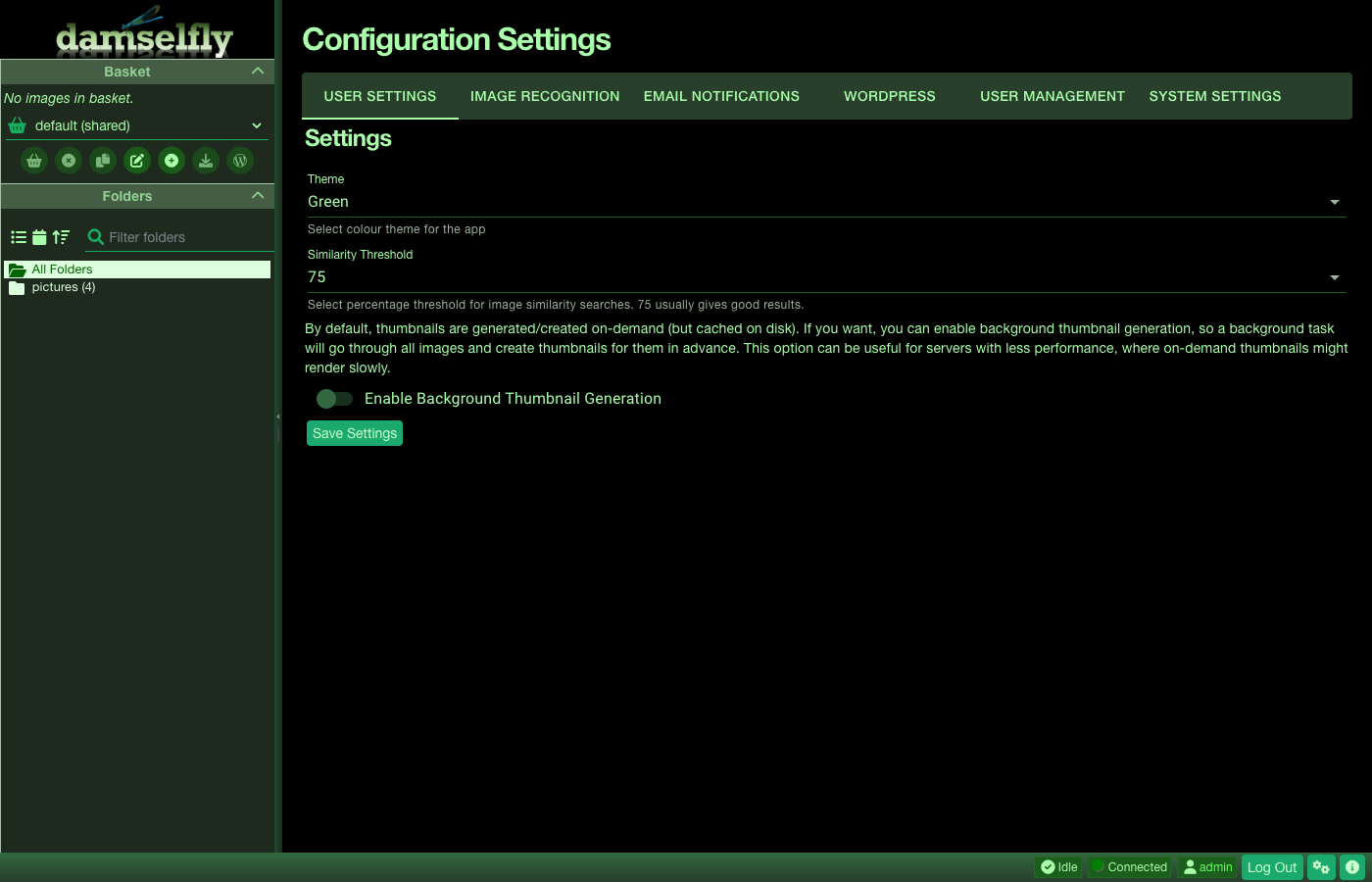
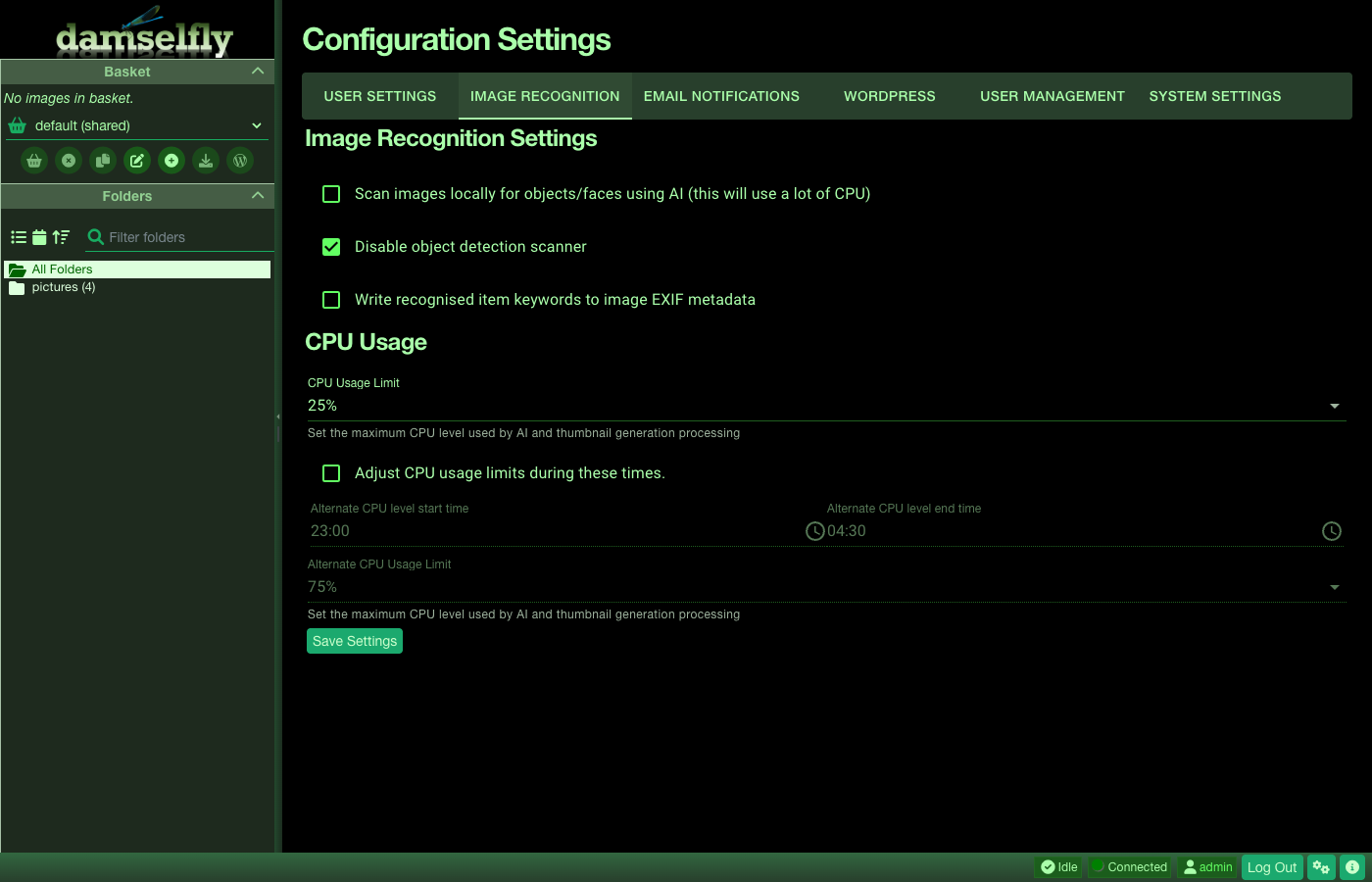
This is a repackaged open source software product wherein additional charges apply for cloudimg support services.
Overview
Damselfly is a self-hosted, server-based photograph management and de-duplication application. It is designed to index an extremely large collection of images and make them easy to search and retrieve using metadata such as IPTC keyword tags, folder names and file names. It serves a fast, modern browser interface for browsing, searching, tagging and downloading your photos, and includes optional on-device object and face detection so you can find images by what is in them.
This image delivers Damselfly fully installed and secured so a working photo library is operational within minutes of launch, with no manual container setup, no runtime configuration and no service wiring required. A dedicated data disk holds your photos, the thumbnail cache and the search index, and it is provisioned automatically with every instance. A small set of sample photos is included so the gallery is populated the moment you sign in; replace them with your own photos in the library folder documented in the deployment guide.
Secure by Default
Unlike a bare deployment, this image is secure by default. Damselfly is normally shipped with authentication turned off, which leaves every image open to anyone who can reach the server, and when authentication is enabled the first person to register becomes the administrator. This image turns authentication on, disables self registration, and generates a unique administrator credential on each instance's first boot. Only a salted one way hash of the password is stored, while the plain password is placed in a root only file for the administrator to read. There are no shared or default credentials and nothing is baked into the image, so no two deployments are ever the same.
TLS Everywhere
The interface is served over HTTPS by nginx, which terminates TLS with a self signed certificate that is regenerated for the specific instance on first boot, and reverse proxies to Damselfly bound to the loopback interface only. An nginx authentication gate sits in front of the whole application using the same per instance credential, so the login page is the only surface reachable without a password and the photo library cannot be read without authenticating. Port 80 redirects to HTTPS. The security group opens only SSH and the HTTPS port, so the photo library is never exposed over plaintext and never left world open. Object and face recognition are included but off by default; enable them from the settings page when you want them.
Application Stack
About cloudimg
cloudimg provides 24/7 technical support by email and live chat. Our engineers help with deployment, library configuration, TLS and certificate setup, object and face recognition tuning, storage sizing, and runtime tuning.
Use Cases
Get Started
Launch the AMI, retrieve your unique admin password from the root-only file, browse to the HTTPS address, and sign in. Add your own photos to the library folder documented in the guide and rescan. Damselfly is licensed under the GNU General Public License v3.0. To discuss instance sizing or a guided pilot, reach out to the cloudimg team through the support channels on this page.

This image delivers ErsatzTV 26.6.0, the open source self-hosted IPTV server, fully installed, secured and reverse-proxi...

Manyfold is an open source, self-hosted digital asset manager for 3D-print files.

The cloudimg image ships the free and open source, AGPL-3.0 licensed LibreTime, run the officially supported way as the ...
Manyfold on Ubuntu 24.04 preconfigured machine image for Microsoft Azure, hardened and verified with 24/7 support by clo...

PhotoPrism is an AI-powered, self-hosted application for browsing, organising and sharing your photos and videos.