Base
Hardened build
minimal ports, security patches applied at build time

Manyfold, a self hosted digital asset manager for your 3D printing model library, with tagging, previews and multi user accounts.
Manyfold is a self hosted digital asset manager for 3D printing files. It organises, tags and previews your STL, 3MF and OBJ models in a searchable web library, generating render thumbnails for every model and grouping files into models and collections. Background workers analyse geometry and build previews, and multi user accounts with roles let a household, makerspace or team share one library. It suits anyone who wants to keep control of a growing 3D model collection on infrastructure they own rather than a third party service.
cloudimg ships Manyfold as the official container stack with the Ruby on Rails web app, Sidekiq render workers, PostgreSQL and Redis, reverse proxied on port 80 by nginx and ready within minutes of launch. The database, rendered thumbnails and your uploaded model files sit on a dedicated, independently resizable data volume that is re provisioned with every instance. Nothing ships with a known login: a fresh administrator account and every application secret are generated on the machine's first boot and written to a root only file, so no two deployments share a credential. The base is fully patched with unattended security updates enabled, and every image includes a step by step deploy guide and 24/7 cloudimg support.
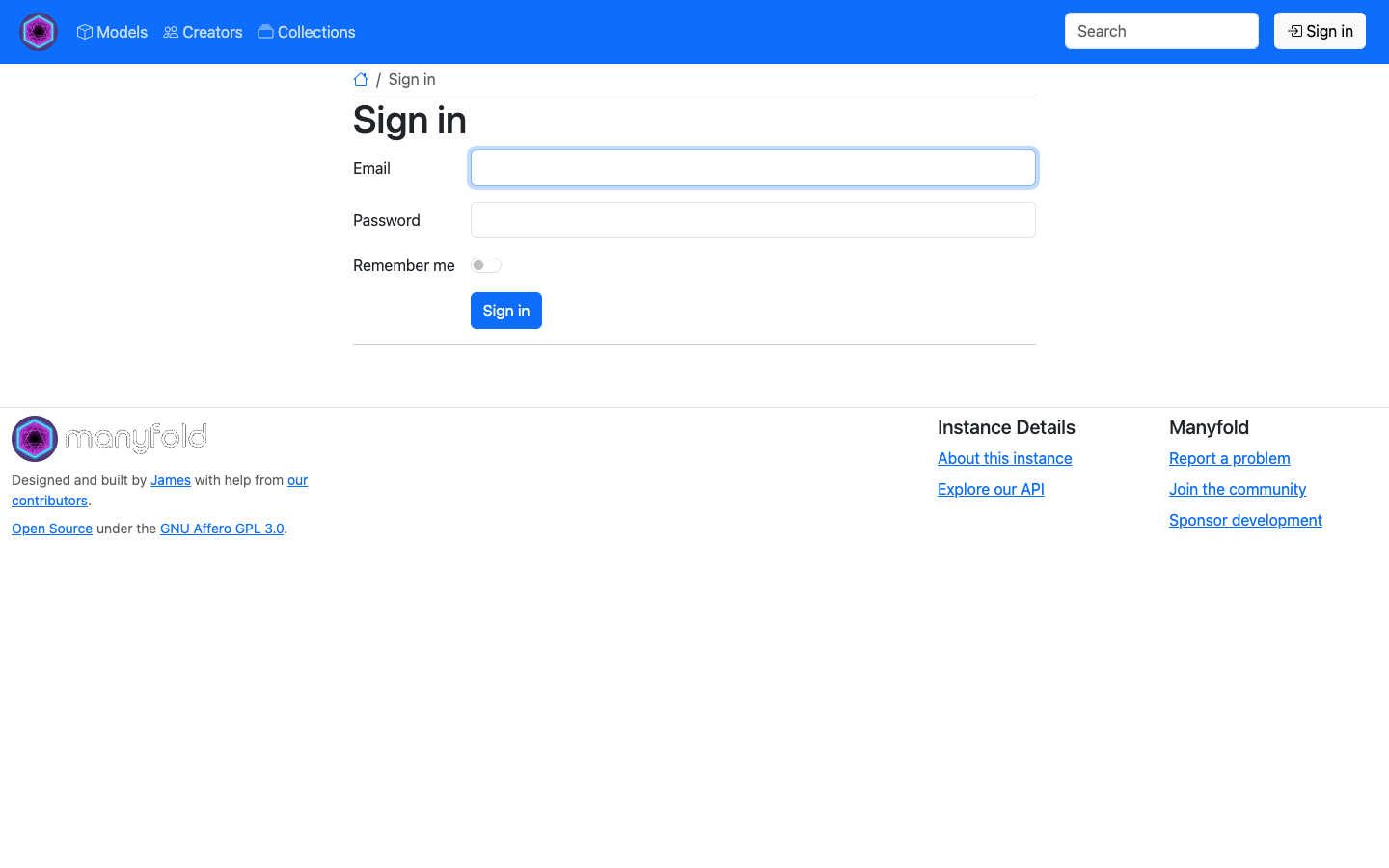
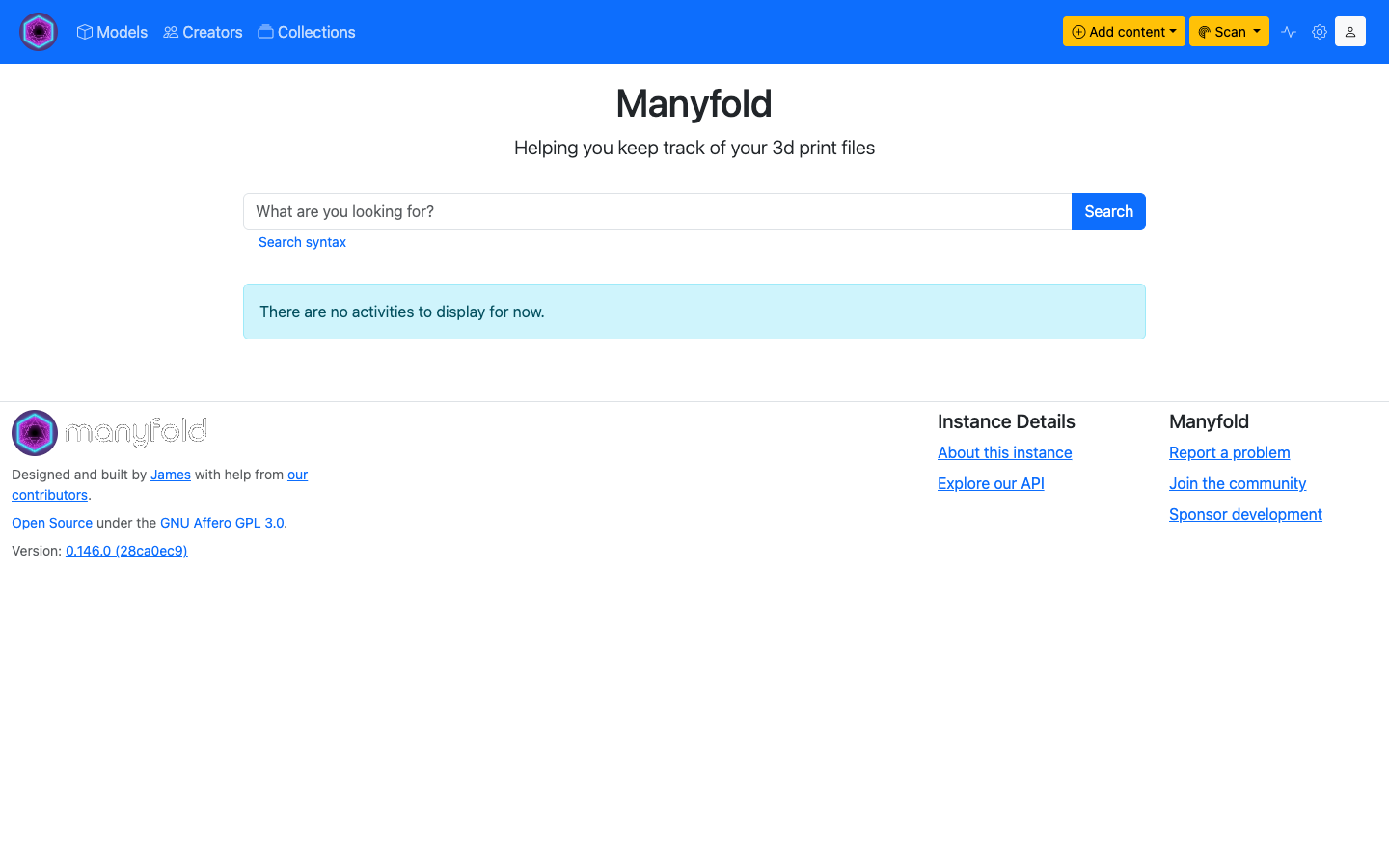
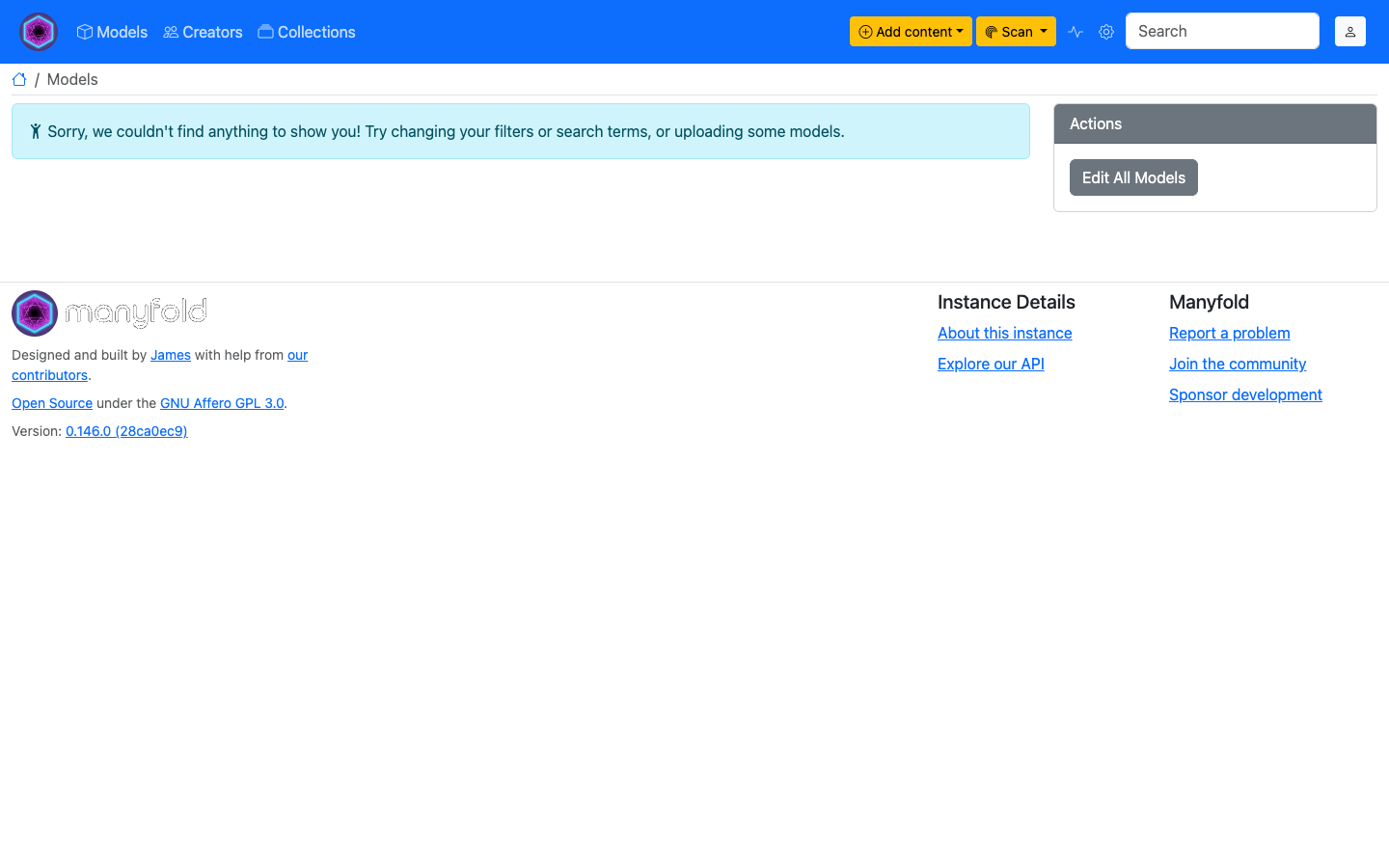
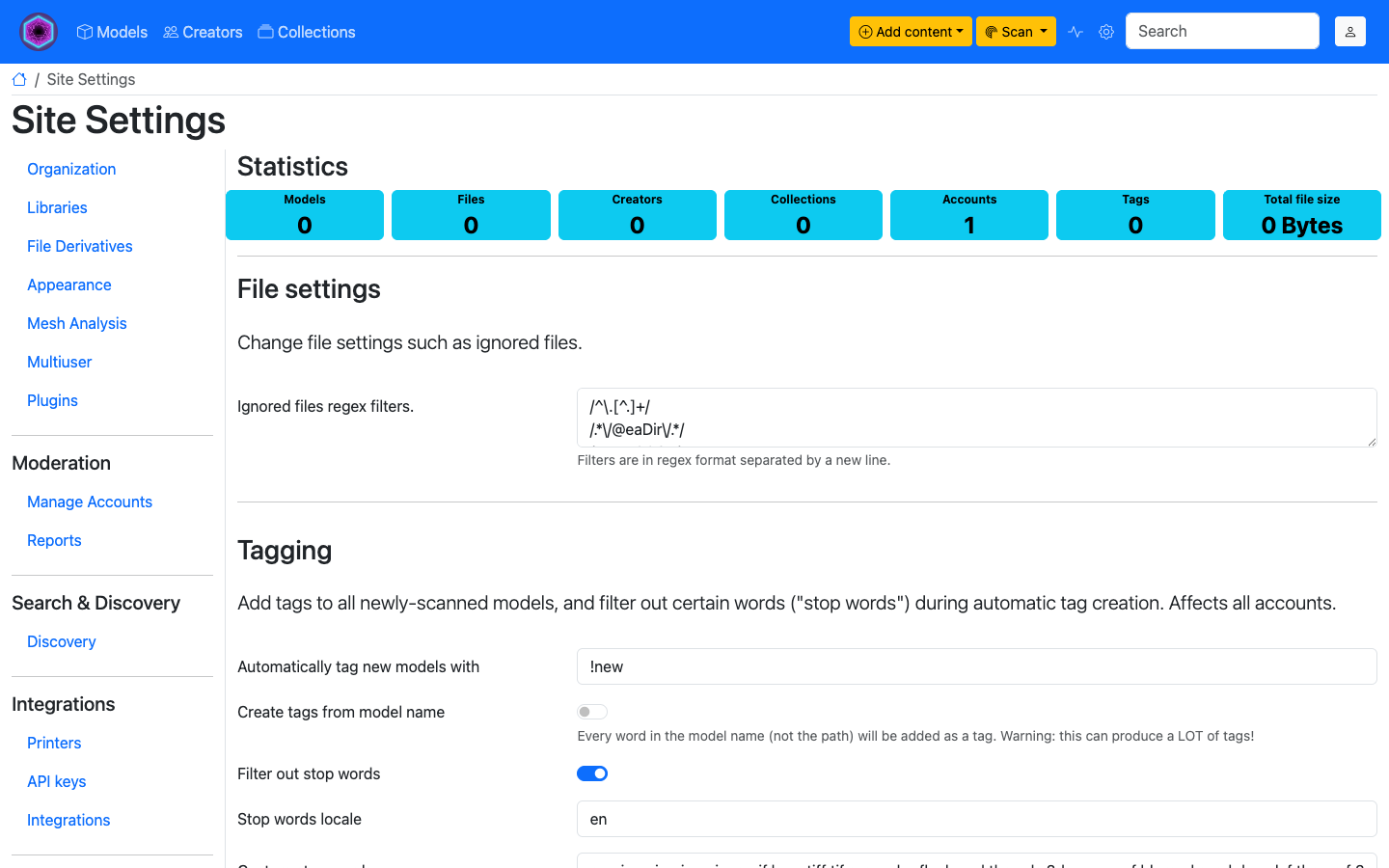
Real screenshots taken while testing this image against its deployment guide.
This is a repackaged open source software product wherein additional charges apply for cloudimg support services.
Overview
Manyfold is an open source, self-hosted digital asset manager for 3D-print files. Organise, tag and preview your STL, 3MF and OBJ model libraries in one place, keep collections tidy with tags and categories, and browse rendered thumbnails of every model. All of your model files and metadata stay private on infrastructure you control - no third-party service ever holds your library.
This AMI delivers Manyfold 0.146.0 fully installed and configured as the official Docker Compose stack, so a complete 3D-model library service is running within minutes of launch - eliminating the hours of manual Docker, Ruby on Rails, PostgreSQL, Redis and reverse-proxy setup a DIY deployment requires.
Why This AMI Instead of Manual Installation
Deploying Manyfold from source means installing the Docker engine, writing a Compose stack, provisioning PostgreSQL and Redis, wiring a reverse proxy for the WebSocket upgrades the Hotwire interface needs, generating secrets and running database migrations. This image handles all of that at build time. It boots as a self-contained appliance: the Rails web application, its Sidekiq background render workers, PostgreSQL and Redis all run behind an nginx reverse proxy on port 80, with every stateful volume relocated onto a dedicated, independently resizable data disk.
Application Stack
Multi-User Ready
Multi-user mode is enabled, so the appliance is a real multi-user product with accounts, roles and per-user libraries. Invite collaborators, assign administrator or member roles, and keep separate libraries per user or team.
Secure First Boot
On first boot, a one-shot service generates a fresh application secret key and database password unique to that instance, creates a fresh administrator account with a generated strong password, clears any onboarding auto-login token, and writes the credentials to a root-only file. No shared or default credentials ship in the image. Many competing images ship with static default passwords or an open onboarding wizard - this image eliminates that risk entirely.
Example Workflow: A 3D-Printing Enthusiast's Model Library
A maker with thousands of downloaded STL files launches the AMI, browses to the instance address, and signs in as the generated administrator. They point Manyfold at the ready-made library, upload or scan in their models, and let the background workers render preview thumbnails. Tags and collections keep prints organised by project, printer and material, and the whole library is searchable and previewable from any browser.
Ready To Use
Browse to the instance address, sign in as the generated administrator, and start uploading or scanning your 3D model files into the default library. To enable HTTPS and use your own domain, follow the user guide.
cloudimg Support
24/7 technical support by email and live chat. Our engineers help with Manyfold deployment, upgrades, library and storage configuration, render worker tuning, reverse-proxy and TLS setup, and performance tuning. Critical issues receive a one-hour average response time.
To get started or ask pre-purchase questions, contact us at support@cloudimg.co.uk.
Use Cases
All product and company names are trademarks or registered trademarks of their respective holders. Use of them does not imply any affiliation with or endorsement by them.

This image delivers Damselfly 4.5.3, the open source self-hosted, server-based photograph management and de-duplication ...

This image delivers ErsatzTV 26.6.0, the open source self-hosted IPTV server, fully installed, secured and reverse-proxi...

The cloudimg image ships the free and open source, AGPL-3.0 licensed LibreTime, run the officially supported way as the ...
Manyfold on Ubuntu 24.04 preconfigured machine image for Microsoft Azure, hardened and verified with 24/7 support by clo...

PhotoPrism is an AI-powered, self-hosted application for browsing, organising and sharing your photos and videos.